- What Zoho Inventory Actually Does
- The Features Worth Knowing About
- Multi-channel selling
- Warehouse and location tracking
- Batch and serial tracking
- Order fulfillment and shipping
- Barcode scanning
- Reporting
- 2026 Pricing, Without the Guesswork
- What People Actually Complain About
- So Who’s This Actually For?
- Setting It Up the Right Way
- Map the catalog before touching the software
- Set up locations exactly as they exist in real life
- Add sales channels one at a time
- Run a real multi-item order before you trust it
- Connect accounting and CRM last
- When the Default Setup Isn’t Enough
- Frequently Asked Questions
- Is Zoho Inventory free?
- How much does Zoho Inventory cost per month?
- Does it work with QuickBooks?
- Can it handle multiple warehouses?
- Good for ecommerce businesses?
- What are the biggest downsides?
- How long does proper setup take?
- Final Thoughts
- Need Help With Your Zoho Inventory Setup?
Quick Answer
Zoho Inventory handles stock, orders, and warehouses in one dashboard, priced from free up to $249 a month once you’re pushing 15,000 orders across ten locations. The basics work well. Where it gets messy is anything involving multi-box shipments or plugging into accounting software that isn’t Zoho Books – and almost nobody tells you that upfront.
|
Makes sense for you if…
|
Pause and think if…
|
Bottom line, it’s one of the better-value inventory tools out there for smaller product businesses. Just go in with eyes open about what it’s not great at. That’s the whole point of this guide.
You’ve probably already read three or four “Zoho Inventory review” articles that all say roughly the same thing. Feature list, pricing screenshot, star rating, done. Nobody mentions what happens after week two, when the reorder alerts are working fine but the shipping labels aren’t cooperating.
So this one’s built differently. We pulled from actual Capterra and G2 reviews – the kind people leave six months in, not during the trial – and paired that with current 2026 pricing. By the end you’ll know whether it’s worth setting up this weekend, or whether you should keep looking.
What Zoho Inventory Actually Does
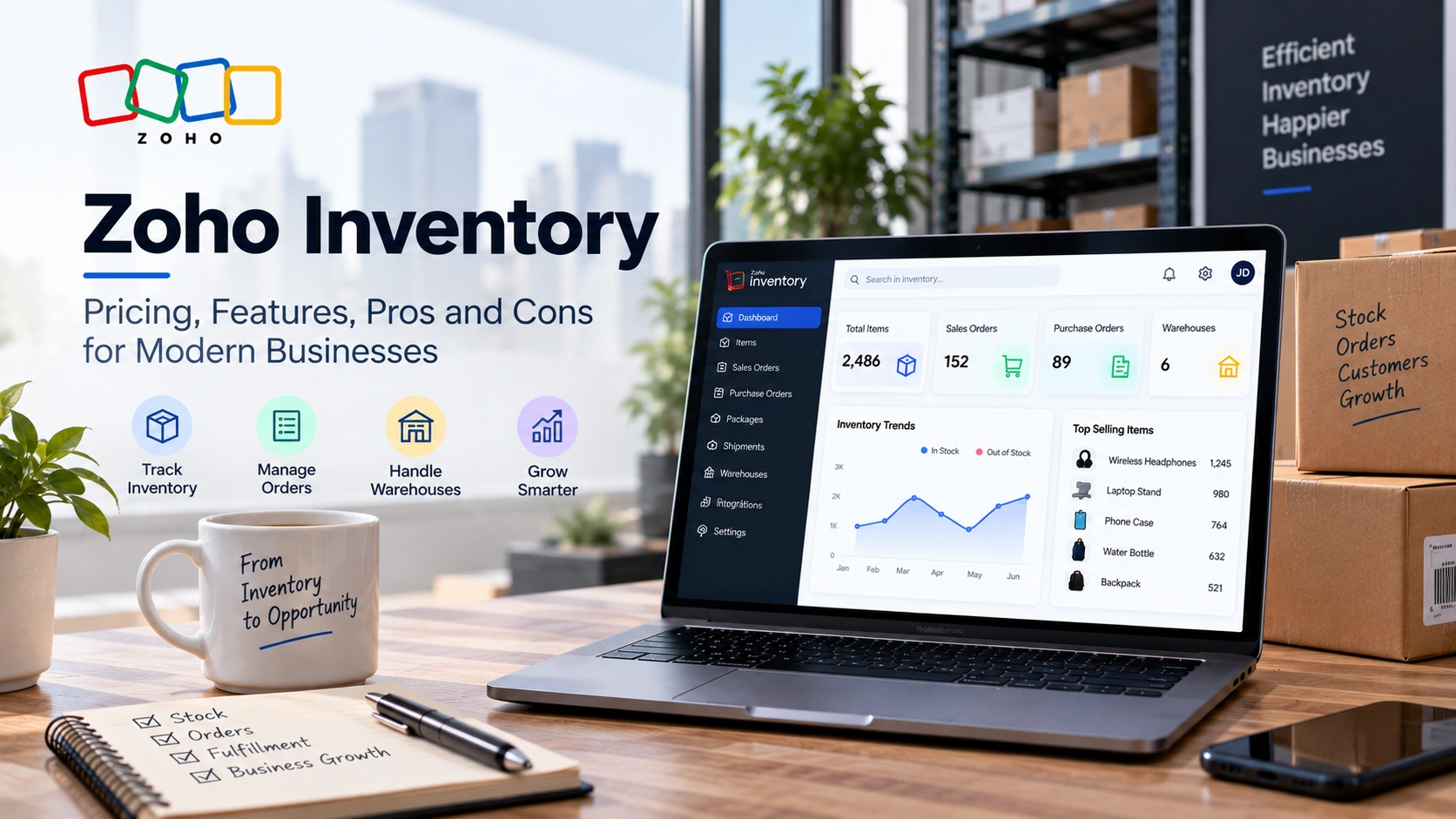
Zoho Inventory is a cloud tool for tracking stock, orders, and warehouses. It lives inside the Zoho suite, and that connection matters more than the marketing lets on. Already running Zoho Books for your accounting? Inventory drops in with barely any setup. Already using Zoho CRM? Same story.
Boiled down, three things happen here. Stock gets tracked across however many warehouses your plan allows. Purchase orders go out, sales orders come in, packing slips get printed – the whole paper trail lives in one place. And your online stores stay in sync, so a Shopify sale and a counter sale both hit the same inventory number instead of two different ones that quietly drift apart over a few weeks.
Nothing here reinvents inventory software. What actually pulls people in is the price. Competitors with a similar feature depth often run two or three times as much once the add-ons get tallied up.
The Features Worth Knowing About
There’s a long feature list on Zoho’s site. Six of them are the ones that’ll actually shape your day-to-day.
|
||
|
||
|
||
|
||
|
||
|
2026 Pricing, Without the Guesswork
This is usually where buying decisions get made, so no vague ranges here. US pricing, billed annually, per organization – not per user, which trips up a surprising number of people at checkout.
Short two users of the next tier and don’t want to pay for the full jump? You can add users, orders, or locations individually instead. Rates for those move around occasionally, so check Zoho’s pricing page directly rather than trusting a number you saw six months ago.
Quick heads-up on the free plan: that 50-order cap counts sales orders and purchase orders together. Do the math – 30 sales and 15 restocks in a month and you’re basically maxed out already. Think of free as a trial run, not something to build a business on long-term.
What People Actually Complain About
Zoho’s own site paints a pretty smooth picture. Dig through reviews on Capterra and G2, though, and a slightly rougher one shows up. Not damning, just honest – and worth reading before you dump three years of stock history into a new system.
Multi-box orders are a pain. One order, ten boxes? Zoho wants each box fulfilled separately with its own packing slip and tracking number. Customer opens their inbox to what looks like ten separate orders instead of one. Not great.
Non-Zoho accounting is hit or miss. With Zoho Books, syncing is smooth, no complaints there. QuickBooks or anything else usually needs a Zapier bridge, and that bridge means delays and the occasional record that just doesn’t match up.
“Three clicks to do one thing” – that’s roughly the complaint, and it’s a fair one. Not broken, just dense. If your first hire has never touched inventory software before, expect a learning curve.
Setup drags on longer than the marketing implies. “A lot of settings” keeps coming up in reviews. Most people say it’s solid once it’s dialed in – the pain is all front-loaded into the first couple of weeks.
None of this rules Zoho out on its own. But if multi-box shipping is your everyday reality, or your accounting team won’t let go of QuickBooks, these are exactly the spots where getting the setup right – or bringing in someone to handle the integration properly – saves you months of duct-taped workarounds down the line.
So Who’s This Actually For?
Small and mid-size product businesses – retailers, wholesalers, online sellers running anywhere from one warehouse to a handful. Already in the Zoho ecosystem? Even better. And if you’re planning out ecommerce development work that needs inventory synced across channels, the price makes it an easy yes.
Two groups will feel less at home. Contractors and field-service businesses, where stock gets consumed job by job rather than sold order by order – Zoho wasn’t built with that workflow in mind, and you’ll feel it. And anyone tightly wedded to QuickBooks or Xero should just plan for extra integration time rather than assume it’ll slot in on day one.
Setting It Up the Right Way
Forget the “up and running in five minutes” pitch you’ll see on other sites. A setup that actually holds together over time looks closer to this.
|
1
|
Map the catalog before touching the softwareSKU structure, categories, which items need batch or serial tracking – decide this on paper first. Fixing it after 500 items are already loaded is a much bigger headache than getting it right at the start. |
|
2
|
Set up locations exactly as they exist in real lifeNot a simplified version – the real layout. Got a main warehouse plus a retail backroom? Both need to be locations, or your counts start drifting almost immediately. |
|
3
|
Add sales channels one at a timeConnect Shopify, let it run a few days, check the sync is behaving, then move to the next channel. Connect everything at once and good luck figuring out where a sync error is coming from. |
|
4
|
Run a real multi-item order before you trust itGiven what reviewers say about shipping, test it with an order that mirrors your actual fulfillment pattern. Don’t find out it’s clunky on a real customer’s order. |
|
5
|
Connect accounting and CRM lastGet inventory itself stable first, then bring in Zoho Books or your CRM. Stack integrations on a shaky foundation and small errors turn into a reporting mess a couple of months down the road. |
When the Default Setup Isn’t Enough
Most of what’s listed above has a fix. It’s just not one Zoho’s own help docs spell out clearly. Reconciling stock across warehouses with an existing ERP, building a proper bridge to QuickBooks instead of leaning on a shaky Zapier connection, keeping a Magento storefront in sync so numbers never drift apart from Zoho’s side – these are the kinds of gaps that show up six months in, not on day one.
We’ve covered Zoho Inventory integration with Magento in more depth if that’s your specific gap. Running a wider mix of ERP, accounting, and storefront tools? Our Zoho ERP integrations guide walks through the bigger picture.
Really, this is the line between a setup that works fine for six months and one that keeps holding up as order volume, warehouse count, and your list of connected tools all grow together. The software can handle that growth just fine. Whether the default config can is a different question entirely.
Frequently Asked Questions
Is Zoho Inventory free?
There’s a free plan – 50 orders a month, 2 locations, 1 user. Fine for a very small operation just getting started, but most businesses grow past it within a few months since sales orders and purchase orders both count toward that cap.
How much does Zoho Inventory cost per month?
$29 to $249 a month depending on tier, billed annually. Standard covers 500 orders; Enterprise covers 15,000. You can also add extra users, locations, or orders individually if a plan almost fits but not quite.
Does it work with QuickBooks?
It connects, but not as cleanly as it does with Zoho Books. Most people end up routing through Zapier, which adds sync delay. Budget extra setup time if accounting integration matters to you.
Can it handle multiple warehouses?
Yes, every plan supports it, even the free one. Location count runs from 2 on Free and Standard up to 10 on Enterprise, and you can transfer stock between locations with a full trail.
Good for ecommerce businesses?
Very much so, especially if you’re selling across Shopify, Amazon, or eBay. Multi-channel sync is where it really shines. Less of a fit for service or field businesses where stock gets used on jobs rather than sold through orders.
What are the biggest downsides?
Clunky multi-box shipping and weaker-than-advertised syncing with non-Zoho accounting tools, based on what reviewers actually report. Setup also takes longer than the sales pitch suggests, though it holds up fine once configured.
How long does proper setup take?
A few days to a week for a small catalog on one channel. Multiple warehouses, several channels, and accounting integrations? Give it 2 to 4 weeks before you fully rely on it day to day.
Final Thoughts
Zoho Inventory’s reputation as a solid, cheap-enough option isn’t undeserved. It’s not flawless – the shipping issue and the accounting friction are real complaints, not review-site nitpicking – but for what it costs, it covers more ground than most things in its price range.
The businesses that get the most out of it are the ones who build the setup around how they actually sell and stock, instead of leaving everything on default settings. True of most inventory software, honestly. Just more true here, given how many settings there are to touch.
|