
 Zoho
Solutions
Zoho
Solutions
 Ecommerce
Development
Ecommerce
Development
 Web
Development
Web
Development
 AI
Solutions
AI
Solutions




- What Are We Actually Comparing?
- Why This Decision Actually Matters for Business Growth
- WordPress vs Wix: Full Comparison Breakdown
- Which Platform Fits Which Business?
- WordPress vs Wix for Startups vs Established Businesses
- The 2026 Shift: AI Search and Platform Choice
- Signals You’ve Outgrown Wix
- Migrating from Wix to WordPress: What It Actually Involves
- Outgrowing Wix? Let’s Look at What Migration Actually Costs You.
- Common Mistakes When Choosing a Website Platform
- Real-World Examples
- The Local Retailer That Started on Wix
- The Consultant Who Never Needed to Switch
- How to Measure Whether You Made the Right Choice
- Actionable Tips for Making This Decision
- Conclusion
- Not Sure Which Platform Fits Your Business?
- Frequently Asked Questions
- Is WordPress really free compared to Wix?
- Can I switch from Wix to WordPress later without losing my SEO rankings?
- Which platform is better for e-commerce, WordPress or Wix?
- Do I need a developer to use WordPress?
- Is Wix good enough for a growing business?
- How long does a Wix to WordPress migration take?
- Does Google penalize sites for switching platforms?
You’ve probably typed “WordPress vs Wix” into Google, opened five tabs, and closed all of them still unsure. That’s not a you problem. Most comparison articles hand you a giant feature table and walk away, leaving the actual decision to you.
Here’s the thing: the “right” platform depends entirely on where your business is headed, not just where it is today. A solo consultant launching a portfolio site has completely different needs than a retailer planning to sell 500 SKUs by next year.
This guide breaks both platforms down honestly, with real pricing, real migration signals, and real examples, so you can make the call once and move on with building your business.
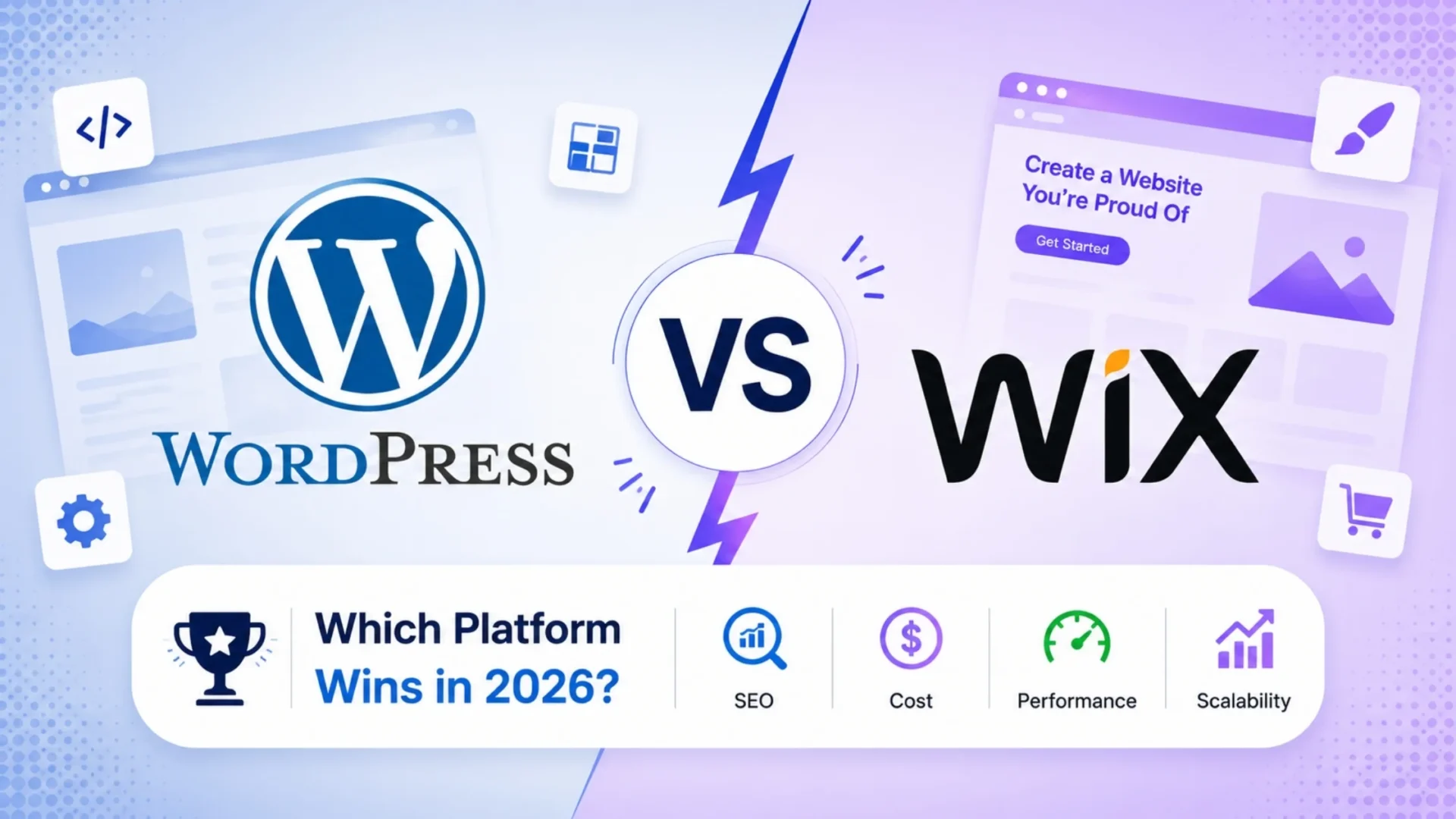
Quick answer: WordPress wins on flexibility, SEO control, and scalability, making it the better long-term choice for growing businesses and e-commerce. Wix wins on speed-to-launch and hands-off simplicity, making it a solid fit for solo founders and small local businesses. This guide covers the full comparison, real 3-year costs, and exactly when it makes sense to switch.
What Are We Actually Comparing?
WordPress (specifically WordPress.org, the self-hosted version) is a free, open-source content management system. You choose your own hosting, and you control everything from themes to plugins to server-level configuration. It currently powers roughly 43% of all websites globally, which isn’t an accident. It’s the CMS most freelance developers, agencies, and enterprise teams already know how to build on.
Wix is a closed, fully hosted website builder. You sign up, drag elements onto a visual canvas, and Wix handles hosting, SSL, and backend infrastructure for you. It’s built for people who want to skip the backend entirely and just start designing.
Definition at a Glance
WordPress is an open-source CMS you install and control on your own hosting, built for flexibility and scale. Wix is a closed, all-in-one website builder that handles hosting and infrastructure for you, built for speed and simplicity.
Neither one is objectively “better.” They’re built to solve different problems, and pretending otherwise is exactly why most comparison articles leave readers more confused than when they started.
Why This Decision Actually Matters for Business Growth
Picking a platform feels like a small technical decision at the start. It isn’t. It quietly shapes how much SEO traction you can gain, how easily you can add features later, and how much you’ll pay to fix problems down the road. Here’s what actually rides on this choice:
None of this means Wix is a bad choice. It means the decision deserves more thought than picking whichever ad you saw last on YouTube.
WordPress vs Wix: Full Comparison Breakdown
Let’s go factor by factor. This is the part most articles rush through. We won’t.
|
1
|
Ease of UseWix wins the first week, no argument. Pick a template, drag a few blocks around, and you have a live site in an afternoon. No hosting to configure, no plugin conflicts to troubleshoot. WordPress has a steeper start: you’re choosing hosting, installing the CMS, picking a theme, and configuring plugins. Tools like Elementor and the native block editor have closed that gap a lot, but it’s still not instant. Here’s the part that matters more: that early ease-of-use gap flips once you need something Wix doesn’t offer out of the box. |
|
2
|
Customization and FlexibilityThis is where the two platforms really separate. WordPress has an open plugin ecosystem with over 60,000 free plugins in the official repository alone, plus thousands of premium ones. Need a booking system, a membership portal, a multilingual site, a headless frontend? There’s almost certainly a plugin, and if there isn’t, a developer can build one. Wix’s App Market is smaller and closed. Custom functionality means working within Wix’s own Velo framework, which is far more limited than a full codebase. For businesses planning to add features over time, custom WordPress development simply has more room to grow into. |
|
3
|
SEO ControlBoth platforms support the basics: meta tags, alt text, sitemaps. But WordPress gives you far more control, and control matters more than people assume once you’re actually competing for rankings. With WordPress, you can install Yoast or Rank Math, fully control URL structure, edit schema markup directly, manage redirects without a support ticket, and optimize server response times through your own hosting choices. Wix has improved significantly here, but you’re still working inside its technical constraints. For a business planning to rank for competitive terms over the next few years, that difference compounds. WordPress SEO work gets a lot easier when the platform isn’t fighting you. |
|
4
|
Real Pricing, Not Just the Sticker PriceWix looks cheaper on the surface. WordPress’s “it’s free” pitch is misleading if nobody explains what you’re actually paying for. Here’s a realistic 3-year comparison for a small business site with basic e-commerce:
Wix is cheaper upfront, no argument there. That gap narrows fast once a WordPress site is built once and maintained affordably, versus a Wix site that needs a plan upgrade every time you outgrow a feature. |
|
5
|
Speed and PerformancePage speed affects both conversions and rankings. Independent load-time testing generally finds Wix and WordPress land in a similar range out of the box, but WordPress has a real edge once it’s properly optimized, since you control caching, CDN choice, and server resources directly. On Wix, you’re capped by whatever infrastructure your plan tier provides. A poorly built WordPress site can be slower than Wix. A well-optimized one, on solid hosting, usually beats it. The platform gives you the ceiling to go faster; whether you reach it depends on execution. |
|
6
|
E-Commerce CapabilitiesWix eCommerce plans handle basic online stores reasonably well: product catalogs, cart, checkout, a handful of payment gateways. Fine for a small shop under a hundred products. WordPress paired with WooCommerce is a different league. It runs a huge share of online stores worldwide because it scales from ten products to ten thousand without switching platforms, with full control over checkout flow, shipping logic, regional tax rules, and integration with ERPs and CRMs. If e-commerce is core to the business rather than a side feature, this isn’t really a close call. |
|
7
|
Security and MaintenanceWix handles security patches, SSL, and infrastructure automatically, a genuine advantage for anyone who doesn’t want to think about it. WordPress security is your responsibility, or your host’s, or your maintenance provider’s. Core updates, plugin updates, and backups all need to happen on schedule, or the site becomes a real target. This is exactly why managed WordPress support plans exist. Most businesses running WordPress at scale outsource this rather than treat it as a DIY task, and that’s usually the smarter move. |
|
8
|
Customer SupportWix offers direct customer support, including phone support on higher plans, a real convenience for non-technical users. WordPress doesn’t have a single support line since it’s open-source, but that gap gets filled by agencies, freelancers, and WordPress care plans covering updates, backups, and troubleshooting on an ongoing basis. For a business past the hobby stage, a dedicated maintenance partner usually beats a generic support queue anyway. |
Quick summary table
| Factor | WordPress | Wix |
|---|---|---|
| Setup speed | Moderate | Fast |
| Customization | Extensive | Limited to App Market |
| SEO control | Full control | Improved, but restricted |
| E-commerce scale | Enterprise-ready (WooCommerce) | Best for small catalogs |
| Maintenance | Your responsibility (or outsourced) | Handled by Wix |
| Ownership | Full (self-hosted) | Locked to Wix’s platform |
Which Platform Fits Which Business?
Different businesses genuinely need different platforms. Here’s an honest look at where each one fits best:
WordPress vs Wix for Startups vs Established Businesses
The right platform also depends on your stage, not just your industry. Here’s how the decision shifts as a business matures:
The 2026 Shift: AI Search and Platform Choice
Search itself has changed. AI Overviews and answer engines now pull directly from structured, entity-clear content rather than just ranking a list of blue links. That shift quietly favors platforms that give you control over schema markup, page structure, and technical SEO, which is exactly where WordPress has the edge.
Wix has improved its AI-assisted design tools significantly, and Wix ADI can now generate a working site in minutes. That’s genuinely useful for getting something live. It doesn’t, however, change the underlying platform ceiling once your SEO ambitions grow beyond a handful of local keywords.
Signals You’ve Outgrown Wix
This is the part most comparisons skip, and it’s the one that matters most if you’re already on Wix wondering whether to switch. Based on patterns across client migrations, watch for these:
|
✓
|
You’re hitting Wix’s app ceiling. You need a feature the App Market doesn’t offer, and Velo custom code isn’t cutting it. |
|
✓
|
SEO has become a real growth channel, not an afterthought, and you need technical control Wix restricts. |
|
✓
|
Your product catalog is growing fast and Wix eCommerce feels clunky at scale. |
|
✓
|
You want to integrate a CRM, ERP, or marketing tool that doesn’t have a clean Wix connector. |
|
✓
|
You’re planning to bring in developers long-term, and want a platform where hiring talent isn’t limited to Wix specialists. |
One or two of these showing up isn’t urgent. Three or more, and it’s worth a real conversation about migration, ideally before the site becomes a bottleneck rather than after.
Migrating from Wix to WordPress: What It Actually Involves
|
1
|
Content and Media ExportEvery page, image, product listing, and piece of metadata needs to move over cleanly, not just get copy-pasted with formatting broken along the way. |
|
2
|
URL Mapping and 301 RedirectsEvery old URL structure needs a redirect mapped to its new WordPress equivalent, or rankings collapse. This is the single most common way migrations go wrong. |
|
3
|
Rebuild Functionality Wix Couldn’t SupportWhatever pushed you to migrate in the first place, whether it’s advanced SEO, a bigger store, or custom integrations, gets rebuilt properly this time around. |
Done properly, most migrations preserve existing SEO equity and improve site speed at the same time. Done carelessly, they tank rankings for months. A full WordPress migration guide is worth reading before starting, or get a developer to scope it properly first.
Outgrowing Wix? Let’s Look at What Migration Actually Costs You.
Elsner’s team has migrated dozens of US businesses from Wix and other builders to WordPress, without losing search rankings in the process.
Common Mistakes When Choosing a Website Platform
These show up across industries and business sizes, and they’re avoidable once you know to watch for them:
Choosing Based on Price Alone
The cheapest option today can become the most expensive one in year two, once you factor in plan upgrades, app fees, and eventual migration costs.
Ignoring Where the Business Will Be in Two Years
Building for today’s needs only, then discovering the platform can’t support next year’s plans, is one of the most common and costly mistakes.
Underestimating SEO Requirements
Treating SEO as something to figure out later, rather than a factor in the platform decision itself, often means rebuilding technical foundations from scratch.
Skipping Professional Input Entirely
A 30-minute conversation with a developer before committing can save months of rework later. That conversation is usually free. The rework rarely is.
Real-World Examples
The Local Retailer That Started on Wix
A small furniture retailer launches on Wix to get a catalog online fast. It works well for the first year, twelve products, simple checkout, no complaints. By year two, the catalog has grown to 200 products across multiple categories, and the owner wants to integrate inventory with an ERP. Wix’s app ecosystem doesn’t offer a clean connector. A migration to WordPress with WooCommerce solves the integration problem and gives the business room for another five years of growth without another platform switch.
The Consultant Who Never Needed to Switch
An independent consultant builds a five-page site on Wix: home, about, services, case studies, contact. No e-commerce, no complex integrations, no ambition to scale into a large team. Three years later, the site still does exactly what it needs to. This is the honest counterpoint to the “always choose WordPress” advice. When the scope genuinely stays small, Wix remains the right call.
How to Measure Whether You Made the Right Choice
Six months after launch, these are the numbers that tell you whether the platform is still serving the business or starting to hold it back:
Actionable Tips for Making This Decision
|
✓
|
Map your 3-year plan, not just your launch checklist. Decide based on where the business is going, not just what it needs this month. |
|
✓
|
Price the real cost, not the plan price. Include hosting, plugins, developer time, and future upgrade paths before comparing numbers. |
|
✓
|
Talk to someone who’s built on both. A quick honest conversation beats another hour of reading comparison articles. |
|
✓
|
Don’t treat the choice as permanent. Migration is possible and, done properly, doesn’t have to cost you rankings. |
Conclusion
Pick Wix if you’re a solo founder or small local business that needs a working site fast, doesn’t plan to sell more than a handful of products, and would rather pay a monthly fee than think about hosting at all.
Pick WordPress if you’re planning to grow, need SEO as a real acquisition channel, expect to add features over time, or want a site you fully own rather than one locked to a single vendor’s ecosystem. It takes more setup work upfront. That work is usually what pays off over the next three to five years.
The right measure isn’t which platform is cheaper today. It’s which one still fits your business in three years without forcing a costly rebuild.
Not Sure Which Platform Fits Your Business?
Tell us what you’re building and where you plan to take it. We’ll give you an honest recommendation, even if that means telling you Wix is the right call for now.
Frequently Asked Questions
Is WordPress really free compared to Wix?
The WordPress software itself is free, but you’ll pay for hosting, a domain, and likely some premium plugins or a developer. Wix bundles hosting into its plans, so its cost is more predictable upfront, even if WordPress can end up cheaper long-term for a well-planned site.
Can I switch from Wix to WordPress later without losing my SEO rankings?
Yes, if the migration is planned properly. That means mapping every old URL to its new WordPress equivalent with 301 redirects and preserving your existing content and metadata. Rankings usually hold, and often improve, when this is handled by someone experienced with migrations.
Which platform is better for e-commerce, WordPress or Wix?
WordPress with WooCommerce handles larger, more complex stores better, with more control over checkout, shipping, and integrations. Wix eCommerce works fine for small catalogs under roughly 100 products, where simplicity matters more than flexibility.
Do I need a developer to use WordPress?
Not necessarily for a simple site, thanks to modern page builders like Elementor. But for custom functionality, e-commerce, or anything beyond a basic brochure site, a developer saves time and avoids costly mistakes down the line.
Is Wix good enough for a growing business?
It can be, up to a point. Once you need custom integrations, heavier e-commerce, or deeper SEO control, most businesses find Wix’s ceiling becomes limiting. That’s usually the point where migrating to WordPress starts making financial sense.
How long does a Wix to WordPress migration take?
For a small to mid-sized site, most migrations take two to four weeks, including content transfer, redirect mapping, and testing. Larger sites with complex e-commerce catalogs can take longer, depending on how much custom functionality needs rebuilding.
Does Google penalize sites for switching platforms?
No, there’s no penalty for switching platforms itself. Ranking drops after a migration almost always come from missing redirects, lost content, or slower page speed on the new site, not from the platform switch as an event.