- Do You Even Need a WordPress SEO Plugin?
- How We Reviewed These SEO Plugins
- A note on what a plugin cannot do
- The Best WordPress SEO Plugins in 2026 at a Glance
- Plugin by Plugin: Honest Verdicts
- Rank Math
- Yoast SEO
- All in One SEO (AIOSEO)
- SEOPress
- The SEO Framework
- Slim SEO
- For the Yoast vs AIOSEO question specifically
- Free vs Premium: What You Actually Get
- SEO Plugins and AI Search: What Changed
- Will an SEO Plugin Slow Down Your Site?
- The Mistake That Breaks SEO Plugins: Running Two at Once
- Which SEO Plugin Should You Choose? A Quick Decision Guide
- A Plugin Alone Will Not Rank You
- Myths to Ignore (Including Meta Keywords)
- Final Thoughts
- Frequently Asked Questions
- Which is the best WordPress SEO plugin in 2026?
- Which is the best free WordPress SEO plugin?
- Is Rank Math better than Yoast?
- Can I use two SEO plugins at once?
- Will an SEO plugin slow down my website?
- Do SEO plugins help with AI Overviews and AI search?
- Does an SEO plugin improve my Google ranking by itself?
Quick Answer
Here’s the quick answer. For most sites, I recommend Rank Math since the free version is sufficient. I recommend Yoast SEO if you’re a writer and want your SEO suggestions while you’re working inside your editor. I recommend All in One SEO if you want a setup wizard and don’t want to overthink things.
The rest of the article below will help you decide, which are right for your site.
Search for the best WordPress SEO plugins, and you’ll find a dozen lists naming the same two products. Few of them say whether anyone actually installed and configured what they’re ranking. That’s the gap this post tries to close.
One thing matters more than the brand you choose: how you configure it. A well-set-up free plugin usually beats a neglected premium one.
Do You Even Need a WordPress SEO Plugin?
Yes, for almost every site.
WordPress core takes care of the essentials, but there are real deficiencies. You have subpar control of meta titles and descriptions, no schema (structured data), a naked XML sitemap, and no redirect management. An SEO tuning plugin for WordPress covers these chinks from one admin instead of five different plugins.
There’s a catch, though. A plugin gives you the controls. It doesn’t write useful content, earn links, or fix a slow server. Treat it as a toolbox, not a strategy.
How We Reviewed These SEO Plugins
|
Begin with what we didn’t do. We did not execute lab benchmarks. And we won’t publish speed multipliers that we cannot substantiate. Loads of roundups do, and most of those figures originate from one operator’s own evaluation. |
What we did: we examined the documentation for each plugin, the listing on the WordPress.org site, and the vendor pricing page we found online, then balanced that against the kind of questions a site owner actually needs to answer. |
Those questions were:
|
|
||||
|
|
||||
|
|
Features and prices change quickly in this category, which is why the post carries a review date. If something here has shifted by the time you read it, trust the vendor’s page over ours.
A note on what a plugin cannot do
Keep this in mind while you read the verdicts. No plugin creates authority, fixes thin content, or speeds up cheap hosting. A green score in your editor says you’ve ticked certain boxes. It says nothing about whether a searcher will find your page useful.
The Best WordPress SEO Plugins in 2026 at a Glance
Skim this first. The sections after it explain the reasoning.
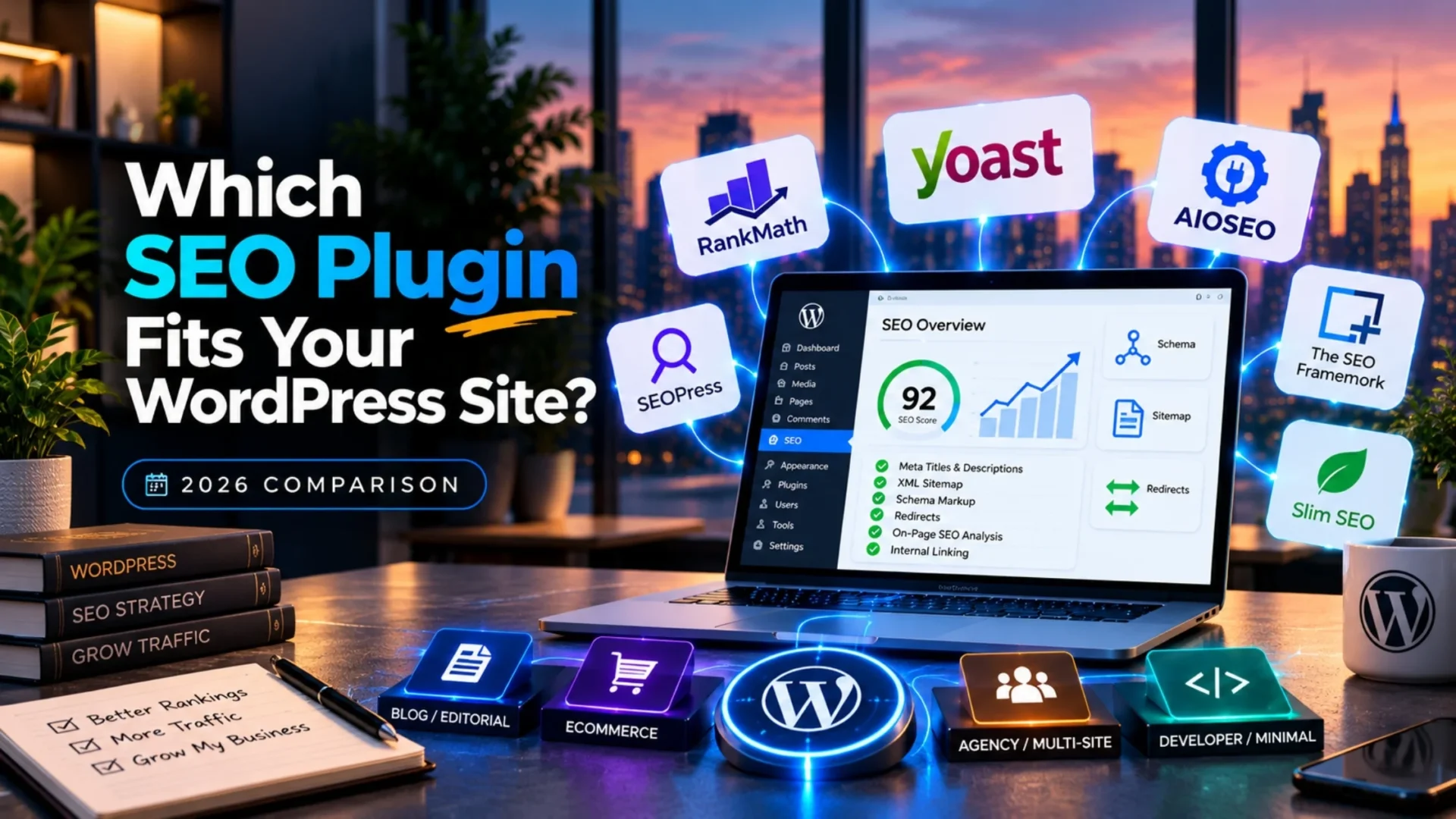
| Plugin | Best for | Free tier | Standout feature | AI search features | Paid price (ballpark) | Performance note |
| Rank Math | Most sites, ecommerce | Very generous | Wide feature set in the free version | llms.txt support, credit-based Content AI | Roughly $60 to $110 per year | Feature-rich, so switch off unused modules |
| Yoast SEO | Writers, editorial teams | Solid | Clear editor feedback | llms.txt generation, AI title and meta tools in Premium | Roughly $99 to $119 per site per year | Mid weight |
| All in One SEO | Beginners, local businesses | Basic | Guided setup wizard | Schema tools, AI writing help in paid tiers | Roughly $50 per year for one site | Mid weight |
| SEOPress | Agencies, ad-free dashboards | Good | White label option, no dashboard ads | Schema, AI suggestions in paid plans | Roughly $49 to $59 per year | Modular and light |
| The SEO Framework | Developers, minimalists | Strong | Automated, almost no settings | Automated structured data, little AI tooling | Free core, paid extensions | Very light by design |
| Slim SEO | Hands-off sites | Fully functional | Zero configuration | Automatic schema, no AI tooling | Free core, Pro add-on | Very light by design |
Prices are ballparks, and they move often. Billing term, site count, and promotions all change the number, so confirm on each vendor’s pricing page before you buy. The performance column is directional, not a benchmark.
Plugin by Plugin: Honest Verdicts
Rank Math
Rank Math is the plugin that we would install first on a new website. The free plug-in offers you a redirect manager, support for your multiple focus keywords and an extensive list of schema types, some only available to paid customers of one of our competitors. Pro also offers rank tracking, as well as additional features for WooCommerce and local SEO.
|
Best for: owners of websites requiring a rich features package with zero up-front costs. |
Honest limitation: there may be too many settings to remember, and the Content AI costs credit, so you may have to pay extra over time. |
Yoast SEO
Most people are more familiar with Yoast’s name, and that familiarity counts for something. The traffic light feedback given in the editor is very user-friendly, and nearly every article you read on WordPress was created using Yoast.
|
|
Best for: blogs and editorial teams who value guidance over raw features.
All in One SEO (AIOSEO)
AIOSEO has been established for longer than most of its competitors. Its quick and simple installation wizard has a website up and running after one short sitting, the user experience design does not seem as technical as rank math, and it is built in features for local business sites and WooCommerce.
Note though that the free version is thinner than Rank Math’s (and has a few missing features you’d expect, such as advanced schema) and a host of features are simply not available at all on paid plans. Make sure you know what you are getting before you assume.
SEOPress
Picture an agency running twelve client sites. Per-site licensing would hurt, and a dashboard full of upsell banners would annoy clients. SEOPress fits that scenario well, with an unlimited site license on its paid plan, a white-label option, and a dashboard without ads.
The trade-off is a smaller community. When something breaks at 9 p.m., you’ll find fewer forum threads than you would for Yoast.
The SEO Framework
Quick summary: automated, quiet, fast. The SEO Framework makes sensible choices for you and exposes very few settings. Developers like it for exactly that reason.
The flip side is thin hand-holding. If you want in-editor scoring or step-by-step prompts, look elsewhere.
Slim SEO
Slim SEO this one is the most hands-off. You add it, and it creates your meta tags, schema, and sitemaps autonomously from one administration page. It’s ideal for small brochure websites that don’t often need updates.
It can be aggravating if you want to adjust about individual pages because there’s not a lot to adjust.
We haven’t included: Squirrly quite differently from nearly every other plugin on this list. Squirrly shouldn’t be included in this round-up because it’s a much more of an SEO guide than a WP plugin, and it should be compared elsewhere.
For the Yoast vs AIOSEO question specifically
These two compete for the same buyer, and the real difference is philosophy. Yoast focuses on content feedback while you write. AIOSEO focuses on guided site-wide setup and an audit checklist. We’ve covered the full head-to-head in our Yoast vs All in One SEO comparison, so we won’t repeat it here.
Free vs Premium: What You Actually Get
|
Free Free tiers cover more than most people expect. Titles, meta descriptions, XML sitemaps, canonical tags, breadcrumbs, and basic schema are included in the leading plugins, and that’s enough for most small sites. |
Premium usually adds the following:
|
So when is paying worth it? Consider this.
|
If you own just a little blog or brochure site, stay freemium. |
If you have an ecommerce website with hundreds of pages of products, a team of authors, and/or a big content repository, Premium is at least likely to be beneficial thanks to hours saved. |
Price is important also. Yoast Premium is licensed per site, so a five-site portfolio gets expensive fast, while Rank Math Pro and SEOPress have one plan for multiple sites.
Don’t buy premium because some banner in the dashboard tells you to. Buy it when you know whatever feature you’ll be using this month by name.
SEO Plugins and AI Search: What Changed
No one two years ago wondered if the SEO plugin provided could do AI Overviews. Now it’s a common buying query and the truth is more honest than most providers are letting on.
Plugins can assist in two ways.
|
They produce presentable, simple structured data machine readable and provide uniformity in your titles, description, and page format. |
Many have also integrated LLMs.txt generation, a file designed to alert AI crawlers to the key pages on your site. |
This is where care is important.
Google’s own guidelines state you don’t need special files or markup to be visible in its generative AI and describes those as:. These features are still based on your core ranking and quality systems (see Google’s guide to AI features and your website).
Structured data is still valuable for rich results, and Google details its benefits in its structured data intro. But schema is a technique to help a machine make sense of a page. It won’t secure a citation.
|
AI tools read LLMs.txt in a range of different ways; evidence on the impact of doing it is light. |
Generating one is low risk. |
Expecting it to boost your visibility is optimistic. |
If you want a wider view of AI tooling on WordPress, our roundup of AI plugins for WordPress goes further than we can here.
Will an SEO Plugin Slow Down Your Site?
Usually not by much.
Modern SEO plugins are reasonably light. The real slowdowns come from stacking features you never use, running a heavy page builder alongside them, or sitting on weak hosting. In most cases, the plugin isn’t the bottleneck.
Some practical habits help:
|
1
Switch off modules you don’t need (Rank Math makes this easy) |
2
Never run two SEO plugins at once |
3
Test speed with Core Web Vitals reports before and after a change, not by gut feel |
Every plugin you add carries a cost, and the same logic applies outside SEO. Our guide to the best WordPress security plugins makes the same point about overlapping tools.
The Mistake That Breaks SEO Plugins: Running Two at Once
Trying to have 2 separate SEO plugins on a single site is the quickest way you can possibly drag a search engine down.
Both will attempt to optimize your meta tags and schema. The outcome is duplicate titles, conflicting accepted tags, and doubled structured data, and that’s where most listicles lose their readers’. Choose one and turn off the others.
Switching plugins is fine if you do it carefully:
|
1
|
Back up your site first. |
|
2
|
Export your settings and redirects from the old plugin where possible. |
|
3
|
Use the new plugin’s import tool. Rank Math, for example, offers migration from Yoast, AIOSEO, and SEOPress. |
|
4
|
Spot-check titles, descriptions, and schema on a handful of key pages. |
|
5
|
Deactivate the old plugin only after those checks pass. |
|
6
|
Resubmit your sitemap in Google Search Console and watch for errors over the next few weeks. |
Don’t skip step two. Lost redirects are where migrations usually hurt.
Which SEO Plugin Should You Choose? A Quick Decision Guide
| Your site | Sensible default | Why |
| Simple blog | Rank Math (free) or Yoast (free) | Strong basics at no cost |
| Small business site | AIOSEO or Rank Math | Guided setup, local SEO support |
| WooCommerce store | Rank Math Pro or Yoast WooCommerce plan | Product schema and catalog-level controls |
| News or publisher site | Yoast Premium or Rank Math Pro | News SEO modules, editorial workflow |
| Large or multi-author site | Rank Math Pro or SEOPress | Scales without per-site licensing pain |
| Developer-built, minimal | The SEO Framework or Slim SEO | Light, automated, low maintenance |
Don’t take this as a verdict, but more like a starting point. If a store has strange per-product options or configuration, or a multilingual component, that is when a table doesn’t cut it. That’s when custom configuration and schema work and technical SEO fixes come into play, and our WordPress development services team can help you get those to work when plugin defaults aren’t enough.
A Plugin Alone Will Not Rank You
Honestly this is the section where most roundups fail.
The plugins are doing the groundwork. It is not working. The rankings still require me to have a site that answers, a technically sound site, not, and fast. It also takes links from sites that I want to be linked from. Plug that site with the best plug-in the world and publish thin pages and you receive thin results.
That’s when professionalism makes sense. With a WordPress SEO services engagement, you get what no plugin can: a niche matching strategy, a technical diagnosis through audit, content designed for search intent, and relationship-building. It’s not wizardry, and it takes time. That’s the effort that finally turns plugin configuration into results.
If your site is small and you’ve got time, doing it yourself is perfectly reasonable. If you’re managing a store, a large library, or a business that depends on organic traffic, a second pair of expert eyes tends to be worth it.
Myths to Ignore (Including Meta Keywords)
Three myths come up constantly.
Meta keywords matter. They don’t. Google has said for years that it doesn’t use the keywords meta tag for ranking (see Google’s statement on meta keywords). Some plugins still show a field for it. Leave it empty.
A higher plugin score means higher rankings. Not true. The score reflects a checklist, and Google doesn’t see it.
Installing a plugin is doing SEO. It’s the setup, nothing more.
Final Thoughts
The best SEO plugin is simply the one that works for you and that you’re willing to set up and maintain. For most, that’s Rank Math, with Yoast and AIOSEO both good options according to your working style. Refer to this decision guide, make your choice, and get on to doing the work that will actually bring in traffic.
Frequently Asked Questions
Which is the best WordPress SEO plugin in 2026?
Rank Math is best for the most sites as the free version has redirects, multiple keywords and a large number of schema choices. Yoast SEO is best for writers wanting editor advice, and AIOSEO is best for beginners wanting a simple done-for-you step-by-step process. Which is best will depend on your type of site, budget, and how involved you want to be.
Which is the best free WordPress SEO plugin?
The most powerful modules with free features are in Rank Math, like redirects schema sitemaps, and lots of focus keywords. The free version of Yoast is also good and brings clear warning indicators in the editor. The SEO Setup and Slim SEO are also good free solutions if you want a lightweight automated plugin with not many options to tweak.
Is Rank Math better than Yoast?
It depends on what you value. Rank Math gives you more features for free and covers multiple personal sites on one paid plan. Yoast offers simpler in-editor guidance and a larger library of tutorials. Feature for feature, Rank Math usually wins on value, while Yoast wins on familiarity.
Can I use two SEO plugins at once?
No. Two SEO plugins will both try to write meta tags and schema, which creates duplicate or conflicting output that can confuse search engines. Choose one plugin and deactivate the other. If you’re switching, export your settings and redirects first, import them into the new plugin, and check key pages before removing the old one.
Will an SEO plugin slow down my website?
Usually only slightly. Most modern SEO plugins are fairly light. Slowdowns tend to come from enabling features you don’t use, running heavy page builders, or weak hosting. Switch off unused modules, avoid running two SEO plugins, and compare Core Web Vitals before and after installing to see the real effect.
Do SEO plugins help with AI Overviews and AI search?
Partly. Plugins output structured data and keep your page structure consistent, which helps machines understand your content. Some also generate llms.txt files. But Google says you don’t need special files or markup for its AI features, and schema doesn’t guarantee a citation. Strong content and a healthy, indexable site still carry most of the weight.
Does an SEO plugin improve my Google ranking by itself?
No. A plugin gives you the controls for titles, schema, sitemaps, and redirects, but it doesn’t create quality content, earn links, or fix site speed. Rankings come from the work you do with those controls. Think of the plugin as the setup stage of SEO rather than the whole job.
Next Step
Need Help Beyond the SEO Plugin Setup?
Picked a plugin and wondering what comes next? Installing it is the easy part. Turning it into steady organic traffic takes technical fixes, content planned around search intent, and a link strategy that fits your market.
If you’d like a second opinion, our team can review your current setup and tell you plainly what’s working and what isn’t.
|
|