 Zoho
Solutions
Zoho
Solutions
 Ecommerce
Development
Ecommerce
Development
 Web
Development
Web
Development
 AI
Solutions
AI
Solutions





- What a WordPress Security Plugin Actually Needs to Do
- Free vs Paid: What Actually Changes
- The Best WordPress Security Plugins in 2026, Compared
- Quick Comparison Table
- How to Choose the Right One for Your Site
- Signs a Plugin Alone Will Not Be Enough
- Common Mistakes That Undermine Any Security Plugin
- When It Is Time for Managed WordPress Security
- FAQs
- Which WordPress security plugin is best overall?
- Is a free WordPress security plugin enough to protect my site?
- Do I need both a firewall plugin and a cloud WAF?
- What is the best security plugin for a WooCommerce store?
- Can I run two security plugins on the same site?
- What is the best option for agencies managing multiple client sites?
- Does a security plugin replace the need for backups?
- Conclusion
- Not Sure If Your Current Setup Actually Holds Up?
Most WordPress sites that get hacked weren’t victims of some brilliant zero-day exploit. They got hit because a plugin sat un-updated for four months, a login form allowed unlimited password guesses, or nobody noticed a suspicious file until Google flagged the site for malware. That’s the pattern we see across client sites, over and over. The tools matter less than people think, and more than people assume, all at once. Confusing, we know. Stick with us.
“Best” also depends heavily on what you’re running. A single small-business site, a WooCommerce store processing live transactions, and an agency juggling forty client installs don’t need the same plugin. A flat top-10 list built for affiliate clicks won’t tell you that. This piece will.
We’re going to walk through what a security plugin actually needs to do, compare the tools that matter in 2026 without the marketing gloss, flag the one honest limitation each one has, and help you find the best security plugin for WordPress based on your actual situation rather than a generic ranking.
What a WordPress Security Plugin Actually Needs to Do
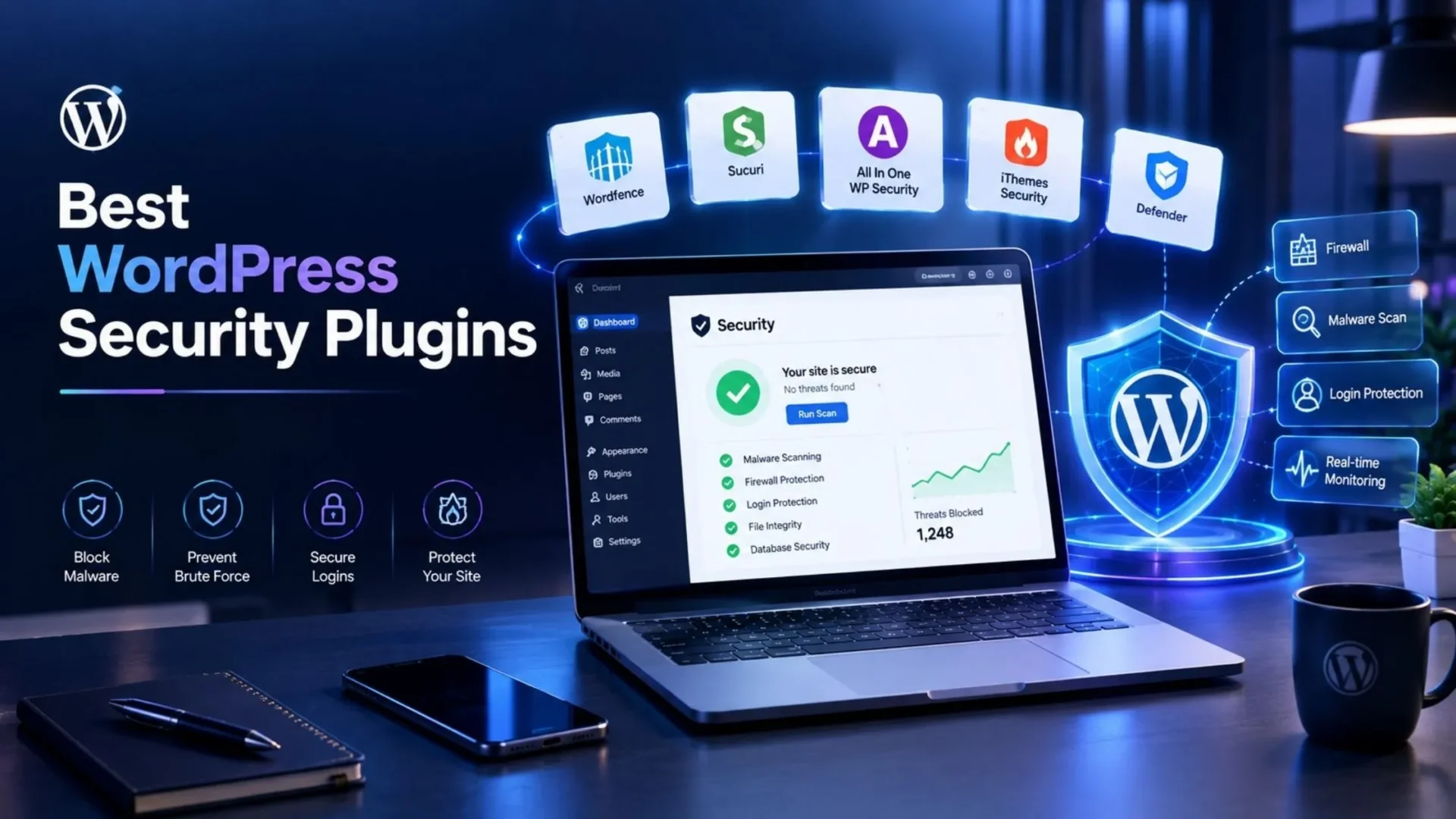
Short answer first, since this is the part people search for: a real WordPress security plugin needs a firewall, a WordPress malware scanner plugin component, login hardening, and some form of vulnerability monitoring. Miss one of those four and you’ve got a gap, no matter how polished the dashboard looks.
This is what a lot of first-time buyers get confused about, and it should be explained first. Every WordPress firewall plugin on the market falls into one of two camps, and mixing them up is where most people go wrong.
Neither approach is objectively better. An endpoint firewall is often enough for a low-traffic informational site. A store taking payments during a sale weekend benefits more from traffic being filtered before it lands on the server at all.
Free vs Paid: What Actually Changes
Nearly every free WordPress security plugin in this space covers basic scanning and some form of firewall. That part isn’t a myth. What is a myth is that free equals paid.
Paid tiers typically add three things: real-time rule and signature updates instead of a delay, actual malware cleanup rather than just detection, and support you can reach when something goes wrong at 2am on a Saturday.
That delay window matters more than it sounds. When a critical vulnerability drops in a popular plugin, attackers usually start scanning for it within hours. If your free tier is running on rules that are thirty days old, you’re exposed for the entire window an attacker cares about most.
The Best WordPress Security Plugins in 2026, Compared
We’re not padding this list of top WordPress security plugins to ten or twelve entries just to hit a round number. Here’s the field that actually matters, plugin by plugin, with the honest trade-offs included.
Wordfence
Wordfence combines an endpoint firewall and an independent threat intelligence network, and it’s the plugin most WordPress administrators reach for first. The free version is genuinely competent: a fully functional firewall, a malware scanner, and login security with two-factor authentication, all at zero cost. The Pro version, $149 a year per site, replaces the delayed 30-day threat feed with immediate firewall rules and malware signatures, adds country blocking, and unlocks ticket-based support.
Best for: site owners who want hands-on control and a dashboard that shows exactly what’s happening in real time.
⚠️ One honest limitation: the scanner runs inside WordPress and can be heavy on shared hosting during a full scan. Resource-constrained hosting sometimes slows down during scheduled scans, worth testing before you commit on a busy store.
We already have a deep, feature-by-feature breakdown of Wordfence versus Sucuri if you’re deciding between just those two. We won’t re-run that comparison here.
Sucuri Security
Here’s something most roundups gloss over: the free Sucuri plugin doesn’t include a firewall. It’s a monitoring tool, doing file integrity checks, malware scanning alerts, and activity auditing. If you install the free plugin expecting active protection, you’re not getting it. Real protection comes from Sucuri’s paid Website Security Platform, starting around $199.99 a year, which buys a cloud WAF, CDN performance benefits, unlimited malware cleanup, and DDoS mitigation, all running upstream of your server.
Best for: owners who want protection to run quietly in the background without configuring anything, and who are comfortable pointing DNS at a third-party network.
⚠️ One honest limitation: pricing doesn’t scale down. There’s no cheap entry tier, and the free plugin’s lack of an actual firewall is easy to miss until it’s too late.
MalCare
MalCare positions itself as a dedicated WordPress malware scanner plugin with a cloud-first approach. Scanning happens off your server, so there’s close to zero performance hit, which matters a lot on shared or budget hosting. The catch: the free tier tells you a threat exists but won’t show details or let you remove it. Actual cleanup requires paying, starting around $99 to $149 a year depending on the plan.
Best for: non-technical owners who want a one-click fix without touching a single line of code, and who don’t want their server doing the scanning work.
⚠️ One honest limitation: multi-site pricing climbs fast. Five sites can run north of $250 a year, so agencies managing a large roster should do the math before committing.
Solid Security (Recently Rebranded to Kadence Security)
Quick flag: this plugin’s gone through three names in a decade, iThemes Security, then Solid Security, and as of May 2026, Kadence Security, after Liquid Web folded its SolidWP brand into its Kadence product line. Pricing and packaging changed with that move, so double-check the vendor’s current page before you recommend it to a client.
The free tier is unusually strong for hardening: two-factor authentication, brute force protection, file change detection, and password policy enforcement, all at no cost. What it’s never had, at any tier, is a malware scanner or a full WAF. This is a hardening tool, not a comprehensive suite. Historically, Pro ran $99 a year standalone and added Patchstack-powered virtual patching, passkey logins, and magic links. Under the new Kadence structure, that functionality is reportedly bundled into a larger Kadence Pro plan rather than sold on its own, at a noticeably higher price. Treat any specific figure here as unconfirmed until you check it directly.
Best for: owners who specifically want granular hardening and login controls and don’t mind pairing it with a separate scanner.
All-In-One Security (AIOS)
AIOS is the rare plugin in this space with no premium upsell pressure baked into the free version. Login lockdown, user auditing, database hardening, and a PHP and .htaccess-based firewall with 6G blacklist rules all ship free. It’s developed by the team behind UpdraftPlus, which counts for something in terms of long-term maintenance.
Best for: owners on a genuinely zero budget who still want more than nothing.
⚠️ One honest limitation: the core free version doesn’t include malware scanning. You get strong hardening, not detection. If something does get through, AIOS won’t tell you.
Jetpack Security
Jetpack bundles real-time backups, malware scanning with a WAF, and Akismet spam protection into one subscription, starting around $9.95 a month billed annually for the first year. If you’re already running Jetpack for its performance or content tools, adding security to the same dashboard has some appeal.
Best for: sites already using Jetpack for other features, where one more login and one combined bill is a genuine convenience.
⚠️ One honest limitation: the free Jetpack plan only covers brute force protection and downtime monitoring, not the firewall or scanner. Those live behind the paid Security bundle. Renewal pricing after the first-year discount also tends to jump, so check the real second-year cost before you assume the intro price sticks around.
Patchstack
Patchstack isn’t a general security plugin. It’s a vulnerability-monitoring specialist that tracks known CVEs across WordPress plugins and themes and, on paid tiers, applies virtual patches that block exploitation of a known flaw before the plugin vendor ships an official fix. The free Community tier gives you alerts. It tells you that a plugin you run has a disclosed vulnerability. It doesn’t block anything on its own.
Best for: agencies and teams managing many client sites, where knowing which of fifty installs has a newly disclosed CVE is more urgent than a general-purpose firewall.
⚠️ One honest limitation: reported pricing for the paid protection tier varies quite a bit across sources, so confirm the current number directly on Patchstack’s site rather than trusting any figure you find in a roundup, including this one.
Shield Security
Our pick for teams that want a lighter, developer-configurable stack instead of a heavyweight suite. The free tier covers core hardening, automatic IP blocking, and its own invisible bot-detection layer that doesn’t force visitors through a CAPTCHA puzzle. ShieldPRO adds advanced bot detection, traffic rate limiting, and MainWP integration for managing several client sites from one dashboard, with pricing that starts near $149 a year for a single site and scales for agency volume.
Best for: agencies and developers who want granular control and centralized multi-site management without the overhead of a bigger platform.
⚠️ One honest limitation: like Wordfence, it runs as an endpoint firewall inside WordPress rather than filtering traffic at the edge, so it won’t replace a cloud WAF for a site under sustained volumetric attack.
Note: verify every plugin’s current feature set and exact pricing against its own site before relying on this list. This space restructures pricing tiers often, and the Solid Security to Kadence Security transition above is a live example of why that check matters.
Quick Comparison Table
Pricing changes often enough in this space that we’ve deliberately left specific dollar figures off this table. See current pricing directly on each vendor’s site before you commit budget.
How to Choose the Right One for Your Site
|
1
|
Single Small-Business SitePrioritize ease of setup over advanced configuration. You want a clean dashboard and defaults that make sense, not forty toggles you’ll never touch. Wordfence’s free tier or AIOS both fit this without costing anything. |
|
2
|
WooCommerce StoreLogin and checkout-page protection matter more here than almost anything else. Look specifically at whether a plugin’s scanning or firewall adds noticeable load to cart and checkout pages, since a slow checkout costs you sales directly. Test on a staging copy before going live on production. |
|
3
|
Agency Managing Multiple Client SitesCentralized dashboard, a vulnerability feed you can act on across every install, and white-label reporting matter more than any single feature on one site. Patchstack and Shield Security’s MainWP integration both play well here. If your team is doing custom configuration work across client installs at scale, it might be worth talking to a dedicated WordPress developer about standardizing the stack rather than reconfiguring each plugin by hand. |
Signs a Plugin Alone Will Not Be Enough
A plugin is a tool, not a guarantee. Watch for these signs that you’ve outgrown what any plugin, free or paid, can offer on its own.
- Repeated infections despite an active, updated plugin usually mean the vulnerability is somewhere the plugin can’t see, often in custom code or an outdated theme.
- No time to actually review the alerts a plugin generates defeats the purpose of having it.
- A compliance requirement calling for documented, expert-level remediation isn’t something any plugin dashboard produces on its own.
If any of that sounds familiar, it might be time to look at complete WordPress development services or a rebuild rather than adding another plugin on top of what you already have.
Common Mistakes That Undermine Any Security Plugin
|
1
|
Running Two Full Security Suites TogetherThe mistake we see most often, and it usually causes conflicts rather than doubling your protection. Two firewalls fighting over the same login form tend to produce false lockouts, not extra safety. |
|
2
|
Installing a Plugin and Never Reviewing Its AlertsA close second. A dashboard full of unread warnings doesn’t protect anybody. |
|
3
|
Treating a Security Plugin as a Substitute for BackupsA plugin can flag or even clean malware. It can’t undo a corrupted database or a botched update on its own. That’s a separate discipline, and it usually lives inside a broader WordPress maintenance services routine, not inside the security plugin itself. |
|
4
|
Ignoring Core, Theme, and Plugin Updates“The security plugin will catch it” rounds out the list. Most compromises trace back to an outdated component with a known, published vulnerability. A firewall can slow that down. It rarely stops it entirely, especially in that window right after a CVE goes public, and that’s the moment when patching fast matters most. |
When It Is Time for Managed WordPress Security
Not every site owner wants to babysit scan alerts, plugin updates, and backup schedules across three or four separate tools. If that describes you, managed care bundles all of it into one service instead of leaving you to stitch pieces together.
This isn’t meant as a hard push. You already have the context from everything above to decide whether DIY still makes sense, or whether it’s time to hand the day-to-day off. If it’s the latter, our WordPress Support Plan folds security monitoring, updates, and backups into one ongoing service, so you’re not the one checking a dashboard every morning.
FAQs
Which WordPress security plugin is best overall?
There is no single best plugin for every site. Wordfence’s free tier is the strongest general-purpose option for most single-site owners, since it includes a working firewall, scanner, and login security at no cost. Agencies and WooCommerce stores often need a different combination, so match the plugin to your specific situation rather than a generic ranking.
Is a free WordPress security plugin enough to protect my site?
Often, yes, for a low-traffic informational site with no logins beyond an admin account. Free tiers from Wordfence and AIOS cover firewall basics and hardening. Sites handling payments, sensitive data, or high traffic usually benefit from the real-time protection and cleanup support that only paid tiers include.
Do I need both a firewall plugin and a cloud WAF?
Not always, but running one of each layer, an endpoint firewall like Wordfence plus a cloud-level option like Cloudflare, gives you protection at two different points. It depends on your traffic and threat exposure. A small blog rarely needs both. A high-traffic store facing volumetric attacks often benefits from the extra layer.
What is the best security plugin for a WooCommerce store?
Prioritize whichever plugin protects login and checkout pages without slowing them down. Wordfence and Sucuri’s paid platform both handle this well, though Sucuri’s cloud WAF has an edge for stores worried about DDoS traffic during sales events. Test performance impact on a staging copy of your store before deciding.
Can I run two security plugins on the same site?
We would not recommend it. Running two full security suites together usually causes conflicts, especially around login forms and firewall rules, rather than doubling your protection. If you want layered coverage, pair one WordPress-level plugin with a separate edge-level service like Cloudflare instead of stacking two full suites.
What is the best option for agencies managing multiple client sites?
Look for centralized dashboards and vulnerability feeds over any single feature. Patchstack’s CVE tracking and Shield Security’s MainWP integration both suit agency workflows, since they let you see risk across many installs from one place instead of logging into each site separately.
Does a security plugin replace the need for backups?
No. A security plugin can detect or, on paid tiers, remove malware, but it cannot undo a corrupted database, a failed update, or a hosting-level failure. Backups are a separate, necessary layer, and treating a security plugin as a substitute for them is one of the most common mistakes we see on client sites.
Conclusion
No plugin here is install-and-forget, no matter what the marketing copy on its landing page promises. The right pick depends on what you’re protecting, how much time you realistically have to manage it, and whether you’re running one site or fifty. Pick based on your actual situation, revisit the choice once a year, and don’t assume any single tool is the last decision you’ll ever make about this.
Comparing plugins is a good start, but it won’t tell you whether your current setup actually holds up. If you want a second opinion, our team can run a quick security review of your site and tell you honestly whether a plugin is enough for your situation or whether managed care makes more sense given your traffic and setup.
Not Sure If Your Current Setup Actually Holds Up?
Elsner’s team can run a quick security review of your WordPress site and tell you honestly whether a plugin is enough — or whether managed care makes more sense for your traffic and setup.