- Quick Comparison
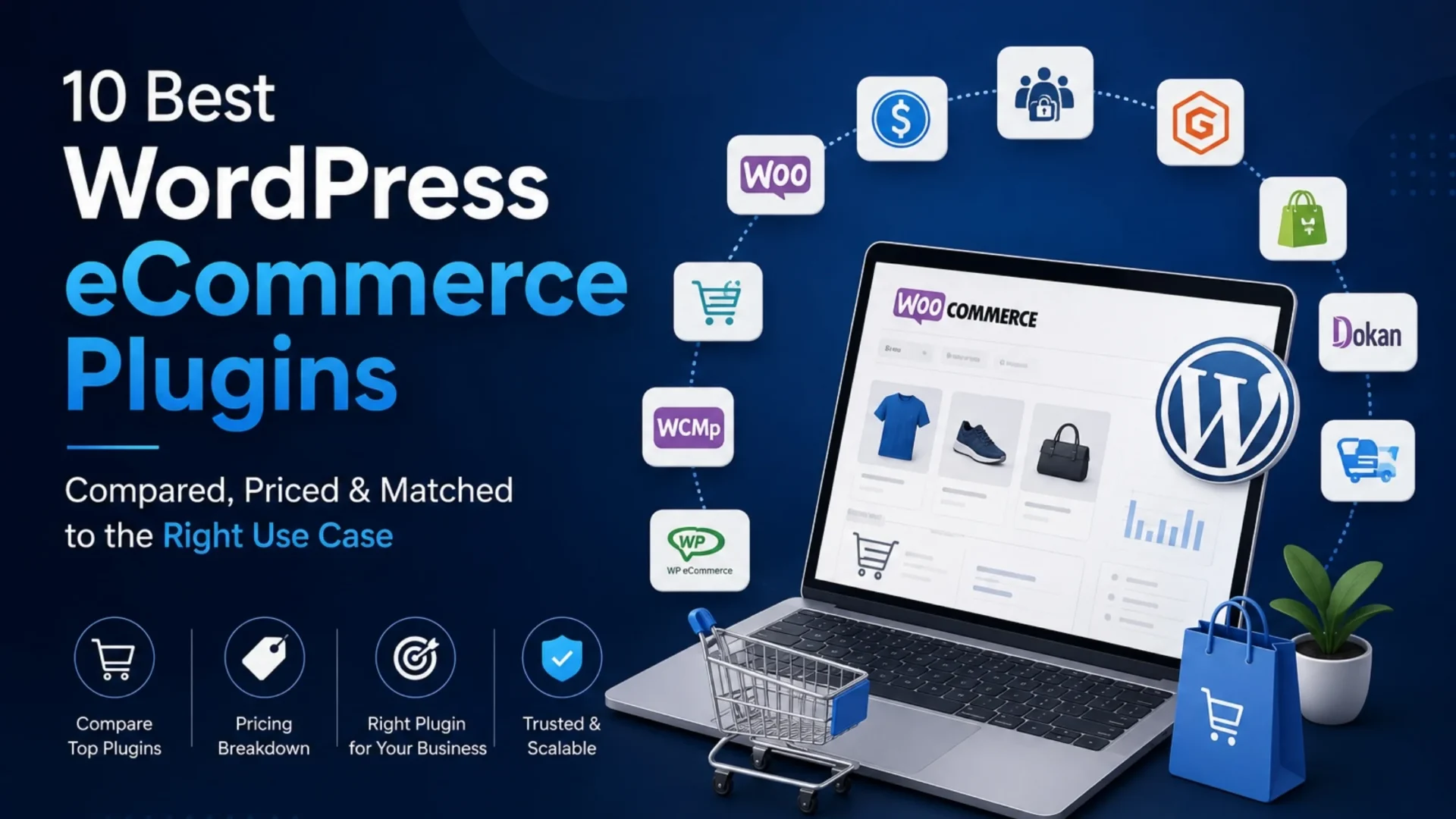
- 10 Best WordPress eCommerce Plugins, Compared
- WooCommerce
- Easy Digital Downloads
- SureCart
- Ecwid Ecommerce Shopping Cart
- MemberPress
- Dokan
- CartFlows
- BigCommerce for WordPress
- WP EasyCart
- StoreEngine
- Which Plugin Fits Your Business?
- Common Mistakes We See Clients Make
- What We Actually Tell Clients
- Frequently Asked Questions
- Is WordPress good for ecommerce?
- Can WordPress be used for ecommerce without a plugin?
- Does WordPress have built-in ecommerce features?
- Are WordPress ecommerce plugins safe to use?
- Do I need coding knowledge to set up a WordPress ecommerce store?
Quick Answer
WooCommerce is the strongest overall pick for most WordPress stores because of its extension ecosystem, but it’s not the right call for every business model. Digital-only sellers do better with Easy Digital Downloads, membership and course sites need MemberPress, and marketplaces with multiple vendors should look at Dokan instead of trying to retrofit something else.
|
Choose WooCommerce if
|
Choose a specialist plugin if
|
Short version: match the plugin to what you’re selling, not to which name you’ve heard most often. This guide breaks down all ten options, what each one costs once you factor in the extras, and which type of business each one actually fits.
Ask ten people which WordPress ecommerce plugin is the best, and you’ll probably get ten different answers, plus a few strong opinions thrown in for free. Part of the problem is that “best” gets tossed around a lot in this space without much context attached to it. A plugin that’s fantastic for a solo creator selling digital templates can be a genuinely poor fit for someone running a 500-SKU physical goods store.
At Elsner Technologies, we’ve built and maintained WordPress stores for clients across a fair number of industries now: retail, digital products, subscriptions, marketplaces, and one thing keeps coming up over and over. People pick a plugin because it’s the name they’ve already heard, not because it actually matches what they’re trying to sell. Sometimes that works out fine. Often it means three months in, someone’s stuck bolting on extra plugins just to replicate a feature that would’ve come built in with a different choice from the start.
So this guide is less “here’s a ranked top 10” and more “here’s what each one actually does, where it struggles, and who it’s genuinely built for.” Ten plugins, no filler.
Quick Comparison
10 Best WordPress eCommerce Plugins, Compared
Here’s what each one actually does well, where it falls short, and who it’s built for.
|
1
|
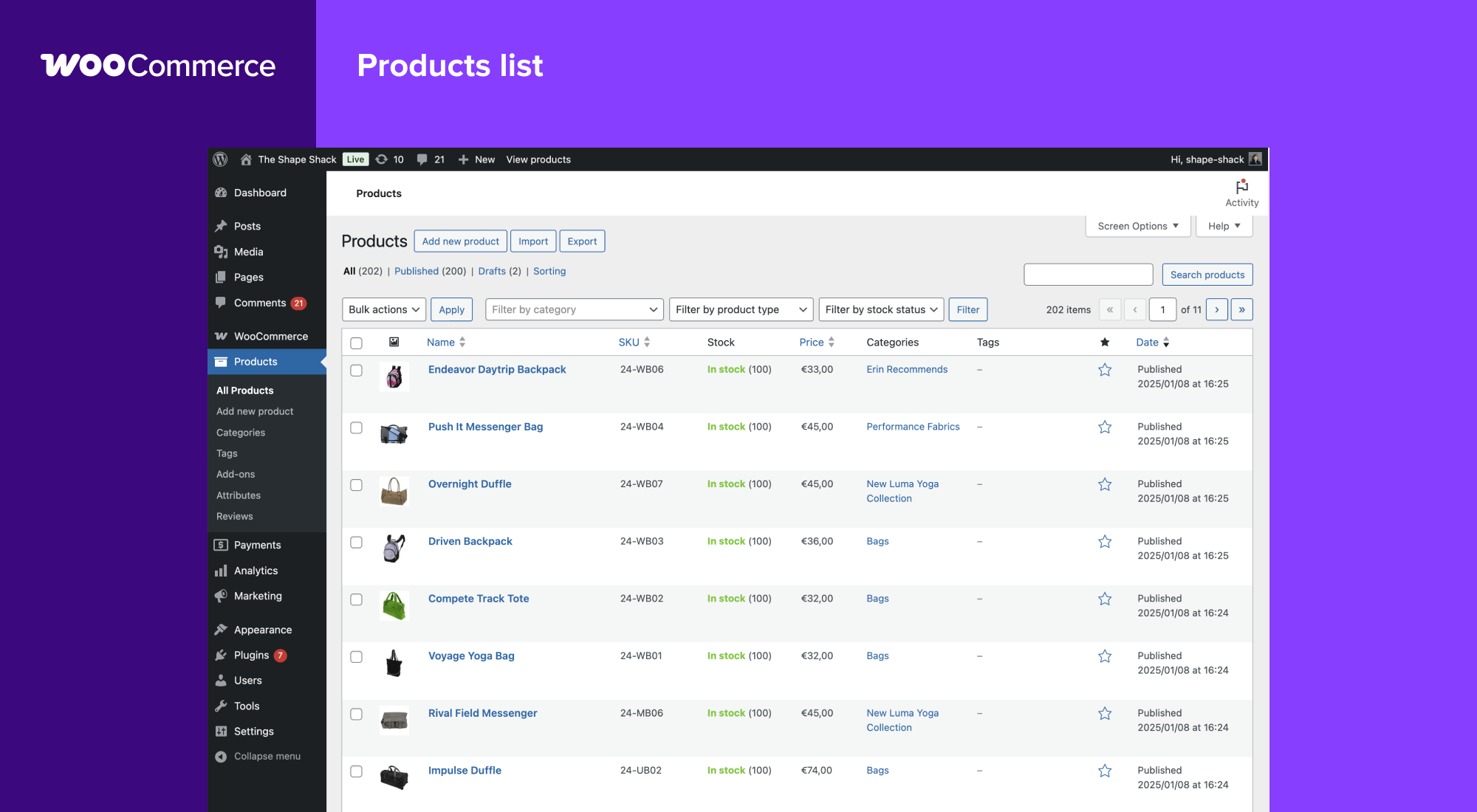
WooCommerceAutomattic built this one, the same folks behind WordPress.com, so it doesn’t feel bolted on the way some ecommerce plugins do. Activate it and your dashboard basically grows a new limb overnight. The core plugin is free, genuinely free, but a real store almost always needs extensions, shipping calculators, proper tax handling, maybe subscriptions, and each of those usually runs $49 to $299 a year. We’ve had clients budget for “a free plugin” and end up spending $600 or more annually once the store is fully functional. What you get in return is flexibility nothing else on this list matches, thousands of extensions covering everything from wholesale pricing to loyalty programs. Most of that complexity, extension selection, tax setup, ongoing maintenance, is exactly what a proper WooCommerce development engagement handles for you upfront instead of piecing it together yourself later. Best for: stores selling physical products and businesses planning to scale.
WooCommerce product management screen (Source: WordPress.org) |
|
2
|
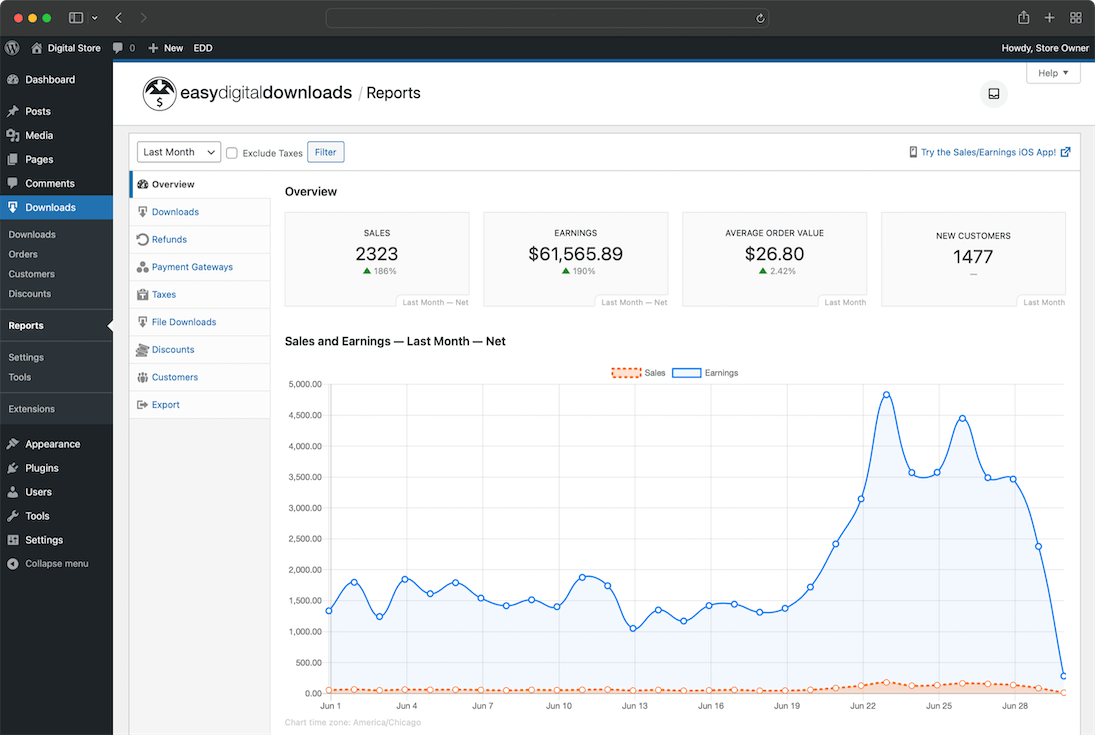
Easy Digital DownloadsEDD exists because WooCommerce, flexible as it is, was never really designed for selling files. You can force it to work for digital products, but you’ll usually end up installing two or three extra plugins just to handle license keys and secure delivery. EDD has all of that built in from day one. We set this up recently for a client selling design templates alongside a small course library, and compared to configuring WooCommerce for that exact job, it took roughly half the setup time. Best for: software companies, course creators, and anyone selling downloadable files.
Easy Digital Downloads reports and analytics dashboard (Source: WordPress.org) |
|
3
|
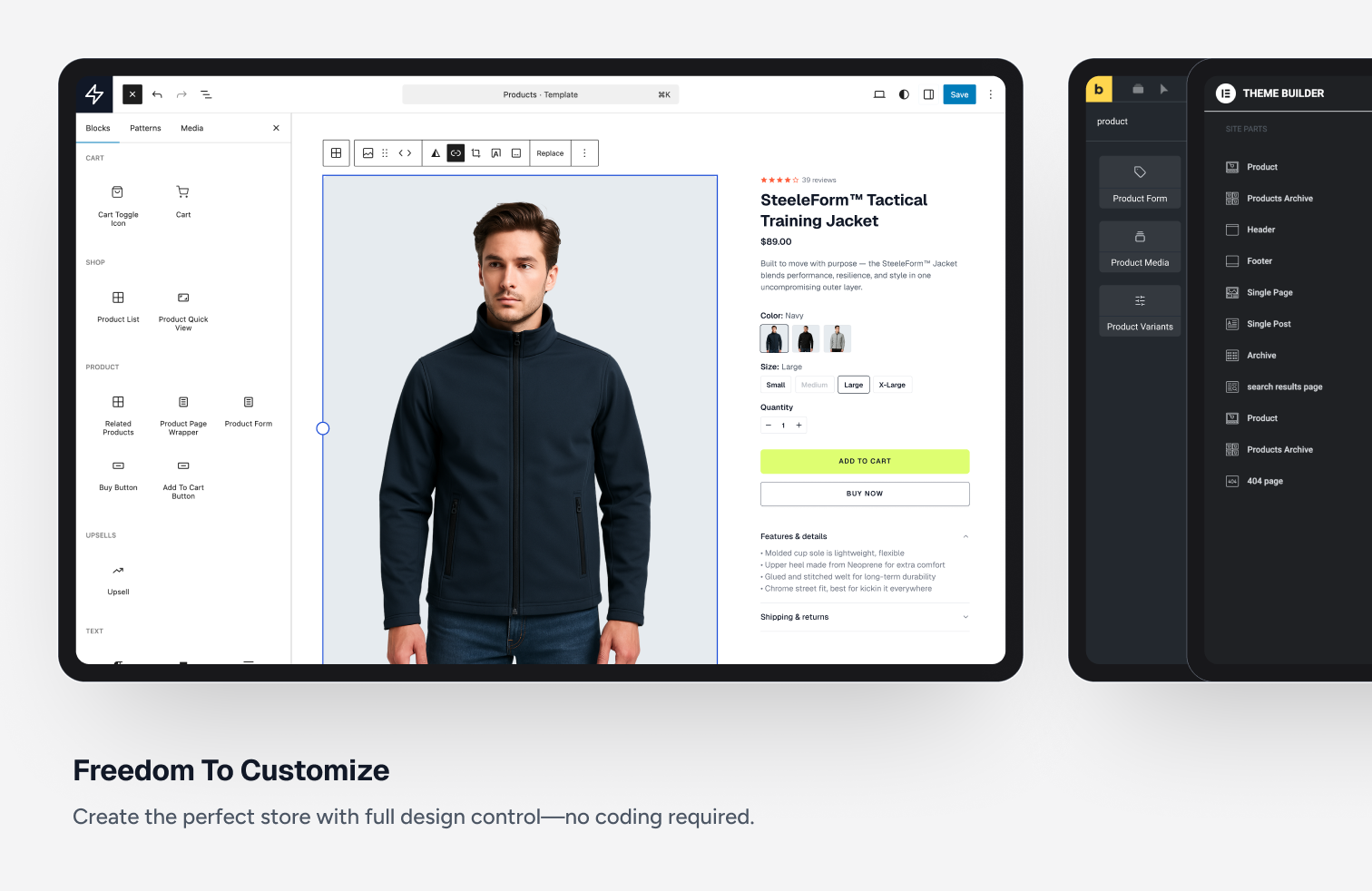
SureCartThis one’s newer, and it takes a genuinely different technical approach. Instead of processing checkout on your own server, SureCart handles the sensitive payment steps through its own secure, hosted infrastructure, so a lot of that “am I PCI compliant” anxiety simply isn’t your problem anymore. It started out focused on digital products but has since expanded to physical goods and subscriptions, and the admin interface looks like it was designed this decade, unlike a few older plugins in this space that still feel stuck around 2015. Best for: businesses wanting a modern checkout without managing compliance themselves.
SureCart customization tools (Source: WordPress.org) |
|
4
|
Ecwid Ecommerce Shopping CartEcwid isn’t quite like the others here. It’s a standalone platform that connects to WordPress through a plugin, so your product data actually lives on Ecwid’s own servers, not your WordPress database. That trips people up when they first hear it, but it’s not really a bad thing. You can get a working store live in an afternoon without touching code, and it syncs across other channels too, Instagram, a physical POS terminal, wherever else you sell. The tradeoff is you’re working inside Ecwid’s storefront framework, so deep design customization isn’t really on the table the way it is with WooCommerce. Best for: small businesses selling across multiple platforms who want one dashboard.
Ecwid storefront across multiple channels (Source: WordPress.org) |

|
5
|
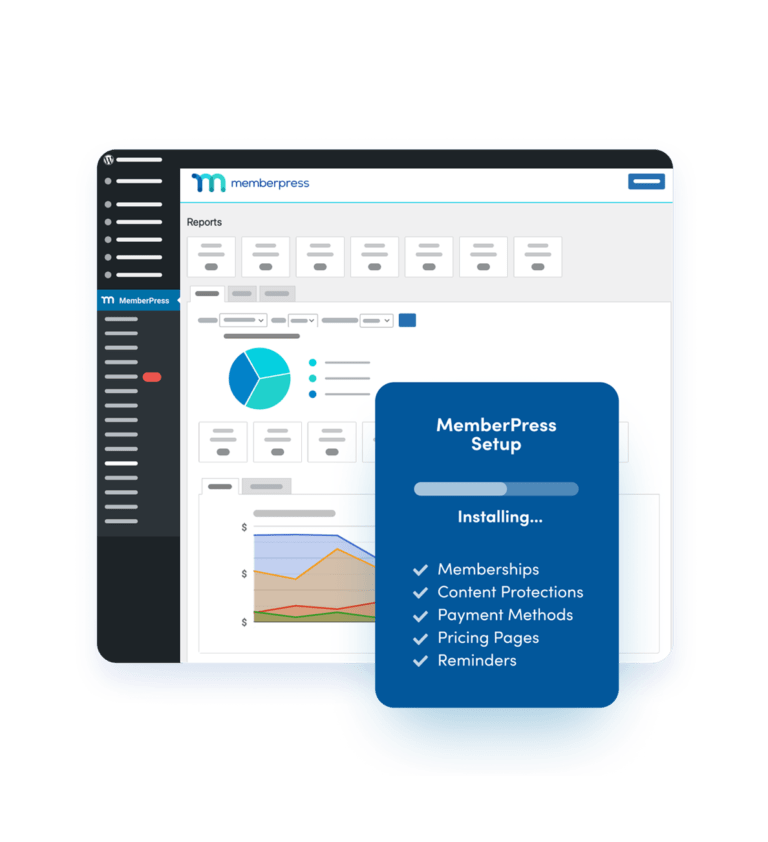
MemberPressIf your revenue comes from recurring access rather than one-time purchases, this is probably where you land. Paywalled content, video courses, private community areas, MemberPress handles the gating logic without much fuss, and the setup wizard genuinely gets you to a working paywall in under an hour for most standard configurations. We’ve deployed this for coaching businesses and course platforms a handful of times now, and Stripe integration in particular is smooth, which matters more than it sounds like until you’ve dealt with a clunky payment setup throwing errors during testing. Best for: course creators, coaches, and subscription-based businesses.
MemberPress setup wizard (Source: MemberPress.com) |
|
6
|
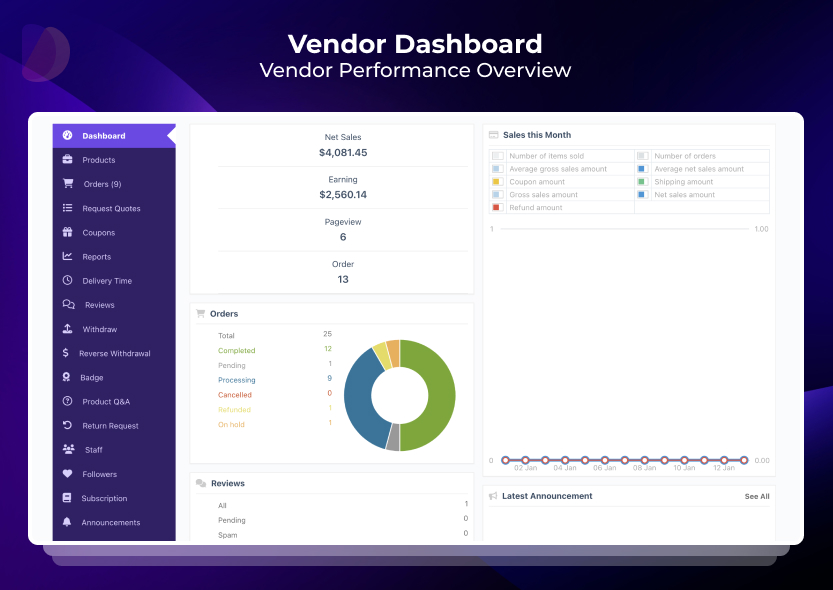
DokanDokan tackles something WooCommerce alone genuinely can’t, letting multiple independent sellers run their own storefronts under one WordPress site, think Etsy, but self-hosted. Each vendor gets a dashboard for their own products and orders, while you collect commissions on the back end. Fair warning, this is more work to set up than a single-vendor store, vendor onboarding, commission splits, and payout schedules are a lot of moving parts. But if you’re building a real marketplace and not just a shop with a fancier name, there isn’t a simpler route on WordPress. Getting the vendor onboarding and commission logic right the first time usually comes down to proper marketplace management rather than trial and error on a live site. Best for: marketplace builders connecting multiple sellers under one platform.
Dokan vendor dashboard (Source: WordPress.org) |
|
7
|
CartFlowsTechnically CartFlows isn’t a full ecommerce plugin, it works on top of WooCommerce to fix one specific weak spot, the checkout experience. Default WooCommerce checkout pages work fine but aren’t exactly built for conversion. CartFlows lets you build custom funnels, add order bumps, and set up post-purchase upsells without separate landing page software. If you’re already running WooCommerce and watching cart abandonment climb, this is usually the first thing worth testing before blaming pricing or product fit. Best for: existing WooCommerce stores trying to improve checkout conversion.
CartFlows funnel builder (Source: WordPress.org) |

|
8
|
BigCommerce for WordPressThis one hands you the backend infrastructure of a fully hosted ecommerce platform while your WordPress front end stays intact for content and design. It’s built for stores that need serious scalability and security, the kind of thing that matters once order volume climbs past what a self-hosted plugin handles comfortably. We rarely recommend this to a business just getting started, the pricing and setup complexity only pay off once infrastructure limits become an actual bottleneck. Stores that do hit that ceiling usually need a proper BigCommerce development plan before migrating, not just a plugin swap. Best for: established businesses with high order volumes.
BigCommerce control panel synced with WordPress (Source: WordPress.org) |

|
9
|
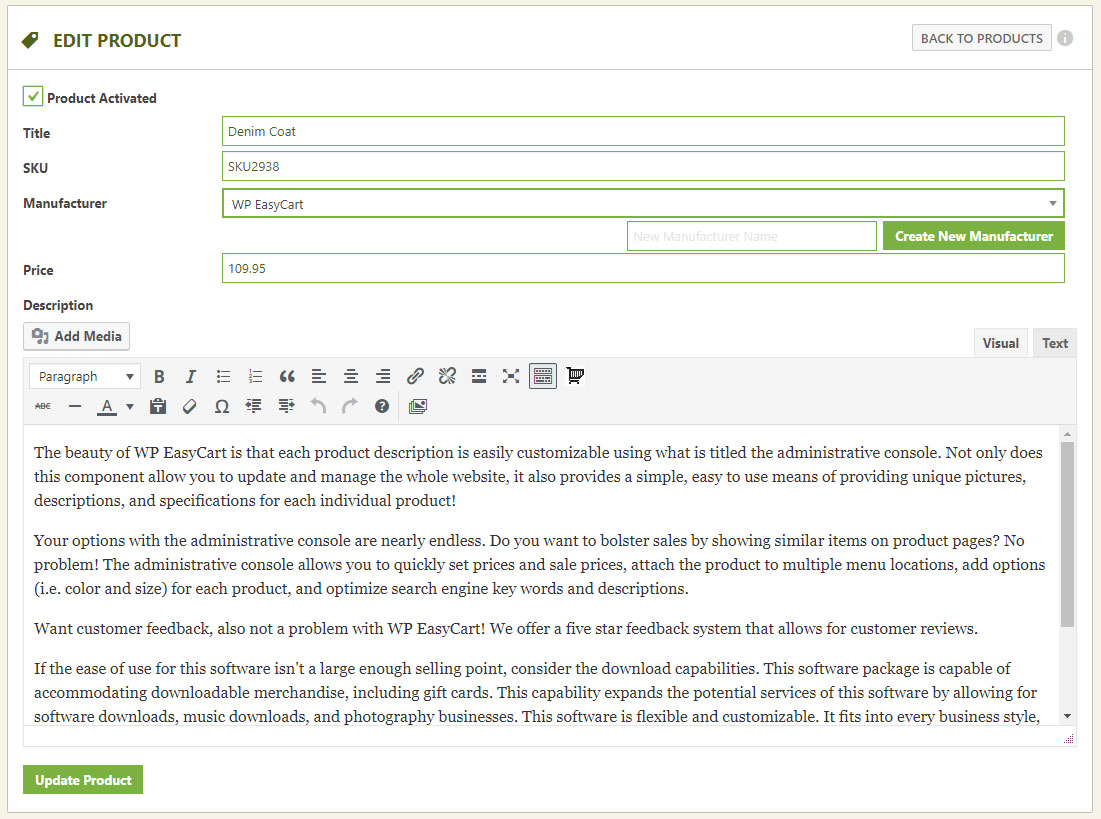
WP EasyCartDoesn’t get talked about much, honestly, but it’s a decent option for smaller stores that don’t need WooCommerce’s extension-heavy complexity. It comes with its own set of pre-built themes and a product management screen that’s reasonably easy to figure out even without much technical background. It won’t match WooCommerce’s ecosystem if your needs eventually grow more advanced, but for a straightforward small catalog, it gets the job done without much of a learning curve. Best for: small stores with simple catalogs and minimal setup needs.
WP EasyCart product management screen (Source: WordPress.org) |
|
10
|
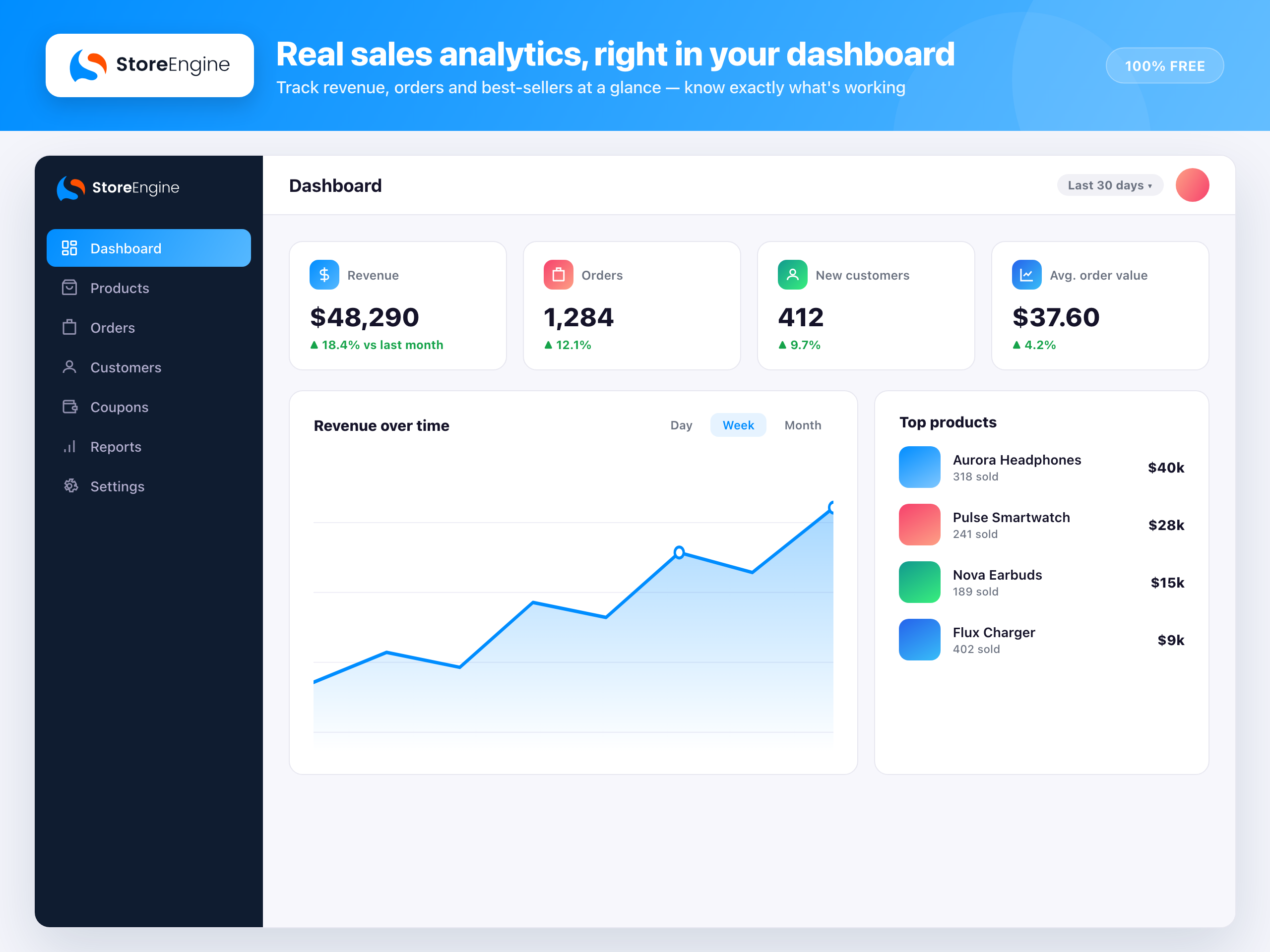
StoreEngineThe newest name on this list, and its whole pitch is being actually free, not free with the good stuff locked behind a paywall, which is a fair complaint about several other plugins here. Upsells, a subscription system, even an affiliate module, all in the free tier, which is unusual for this category. It hasn’t built up the track record that plugins a decade older have, so we’d lean toward recommending it for smaller or newer stores rather than anything mission-critical just yet. Best for: new store owners on a tight budget who want real features free.
StoreEngine sales dashboard (Source: WordPress.org) |
Which Plugin Fits Your Business?
Skip the popularity contest and match the plugin to what you’re actually selling.
|
Standard business models
|
Specialized needs
|
Common Mistakes We See Clients Make
Choosing a plugin based purely on what’s popular rather than what fits the business model. It usually means overpaying for flexibility that never gets used, or under-provisioning for growth that shows up sooner than expected. Getting this right early is a big part of what our ecommerce development engagements start with, before any plugin gets installed.
Underestimating extension costs during initial budgeting, particularly with WooCommerce, then feeling blindsided a few months in when shipping and tax add-ons start showing up on the invoice.
Skipping a proper staging environment before switching plugins on a live store, which can mean lost orders or broken checkout flows during the transition if something goes wrong.
What We Actually Tell Clients
Most projects that land on our desk default to WooCommerce, mostly because it’s the name people already know before they’ve even talked to us. And to be fair, for a standard product-based store, that default is usually the right call, so we don’t push back just for the sake of it. This is a conversation that comes up in nearly every WordPress development project before a single line of code gets written.
Where we push back is with digital-only sellers. If someone’s only selling downloads, we’ll steer them toward EDD every time, because the setup is faster and there’s less chance of missing something WooCommerce would need three bolted-on plugins to replicate.
“Free plugin” creates an expectation that the whole store stays cheap to run, and that’s not how it plays out once shipping, tax, and subscription extensions get added on top. We’d rather have that conversation honestly during planning than have a client feel blindsided by it three months into the build.
Frequently Asked Questions
Is WordPress good for ecommerce?
Yes. It powers a large share of ecommerce sites worldwide, mostly because plugins like WooCommerce give store owners full control over design and functionality without locking them into a closed platform.
Can WordPress be used for ecommerce without a plugin?
Not really, no. WordPress core has no shopping cart, payment processing, or inventory functionality built in. You need a dedicated plugin to handle any of that.
Does WordPress have built-in ecommerce features?
No. WordPress is a content management system at its core, not an ecommerce platform. Every bit of store functionality comes from a plugin sitting on top of it.
Are WordPress ecommerce plugins safe to use?
The established ones are, as long as you keep them updated and pick options with active development behind them. Plugins like SureCart that use hosted checkout take a meaningful chunk of that security burden off your hands entirely.
Do I need coding knowledge to set up a WordPress ecommerce store?
For most plugins on this list, no. WooCommerce, EDD, MemberPress, Ecwid, and SureCart all ship with setup wizards built for non-developers. Custom design work down the line might need some technical help, but the initial setup usually doesn’t.
Picking the plugin is the easy part. Setting it up correctly and optimizing it so it actually converts is where most stores quietly lose revenue. If you’d rather skip the trial and error, ongoing WordPress support can help plan, build, and maintain a store that fits your business from day one.