- What Actually Makes a Good WooCommerce Theme
- How to Choose the Right Theme for Your Store
- The Best WooCommerce Themes by Need
- Best for speed and performance: Astra
- Best all-rounder: OceanWP
- Best free option: Storefront
- Best for large or complex catalogs: XStore
- Best for a design-led or niche store: Savoy
- Free vs Premium WooCommerce Themes
- The Block Theme and Full Site Editing Shift
- Speed Warning: Themes and Page Builders
- When a Theme Is Not Enough
- Common Mistakes When Choosing a Theme
- Frequently Asked Questions
- What is the best WooCommerce theme?
- What is the fastest WooCommerce theme?
- Are free WooCommerce themes good enough?
- What is the best WooCommerce theme for a small business?
- Should I use a block theme for WooCommerce?
- Wrapping Up
- Not Sure if a Theme Is Still the Right Fit?
Choosing a theme isn’t just about the store’s appearance. A theme affects much more. For example, a theme decides how quickly your product pages load, and how simple it will be for you or your team to make minor or major changes to the store layout six months from now.
More importantly, it defines how much time your team will spend battling with the complicated admin panel and not the business itself. Most “Top 10”, “best of” or “most popular of” lists don’t mention these things. Typically, these kinds of lists do nothing more than compile thirty names, list them in a table, and then call the job done.
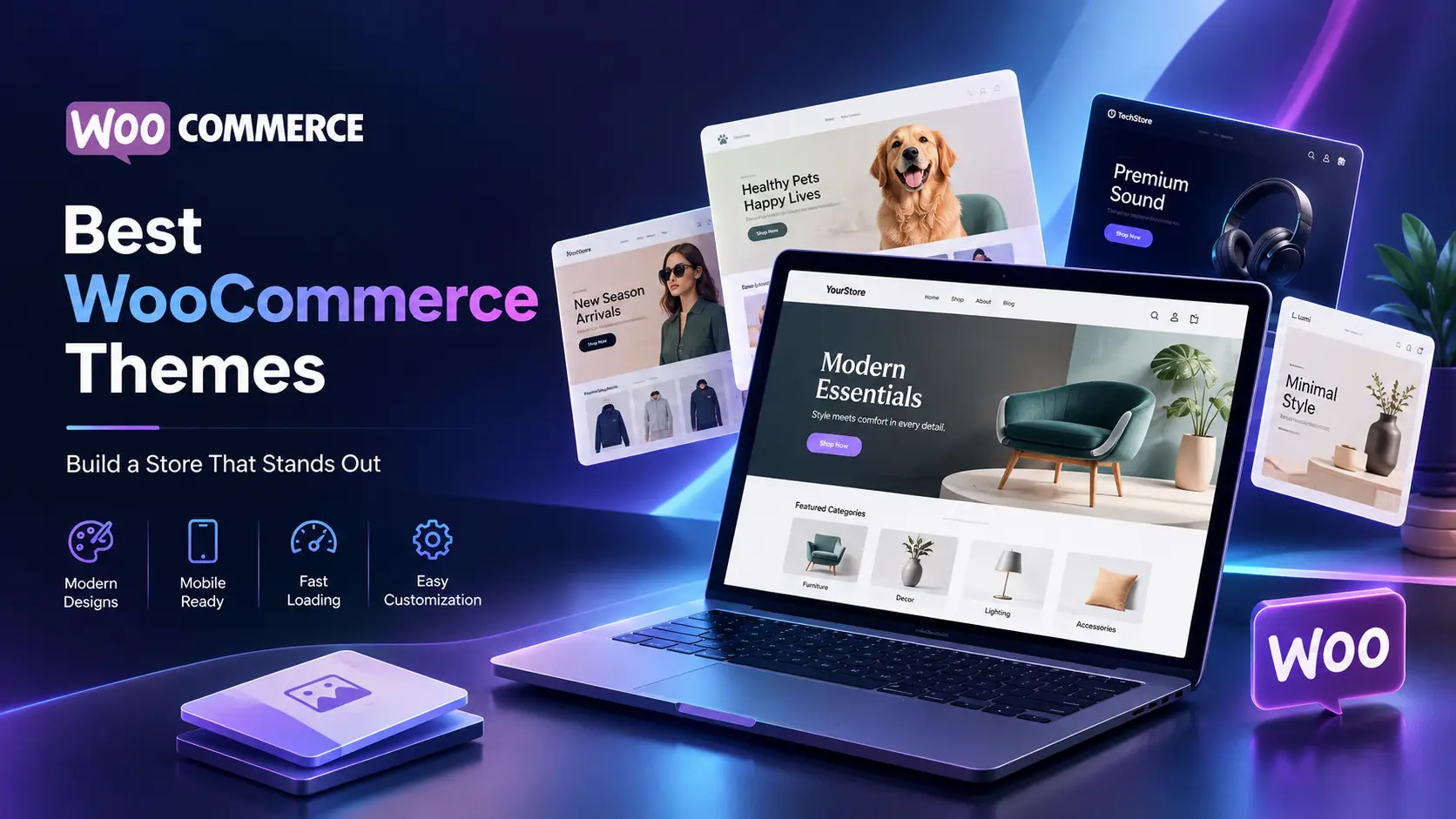
This isn’t that list. We’ve grouped the best WooCommerce themes for 2026 by what actually matters: speed, flexibility, budget, and store size. Fewer names, more honesty about who each one fits and where it falls short.
What Actually Makes a Good WooCommerce Theme
Before any names get mentioned, it helps to know what you’re actually judging. A theme that looks good in a demo can still slow your checkout to a crawl.
Here’s what separates a solid theme from a liability:
- Speed and lightweight code. This affects Core Web Vitals, search rankings, and how many carts you lose to a slow product page. Heavier isn’t better here.
- Flexibility without bloat. You want room to customize without stacking on five plugins just to move a button.
- Active WooCommerce compatibility. Regular updates matter more than a long feature list. An abandoned theme is a liability waiting to happen.
- Mobile experience. Most of your traffic is on a phone. If checkout feels clunky on mobile, that’s lost revenue, not a minor issue.
- Support and documentation. You’ll need this eventually. Usually sooner than you think.
- Block theme and full site editing readiness. More on why this matters in a minute, but it’s no longer a nice-to-have.
How to Choose the Right Theme for Your Store
Stop worrying about the list of themes for a moment and focus solely on your physical store. Obviously, even two stores running on WooCommerce would require very different website themes if one is a small store with only 10 items and the other has 3,000 SKUs.
Reflect on some key aspects: How technically skilled is your team? What’s your budget excluding the plugins that will be added later? And what will the size of your catalog be in a year? Can you do it with the in-house team, or do you need to hire WooCommerce Development Services from a reputable agency?
If your store is simple and your budget is tight, weight, speed, and support matter more than design options. If you’re running a large catalog with complex filtering, flexibility earns more weight than raw load time.
The Best WooCommerce Themes by Need
Note before diving in: theme pricing, ownership, and feature sets change often. Some popular themes have switched hands or shifted pricing models recently. Check the current details on the official theme site before you buy anything based on this list.
|
1
|
Best for speed and performance: AstraAstra is always among the fastest WooCommerce themes with consistent speed. This is mainly because the free version is delivered with lightweight code and no jQuery dependencies. It integrates seamlessly with the WordPress block editor, Elementor, and other builders without negatively affecting performance, unlike other multipurpose themes. The catch: Most of the WooCommerce-specific features, like the header and footer builder or the WooCommerce module, are behind the paid Astra Pro add-on. The pricing keeps changing, so don’t assume the figure you saw last time hasn’t changed. It is recommended to take a look at the latest pricing tiers on Astra’s website before you set your budget. You can also take a look at our blog on WooCommerce performance hacks that can improve your sales. |
|
2
|
Best all-rounder: OceanWPIf you want one theme that handles most store types reasonably well without heavy customization, OceanWP is a solid middle ground. It’s free at the core, offers a decent set of WooCommerce extensions, and doesn’t lock essential ecommerce features quite as hard behind a paywall as some competitors do. It’s not the fastest theme on this list. It’s also not the most design-forward. What it is: dependable, well-documented, and unlikely to surprise you with a breaking update. |
|
3
|
Best free option: StorefrontStorefront is WooCommerce’s own official theme, maintained by the WooCommerce team itself. That alone buys you a level of compatibility guarantee you won’t get elsewhere. It’s minimal, uncluttered, and honestly a smart choice for anyone who wants to launch fast and build up from a clean foundation. A few honest caveats:
For a first store or a tight launch budget, that trade-off usually makes sense. |
|
4
|
Best for large or complex catalogs: XStoreWhen it comes to handling large product inventories, you definitely need filter options, comparison features, and layout change flexibility that the lighter themes don’t offer. A well-established theme with a rich sales track, an almost perfect average rating, and XStore that comes with a huge collection of ready-to-go demos and layout options is 8theme’s creation. There is a catch, though: themes containing such enormous built-in features become very slow very quickly if you enable all features. Test speed on a staging site with your actual product data before going live, not just the demo content. |
|
5
|
Best for a design-led or niche store: SavoyFor stores where the product photography and layout need to feel considered rather than templated, minimalist themes like Savoy by NordicMade do the job better than feature-stuffed multipurpose options. It puts product imagery first and keeps the interface out of the way. That works especially well for home goods, fashion, and other visually driven categories. It’s a narrower fit than something like OceanWP. If you need heavy customization across dozens of page types, this isn’t the theme built for that. |
Free vs Premium WooCommerce Themes
Here’s the honest answer nobody wants to give: it depends, and not in a vague way.
A free theme is genuinely enough if your store is simple, your catalog is small, and you’re comfortable doing light customization yourself. Storefront, the free tier of Astra, and similar options cover that use case well. You’re not missing much by skipping premium here.
Premium usually buys you three things: dedicated support, WooCommerce-specific features baked in instead of bolted on through plugins, and fewer compromises as your store grows. That’s real value, but only if you’re actually going to use those features.
The trap most store owners fall into isn’t picking free themes. It’s picking a cheap theme that needs heavy customization to do what they actually want, then paying a developer more in customization hours than a premium theme would have cost upfront. That’s the hidden cost nobody puts in the marketing copy.
The Block Theme and Full Site Editing Shift
The introduction of full site editing drastically altered the amount of a WordPress site you could build without having to write code, and that change has even extended to WooCommerce. Block themes allow you to modify headers, footers, and templates through the WordPress editor directly, instead of depending solely on theme-specific customization settings or another page builder plugin.
What makes it matter in 2026? There are two reasons. First, it gives you more flexibility because your dependence on any single theme’s proprietary customization system is greatly lessened. Second, the direction in which WordPress is going. It means that themes developed for that purpose will probably stay relevant longer than those that are just an add-on to the classic editor.
You don’t need to obsess over this if your store is small and simple. But if you’re picking a theme meant to last three or four years, block theme compatibility is worth weighing alongside speed and price.
Speed Warning: Themes and Page Builders
This section exists because almost no other guide says it plainly enough: a heavy multipurpose theme paired with a bloated page builder can quietly wreck your store’s performance, even when everything looks fine on the surface.
The pattern usually goes like this. A theme demo looks great. You install it, add a page builder, then start layering in widgets, sliders, and animations because they’re available. Six months later, product pages take four seconds to load, and nobody can pinpoint why. It’s rarely one plugin. It’s the accumulation.
Before committing to any theme:
- Install it on a staging site, not your live store
- Run it through a real speed test with actual product images, not demo placeholders
- Test a product page and the checkout page specifically, not just the homepage
- Check the score on both desktop and mobile, since mobile is usually where things fall apart
If you skip this step, you’re trusting the theme’s marketing page over your own data. Not a great trade.
When a Theme Is Not Enough
Sometimes the honest answer is that no theme, free or premium, fits what your business actually needs. That’s not a failure on your part. It’s just a sign you’ve outgrown the off-the-shelf category.
Common signs include:
A complex product configurator that even a theme’s most powerful settings panel cannot manage. A performance limit that always pops up even after optimizing plugins and image sizes. A design idea copied effortlessly by your competitors since it’s simply built on a widely used public theme. Integration needs with an ERP, custom CRM, or a legacy system that weren’t even considered by generic WooCommerce extensions.
From that point on, you are in a position where you are essentially comparing a custom design vs. a theme-based development solution not just as an upsell but as a real decision point.
If you are evaluating the figures, understand the cost of WooCommerce development at different levels of customization before the final decision.
Situation for which Elsner’s WooCommerce development services is an ideal fit: stores that require functionality a theme simply cannot offer, actual business logic instead of a settings panel that someone else created.
Common Mistakes When Choosing a Theme
Picking on looks alone. A beautiful demo tells you nothing about load time or how it performs under your actual product catalog.
Choosing a bloated multipurpose theme for a simple store. More features you don’t use is still more weight your server has to carry.
Overlooking update history. A theme with no updates in eight months is a warning sign, not a bargain.
Locking into a proprietary page builder. Some themes tie your content to their own builder so tightly that switching later means rebuilding from scratch.
When you are choosing the best theme for your website, it is highly important that you consider a theme that can be integrated easily with your WooCommerce product SEO tactics to make it SEO-optimized. Your main goal is, after all, search engine optimization of your store.
Frequently Asked Questions
What is the best WooCommerce theme?
Well, there really isn’t a single best WooCommerce theme. Astra theme typically comes out on top in the speed and features criteria for a general use case. But the ideal theme for you would be the one that best fits your needs, such as the size of your product catalog, available budget, and the depth of customization that you actually require.
What is the fastest WooCommerce theme?
Astra and other lightweight, minimal-code themes generally perform best out of the box. That said, actual speed also depends heavily on hosting, image optimization, and how many plugins you stack on top.
Are free WooCommerce themes good enough?
For simple stores with modest customization needs, yes. Storefront and the free tier of Astra cover a lot of ground without costing anything. Larger or more complex stores usually benefit from premium features eventually.
What is the best WooCommerce theme for a small business?
Storefront or the free version of Astra typically make sense for a small business just launching, since both are stable, well-supported, and don’t require a big budget to get started.
Should I use a block theme for WooCommerce?
If you’re picking a theme meant to last several years, block theme compatibility is worth factoring in. It’s not mandatory for every store, but it aligns with where WordPress itself is heading.
Wrapping Up
Each theme on this list will be good enough for the store it was built for, as all products and themes are different and none has unlimited potential. When you have tried several options but none really works, chances are your business might be getting to a point where instead of having the theme define your workflow, you might be the one defining it by having it developed around your specific catalog and workflow.
Elsner’s WordPress development services team creates highly efficient and tailored WooCommerce stores for enterprises that have moved past and are not limited by the theme marketplace anymore.
Not Sure if a Theme Is Still the Right Fit?
Your WooCommerce store may work perfectly with the right theme—or you may be spending too much time working around its limitations. Get an expert perspective on the best approach for your store, catalog, and growth plans.