- Why Businesses Migrate from HubSpot CMS to WordPress?
- When Migrating to WordPress Makes Sense?
- What You Must Preserve During HubSpot Website Migration to WordPress?
- Step-by-Step HubSpot to WordPress Migration Process
- Common Migration Mistakes Businesses Make
- HubSpot CMS vs WordPress: Long-Term Cost Comparison
- How Long Does HubSpot to WordPress Migration Take?
- SEO Checklist For HubSpot To WordPress Migration
- HubSpot to WordPress SEO Migration Checklist
- Conclusion
- Ready to Migrate from HubSpot to WordPress Without Losing SEO?
- Frequently Asked Questions
- How to migrate from HubSpot to WordPress?
- Can I migrate from HubSpot to WordPress without losing SEO?
- How long does a HubSpot to WordPress migration take?
- Is WordPress better than HubSpot CMS for SEO?
- How much does a HubSpot to WordPress migration cost?
- What should I check before launching a migrated WordPress website?
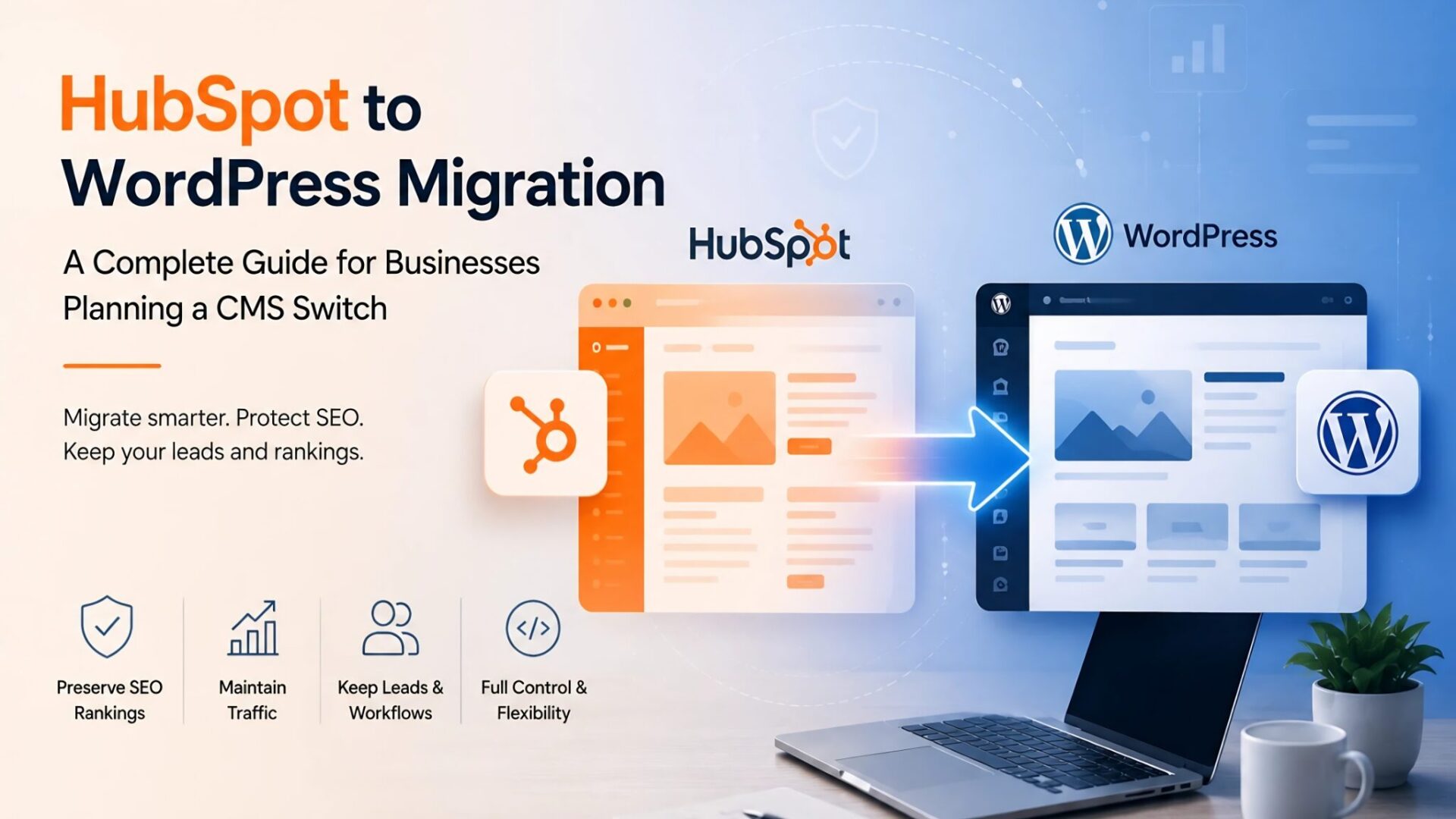
Many businesses move to HubSpot CMS expecting flexibility and fast growth. But they eventually hit limitations with customization, scalability, or pricing. The challenge is not migrating a website itself. It is migrating without damaging SEO rankings, lead generation, and existing workflows.
A poorly planned HubSpot to WordPress migration can cause traffic loss, and conversion drops. This guide explains:
- When HubSpot CMS to WordPress migration makes sense.
- What risks businesses should prepare for.
- How to migrate safely while protecting SEO performance.
Quick context: This guide covers the complete HubSpot to WordPress migration process — from the business case and SEO risks to a step-by-step migration process, cost comparison, timelines, and a pre-launch SEO checklist you can use directly.
Why Businesses Migrate from HubSpot CMS to WordPress?
HubSpot CMS is a capable platform. But it was built around a specific ecosystem. As businesses grow, many begin to feel the limitations and migrate HubSpot to WordPress.
|
1
|
CostHubSpot CMS Hub at the Professional and Enterprise tiers isn’t cheap, and the pricing scales up whether or not your needs do. At some point, finance starts asking what exactly that recurring expense is buying. |
|
2
|
Development FlexibilityHubSpot’s HubL templating system is proprietary. Anything that falls outside what the platform supports natively requires workarounds and those workarounds accumulate. Developers used to WordPress will tell you the comparison isn’t close. |
|
3
|
OwnershipWhen your site lives on HubSpot’s infrastructure, it lives on their terms. WordPress gives you full control over your codebase, your database, and where everything is hosted. That matters more as a business scales. |
|
4
|
The Plugin EcosystemWordPress has over 60,000 plugins. If you need a specific integration there’s almost certainly something production-ready available. On HubSpot CMS, you’re often building it yourself. |
|
5
|
Third-Party IntegrationsConnecting HubSpot CMS to external platforms is workable but limited. WordPress plays nicely with a wider range of tools without requiring custom connectors. |
None of this makes HubSpot a bad product. It’s a capable platform. It just has a ceiling, and some businesses hit it faster than others. Businesses migrate website from HubSpot to WordPress when growing content teams, expanding SEO programs, or plans to move into WooCommerce territory. If you’re considering the switch, working with an experienced team offering WordPress development services can help you plan the transition without compromising what’s already working.
When Migrating to WordPress Makes Sense?
Not every business should migrate. This HubSpot WordPress migration decision deserves honest evaluation before any technical work begins.
HubSpot WordPress migration makes strong business sense when:
- You need advanced customization that HubSpot’s templates and HubL cannot deliver. If your development team is spending significant time working around platform constraints instead of building forward, that is a real cost.
- Your SEO program has outgrown what HubSpot CMS offers natively. WordPress gives you more granular control over technical SEO. You get custom schema and advanced redirect management. HubSpot CMS migration to WordPress gives you full control over canonical tags, and deeper Core Web Vitals optimization.
- You are planning a serious content operation. WordPress was built for content publishing at scale. Its editorial workflow, custom taxonomy options, and content scheduling tools suit complex content strategies better than HubSpot’s CMS layer.
- E-commerce is part of the roadmap. WooCommerce is the most mature open-source e-commerce platform available, and having your CMS and e-commerce on one WordPress install eliminates integration friction and reduces cost.
- You are managing or planning a multi-site architecture. WordPress Multisite allows enterprise businesses to manage multiple regional or brand sites from a single installation. Something HubSpot CMS does not support as cleanly.
- You want to reduce long-term platform dependency and cost. The recurring cost of HubSpot CMS, combined with limited portability, creates a compounding business risk. WordPress eliminates platform lock-in.
Migration may not be the right move when:
- You have a small marketing site with minimal SEO investment and no immediate growth plans. The disruption of HubSpot WordPress migration outweighs the benefit.
- Your team relies heavily on HubSpot-native workflows: sequences, smart content, tight HubSpot CRM integration, and contact attribution through the CMS. Rebuilding these outside HubSpot is possible but adds significant time and cost.
- You do not have resources for ongoing WordPress maintenance. WordPress requires active attention like plugin updates, security patches and performance monitoring. If no one on the team owns that, the operational burden can offset the cost savings.
Think of this as a genuine decision framework, not a push toward migration. The goal is clarity, not conversion.
What You Must Preserve During HubSpot Website Migration to WordPress?
This is the section most migration guides underwrite. Most SEO traffic losses during migration happen because businesses underestimate technical SEO preservation. Knowing how to migrate a website from HubSpot to WordPress without losing SEO starts with understanding what needs to be protected — and in what order.
The businesses that handle migration well treat every item on this list as non-negotiable — not optional based on timeline pressure.
Step-by-Step HubSpot to WordPress Migration Process
Here is exactly how to migrate from HubSpot to WordPress — in the right sequence.
|
1
|
Full Website AuditCrawl your entire HubSpot site. Document every URL, meta title, description, redirect, internal link, form, and conversion point. This becomes your migration map. |
|
2
|
Content Backup and ExportUse HubSpot’s native export tools for blog posts, landing pages, forms, and contact data. Supplement with a full crawl backup. |
|
3
|
URL MappingBuild a spreadsheet: current HubSpot URL, intended WordPress URL, redirect required or not. Resolve everything before development starts. |
|
4
|
WordPress Setup and HostingChoose a managed WordPress host with solid performance credentials. Set up the WordPress environment and a staging instance where all migration work happens first. Investing in reliable managed WordPress hosting and maintenance at this stage protects your site’s speed and uptime from day one on the new platform. |
|
5
|
Theme Development or SelectionDecide between a premium theme, page builder, or custom development based on your design requirements. Custom development offers the most control long-term. |
|
6
|
Content MigrationMigrate in structured batches. Use plugins or scripts for bulk content, but manually review high-priority pages. Preserve all metadata during this step. |
|
7
|
Redirect ImplementationConfigure all 301 redirects before launch. Implement at the server or hosting level where possible for better performance. |
|
8
|
Form and CRM MigrationRebuild every HubSpot form in WordPress. Test end-to-end: submission, CRM data flow, confirmation emails, lead routing. All of it. |
|
9
|
SEO ValidationRun a full technical SEO audit of the staging environment. Meta tags, canonicals, schema, image alt text, internal links, page speed. Fix everything before launch. |
|
10
|
Staging TestingTest every page type, form, CTA, integration, and user flow. Include cross-browser and mobile checks. Bring in marketing and sales for real-world validation. |
|
11
|
LaunchUpdate DNS, verify SSL, confirm redirects are live, submit the sitemap immediately. |
|
12
|
Post-Launch MonitoringWatch Search Console for crawl errors and coverage drops for at least 30 days. Organic traffic data should be reviewed daily for the first two weeks. |
Common Migration Mistakes Businesses Make
These show up across industries and company sizes. Knowing them in advance is how you avoid paying for them after launch.
Launching Without Redirect Mapping
The most common mistake and the most damaging. Every unredirected URL change is direct traffic loss.
Changing URLs When You Don’t Need To
Migration looks like an opportunity to clean up URL structure. Resist it unless the current structure is genuinely broken. Unnecessary URL changes multiply redirect complexity and SEO risk.
Losing Metadata
Page titles and descriptions that don’t survive migration often get replaced with generic defaults. That weakens click-through rates and can suppress rankings.
Rushing QA
Cutting testing time to hit a launch date is one of the most reliable ways to create post-launch problems. Budget QA as aggressively as you budget development.
Ignoring Page Speed
A poorly configured WordPress install can regress Core Web Vitals scores that were previously solid on HubSpot. Hosting quality, image optimization, and plugin load all need attention before go-live. Understanding common WordPress performance issues before launch day lets you benchmark and fix regressions before they reach your users.
Broken Forms
Forms are where visitors become leads. A broken form that isn’t caught in testing can quietly fail for days before anyone notices the conversion rate has dropped.
Missing Analytics
Launching without verified GA4 tracking creates blind spots. Even a few days of missing data during a sensitive traffic period causes attribution gaps that are hard to reconcile later.
Migrating a Bad UX
If there are UX issues you’ve been tolerating on HubSpot, don’t port them over. Migration is the right time to fix them, not after.
HubSpot CMS vs WordPress: Long-Term Cost Comparison
WordPress costs stay relatively flat regardless of how large the site gets. For businesses planning to grow their content operation, expand development, or build custom functionality, WordPress’s total cost of ownership over three to five years is almost always lower. The migration investment typically pays for itself within the first year compared against continued HubSpot CMS subscription costs at the Professional or Enterprise tier.
How Long Does HubSpot to WordPress Migration Take?
What extends timelines most often is not the volume of content. It is complexity. Sites with many form integrations, complex CRM workflows, custom HubSpot modules that need to be rebuilt, or significant technical SEO requirements add weeks. Build in a buffer for QA and post-launch monitoring regardless of site size.
SEO Checklist For HubSpot To WordPress Migration
Use this SEO checklist for HubSpot to WordPress migration before pushing anything live. This should be completed and signed off by the responsible SEO or technical team member before launch day.
- All 301 redirects tested and confirmed resolving correctly
- Meta titles verified on every page type
- Meta descriptions verified on every page type
- XML sitemap generated and ready for Search Console submission
- GA4 tracking code installed and firing correctly on staging
- Google Search Console ownership verified for new WordPress domain/path
- All internal links audited and resolved to correct URLs
- Canonical tags validated on all pages, especially paginated content
- Schema markup tested using Google’s Rich Results Test
- Mobile responsiveness tested on primary device types
- Core Web Vitals (LCP, CLS, FID) benchmarked against pre-migration scores
- All forms tested end-to-end including CRM submission
- Image alt text preserved and confirmed on all migrated pages
- Robots.txt and noindex settings reviewed — nothing critical is blocked
- SSL certificate active on WordPress domain
Free Download
HubSpot to WordPress SEO Migration Checklist
15-point pre-launch checklist — print it, share it with your team, and sign off before go-live.
Conclusion
For businesses that have genuinely hit the ceiling on HubSpot CMS, WordPress offers more control, better SEO tooling, and lower long-term costs. But the platform switch itself isn’t the point. The question is: how to migrate a website from HubSpot to WordPress without losing SEO?
Businesses that handle this well treat migration as a structured project: phased delivery, rigorous QA, and SEO preservation built in from the start. Those who treat it as a technical lift and figure out the SEO later tend to spend months recovering traffic they never needed to lose.
The same discipline that separates a clean migration from a damaging one applies to any platform switch — whether you’re moving from HubSpot, Webflow, or another CMS. If you want to see how other platform migrations to WordPress are handled with zero SEO loss, the same principles carry through regardless of the source platform.
If you are planning a HubSpot to WordPress migration and want a clear migration roadmap with SEO protection built into the process, Elsner’s WordPress migration services and WordPress development services experts can help you move confidently.
The right measure isn’t what migration costs — it’s what a poorly executed one costs you. A structured migration that protects SEO and preserves lead generation recovers its investment quickly. An unplanned one can take months of traffic and conversions to repair.
Ready to Migrate from HubSpot to WordPress Without Losing SEO?
Get in touch. We plan and execute HubSpot to WordPress migrations with SEO preservation, full redirect mapping, and post-launch monitoring built in from day one.
Frequently Asked Questions
How to migrate from HubSpot to WordPress?
Start with a full site audit and content export from HubSpot, then build a complete URL mapping document before any development begins. Set up WordPress on quality managed hosting, migrate blog content in structured batches preserving all metadata, implement 301 redirects, rebuild forms and CRM integrations, and run thorough staging tests before launch. SEO preservation needs to run parallel to the technical work throughout.
Can I migrate from HubSpot to WordPress without losing SEO?
Yes, if the process is properly planned. Maintain your URL structure where possible, implement 301 redirects for anything that changes, preserve meta titles and descriptions exactly, migrate schema markup, and verify GA4 and Search Console tracking before go-live. Most SEO losses during a HubSpot WordPress migration come from cutting corners on these steps — not from migration itself.
How long does a HubSpot to WordPress migration take?
Small sites under 30 pages typically take one to two weeks. Mid-size sites with blog archives, multiple templates, and form integrations usually need three to six weeks. Enterprise migrations with complex integrations, custom functionality, or hundreds of pages can run two to four months. Having a dedicated QA phase and post-launch monitoring period in the project plan is non-negotiable regardless of size.
Is WordPress better than HubSpot CMS for SEO?
For technical SEO, WordPress gives you more control. Schema markup, redirect management, canonical tags, Core Web Vitals optimization — all of these are more flexible and extensible in WordPress, particularly through plugins and custom development. HubSpot CMS handles the fundamentals, but it limits how deep you can go. For businesses with serious organic growth programs, that difference adds up.
How much does a HubSpot to WordPress migration cost?
It depends heavily on site size, design complexity, number of integrations, and SEO scope. Basic HubSpot to WordPress migration services for a small site can start in the low thousands. A mid-market or enterprise migration with custom theme development, CRM integration, and full SEO preservation can go considerably higher. The more useful number is the total cost of ownership over three to five years. For most businesses in the Professional or Enterprise HubSpot tier, the migration investment pays back within the first year through subscription cost reduction alone.
What should I check before launching a migrated WordPress website?
Confirm that all 301 redirects are live and resolving correctly, meta titles and descriptions are preserved on every page, the XML sitemap is submitted to Search Console, GA4 tracking is verified, internal links are audited, canonical tags are in place, schema passes Google’s Rich Results Test, all forms submit correctly to the CRM, and Core Web Vitals scores are benchmarked against pre-migration performance. Every item on that list should be documented and signed off before launch day.