- Why Redesign Your WordPress Website?
- Need Expert WordPress Development Services?
- 4 Steps Before the Redesigning WordPress Website (Planning & Strategy)
- 3 Steps to Launch Your Redesign WordPress Website (Implementation)
- Is Your WordPress Website Running Smoothly?
- Steps to a Successful Launch WordPress Website
- Website Redesign Best Practices
- 1. Prioritize User Experience (UX)
- 2. SEO Optimization from Day One
- 3. Choose the Right Theme & Plugins
- 4. Test Before You Go Live
- 5. Plan for Post-Launch Maintenance
- Wrapping Up
- FAQs
- How long does a WordPress redesign take?
- How much does a WordPress redesign cost?
- Should I redesign or rebuild my WordPress site?
- How do I keep my rankings during a redesign?
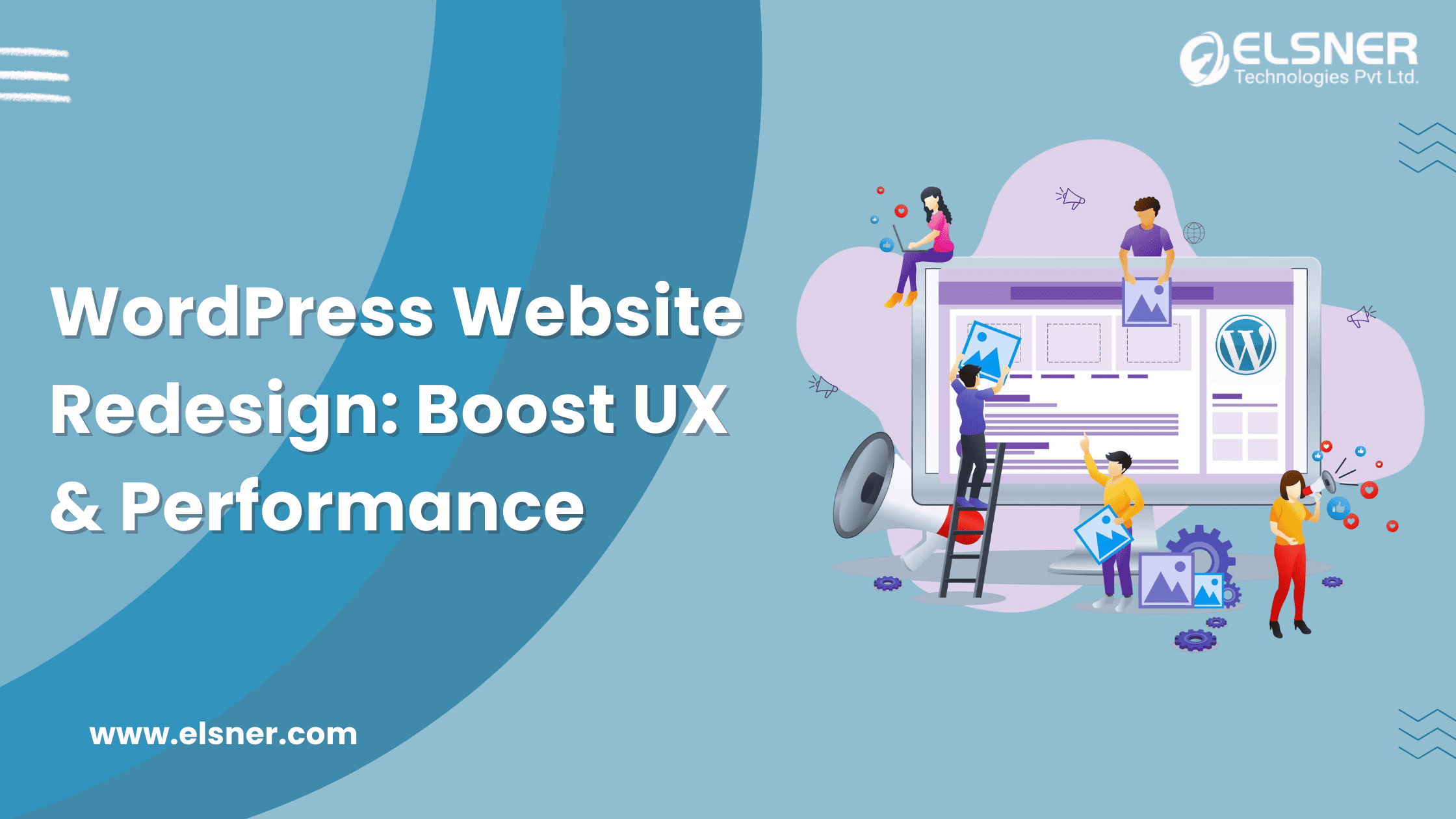
Imagine showing up to a party in a 90s tracksuit while everyone else is dressed in sleek, modern attire. That is exactly how an outdated website feels in today’s digital world. A WordPress website redesign is not just a facelift; it is about WordPress performance optimization, better user experience, and keeping up with the latest web trends.
Quick Answer
A WordPress website redesign means updating your site’s design, structure, and performance while protecting the SEO and traffic you already have. The safe process is: audit your current site, plan the new structure, redesign on a staging site, map redirects for any changed URLs, test everything, then launch and monitor. The biggest risk is losing rankings by changing URLs without redirects, so plan that first.
Your visitors are impatient. 53% of them will abandon a site if it takes longer than 3 seconds to load! If your site still looks like it was built when dial-up internet was a thing, it is time for a WordPress design revamp. But fear not! Whether you are looking for WordPress redesign services or planning a WordPress theme redesign, Elsner has got you covered. This guide will help you understand why and how to redesign your WordPress site like a pro.
Why Redesign Your WordPress Website?
Think of your website like a car. If it is outdated, slow, and breaking down every time you accelerate, it is time for a WordPress website redesign. A custom WordPress development company can help you revamp your site with modern design, improved performance, and enhanced functionality. Here is why you should not wait until your site is on life support to consider a WordPress design revamp.
|
1
|
Outdated Design: The “90s Called…”If your website still looks like a MySpace page, visitors will assume your business is stuck in the past. Trends evolve, and so should your site. A WordPress theme redesign ensures a modern, sleek look that aligns with today’s web standards. |
|
2
|
Poor User Experience (UX): Visitors Should Not Need a MapA confusing site structure makes visitors feel like they are stuck in a maze. If users cannot navigate easily, they will leave faster than you can say “bounce rate.” A WordPress website redesign ensures smooth navigation, improved readability, and an overall enjoyable browsing experience. |
|
3
|
SEO Issues: Google is Watching (and Judging)Search engines love fresh, optimized content. An outdated site with broken links, slow speed, and poor mobile experience is an SEO disaster. A redesign WordPress site can significantly boost rankings by improving site speed, structure, and content optimization. |
|
4
|
Lack of Functionality: Features Matter!A decade ago, having a simple website was fine. Today, users expect interactive features like live chat, AI-driven search, and personalized content. If your site lacks these, a WordPress design revamp is long overdue. Adding modern functionality enhances user engagement and conversion rates. |
|
5
|
Technical Issues: The Digital Equivalent of a Leaky RoofDoes your website crash at random times? Do images load like it is 1999? If so, it is time for a WordPress performance optimization. A well-coded website is essential for security, speed, and reliability. Optimizing your site to reduce server response time can significantly improve loading speeds and overall performance. |
|
6
|
Mobile Incompatibility: Over 50% of Web Traffic is MobileIf your website still requires pinch-and-zoom to read text on mobile, you are losing half of your potential audience. A WordPress theme redesign ensures a responsive, mobile-friendly experience that caters to users on all devices. |
|
7
|
Branding Update: Your Website Should Reflect Your GrowthYour business evolves. Should your website not evolve with it? A WordPress website redesign ensures your branding, colors, and messaging align with your current identity and values. |
|
8
|
Competition: Keep Up or Get Left BehindYour competitors are upgrading their websites, and if you do not, you risk losing customers to them. A WordPress design revamp keeps your site fresh, competitive, and aligned with industry trends. |
|
9
|
Low Conversion Rates: Turning Visitors into CustomersGetting traffic is great, but if visitors are not converting, your website needs work. A redesigned WordPress site improves call-to-action placements, enhances landing pages, and optimizes for conversions. |
|
10
|
Migration: Transitioning Without Losing DataSometimes, a WordPress website redesign requires migrating to a better hosting provider or upgrading to an enterprise CMS development solution. A planned migration with Elsner Technologies ensures minimal downtime and prevents data loss. Old Hosting → Data Backup → New Hosting → Testing → Live Site |
If you are experiencing any of these issues, it is time for a WordPress redesign services upgrade. Whether you need WordPress development services, WordPress maintenance packages, or just expert advice, making the right move now can save you from headaches later!
Need Expert WordPress Development Services?
Our WordPress experts can build, optimize, and scale your site for success!
4 Steps Before the Redesigning WordPress Website (Planning & Strategy)
Redesigning a website without a plan is like baking a cake without a recipe. Expect a disaster. A WordPress website redesign is not just about looks; it is about enhancing functionality, user experience, and business performance. Before diving into a WordPress design revamp, follow these four crucial planning steps to ensure your WordPress theme redesign is a success.
|
1
|
Set Clear GoalsStarting a redesign WordPress site without clear goals? That is like heading to the airport with no destination in mind. You might end up in a place you never wanted to be. |
Setting measurable goals ensures your WordPress redesign services align with your business needs and do not leave you wondering why your bounce rate is higher than a kangaroo on a trampoline.
|
2
|
Structure Your Redesign ProjectWould you build a house without blueprints? Then do not start a WordPress website redesign without a structured plan. Otherwise, you might end up with a digital haunted house instead of a sleek, modern website.
A structured approach keeps your WordPress website maintenance service smooth and prevents future headaches. |
|
3
|
Assess Available ResourcesRedesigning a WordPress site takes time, skills, and budget. Before you start, check your resources, unless you enjoy last-minute panic attacks. |
If you lack resources, hire dedicated WordPress developer to avoid your redesign turning into an expensive digital horror story.
|
4
|
Create a Redirection PlanWant to tank your SEO overnight? Just forget about redirects! A WordPress theme redesign often changes URLs, which can be disastrous if not handled correctly. Imagine visitors clicking an old link only to find a “404 Not Found” page. It is like inviting guests to a party that does not exist. At Elsner, we ensure seamless redirects and proper URL management to protect your SEO rankings and user experience.
Old URL → 301 Redirect → New URL → SEO Preserved → Happy Users |
Use 301 redirects to maintain rankings. A WordPress maintenance package can automate this process and prevent you from losing years of SEO efforts. Follow these steps, and your WordPress performance optimization will be smooth, stress-free, and (most importantly) successful!
3 Steps to Launch Your Redesign WordPress Website (Implementation)
So, you have mapped out the plan, avoided common redesign disasters, and now it is time to bring your WordPress website redesign to life! But before you hit the launch button like an overexcited intern, take a moment to review the essential WordPress features that can enhance your site’s performance and user experience. Follow these three crucial steps to ensure a smooth transition.
|
1
|
Choose Your Development EnvironmentWould you test a rocket engine inside your living room? No? Then do not launch a WordPress design revamp directly on your live site! Instead, set up a staging environment to test everything without breaking your main website. |
Using a proper environment ensures your WordPress performance optimization efforts do not turn into an unexpected website crash.
|
2
|
Acquire the Tools You NeedRedesigning without the right tools is like trying to build IKEA furniture without an instruction manual. It is possible, but you will regret it. |
From enhancing speed to ensuring smooth transitions, these tools help your WordPress redesign services run without a hitch.
|
3
|
Prepare Your New Website ContentA fresh WordPress theme redesign deserves fresh content. But just copying and pasting old text is like wearing your high school outfit to a business meeting: outdated and awkward.
|
A WordPress maintenance package can help automate updates and ensure content stays optimized post-launch.
Staging Site Testing → Final Optimization → Backup Live Site → Go Live!
By following these steps, your WordPress website maintenance will be smooth, ensuring your investment pays off. Need extra hands? Hire WordPress developers or a custom WordPress Studio development company to make sure everything runs like clockwork!
Is Your WordPress Website Running Smoothly?
Ensure peak performance, security, and updates with our expert WordPress maintenance services.
Steps to a Successful Launch WordPress Website
So, you have navigated the wild terrain of a WordPress website redesign. Avoided design disasters, fought off broken links, and tamed the SEO beast. Now, it is time for the grand finale: launching your WordPress design revamp without everything going up in digital flames.
|
1
|
Choose a Direct Production or Pre-Production ServerWould you test-drive a car at full speed on the highway before checking the brakes? No? Then do not launch your redesign WordPress site without choosing the right server. |
For a smooth WordPress theme redesign, use a pre-production server to avoid chaos. Many custom WordPress development companies swear by this step to ensure nothing crashes during launch.
|
2
|
Test Your New WebsiteTesting is like detective work. You are hunting bugs, broken links, and layout glitches before visitors find them and call it a disaster.
New Website Ready → Staging Server Testing → Bug Fixes → Final QA → Go Live |
Want a hassle-free process? Hire WordPress expert teams to test everything before launch. Or at least bribe a colleague with coffee to double-check.
|
3
|
Reactivate and Reconnect All Third-Party ServicesSo, your WordPress redesign is almost complete, but have you reconnected all your third-party integrations? Forgetting this is like baking a cake but leaving out the sugar: technically functional, but nobody will enjoy it. |
If something does not work, do not panic. Just check your settings and API keys. Many WordPress maintenance packages include post-launch support, so you are not left scrambling.
With these steps done, your WordPress performance optimization is in place, and your WordPress website is ready for action. By leveraging a well-structured WordPress Themes Architecture, you ensure a seamless and efficient user experience. Now, sit back and enjoy the glory of a successful WordPress website redesign. Or, you know, start planning the next one!
Website Redesign Best Practices
A WordPress website redesign is not just a makeover; it is a strategic upgrade. But without following best practices, you might end up with a digital Frankenstein: pieces everywhere, nothing working right. Here is how to get it right:
1. Prioritize User Experience (UX)
If your website feels like a puzzle with missing pieces, visitors will leave faster than free Wi-Fi disappears at a coffee shop.
2. SEO Optimization from Day One
A WordPress design revamp should not send your rankings into oblivion. Ensure SEO best practices are baked into the process:
- Implement 301 redirects to prevent broken links.
- Optimize images and code for WordPress performance optimization.
- Use structured data to improve search engine visibility.
3. Choose the Right Theme & Plugins
Not all themes are created equal. Pick a WordPress theme redesign that supports your business goals without slowing down your site.
4. Test Before You Go Live
Testing is not optional unless you enjoy surprises, like realizing your checkout page does not work AFTER launching.
- Test across devices and browsers.
- Check forms, buttons, and interactive elements.
- Run a speed and security audit.
5. Plan for Post-Launch Maintenance
A WordPress redesign services project does not end at launch. It is an ongoing process. Invest in WordPress maintenance packages and WordPress website maintenance service to keep your site running smoothly.
Wrapping Up
Think of a WordPress site like remodeling your house. Would you knock down walls without a plan? No! By following best practices, ensuring WordPress performance optimization, and working with a custom WordPress development company, you can avoid digital disasters. Whether you’re managing a single site or a WordPress Multisite network, having a solid strategy is crucial. If all this sounds overwhelming, don’t worry. Hire a WordPress expert or hire a dedicated WordPress developer to handle the heavy lifting.
Your website deserves to look good, function flawlessly, and rank well. A strategic WordPress website redesign by Elsner Technologies ensures you stay ahead of the competition, attract more visitors, and convert them into loyal customers.
FAQs
How long does a WordPress redesign take?
Usually a few weeks to a few months, depending on size and custom features.
How much does a WordPress redesign cost?
It varies by scope, from a template refresh in the low thousands to a full custom redesign that costs much more.
Should I redesign or rebuild my WordPress site?
Redesign if the foundation is sound. Rebuild if the site is slow, insecure, or built on outdated code.
How do I keep my rankings during a redesign?
Map every old URL to its new one with 301 redirects, keep your content and metadata, and monitor Search Console after launch.