 Zoho
Solutions
 Ecommerce
Development
 Web
Development
 AI
Solutions




- What is Zoho CRM?
- What is WooCommerce?
- The Problem
- The Solution
- Features of Integration
- How does Integration Work?
- Advantages of CRM Integration for Zoho Plugin
- Conclusion
- Frequently Asked Questions
- What is WooCommerce and Zoho CRM integration?
- What data syncs between WooCommerce and Zoho CRM?
- How does the integration work?
- Which Zoho CRM plan do I need for order and invoice sync?
- Do I need a developer to set up the integration?
- Can I control when and how data syncs?
- What happens if a sync fails?
- Can it handle a large number of orders and records?
Quick Guide
WooCommerce and Zoho CRM integration automatically syncs your store’s users, orders, invoices, and shipment statuses to Zoho CRM, so you can track customers, run campaigns, and build reports without entering the same data twice. The CRM Integration for Zoho plugin does this through customizable feeds and detailed error logs.
|
1
Order placed A customer places an order in your WooCommerce store. |
2
Data synced User, order, invoice and shipment information reaches Zoho. |
3
Insights ready Your team tracks interactions and reviews reports and dashboards in the CRM. |
|
What gets synced
|
Why teams use it
|
Short version: connect WooCommerce to Zoho CRM with a sync plugin so orders, invoices, users and items reach your CRM automatically, then customize the feeds to match how you manage your store.
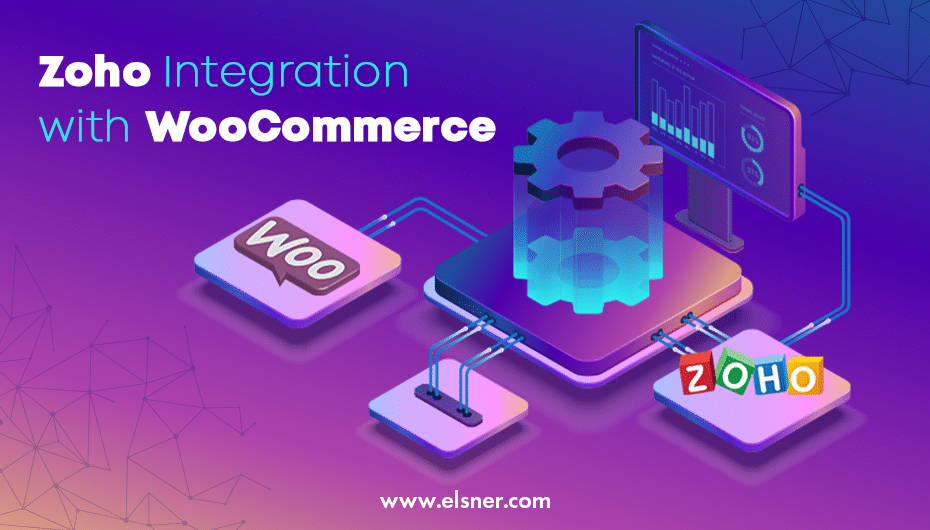
WooCommerce and ZOHO CRM integration allow you to improve users’ experience and automate processes of sales. ECommerce isn’t only about purchasing and selling. There are a lot of challenges organizations experience once they run their online store. And the very first step is to move your business online. Now here, WooCommerce helps you by charging nothing so you can make your online store free.
What is Zoho CRM?
Zoho CRM is a customer relationship management software that enables you to develop your business by managing your contacts’ base effectively and without effort.
Zoho CRM allows you to sell smarter and quicker by reaching the audience with perfect timing, showing them the most relevant offers, and engaging them across multiple channels. It helps you increase your sales volume, empower your marketing and support your customers.
What is WooCommerce?
WooCommerce is a WordPress plugin that can transform your site into a powerful selling machine by adding a shopping basket. It’s easy to integrate, making it one of the most well-known E-commerce shopping baskets globally.
The Problem
The point at which a WooCommerce store thrives, it receives information in abundance, such as information about its users, orders, items, deals. Now think if you get many orders every day, how would you analyze everyone at the end of the quarter. Even storing that vast amount of information would become bothersome.
The Solution
The answer to the problem I discussed above could be something that can help them keep their WooCommerce information on a platform. That allows them to track their information, visualize it more simply, and provide a thorough analysis to get better insights. Integrating a Zoho CRM with your WooCommerce platform can help develop your business.
The plugin comes with feeds you’ll use to line the synchronization rules for WooCommerce Amazon Integration object’s information. You can create your custom feeds or use the default feeds to synchronize any other object’s information.
CRM is a technology that assists you to manage your store’s information through these components:
- Audience Interaction tracking
- Making and executing campaigns
- Funnels to track the user journey
- Connecting with users through calls/emails, etc.
- Comprehensive reports and dashboards for insights
Features of Integration
- Connects WooCommerce Sales Orders and Shipment statuses with Zoho
- Syncs WooCommerce Invoices to Zoho
- Connects WooCommerce User to Zoho Accounts
- Syncs WooCommerce Items to Zoho Products
How does Integration Work?
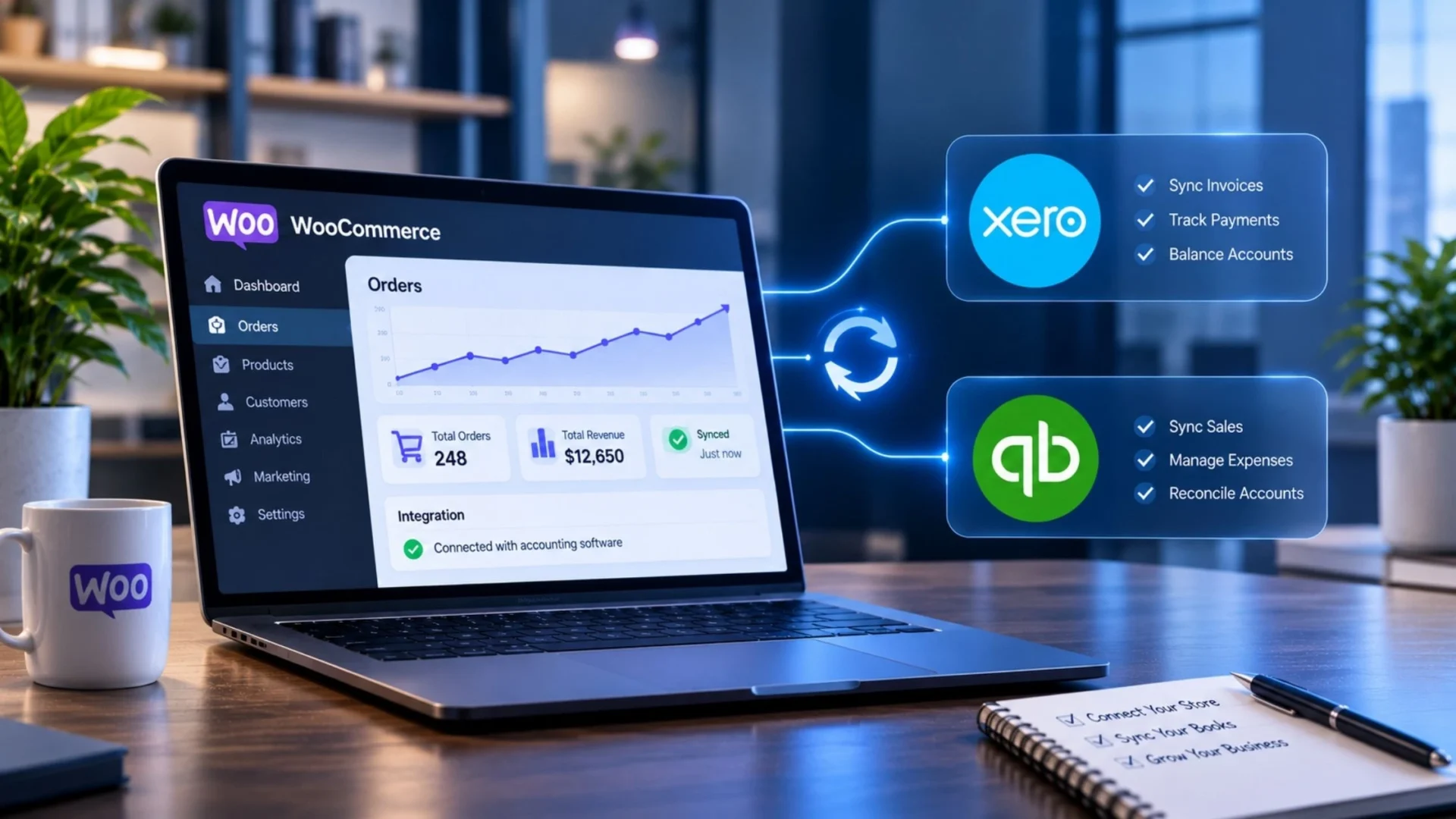
The mechanics of the integration are basic, on the surface. As soon as the users will place an order, their information will become available in WooCommerce and will synchronize with Zoho. That goes for User Information, Order Information, Invoice Information, and Shipment Information.
The items can sync back to WooCommerce as products, or the other way around, depending on which system is your inventory master. Our integration software syncs your records from system to system, into assigned modules, so you don’t need to enter them in an additional time.
For businesses that need help configuring this connection, mapping records between WooCommerce and Zoho CRM, and testing the synchronization process, explore our Zoho CRM integration services to get a solution tailored to their business requirements.
Advantages of CRM Integration for Zoho Plugin
|
1
|
Saves Your Developers TimeZoho WooCommerce Integration plugin allows you to store the error logs that happen while syncing the information. But above that, it gives a comprehensive logging report containing responses, requests, object information, and many other details. This makes it simple for your developers to sort out the error and resolve it, which ultimately saves the time they would’ve wasted on that error. |
|
2
|
Simple to Set Up and UseThe plugin comes with a super easy and user-friendly interface, which makes it simple to use. You need to install, set up the plugin, and use it at your WooCommerce store. |
|
3
|
Synchronizes Data In No TimeWhen your WooCommerce store grows, it gets tons of data. Synchronizing it to a platform can take an eternity. However, with this plugin, you can send your information over Zoho in no time. This Zoho WooCommerce Integration uses Zoho API that permits you to send multiple records of any module in one go. |
|
4
|
Gives You Full Control to Your Data SyncCRM Integration for Zoho plugin gives you complete control over how you want to synchronize your information. This plugin provides you feed you can use and customize to sync data in the manner you want. For example, you can customize the feeds to automatically take effect on Zoho at whatever point an order status in WooCommerce changes. |
Conclusion
ECommerce is challenging. But with proper tools and procedures, you can manage it easily.
WooCommerce with Zoho CRM is a powerful combination of tools that can help you not only handle your store information efficiently as well as further develop your campaign performance, revenue generation, lead nurturing and so much more.
If you’re using both platforms, CRM integration for Zoho becomes a must-try. You’ll need something that can send your information to the CRM on how you’ll manage it.
Frequently Asked Questions
What is WooCommerce and Zoho CRM integration?
It connects your WooCommerce store to Zoho CRM so store information, such as users, orders, invoices and shipment details, is sent to the CRM automatically. Your team can then track customer interactions, run campaigns and review reports without entering the same data again.
What data syncs between WooCommerce and Zoho CRM?
The integration connects WooCommerce sales orders and shipment statuses with Zoho, syncs invoices, connects WooCommerce users to Zoho Accounts and syncs WooCommerce items to Zoho Products. Items can also sync back to WooCommerce as products, depending on which system is your inventory master.
How does the integration work?
When a customer places an order, the information becomes available in WooCommerce and then synchronizes with Zoho. This covers user, order, invoice and shipment information. Records move from system to system into assigned modules, so nobody has to enter them again.
Which Zoho CRM plan do I need for order and invoice sync?
Order and invoice sync depends on Zoho CRM’s inventory modules, such as sales orders and invoices. Zoho positions inventory management from the Professional edition upward, so check your edition before setup and confirm the current plan requirements with the plugin team.
Do I need a developer to set up the integration?
Not necessarily. The plugin has an easy, user-friendly interface, so you install it, set it up and use it in your WooCommerce store. If you want help with configuration, record mapping and testing the synchronization, our Zoho CRM integration services can handle it.
Can I control when and how data syncs?
Yes. The plugin works with feeds that you can use as they are or customize. For example, you can set a feed so that changes take effect in Zoho whenever an order status changes in WooCommerce.
What happens if a sync fails?
The plugin stores error logs for problems that occur while syncing. It also provides a detailed logging report with responses, requests, object information and other details, so developers can find the error and fix it quickly.
Can it handle a large number of orders and records?
A growing WooCommerce store generates a lot of data. The integration uses the Zoho API, which lets you send multiple records of any module in one go, so large volumes of information can sync quickly.