- Understanding WooCommerce Analytics
- What Exactly Are WooCommerce Analytics?
- Essential Metrics to Track in WooCommerce
- Setting Up WooCommerce Analytics
- Installing Analytics Plugins
- Connecting Google Analytics
- Analyzing Sales Data in WooCommerce
- Understanding Sales Reports
- Tracking Sales Trends Over Time
- Customer Behavior Analysis
- Monitoring User Engagement
- Identifying Top-Performing Products
- Traffic Analysis in WooCommerce
- Understanding Traffic Sources
- Analyzing Conversion Rates or WooCommerce Conversion Tracking by Channel
- Using WooCommerce Analytics to Enhance Marketing Strategies
- Tailoring Campaigns Based on Real Data
- The Importance of A/B Testing
- Using Analytics Data for Store Improvement
- Optimizing Inventory Management
- Enhancing User Experience
- Integrating WooCommerce with Other Tools
- Connecting CRM and Email Marketing Tools
- Using Advanced Analytics Platforms
- Conclusion: Getting the Most from WooCommerce Analytics
- Frequently Asked Questions
- What are the major metrics to track in WooCommerce analytics?
- How can I set up WooCommerce analytics on my E-commerce store?
- What tools can enhance WooCommerce analytics?
- How do I effectively evaluate customer behavior in WooCommerce analytics?
- Why is tracking sales data in WooCommerce pivotal?
- How can WooCommerce analytics optimize marketing?
- What insights does traffic analysis provide?
Quick Answer
WooCommerce analytics is the built in reporting that tracks your store’s sales, orders, customers, products, and traffic from one dashboard. Used well, it tells you your best sellers, which channels convert, where customers drop off, and when demand peaks, so you can stock, price, and market on evidence rather than guesswork. Connect Google Analytics for deeper traffic and behaviour data. The key metrics and setup are below.
Running or operating a WooCommerce store without effectively keeping track of data can be compared with navigating in the dark. The most integral question in this aspect is whether you are making decisions by relying on real data or simply hoping for the best. In case you want your business to reach greater heights, all that you need is to particularly rely on WooCommerce analytics. Yes, you heard it right! It is something that can mainly prove to be your secret weapon. It is also seen that businesses that leverage data for decision-making are typically 23 times more likely to attract new customers. Not only that, but they are also six times more likely to retain them. So, it means that data is not only powerful but it is considered essential.
As Neil Patel put it, ecommerce analytics is the foundation of a lot of your business decision making, and any foundation needs to be built on solid ground.
This comprehensive blog post will guide you through transforming your WooCommerce analytics into actionable insights. Here, we are going to discuss everything from tracking WooCommerce sales to optimizing marketing. Ready to understand those numbers?
Understanding WooCommerce Analytics
What Exactly Are WooCommerce Analytics?
WooCommerce analytics is your store’s performance hub. It acts like a “store detective,” helping you monitor sales, track customer actions, identify popular products, and understand website traffic sources, all from one dashboard. With insights into specific details like the Product Field in WooCommerce, you can gain a deeper understanding of which products resonate most with your customers. It’s more than just a tool; it’s the key to seeing what’s happening behind the scenes. Tracking WooCommerce sales, metrics, and product fields lets you see where things are working, and where they’re not.
Essential Metrics to Track in WooCommerce
Here are some of the key WooCommerce performance metrics that can give you a real sense of your store’s health.
- Total Sales and Revenue: Keep track of your sales trends daily, weekly, and monthly.
- Conversion Rate: This metric reveals the percentage of visitors who become customers. WooCommerce conversion tracking is crucial to understand this.
- Customer Lifetime Value (CLV): This number shows how much a customer spends with you over time. Higher CLV means greater profitability.
- Customer Retention Rate: Measures how loyal your customers are. A high retention rate often means you’re on the right track.
Setting Up WooCommerce Analytics
Installing Analytics Plugins
To get started, you need a robust plugin. For a tailored experience, consider WooCommerce Plugin Customization to meet your specific needs. Here’s a quick guide to setting it up:
- Go to Plugins > Add New in your WooCommerce dashboard.
- Search for an analytics plugin, such as WooCommerce Google Analytics Integration.
- Install and activate it, then follow the setup instructions for your store’s needs.
Connecting Google Analytics
For even deeper insights, connect Google Analytics to your WooCommerce store. Here’s a quick setup:
- Sign up for Google Analytics and obtain your tracking ID.
- Use a plugin like Enhanced eCommerce for WooCommerce to connect Google Analytics to your store.
This integration provides detailed data on sales, customer actions, and traffic sources, enriching your WooCommerce dashboard metrics.
Analyzing Sales Data in WooCommerce
Understanding Sales Reports
WooCommerce sales reports offer valuable information, including daily, weekly, and monthly data. They reveal trends in product performance and identify profitable items or those needing improvement. Access these reports by navigating to WooCommerce > Reports > Sales.
Below is a sample table for organizing this data:
Tracking Sales Trends Over Time
By analyzing sales trends, you can see how demand shifts over time. Seasonal spikes, campaign impacts, and new product launches all become clearer.
With this data, you can see if certain months or campaigns boost sales, helping you prepare better for high-demand times.
Customer Behavior Analysis
Monitoring User Engagement
WooCommerce analytics lets you see exactly how users engage with your site, where they linger, which pages they view, and when they leave. Bounce rates and average session duration provide insight into overall engagement. These details, especially when paired with Google Analytics, help you see if customers are finding what they need. Implementing WooCommerce Security Tips alongside analytics can help protect user data and ensure a safe shopping experience.
Identifying Top-Performing Products
The data reveals which products your customers prefer, giving you clues about their tastes. Visit the Products section in Analytics to view product performance, which lets you:
- Highlight top sellers on your homepage.
- Bundle popular items to increase average order values.
Traffic Analysis in WooCommerce
Understanding Traffic Sources
Knowing where your visitors come from is essential. Traffic sources, whether from social media, organic search, or email, tell unique stories. For instance, if social media has high conversions, it might make sense to increase your focus on that channel.
Analyzing Conversion Rates or WooCommerce Conversion Tracking by Channel
Not every channel converts equally. Track WooCommerce sales by traffic source to find which channels lead to the most sales. Using a Headless CMS with WooCommerce can also enhance your ability to deliver content consistently across channels, while Google Analytics offers deeper insights into channel performance.
In this example, paid ads convert at the highest rate. Consider allocating more budget here to maximize conversions.
Using WooCommerce Analytics to Enhance Marketing Strategies
Tailoring Campaigns Based on Real Data
With WooCommerce performance metrics, you can fine-tune marketing. If a particular campaign shows strong conversions, try a similar approach with new twists.
The Importance of A/B Testing
A/B testing helps you find what works best. By testing different product pages, emails, or ads, you can improve engagement and optimize content based on real results. WooCommerce Development Company recommends tools like Google Optimize for comparing A/B test performance in real-time, ensuring your strategies are data-driven and effective.
Using Analytics Data for Store Improvement
Optimizing Inventory Management
WooCommerce analytics help with inventory management, showing which items sell quickly and which don’t. This helps prevent overstocking or understocking, leading to smarter inventory decisions.
Enhancing User Experience
User data lets you make targeted improvements to your store. If a product page has a high bounce rate, perhaps it needs better descriptions or faster loading times. Data-backed tweaks can significantly improve your store’s user experience.
Integrating WooCommerce with Other Tools
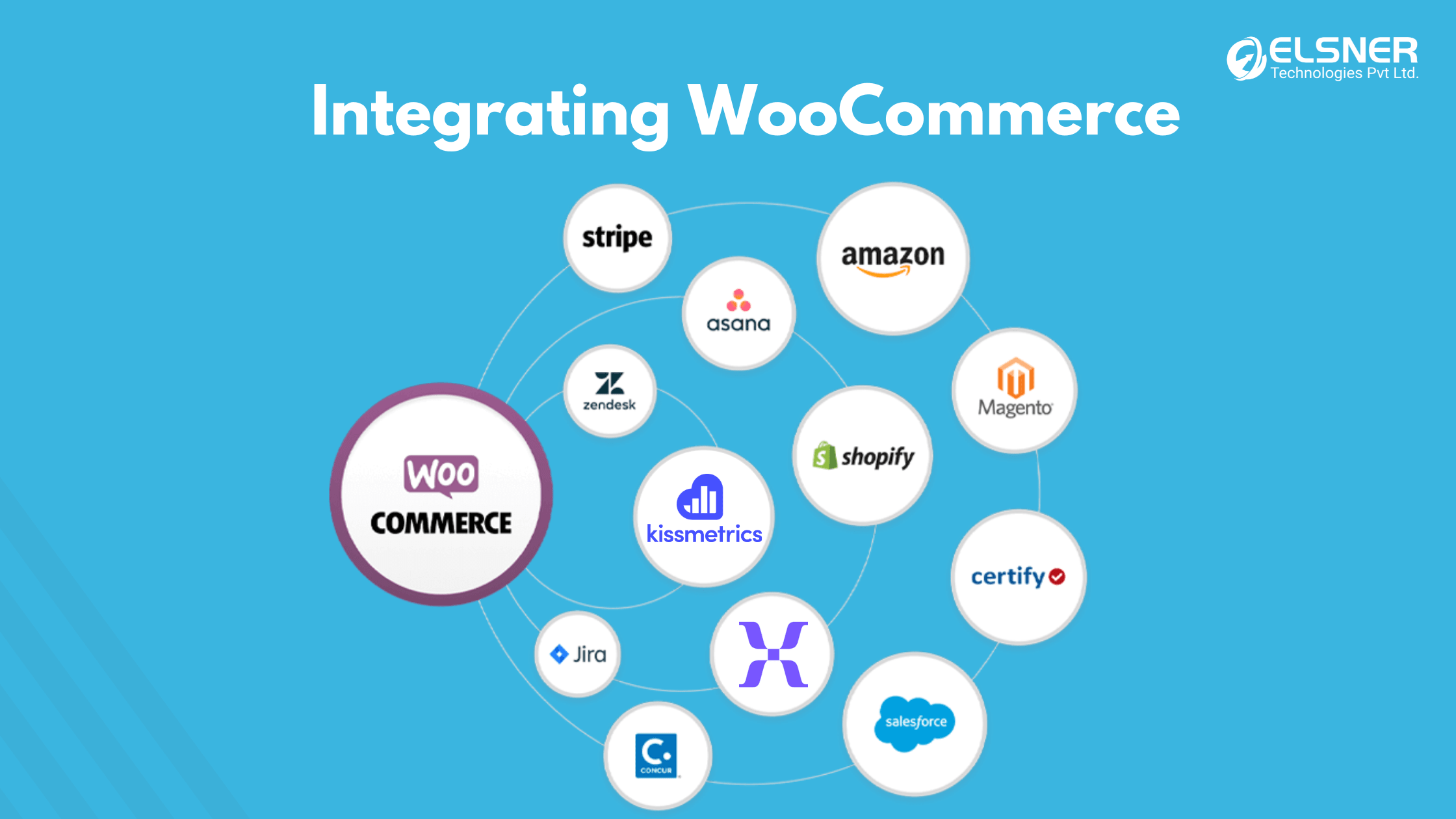
Connecting CRM and Email Marketing Tools
Linking WooCommerce to CRM and email tools, like HubSpot or Salesforce, creates a more personalized marketing experience. By combining WooCommerce data with CRM insights, you can track each customer’s journey and deliver customized campaigns.
Using Advanced Analytics Platforms
If WooCommerce alone doesn’t provide enough data, third-party platforms like KISSmetrics or Mixpanel offer additional insights. These tools provide deeper customer behavior analysis, helping you understand what drives growth.
Conclusion: Getting the Most from WooCommerce Analytics
WooCommerce analytics equips you with everything you need for smarter, data-driven decisions. It’s more than just reviewing past numbers, it’s your roadmap for future growth. By uncovering your top-performing products, diving into customer behaviors, and pinpointing the channels that truly drive sales, you can make choices that lead to sustained success. Drawing inspiration from WooCommerce Success Stories can also provide valuable insights for your journey. Partnering with a skilled WooCommerce development company can help you set up advanced tracking and refine your store’s performance, delivering actionable insights that propel your business forward. So why wait? Leverage the power of WooCommerce analytics and let your data fuel your next success story.
Frequently Asked Questions
What are the major metrics to track in WooCommerce analytics?
Certain integral WooCommerce performance metrics are necessary to keep track of. It typically entails revenue, conversion rate, customer lifetime value, as well as retention rate. These WooCommerce dashboard metrics are generally known for offering insights into how well your WooCommerce store is performing especially over time. Thus, by monitoring all these, you would be able to make data-driven decisions to improve store growth and profitability.
How can I set up WooCommerce analytics on my E-commerce store?
Well, for setting up WooCommerce analytics, you are required to install a compatible analytics plugin and then connect it with Google Analytics in order to get detailed insights. This setup will help track WooCommerce sales and customer behavior effectively. Use the WooCommerce dashboard metrics to visualize performance trends and make quick adjustments.
What tools can enhance WooCommerce analytics?
Enhance WooCommerce analytics by integrating tools like Google Analytics Integration, Enhanced eCommerce, and Mixpanel. These tools allow for advanced tracking of customer journeys and transaction data, helping to optimize WooCommerce conversion tracking. This added layer of analytics improves decision-making and helps with targeted marketing.
How do I effectively evaluate customer behavior in WooCommerce analytics?
To analyze customer behavior, one needs to review specific metrics such as bounce rate, session duration, and page views in WooCommerce analytics. These metrics reveal which parts of your store engage customers and where improvements are needed. Detailed WooCommerce performance metrics help in understanding and optimizing the customer experience of your store.
Why is tracking sales data in WooCommerce pivotal?
Whenever you keep a close track of WooCommerce sales data, it helps you to find out your top-selling products, sales trends, along with seasonal patterns. All of these insights generally support effective inventory management as well as promotional planning, which in turn helps in making sure that you always cater to specific customer demand. WooCommerce analytics also highlights areas for growth and product development.
How can WooCommerce analytics optimize marketing?
Use WooCommerce analytics to examine traffic sources and conversion rates, and to A/B test marketing campaigns for maximum impact. WooCommerce conversion tracking identifies which marketing channels perform best and helps allocate budgets wisely. This approach boosts engagement and improves return on ad spend.
What insights does traffic analysis provide?
Traffic analysis shows where your visitors come from (organic, social, paid, direct, email), which sources convert best, and which pages they land on, so you can invest in the channels that drive sales.