- What Is Odoo and TallyPrime Integration?
- Why Businesses May Need Both Odoo and TallyPrime
- Think in terms of ownership, not competition
- What Data Should Flow Between Odoo and TallyPrime?
- How Odoo and TallyPrime Integration Actually Works
- One-Way Integration
- Two-Way Integration
- Integration Technologies: JSON, XML, HTTP, ODBC and TDL
- What Does the Data Mapping Process Look Like?
- Real-World Workflows You Can Automate
- 1. Sales Invoice Synchronization
- 2. Purchase Bill Synchronization
- 3. Customer and Vendor Master Synchronization
- 4. Payment Synchronization
- 5. Inventory and Accounting Coordination
- The Biggest Challenges in Odoo and TallyPrime Integration
- How to Design a Reliable Odoo-TallyPrime Integration
- Security and Data Governance Considerations
- Odoo Tally Connector vs. Custom Integration: Which Approach Makes Sense?
- A Practical Implementation Roadmap
- How Businesses Can Measure Integration Success
- Odoo-TallyPrime Integration or Full Migration From Tally?
- Final Checklist Before Going Live
- Where Connected ERP Data Becomes More Valuable
- Connected Systems, Not Disconnected Workflows
- Frequently Asked Questions
- What is Odoo and TallyPrime integration?
- Can Odoo and TallyPrime be used together?
- What data can be synchronized between Odoo and TallyPrime?
- Does TallyPrime support JSON integration?
- Does Odoo provide an API for third-party integrations?
- Is a ready-made Odoo Tally connector better than custom development?
- What is the biggest challenge in Odoo TallyPrime integration?
- Should a business integrate everything between Odoo and TallyPrime?
A business can have excellent software and still lose time moving information from one system to another.
This happens often when operational teams use Odoo while finance teams continue working in TallyPrime. Sales orders may be managed in one system, accounting records in another, and inventory information somewhere in between. The software itself may be working exactly as designed, but employees end up filling the gap with spreadsheets, exports, imports, manual checks, and repeated data entry.
That is where Odoo and TallyPrime integration becomes useful.
Instead of forcing a business to immediately replace one platform with another, integration can create a controlled connection between operational and accounting workflows. Odoo can support areas such as sales, inventory, purchasing, CRM, and broader business operations, while TallyPrime can continue supporting established accounting processes.
Quick Answer
Odoo and TallyPrime integration connects selected operational and accounting data between the two systems so businesses can reduce duplicate entry, improve data consistency, and create more connected workflows. The most reliable implementations do not simply move everything between platforms. They define which system owns each type of data, map fields and accounting structures carefully, validate transactions before synchronization, and provide clear handling for errors and exceptions.
The goal is not to make two systems behave like one giant application. The goal is to make them work together without creating another layer of operational confusion.
What Is Odoo and TallyPrime Integration?
Odoo and TallyPrime integration is the process of connecting the two platforms so selected business information can move between them according to predefined rules.
The information exchanged depends on the business. One company may only need sales invoices to move from Odoo into TallyPrime. Another may need customer masters, products, invoices, payments, taxes, inventory-related information, and selected accounting records to move in both directions.
That distinction matters because integration should be designed around business processes, not around the idea of synchronizing every available field.
| Odoo | Integration Layer | TallyPrime |
|---|---|---|
| Sales and CRM | Data mapping | Ledgers and accounting |
| Inventory and purchasing | Validation | Vouchers and financial records |
| Operations | Transformation | Accounting reports |
| Business workflows | Error handling and logging | Financial workflows |
It is also important to separate integration from migration. Migration usually means moving data and processes from one system to another. Integration means keeping selected systems connected so they can continue participating in the same business workflow.
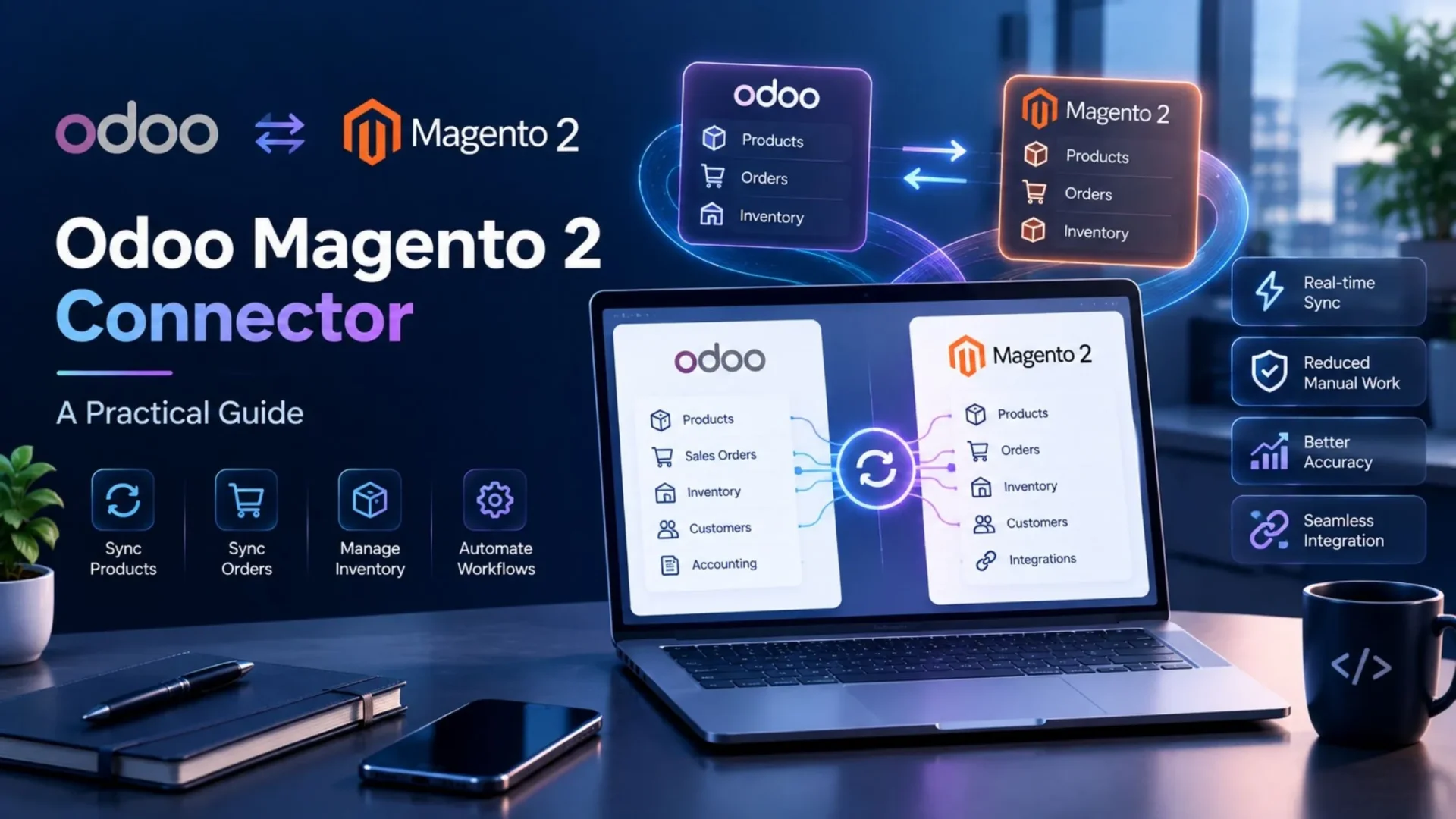
For businesses that need customized workflows, data mapping, third-party connections, or Odoo-side development, Odoo development services can be used to design the integration around the company’s actual processes instead of forcing those processes into a generic template.
Why Businesses May Need Both Odoo and TallyPrime
The idea that a company must choose one platform for everything sounds straightforward until real operations get involved.
A business may already have years of accounting history in TallyPrime. Finance professionals may be comfortable with its workflows, reports, ledgers, and transaction structure. At the same time, management may want broader ERP capabilities for sales, inventory, purchasing, CRM, manufacturing, or workflow automation.
Replacing an established accounting environment overnight can introduce unnecessary operational risk. That is one reason integration can be a practical middle path.
Think in terms of ownership, not competition
The useful question is not always “Which platform should replace the other?” A better question is “Which system should be responsible for which business process?”
For example, a company could use Odoo as the operational system for customer orders, inventory, purchasing, and fulfillment while keeping TallyPrime as the accounting system of record. The integration then becomes the controlled bridge between these responsibilities.
This approach can also support gradual transformation. A company can start with one workflow, validate the results, and expand the integration when the underlying data and processes are ready.
That is generally safer than connecting every module on day one and discovering later that the two systems interpret the same business event differently.
What Data Should Flow Between Odoo and TallyPrime?
There is no universal synchronization checklist that works for every business. The right scope depends on how the company has divided responsibilities between Odoo and TallyPrime.
Still, several data categories appear frequently in integration projects.
| Data Category | Examples | Why It Matters |
|---|---|---|
| Customers and Vendors | Names, addresses, tax information, payment terms | Prevents duplicate master records |
| Products | SKU, name, unit, category, tax configuration | Keeps transaction lines consistent |
| Sales | Invoices, credit notes, transaction details | Connects operational sales with finance |
| Purchasing | Bills, vendors, purchase transactions | Supports accurate payables |
| Payments | Receipts, payments, references | Improves reconciliation |
| Accounting | Ledgers, accounts, journals, tax records | Maintains financial consistency |
The most important concept here is the source of truth.
Suppose Odoo owns product information while TallyPrime owns accounting information. In that setup, a product update should not randomly originate from both platforms. The integration should know where the authoritative value comes from and what happens when a conflicting value appears.
Good synchronization is therefore less about moving more data and more about moving the right data with clear ownership.
How Odoo and TallyPrime Integration Actually Works
At a high level, an integration sits between two systems and translates information from one data model into another.
Step 1: A business event occurs
An invoice is posted, a customer is created, a purchase transaction is approved, or another predefined event becomes eligible for synchronization.
Step 2: The integration identifies the record
The integration determines which record should move and whether it has already been synchronized.
Step 3: Fields are mapped and validated
Customer, product, tax, ledger, account, company, and transaction information is matched to the target system.
Step 4: The target system receives the data
The integration sends the transformed data using the selected communication method.
Step 5: The result is recorded
Success, failure, target record IDs, timestamps, and error details should be captured so the transaction can be audited or retried.
The direction can be one-way or two-way.
One-Way Integration
In a simple Odoo-to-TallyPrime workflow, Odoo may create an approved invoice and send the required information to TallyPrime for accounting.
Two-Way Integration
In a two-way workflow, selected information can travel in both directions. For example, Odoo may send transactions to TallyPrime while TallyPrime sends selected financial or master-data updates back to Odoo.
Two-way synchronization does not mean two systems should freely edit everything. Clear ownership rules are still required. Otherwise, the integration can turn a data-consistency problem into a conflict-resolution problem.
Integration Technologies: JSON, XML, HTTP, ODBC and TDL
The technical connection between Odoo and TallyPrime can be implemented in different ways depending on the TallyPrime release, deployment model, data flow, and integration requirements.
TallyPrime’s current integration documentation describes multiple approaches, including JSON, XML, HTTP, ODBC, and TDL-based integrations. TallyPrime 7.0 also supports native JSON data exchange as a built-in capability. :chatgpt-content-reference{index=”3″}
| Technology | Typical Role | What to Consider |
|---|---|---|
| JSON | Structured application-to-application exchange | Useful for modern API-oriented workflows |
| XML | Established Tally integration workflows | Strong fit for existing XML-based environments |
| HTTP | Communication between systems | Network exposure and security need attention |
| ODBC | Database-style data access | Useful for specific reporting and data-access scenarios |
| TDL | Tally-side customization and integration logic | Useful when Tally-side behavior needs customization |
On the Odoo side, Odoo 20 provides an External JSON-2 API for external software integration. The API uses HTTP requests with JSON payloads and applies Odoo’s access rights, record rules, and field-level access controls to operations. :chatgpt-content-reference{index=”4″}
The important point is not to choose a technology because it sounds newer. The integration method should fit the systems, transaction volume, security model, deployment environment, and level of customization required.
What Does the Data Mapping Process Look Like?
Data mapping is one of the most important parts of an Odoo TallyPrime integration. The connection may be technically successful while the business data is still wrong.
Consider a sales invoice. Odoo may store customer, product, tax, journal, payment, currency, and accounting information using one structure. TallyPrime may represent some of those concepts differently through ledgers, vouchers, groups, and other accounting objects.
The integration therefore needs explicit mapping rules.
Example: Odoo Sales Invoice → TallyPrime
- Identify the Odoo customer.
- Match the customer with the appropriate Tally party or ledger.
- Match each product or SKU.
- Map the applicable tax treatment.
- Map the required account or ledger.
- Transform the invoice into the required Tally transaction structure.
- Submit the transaction.
- Capture the response and synchronization status.
The same principle applies to vendors, payments, products, warehouses, tax configurations, companies, currencies, and other business objects.
A mapping document should ideally exist before production synchronization begins. It should explain which source field maps to which target field, what happens when the value is missing, how duplicates are identified, and which system has authority when records disagree.
Real-World Workflows You Can Automate
The value of integration becomes much easier to understand when you follow a transaction from beginning to end.
1. Sales Invoice Synchronization
A sales invoice is created and approved in Odoo. The integration checks whether the customer and products can be matched, validates the required accounting information, transforms the transaction, and sends it to TallyPrime. The response is then stored so the Odoo record can be associated with the resulting Tally transaction.
2. Purchase Bill Synchronization
A vendor bill approved in Odoo can follow a similar path. Vendor information, products, amounts, taxes, accounts, and references are mapped before the transaction reaches TallyPrime.
3. Customer and Vendor Master Synchronization
Instead of creating the same customer manually in two systems, a new approved record can be synchronized according to predefined rules. Matching logic is especially important here because a small naming difference can otherwise create duplicate parties.
4. Payment Synchronization
Payment records can be synchronized when the business requires finance and operations teams to see the same transaction status. References and reconciliation identifiers should be retained so users can trace the transaction across systems.
5. Inventory and Accounting Coordination
Inventory-related events can also influence financial workflows, but this area requires more careful design than simply copying stock quantities between platforms. The integration should distinguish operational stock information from accounting events and define exactly when an inventory event should create or update financial information.
Automation should remove repetitive work, not remove accountability. Transactions involving money, taxes, inventory valuation, or financial reporting should have clear validation and exception-handling rules.
The Biggest Challenges in Odoo and TallyPrime Integration
Integration projects rarely fail because one system cannot send a request to another. They usually become difficult when the two systems interpret business information differently.
Different Data Models
Odoo and TallyPrime do not organize every business concept in exactly the same way. Mapping therefore requires more than matching field names.
Duplicate Records
A customer created independently in both systems may look similar but have different identifiers. Matching rules need to prevent duplicate masters.
Tax and Accounting Mapping
Tax rules, accounts, ledgers, and transaction structures need explicit mapping. A technically successful transaction can still be financially incorrect.
Two-Way Conflicts
If both systems can update the same information, the integration needs conflict-resolution rules.
Failed Transactions
Network problems, missing masters, invalid mappings, or rejected transactions can interrupt synchronization. Failed records need to remain visible rather than disappearing silently.
Deployment and Network Constraints
TallyPrime may be operating in a local or controlled environment, so network configuration and secure communication need to be considered alongside the application logic.
How to Design a Reliable Odoo-TallyPrime Integration
Reliability comes from the design decisions made before the first live transaction is synchronized.
- Define system ownership. Decide which platform is authoritative for each data category.
- Define synchronization scope. Start with the transactions that solve a real business problem.
- Document field mappings. Record source fields, destination fields, transformations, and fallback rules.
- Validate before posting. Check required masters, tax information, amounts, accounts, and duplicate status.
- Build error handling. Failed transactions should be visible, explainable, and retryable.
- Keep an audit trail. Store record IDs, timestamps, direction, status, and relevant error information.
- Test realistic scenarios. Test normal transactions as well as edge cases before production rollout.
This is also where integration development benefits from having a dedicated technical team that understands both the business workflow and the platform architecture.
Security and Data Governance Considerations
An integration connects systems that may contain customer information, financial transactions, product data, and other business-critical records. Security therefore needs to be part of the architecture rather than something added after the connection works.
- Use dedicated integration credentials where appropriate.
- Grant only the permissions required for the workflow.
- Protect API keys and integration secrets.
- Use secure network configurations for exposed endpoints.
- Maintain logs for important synchronization activities.
- Rotate credentials according to the organization’s security policy.
- Separate testing credentials and environments from production.
- Monitor failed requests and unusual synchronization activity.
Odoo’s current JSON-2 documentation recommends dedicated bot users for extended automated integrations and explains that API operations are evaluated against the user’s access rights, record rules, and field access. It also recommends appropriate API-key expiration and rotation practices. :chatgpt-content-reference{index=”5″}
On the TallyPrime side, businesses should similarly control how external applications communicate with the environment and avoid exposing integration endpoints more broadly than necessary.
Odoo Tally Connector vs. Custom Integration: Which Approach Makes Sense?
Not every business needs a completely custom integration. In some cases, a ready-made connector can cover the required workflows. In others, the business process is unusual enough that customization becomes necessary.
| Ready Connector | Custom Integration |
|---|---|
| Faster starting point | More control over business logic |
| Predefined workflows | Custom workflows and mappings |
| Lower initial development effort | Better fit for complex requirements |
| Good for standard processes | Good for specialized processes |
A connector can make sense when the required data flows are common, the mapping requirements are straightforward, and the available functionality closely matches the business process.
Custom development becomes more attractive when a business has multiple companies, complex tax rules, specialized fields, unusual approval processes, multiple warehouses, legacy applications, or advanced reconciliation requirements.
If the business needs dedicated technical ownership for integration, customization, or long-term Odoo work, hire an Odoo developer can be a practical route for handling ongoing integration requirements.
A Practical Implementation Roadmap
A reliable implementation usually works better as a sequence of controlled stages rather than a single large launch.
| Phase | Focus | Output |
|---|---|---|
| 1. Discover | Understand business processes | Integration requirements |
| 2. Map | Define ownership and fields | Mapping document |
| 3. Build | Configure or develop integration | Working integration |
| 4. Test | Validate normal and edge cases | Test results |
| 5. Reconcile | Compare records across systems | Validated data |
| 6. Launch | Move controlled workflows to production | Production integration |
The testing phase deserves particular attention. Do not test only the successful invoice. Test missing customers, duplicate products, incorrect tax mappings, cancelled transactions, partial data, failed requests, network interruptions, and retry scenarios.
How Businesses Can Measure Integration Success
“The systems are connected” is not a useful business KPI.
A better evaluation looks at whether the integration actually improves the workflow.
Operational Metrics
- Manual data-entry hours eliminated
- Average transaction processing time
- Synchronization success rate
- Failed transaction rate
Data Quality Metrics
- Duplicate records
- Mapping errors
- Reconciliation differences
- Missing or inconsistent fields
Finance Metrics
- Reconciliation effort
- Invoice processing time
- Month-end closing effort
- Transaction exception volume
These measurements help determine whether integration is producing measurable value or simply adding another technical layer to the business.
Odoo-TallyPrime Integration or Full Migration From Tally?
Integration is not automatically better than migration, and migration is not automatically better than integration. The right choice depends on the business situation.
| Approach | May Make Sense When |
|---|---|
| Continue With TallyPrime | Accounting requirements are the primary concern and broader ERP functionality is not needed. |
| Migrate to Odoo | The business wants a broader unified ERP and is ready to redesign processes around it. |
| Integrate Both | Odoo is needed for broader operations while TallyPrime remains important to finance. |
Integration can be particularly useful when the organization wants to modernize operations without disrupting established accounting processes. It can also provide a transition period during which the company evaluates whether a broader migration is eventually justified.
The decision should therefore come from business requirements rather than from the assumption that one platform must win.
Final Checklist Before Going Live
Before activating production synchronization, use a checklist like this:
- System ownership has been clearly defined.
- Required data categories have been documented.
- Customer and vendor mapping has been tested.
- Product and SKU mapping has been validated.
- Tax and accounting mappings have been reviewed.
- Duplicate handling rules are in place.
- Failed transactions remain visible.
- Retry behavior has been tested.
- Integration credentials are securely stored.
- Test and production environments are separated.
- Reconciliation has been completed using sample transactions.
- Monitoring and logging are enabled.
- Users know how to handle synchronization exceptions.
Where Connected ERP Data Becomes More Valuable
Once Odoo and TallyPrime are exchanging reliable information, the benefit can extend beyond simply eliminating manual data entry.
Connected data gives teams a better foundation for reporting, analytics, forecasting, and decision-making. Instead of spending time collecting numbers from different systems, teams can spend more time interpreting them.
This becomes especially useful when businesses begin combining operational information with financial information. Sales performance can be considered alongside receivables. Inventory trends can be reviewed alongside purchasing and cash-flow considerations. Management can investigate business performance without depending on a chain of disconnected spreadsheets.
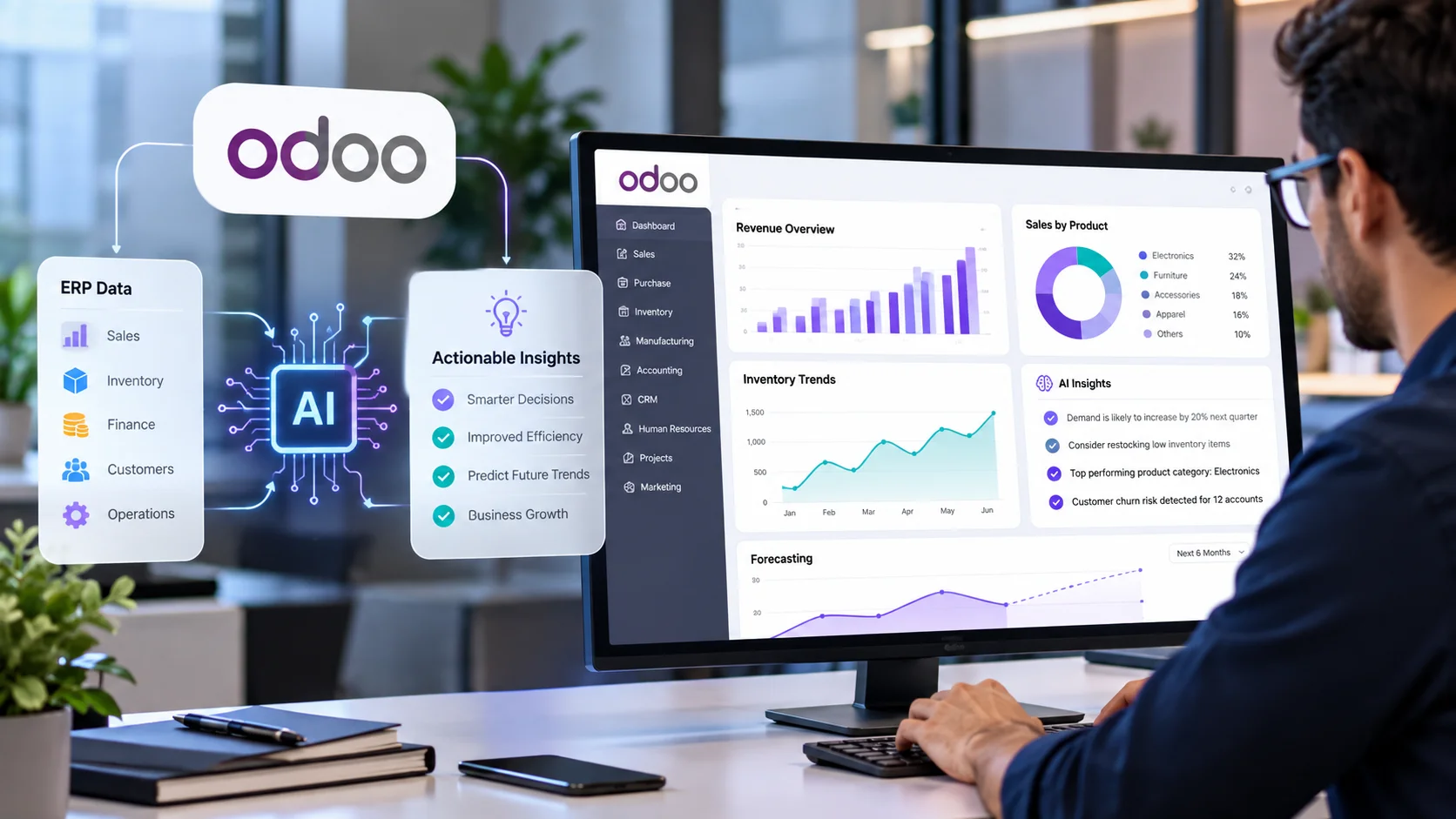
That is also where structured ERP data can become useful for more advanced analytics. Businesses exploring this direction can see how Odoo AI analytics can help turn ERP information into more actionable business insights.
Connected Systems, Not Disconnected Workflows
Odoo and TallyPrime do not necessarily need to compete for ownership of every business process.
A well-designed integration can allow Odoo to support broader operational workflows while TallyPrime continues handling established accounting processes. The integration layer then becomes responsible for moving the right information between the systems, applying mapping rules, validating transactions, and making failures visible.
The most successful projects are rarely the ones that synchronize the maximum amount of data. They are the ones that synchronize the right data, at the right time, with clear ownership and reliable validation.
For a business evaluating Odoo TallyPrime integration, the best starting point is therefore not the connector itself. Start with the workflow. Identify where manual work is happening, determine which system should own each record, document the required data flow, and then choose the technical approach that fits the requirement.
Done properly, integration does more than connect two applications. It creates a more dependable operational flow in which sales, inventory, purchasing, finance, and management can work from information that stays aligned across the business.
Frequently Asked Questions
What is Odoo and TallyPrime integration?
Odoo and TallyPrime integration connects selected business data and workflows between the two platforms. Depending on the implementation, this can include customers, products, invoices, purchases, payments, accounting information, and other records.
Can Odoo and TallyPrime be used together?
Yes. Businesses can use Odoo for operational workflows and TallyPrime for accounting while connecting selected data between the systems. The exact setup depends on the company’s process ownership, data requirements, and integration architecture.
What data can be synchronized between Odoo and TallyPrime?
Depending on the integration, businesses can synchronize customer and vendor records, products, invoices, purchase bills, payments, accounting information, tax-related data, and selected inventory information. The scope should be defined according to the business workflow.
Does TallyPrime support JSON integration?
Yes. TallyPrime 7.0 introduced native JSON support for data exchange with external applications, alongside other supported integration approaches such as XML, HTTP, ODBC, and TDL-based integration.
Does Odoo provide an API for third-party integrations?
Odoo 20 provides an External JSON-2 API for external software integration. API operations are subject to Odoo’s access rights, record rules, and field access controls.
Is a ready-made Odoo Tally connector better than custom development?
A ready-made connector can work well when the business requirements match its supported workflows. Custom development may be more appropriate when the business has complex mappings, multiple companies, specialized accounting rules, custom fields, or unique approval and reconciliation requirements.
What is the biggest challenge in Odoo TallyPrime integration?
One of the biggest challenges is aligning the different data models and business rules used by the two systems. Customer matching, product mapping, taxes, ledgers, transaction structures, duplicate prevention, and error handling all need to be designed carefully.
Should a business integrate everything between Odoo and TallyPrime?
Not necessarily. The strongest integrations usually begin with specific workflows that solve a measurable business problem. Synchronizing unnecessary data can increase complexity, create conflicts, and make troubleshooting harder. Start with the information the business actually needs to move.