
 Zoho
Solutions
Zoho
Solutions
 Ecommerce
Development
Ecommerce
Development
 Web
Development
Web
Development
 AI
Solutions
AI
Solutions




- What are cloud applications for business, exactly?
- Cloud application vs web application vs desktop application: what’s the real difference?
- The three types of cloud applications businesses actually deal with
- Real examples of cloud applications businesses use every day
- Not sure if your business needs off-the-shelf software or something custom?
- How different industries actually use cloud applications
- Why businesses keep moving to cloud applications
- What’s actually changing in cloud adoption right now
- Off-the-shelf cloud software or a custom cloud application? Here’s how to actually decide
- How custom cloud application development actually works
- What custom cloud application development actually costs
- Choosing between AWS, Azure, and Google Cloud
- Security, compliance, and the hidden costs nobody mentions upfront
- Signs your business has actually outgrown off-the-shelf software
- Common mistakes businesses make with cloud applications
- How Elsner helps businesses build cloud applications that actually fit
- The bottom line
- Ready to figure out your cloud application strategy?
- Frequently Asked Questions
- What are cloud applications for business?
- What is the difference between cloud computing and cloud applications?
- Should my business use off-the-shelf software or build a custom cloud application?
- How much does custom cloud application development cost?
- How long does it take to build a custom cloud application?
- Which cloud platform should my business choose, AWS, Azure, or Google Cloud?
- Are cloud applications secure enough for regulated industries?
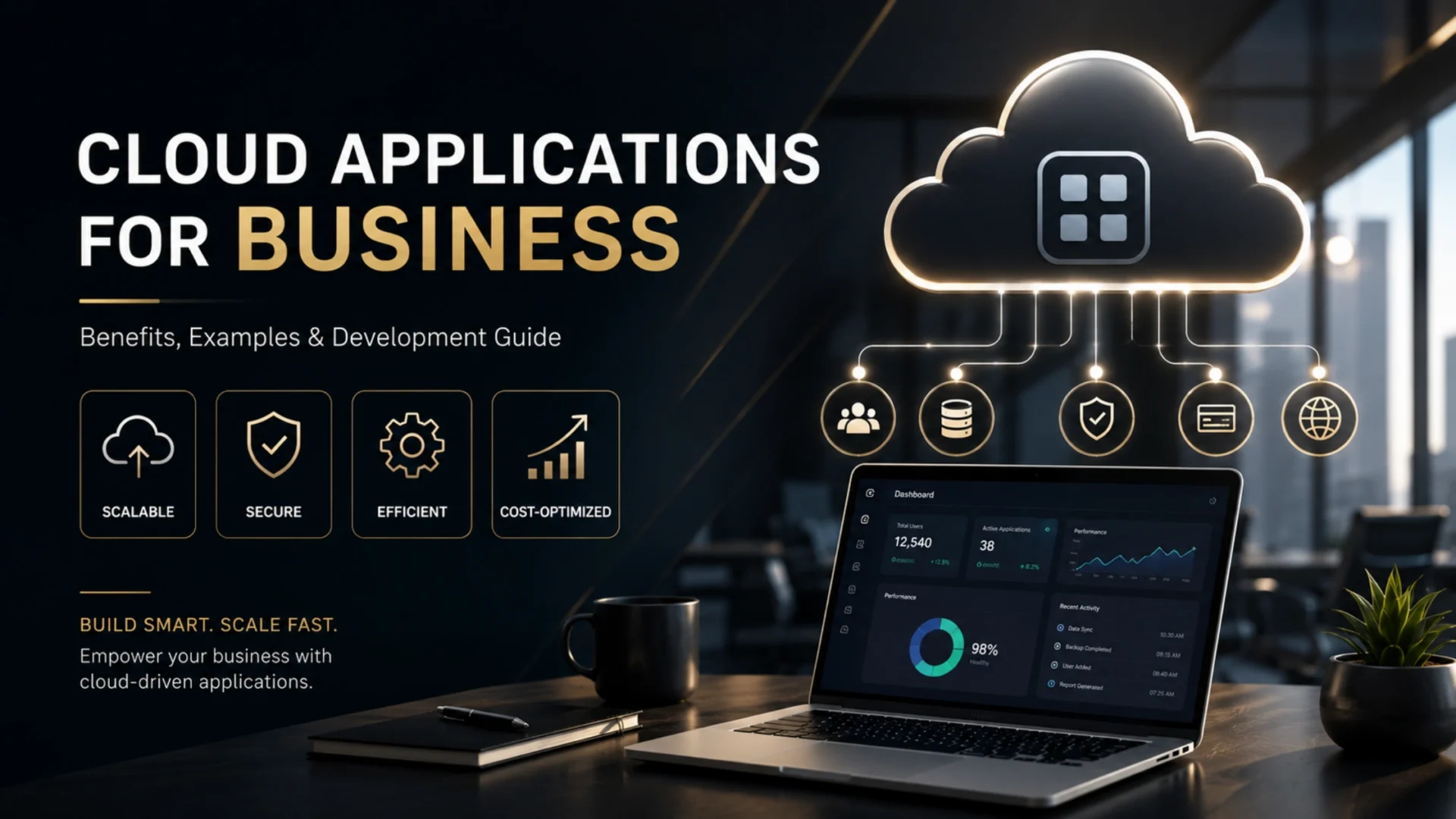
Most companies already run on cloud applications for business without calling them that. Gmail, the CRM your sales team logs into every morning, the accounting tool your finance team uses to close the books. These are all cloud applications, and together they’ve quietly replaced the on-premise software model that dominated business technology for decades.
The harder question isn’t whether to use cloud applications anymore. It’s whether the ready-made tools on the market actually fit how your business operates, or whether you’ve outgrown them and need something built around your own workflows. This guide walks through both sides: the benefits and examples that explain why cloud adoption keeps climbing, and a practical development guide for businesses that are ready to move from off-the-shelf software to a custom cloud application.
Quick Answer
Cloud applications for business are software programs that run on remote servers instead of a company’s own hardware, accessed through the internet from any device. They cover everything from email and CRM systems to inventory management and custom enterprise platforms. Businesses use them because they cut upfront IT costs, scale up or down without new hardware, and let teams work from anywhere. When off-the-shelf cloud software stops fitting a company’s workflows, the next step is usually custom cloud application development, which is software built specifically around that business rather than a generic template.
What are cloud applications for business, exactly?
A cloud application is a piece of software that lives on a remote server, not on your laptop or your office’s local network. You reach it through a browser or a lightweight app, and the actual processing and storage happen somewhere else, usually in a data center run by a provider like AWS, Microsoft Azure, or Google Cloud.
That’s different from cloud computing, which is the broader infrastructure underneath. Cloud computing is the plumbing. Cloud applications are what your team actually touches every day. And “business cloud software” is really just a catch-all term for the cloud applications a company relies on to run itself, sales tools, accounting platforms, HR systems, project trackers, and so on.
Here’s a simple way to tell if something counts. If you can log in from a coffee shop on a different laptop and pick up exactly where you left off, without installing anything, you’re looking at a cloud application. If it needs a specific machine or a local install to function, it’s traditional software, even if it occasionally syncs data online.
Cloud application vs web application vs desktop application: what’s the real difference?
These three terms get used interchangeably, and that’s usually where confusion starts. They’re related, but mixing them up leads to wrong assumptions about cost, maintenance, and how much control your IT team really has.
| Aspect | Cloud Application | Web Application | Desktop Application |
|---|---|---|---|
| Where it runs | Remote servers managed by a cloud provider | Any server, cloud hosted or on-premise | Installed locally on one machine |
| Needs internet | Almost always, yes | Yes, in most cases | No, works offline |
| Updates | Pushed automatically by the provider | Depends entirely on the hosting setup | Installed manually by the user |
| Typical example | Salesforce, Google Workspace | A hosted internal company dashboard | Older accounting tools like QuickBooks Desktop |
Every cloud application is technically a web application. Not every web application is built like a true cloud application, though. The difference sits in the architecture: automatic scaling, multi-tenant setup, and infrastructure the provider manages for you, not something your own server bolted on later.
The three types of cloud applications businesses actually deal with
Cloud computing gets broken into three service models, and understanding which one you’re dealing with matters more than it sounds like it should. It determines how much control you have, how much you’re paying for, and who’s responsible when something breaks.
| Model | What it means | Everyday example |
|---|---|---|
| SaaS (Software as a Service) | Fully built software you log into and use. No servers, no code, just a subscription. | Salesforce, HubSpot, QuickBooks Online |
| PaaS (Platform as a Service) | A framework developers build on top of, so they don’t manage the underlying servers. | Heroku, Google App Engine, Azure App Service |
| IaaS (Infrastructure as a Service) | Raw computing power, storage, and networking, rented instead of owned. | AWS EC2, Azure Virtual Machines |
Most businesses use all three without realizing it. Your email is SaaS. The custom order management system your development partner built for you probably runs on PaaS or IaaS underneath. Honestly, you don’t need to think about the layers most of the time. You just need to know which one applies when you’re deciding whether to buy something off the shelf or build it.
Real examples of cloud applications businesses use every day
Theory is easy. Seeing where cloud applications actually show up in a business is more useful. Here’s how they break down by function.
Customer relationship management. Tools like Salesforce and HubSpot store every customer interaction in one place, accessible to sales, support, and marketing at the same time. Nobody’s fighting over a spreadsheet anymore.
- Collaboration and communication: Google Workspace, Microsoft 365, Slack
- Accounting and finance: QuickBooks Online, Xero
- Project and task management: Asana, Monday.com
- Ecommerce operations: Shopify, BigCommerce backend systems
That last one deserves a closer look, because ecommerce is where cloud applications tend to get stretched the hardest. A store running seasonal spikes, especially around holidays, needs infrastructure that scales up for three weeks and back down after. Building or migrating that kind of setup properly is a specific skill, and we’ve broken down how it works for online retailers in our guide to cloud migration for ecommerce businesses.
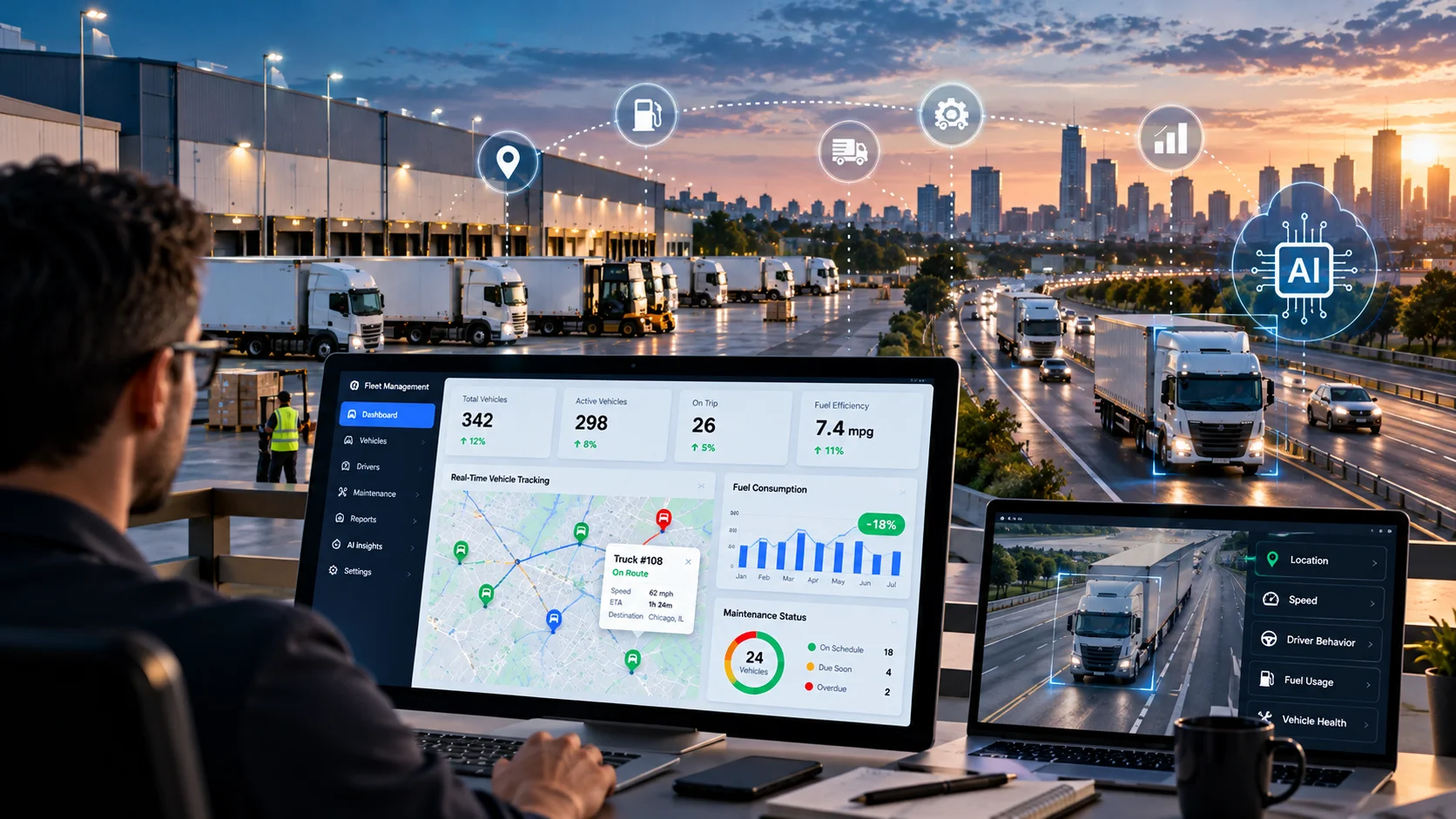
Manufacturing and logistics companies use cloud applications a bit differently. Instead of customer-facing tools, they’re running inventory tracking, fleet monitoring, and predictive maintenance systems that pull data from sensors on the factory floor and process it in real time. A warehouse manager in Ohio can see a stock shortage the moment it happens, not the next morning during a manual count.
A quick scenario
A 40-person insurance brokerage was running client records across three disconnected spreadsheets and one legacy desktop application. After moving to a cloud-based CRM and a custom cloud claims portal, renewal follow-ups that used to take a full day dropped to under an hour, simply because the data lived in one place instead of three.
Not sure if your business needs off-the-shelf software or something custom?
Elsner can review your current setup and tell you honestly whether a SaaS tool will still work for you or whether it’s time to build.
How different industries actually use cloud applications
Healthcare. Patient record systems, telehealth platforms, and appointment scheduling tools run on cloud infrastructure so a clinic with three locations can pull up one patient’s history instantly, without faxing anything between offices.
Finance. Banks and fintech companies lean on cloud applications for fraud detection, loan processing, and real-time transaction monitoring. Compliance demands make this one of the more carefully engineered use cases on this list, not something bolted on after launch.
Retail runs on this more than people notice
Point-of-sale systems, inventory sync across stores, and product recommendation engines all depend on cloud infrastructure working quietly in the background. A single unavailable server used to mean a frozen checkout line. Now it usually means nothing at all, because a backup kicks in before a customer even notices.
Logistics companies push this further. Fleet tracking, route optimization, and warehouse systems pull live GPS and sensor data to reroute a delivery truck around traffic before the driver even sees the jam forming.
Education moved early, too. Learning management systems, virtual classrooms, and student information platforms shifted to the cloud years ago, mostly because schools rarely have the budget for a dedicated server room on every campus.
Why businesses keep moving to cloud applications
The pull toward cloud software isn’t hype. Worldwide IT spending is expected to reach $6.31 trillion in 2026, and a growing share of that is being pulled directly by cloud and AI infrastructure investment, according to Gartner’s 2026 IT spending forecast. That’s not a small trend. It’s a full reallocation of budget.
Lower upfront costs. No servers to buy. No IT closet humming in the corner of the office. You pay for what you use, usually monthly, which frees up capital that would otherwise sit locked in hardware depreciating the moment it’s plugged in.
Scalability without the drama. Adding 20 new employees used to mean new licenses, new machines, maybe a call to IT to reconfigure the network. With cloud applications, it’s often just a few extra seats on a subscription, sometimes activated the same afternoon.
Remote access that actually works
Cloud applications aren’t tied to a desk. A sales rep can pull up a quote in an airport lounge. A field technician can log a service ticket from a client’s parking lot. This isn’t a nice-to-have anymore, it’s baseline expectation for hiring and retaining talent that wants flexibility.
Security is a mixed bag, honestly, and worth being direct about. Reputable cloud providers invest more in encryption, redundancy, and threat monitoring than most small and mid-sized businesses ever could on their own. But the responsibility doesn’t disappear. It shifts. You’re still on the hook for how you configure access, who has admin rights, and whether your team is using multi-factor authentication properly.
Faster deployment rounds things out. A new SaaS tool can be live in a day. A properly scoped custom cloud application still takes months, but that’s still faster than the old model of building and racking physical servers before writing a single line of business logic.
One thing McKinsey’s research on cloud value keeps surfacing is that the businesses capturing the most value aren’t the ones simply lifting workloads to the cloud to cut IT costs. They’re the ones using cloud applications to unlock new business models entirely, and McKinsey’s analysis puts the total EBITDA value on the table at roughly $3 trillion by 2030 across the companies that get this right.
What’s actually changing in cloud adoption right now
A few shifts are worth knowing about heading into 2026, mostly because they change what a “custom cloud application” even means in practice.
AI is getting built into the application itself. Fraud detection, demand forecasting, and automated support are increasingly shipping as features inside the platform rather than separate add-on products, which changes how businesses budget for AI entirely.
- Cloud-native architecture: apps built for the cloud from day one, not lifted from an old on-premise system, tend to scale better and break less often.
- Multi-cloud setups: more mid-sized businesses are spreading workloads across two providers to avoid getting stuck with one vendor’s pricing.
- Hybrid cloud: keeping sensitive data on private servers while running everything else in the public cloud, common in healthcare and finance.
Serverless computing is quieter but worth a mention too. Instead of renting a fixed server around the clock, you pay only for the compute time your app actually uses. Good fit for workloads that spike unpredictably. Not a great fit for anything that needs to run constantly.
Off-the-shelf cloud software or a custom cloud application? Here’s how to actually decide
This is the question almost nobody answers clearly. Most guides just tell you custom is “more flexible” and leave it there. That’s not useful. What actually matters is where your business sits on a few specific dimensions.
| Signal | Stick with SaaS | Build custom |
|---|---|---|
| Your workflow vs. the tool’s workflow | They match closely, with only small tweaks needed | You’re working around the software’s limits weekly |
| Integrations needed | Standard tools with existing connectors | Legacy systems, proprietary data, unusual combinations |
| Growth trajectory | Steady, predictable headcount and usage | Scaling fast, or your model itself is the product |
| Data ownership and compliance | Standard compliance needs (basic SOC 2 covers it) | Strict regulatory, contractual, or data residency demands |
| Licensing cost at scale | Reasonable per-seat pricing even as you grow | Per-seat fees are climbing faster than headcount value |
If you checked “stick with SaaS” on most of these, don’t overthink it. There’s no prize for building custom software you didn’t need. But if three or more rows land on the custom side, that’s usually a real signal, not a passing frustration. Our SaaS development team gets brought in often enough at exactly that inflection point, when a company has outgrown a tool it once loved.
How custom cloud application development actually works
Once a business decides to build, the process itself isn’t mysterious. It’s a sequence, and skipping steps is usually where projects go sideways.
Step 1: Discovery and requirements
Mapping current workflows, pain points, integrations, and compliance needs. Skipping this step is the single most common reason budgets blow past estimates later.
Step 2: Architecture and platform choice
Deciding on AWS, Azure, or Google Cloud, and whether the system should be built as microservices, a monolith, or something serverless.
Step 3: MVP build
Starting with a lean, working version rather than every feature imagined on day one. This is where most successful projects protect their budget. If you’re weighing this route, our MVP software development guide walks through how to scope one properly.
Step 4: Full build and testing
Feature development, security testing, and load testing before anything touches real users or real customer data.
Step 5: Deployment and monitoring
Going live with monitoring and alerting in place from day one, not bolted on after the first outage.
Step 6: Ongoing maintenance
Patching, scaling, and feature updates. A cloud application is never really “done.” It grows with the business or it becomes the next legacy problem.
Companies coming from a legacy on-premise system usually add one extra step before all of this: an honest audit of what’s worth carrying forward versus what should be rebuilt from scratch. We cover that decision in detail in our legacy software modernization guide, which is worth a read if any part of your current stack predates 2015.
What custom cloud application development actually costs
Most cost guides throw out a single range and call it done. That’s not helpful when a $15,000 prototype and a $400,000 enterprise platform get lumped into the same sentence. Cost depends heavily on where your business sits.
| Business stage | Typical build cost | Timeline |
|---|---|---|
| Startup MVP | $25,000 to $60,000 | 2 to 4 months |
| Growing SMB | $60,000 to $150,000 | 4 to 8 months |
| Mid-market | $150,000 to $300,000 | 6 to 12 months |
| Enterprise | $300,000 and up | 9 months or more |
These figures cover the build. They don’t cover what happens after launch, and that’s where the real total cost of ownership story gets missed. A rough three-year comparison for a mid-sized company usually looks something like this: a strong SaaS stack runs $30,000 to $80,000 a year in licensing that climbs as headcount grows, while a custom cloud application costs more upfront but often levels out at $20,000 to $40,000 a year in hosting and maintenance, with no per-seat penalty for growth. Break-even typically lands somewhere in year two or three, not on day one, so custom development is rarely the right call for a business that just needs to get moving quickly.
Not always, though. It depends on how fast you’re adding seats. A company scaling from 20 to 200 employees in 18 months can blow past that break-even point far sooner, since SaaS licensing costs scale with headcount and custom infrastructure mostly doesn’t.
Choosing between AWS, Azure, and Google Cloud
This decision gets treated like a religious debate online. It shouldn’t be one. Each platform genuinely fits different situations better.
AWS has the largest market share and the deepest service catalog. Good default choice if you don’t have a strong reason to pick otherwise, particularly for ecommerce and consumer-facing platforms that need to handle unpredictable traffic spikes.
Microsoft Azure makes the most sense if your company already runs on Microsoft 365, Active Directory, or Dynamics. The integration story is smoother, and enterprise procurement teams often already have an existing relationship with Microsoft, which speeds up approvals.
Google Cloud tends to win for businesses building AI-heavy or data-heavy applications, thanks to its analytics and machine learning tooling. If your custom cloud application leans on predictive models or large-scale data processing, GCP often needs less custom plumbing to get there.
Whichever platform you land on, businesses layering AI features into their cloud applications, chatbots, predictive scoring, automated document processing, are increasingly building those as separate, composable services rather than jamming them into the core app. Our AI agent development team handles exactly that kind of integration, keeping the AI layer flexible instead of hardwired to one platform.
Security, compliance, and the hidden costs nobody mentions upfront
Cloud applications are not automatically secure just because a big provider hosts them. Security in the cloud is a shared responsibility. The provider secures the infrastructure. You secure how it’s configured, who has access, and how data flows in and out.
For businesses in healthcare, finance, or legal services, this gets more specific. HIPAA, SOC 2, and PCI DSS aren’t optional checkboxes, they shape the entire architecture, from how data gets encrypted at rest to how long logs get retained. Skipping this planning early is the fastest way to end up rebuilding a core piece of the system a year later.
Costs that tend to sneak up on businesses
Data egress fees when moving large volumes out of a cloud provider. Vendor lock-in, where switching platforms later means rebuilding integrations from scratch. Underestimated cloud hosting bills once real user traffic hits, not the traffic assumed during planning. None of these show up in a typical project quote, but all of them show up on the invoice within the first year.
Vendor lock-in specifically deserves a second thought before you sign anything. Building on a provider’s proprietary services can be faster upfront, but it can also mean your application can’t move to a different cloud without a costly rebuild. Sometimes that trade-off is fine. Sometimes it’s a decision you’ll regret in three years. Ask about it directly before development starts, not after.
Businesses that need visibility into how their systems are actually performing, not just whether they’re up or down, often add a business intelligence layer on top of their cloud application from the start. Our business intelligence services team typically builds that reporting layer in parallel with the core application, so leadership isn’t flying blind six months after launch.
Signs your business has actually outgrown off-the-shelf software
Not every business needs a custom cloud application, and honestly, most don’t yet. Here’s a practical checklist. If three or more of these sound familiar, it’s worth a real conversation.
- Your team maintains a spreadsheet or workaround to patch a gap your current software can’t handle.
- You’re paying for multiple SaaS tools just to stitch together one workflow that should live in one place.
- Per-seat licensing costs are growing faster than your headcount, or faster than your revenue.
- Customer or compliance requirements demand data control that a shared SaaS platform can’t guarantee.
- Your business model itself depends on software your competitors can’t just buy off a shelf.
One line worth repeating here: custom software should solve a problem SaaS genuinely can’t solve, not just a problem you’re mildly annoyed by. Building custom for the sake of it is a common and expensive mistake.
Common mistakes businesses make with cloud applications
A few patterns show up again and again, and most are avoidable with a bit of planning upfront.
Skipping the discovery phase. Jumping straight into development without mapping real workflows almost always leads to rework. It feels slower at the start. It’s faster overall.
Building every feature at once. Trying to launch a fully-loaded platform on day one instead of an MVP delays feedback from actual users, who often want something different than what was planned in a meeting room.
Treating security as a final step. Bolting on compliance and access controls after the build is finished, instead of designing them in from the start, usually costs more and covers less.
No plan for maintenance. A cloud application isn’t a one-time purchase. Businesses that budget zero for ongoing updates usually end up with a system nobody wants to touch two years later.
How Elsner helps businesses build cloud applications that actually fit
Elsner works with businesses at every stage of this decision, from teams still trying to figure out whether a SaaS tool will keep working for them, to companies ready to build a fully custom cloud application from the ground up. Our custom software development team handles the entire path: discovery, architecture, MVP, full build, and the ongoing maintenance that keeps a cloud application useful instead of becoming next year’s legacy problem.
We’ve built cloud applications across ecommerce, professional services, and B2B software companies, always starting with the same question: what is this business actually trying to solve, and is a custom build genuinely the right answer, or would a smarter SaaS setup get there faster and cheaper. That honest starting point saves clients money more often than it wins us a project, and that’s on purpose.
The bottom line
Cloud applications aren’t a future consideration anymore. They’re the default way businesses run. The real decision left for most companies isn’t whether to use them, it’s whether the ready-made version still fits, or whether it’s time to build something that actually matches how the business works. Start with an honest audit of where the friction really is, not where it’s assumed to be, and the right path usually becomes obvious fairly quickly.
Ready to figure out your cloud application strategy?
Elsner handles both sides of this decision, choosing the right off-the-shelf tools and building custom cloud applications when off-the-shelf isn’t enough anymore. Book a consultation and let’s map out what makes sense for your business.
Key takeaways
- Cloud applications aren’t a future upgrade anymore, they’re already how most businesses run day to day.
- SaaS works fine until your workflow, compliance needs, or licensing costs outgrow it.
- AWS, Azure, and Google Cloud each fit different situations better. Pick based on your existing stack, not brand reputation.
- Custom development costs more upfront but often breaks even within two to three years for businesses growing at a steady pace.
- Security is shared: the provider protects the infrastructure, you’re still responsible for access control and configuration.
- Skipping discovery or building every feature at once are the two mistakes that derail most cloud projects.
Frequently Asked Questions
What are cloud applications for business?
Cloud applications for business are software programs hosted on remote servers and accessed over the internet, rather than installed on local computers. Common examples include CRM systems, accounting software, and project management tools.
What is the difference between cloud computing and cloud applications?
Cloud computing is the underlying infrastructure, servers, storage, and networking delivered over the internet. Cloud applications are the actual software tools that run on top of that infrastructure and that employees use directly, like email or a CRM.
Should my business use off-the-shelf software or build a custom cloud application?
Off-the-shelf software works well when your workflow closely matches what the tool already offers. Custom development makes more sense when licensing costs are scaling faster than your business, or when compliance and integration needs go beyond what a standard SaaS platform supports.
How much does custom cloud application development cost?
Costs typically range from $25,000 for a startup MVP to $300,000 or more for an enterprise-grade platform, depending on features, integrations, security requirements, and scale.
How long does it take to build a custom cloud application?
A basic MVP can take 2 to 4 months. Mid-market platforms usually take 6 to 12 months, and large enterprise systems can take 9 months or longer depending on complexity and compliance requirements.
Which cloud platform should my business choose, AWS, Azure, or Google Cloud?
AWS is a strong general default with the widest service catalog. Azure fits businesses already using Microsoft tools like Office 365 or Dynamics. Google Cloud tends to suit businesses building AI-heavy or data-intensive applications.
Are cloud applications secure enough for regulated industries?
Yes, when built correctly. Major cloud providers support HIPAA, SOC 2, and PCI DSS compliance, but the business is still responsible for how access, encryption, and data handling are configured within the application itself.