
 Zoho
Solutions
Zoho
Solutions
 Ecommerce
Development
Ecommerce
Development
 Web
Development
Web
Development
 AI
Solutions
AI
Solutions





- What Is Legacy Software – And Is Yours One of Them?
- The Real Risks of Running Outdated Software in 2026
- What Is Legacy Software Modernization?
- Legacy Software Modernization Approaches – Explained
- What Your Business Gains From Modernization?
- Legacy System vs. Modernized System – A Direct Comparison
- How to Start Your Legacy System Upgrade – Step by Step?
- Common Mistakes That Derail Modernization Projects
- How Elsner Supports Your Modernization Journey?
- Start Driving Growth with Legacy Modernization
- Final Thoughts
- FAQs
- Q1. How do I know if my software actually counts as ‘legacy’?
- Q2. We have been using the same system for years without major problems. Why change now?
- Q3. What is the difference between legacy application modernization services and just buying new software?
- Q4. How long does a typical legacy modernization project take?
- Q5. Will we have to shut everything down while the new system is being built?
- Q6. How do I make the case for modernization internally when leadership is skeptical?
- Q7. What should I look for when choosing a legacy modernization services provider?
Your business has grown. Your team has grown. Your customer base has grown. But somewhere along the way, your software did not grow with you. That is the quiet trap most businesses fall into – and by the time they notice it, the damage is already running in the background.Organizations running legacy systems spend a lot of their IT budget just on maintaining outdated platforms. That is money not going toward growth, security, or new capabilities. That is money keeping old problems alive.
At Elsner, we work with businesses across the US that are dealing with exactly this challenge. This guide breaks down what legacy software modernization really means – not in tech language, but in business terms. We cover the risks, the benefits, the approaches, and how to get started without turning your operations upside down.
What Is Legacy Software – And Is Yours One of Them?
Legacy software is any system or application your business relies on that was built years ago – sometimes decades ago – and has not kept up with current technology standards. It still runs. It still does the job. But it holds your business back in ways that are not always immediately obvious.Some common signs your system has crossed into legacy territory:
- It breaks frequently and takes longer to fix each time
- Your IT team spends most of their time on maintenance, not building new things
- New software tools cannot connect to it without expensive workarounds
- It does not run well on modern browsers, devices, or operating systems
- Finding developers who know the old codebase is getting harder by the year
Not only that, but the hidden cost of keeping these systems alive is real. Staff work around broken processes. Data sits in silos. Leadership makes decisions without full visibility. This way, what started as a “we will fix it later” situation quietly becomes a core operational problem.
The Real Risks of Running Outdated Software in 2026
Most business owners know old software is a problem. Fewer understand just how serious that problem gets over time. Here are the risks worth paying attention to.
Security Vulnerabilities
Outdated software does not receive security patches. That means every known vulnerability in that system stays open. Cyber threats in 2026 are more targeted and frequent than they were five years ago. Running an unpatched system is not just a tech risk – it is a business liability.
Regulatory consequences make it worse. If your business handles customer data, health records, or financial information, non-compliance with standards like HIPAA, SOC 2, or GDPR can result in fines that far exceed what a proper legacy system upgrade would have cost.
Poor Performance and Lost Productivity
Slow systems cost real hours. A system that takes twice as long to process requests, generate reports, or load pages is cutting your team’s productivity – quietly, every single day. Multiply that across a team of 50 or 100 people, and the number gets uncomfortable fast.
Not only that, but slow internal tools directly affect customer experience. Long wait times, error-prone processes, and manual workarounds add friction to every interaction your team has with customers. This way, the software problem becomes a customer satisfaction problem.
Integration Failures
Modern businesses run on connected tools. CRMs, payment gateways, cloud storage, analytics platforms, communication tools – these need to talk to each other. Legacy systems were built before this level of connectivity existed. Therefore, connecting them to anything modern requires expensive custom work – if it is even possible at all.
What Is Legacy Software Modernization?
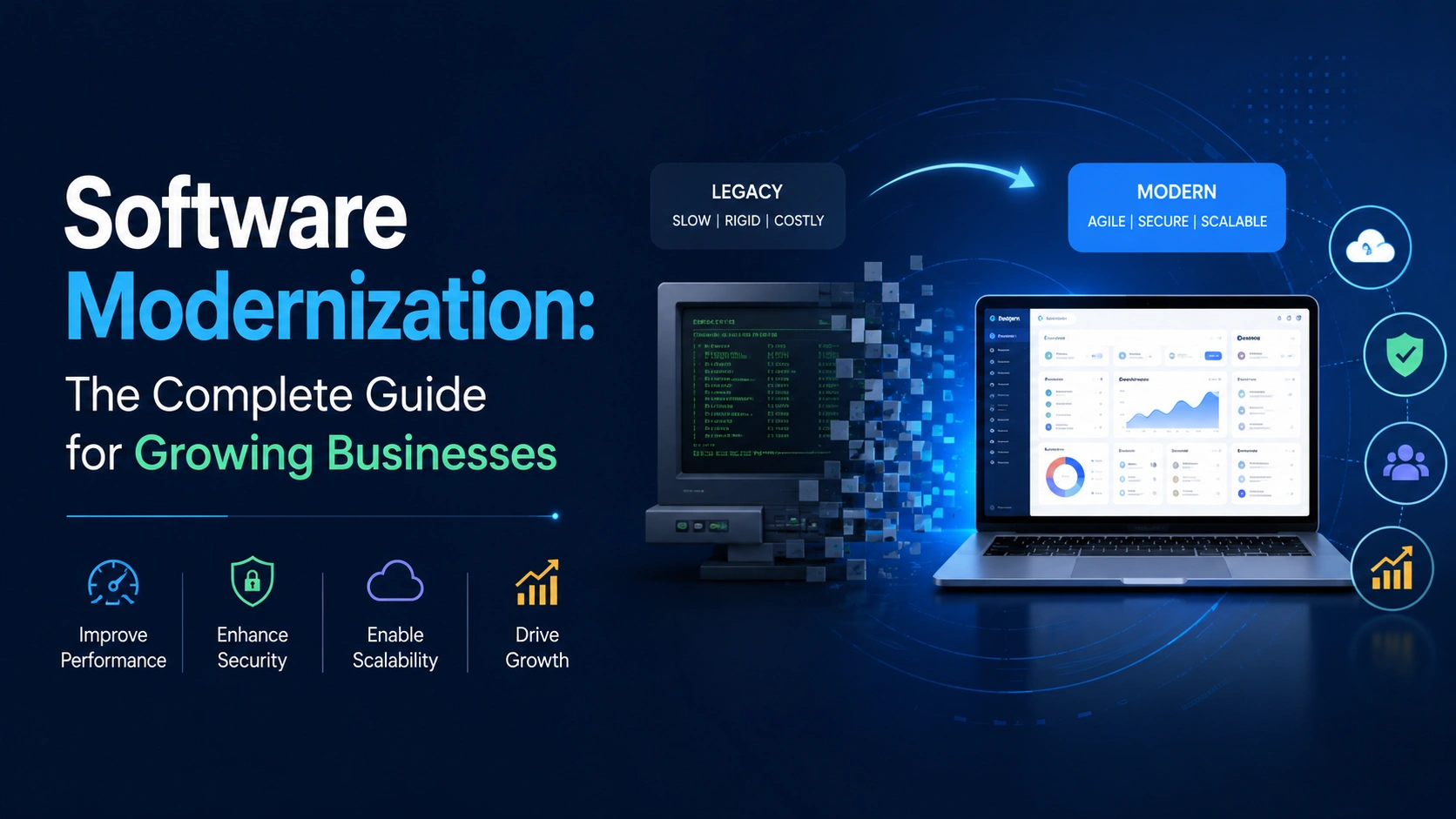
Legacy software modernization is the process of updating, replacing, or rebuilding outdated systems so they meet current business and technology requirements. It is not always a full rebuild. Sometimes it means moving a system to the cloud. Sometimes it means improving specific components. Sometimes it means replacing the whole thing.
The goal of application modernization is not change for the sake of it. The goal is to make your business faster, safer, and better positioned for what comes next. At Elsner, we approach this as a business project first – the technology decisions follow from understanding what your business actually needs.
Legacy Software Modernization Approaches – Explained
There is no single path to modernization. The right approach depends on your budget, timeline, how critical the system is, and how much of it is still worth keeping. Here are the four main options.
|
Approach |
What It Means | Best For |
Estimated Complexity |
|
Rehosting |
Move the system to cloud without changing code | Businesses needing quick cloud shift |
Low |
|
Refactoring |
Restructure code without changing what it does | Systems with good logic but messy code |
Medium |
|
Replatforming |
Shift to a new platform with minor adjustments | Moving from legacy infra to modern cloud services |
Medium-High |
|
Rebuilding |
Rewrite the system from scratch | When the old system is beyond repair |
High |
Rehosting – The Lift and Shift
Rehosting moves your existing system to cloud infrastructure without touching the code. It is the fastest option. Likewise, it delivers immediate benefits in terms of uptime, scalability, and reduced hardware costs. That said, it does not fix underlying code problems – it just gives them a new address.
Refactoring – Clean Without Replacing
Refactoring improves the structure of existing code without changing what it does externally. Think of it as renovating a building while keeping the walls standing. This way, the system becomes easier to maintain and extend – without the disruption of a full rebuild.
Replatforming – Move and Improve
Replatforming takes the core of your existing system and moves it to a modern platform – with targeted improvements along the way. It is a middle path. You keep what works, improve what does not, and gain the benefits of modern infrastructure without starting from zero.
Rebuilding – Start Fresh
Some systems are so outdated or structurally broken that rebuilding is the only real option. It takes longer and costs more upfront. But the result is a system built for how your business actually works today – not how it worked fifteen years ago. For many businesses, this is the most future-proof investment they make.
What Your Business Gains From Modernization?
The benefits of software modernization services go beyond the technical. Here is what changes on the business side when you upgrade properly.
- Faster performance – Modern systems are built for speed. Tasks that took minutes can take seconds. Reports that require overnight batch processing can run in real time.
- Better security – You stop carrying unpatched vulnerabilities. Your data is protected by current standards. Compliance becomes easier to maintain and demonstrate.
- Lower maintenance costs – Modern code is easier to work with. Your team spends less time firefighting and more time building. You also stop depending on a shrinking pool of developers who know older languages.
- Scalability – Modern systems grow with you. Adding users, new markets, or new product lines does not require rebuilding from scratch.
- Better integrations – Modern systems connect cleanly to the tools your business already uses – or wants to use.
- Clearer data – When systems work together properly, data flows without manual input. Leadership gets visibility. Decisions get better.
Legacy System vs. Modernized System – A Direct Comparison
|
Factor |
Legacy System | Modernized System |
|
Security |
Unpatched vulnerabilities, high breach risk |
Current security standards, active patching |
|
Performance |
Slow, frequent downtime |
Fast, built for load and scale |
|
Maintenance Cost |
High – ongoing patching and workarounds |
Lower – clean code, easier to manage |
|
Integration |
Difficult, requires custom bridges |
Built for API-based connections |
|
Scalability |
Limited – requires manual effort to scale |
Cloud-native scaling, built in |
|
Compliance |
Hard to demonstrate and maintain | Designed with compliance requirements in mind |
| Developer Availability |
Shrinking talent pool |
Broad access to modern developers |
How to Start Your Legacy System Upgrade – Step by Step?
Starting a modernization project can feel heavy. But breaking it into clear steps makes it manageable. Here is how Elsner typically approaches this with clients in the US.
Step 1 – Audit What You Have
Before deciding what to change, you need an honest picture of what you are working with. Map out every system your business runs on – what it does, who uses it, what it connects to, and what breaks most often. This way, you go into the project with clarity instead of assumptions.
Step 2 – Define What You Need From a New System
Modernization without clear goals leads to expensive misses. Define what the new system needs to do that the old one cannot. Define your non-negotiables – compliance requirements, performance benchmarks, integration needs. Hereby, every technical decision has a business reason behind it.
Step 3 – Choose the Right Approach
Based on your audit and goals, choose whether to rehost, refactor, replatform, or rebuild. This is where working with experienced software modernization services or legacy modernization services matters. The right choice saves time and budget. The wrong choice can double both.
Step 4 – Plan the Migration
A proper system migration plan accounts for data transfer, parallel running periods, staff training, and rollback options. You do not flip a switch and hope for the best. You run old and new side by side until you are confident, then cut over.
Step 5 – Execute and Validate
Build, test, and validate in stages. Test against real business scenarios – not just technical benchmarks. Get input from the teams who will actually use the system. This way, you catch gaps before they reach production.
Common Mistakes That Derail Modernization Projects
Many modernization projects that fail do not fail because of technology. They fail because of planning. Here are the mistakes worth avoiding.
- No clear strategy before starting – jumping into technical work without a business-aligned plan is the fastest way to overspend and under-deliver
- Treating it as an IT project only – modernization affects operations, finance, customer service, and leadership; all stakeholders need to be involved from the start
- Underestimating the budget – build in contingency from the beginning; surprises in legacy code are almost guaranteed
- Ignoring data migration – moving a system without a solid data migration plan means you risk losing years of business history
- Skipping training – a great new system that your team does not know how to use is not actually an upgrade
How Elsner Supports Your Modernization Journey?
Undefined is a full-service IT company with 19+ years of experience and over 9,500 projects delivered across the US and globally. We do not just build software – we take ownership of technology-driven projects and see them through from assessment to launch.
Our software modernization services Our legacy application modernization services cover the full process – system audit, approach planning, application modernization, digital transformation strategy, data migration, and post-launch support. We work with business owners, CTOs, and IT managers who need a partner that understands both the technology and the business impact.
With over 250 developers on our team and deep experience across industries including healthcare, retail, real estate, and education, we bring the right expertise to each project. Not only that, but we communicate in business terms – not just technical ones. This way, you always know what is happening, why it is happening, and what it means for your growth.
If you are evaluating your options for a legacy system upgrade, our team is ready to help you assess your current state and define the right path forward.
Start Driving Growth with Legacy Modernization
Upgrade legacy systems into efficient, scalable platforms that enhance productivity, reduce costs, and support global expansion.
Final Thoughts
Every month you run on outdated software is a month your competitors with modern systems are moving faster, serving customers better, and spending less on maintenance. The gap compounds over time.
Legacy software modernization is not about chasing new technology for its own sake. It is about removing what holds your business back. It is about building systems that support your team instead of slowing them down. It is about making sure the tools you rely on can actually carry the weight of where your business is going.
The right time to start was probably two years ago. The next best time is now. Elsner is here to help you do it the right way – with a clear plan, honest guidance, and a team that treats your project like it matters.
FAQs
Q1. How do I know if my software actually counts as ‘legacy’?
Honestly, if you are asking this question, there is a good chance it already is. The clearest signal is not the age of the software — it is what happens around it. If your team has built workarounds on top of workarounds, if getting data out of it requires someone who has been there for fifteen years, or if your IT people wince when someone brings up a new integration request, those are the real signs. Age is just one factor.
Q2. We have been using the same system for years without major problems. Why change now?
The issues with legacy systems are not always loud. They tend to show up as small daily frictions — a report that takes an hour instead of five minutes, a manual step that someone just does because ‘that is how it works,’ a customer-facing delay that gets blamed on ‘the system.’ None of these feel like a crisis. But they add up. And the longer you wait, the more expensive and disruptive the eventual change becomes. The businesses that struggle most with modernization are the ones who waited until something broke badly enough to force action.
Q3. What is the difference between legacy application modernization services and just buying new software?
Buying a new off-the-shelf product is one option — and sometimes the right one. But legacy application modernization services are about something more specific: taking what your business has built, understanding what is worth keeping, and transforming it into something that works for where you are going. A lot of custom business logic lives in old systems that simply does not exist in any generic product. The goal is not to replace what you have with something generic. It is to build something that actually fits.
Q4. How long does a typical legacy modernization project take?
There is no honest single answer to this. A rehosting project — moving your system to the cloud without touching the code — can be done in weeks. A full rebuild of a complex, business-critical application could take twelve to eighteen months. What matters more than the total timeline is how the project is structured: working in stages, running old and new systems in parallel, and validating against real business scenarios before you commit. A good partner will give you a phased plan, not a single launch date months away.
Q5. Will we have to shut everything down while the new system is being built?
No — and any modernization approach that requires you to stop operating is not a plan, it is a gamble. The standard approach is to run both systems in parallel during the transition: your team keeps working on the old system while the new one is built and validated alongside it. You only cut over when confidence is high. There will be some disruption at the edges — training, new processes, adjusting to a different interface — but a well-run project keeps your business running throughout.
Q6. How do I make the case for modernization internally when leadership is skeptical?
The most effective approach is usually to stop talking about the technology and start talking about the cost of staying still. Calculate what your team currently loses to slow systems — even a rough estimate of hours per week across your organization tends to be a revealing number. Add in the compliance exposure, the maintenance contracts, and the cost of the custom work needed every time you try to connect something new. Then compare that to a phased modernization budget. The conversation shifts pretty quickly when the status quo has a visible price tag attached to it.
Q7. What should I look for when choosing a legacy modernization services provider?
Start with whether they ask good questions before proposing anything. A provider that leads with a solution before they understand your systems, your business model, and your constraints is skipping the most important part. You also want someone who communicates in business terms, not just technical ones — you should always know what is happening and why it matters to your operations. References from similar industries, experience with data migration, and a clear approach to post-launch support all matter a great deal too.