- Why AI Coding Tools Are Now a Team Decision
- GitHub Copilot: Familiar, Fast, and Easy to Roll Out
- Cursor: The AI-Native IDE
- Claude Code: Built for Deep Thinking
- Side-by-Side Comparison: GitHub Copilot vs Cursor vs Claude Code
- Can You Use All Three Together?
- Real Productivity Gains (No Hype)
- How to Roll Out AI Coding Tools (Without Messing It Up)
- Security, Privacy, and Compliance Considerations
- Common Mistakes Teams Make with AI Coding Tools
- What’s Coming Next in AI-Assisted Development
- How Elsner Technologies Helps Teams Adopt AI Coding Tools the Right Way
- Ready to Implement AI Coding Tools Without the Chaos?
- Conclusion
- Frequently Asked Questions
- Which AI coding tool is best for small teams?
- Can Cursor, Claude Code, and Copilot work together?
- Are AI coding tools safe for enterprise use?
- How much do these tools cost?
- Will AI replace developers?
- Do these tools work with legacy code?
Something has already shifted. Quietly, but completely. AI coding tools are no longer nice to try. They’re inside real workflows now. Developers are shipping faster, debugging differently, and even thinking about problems in a slightly new way.
And here’s the thing. The question isn’t whether you should use AI-assisted development. The real question is: Which tools actually fit your team, and how do you use them without creating chaos?
Because yeah, picking the wrong stack doesn’t just waste money. It slows onboarding. It confuses developers. It breaks consistency.
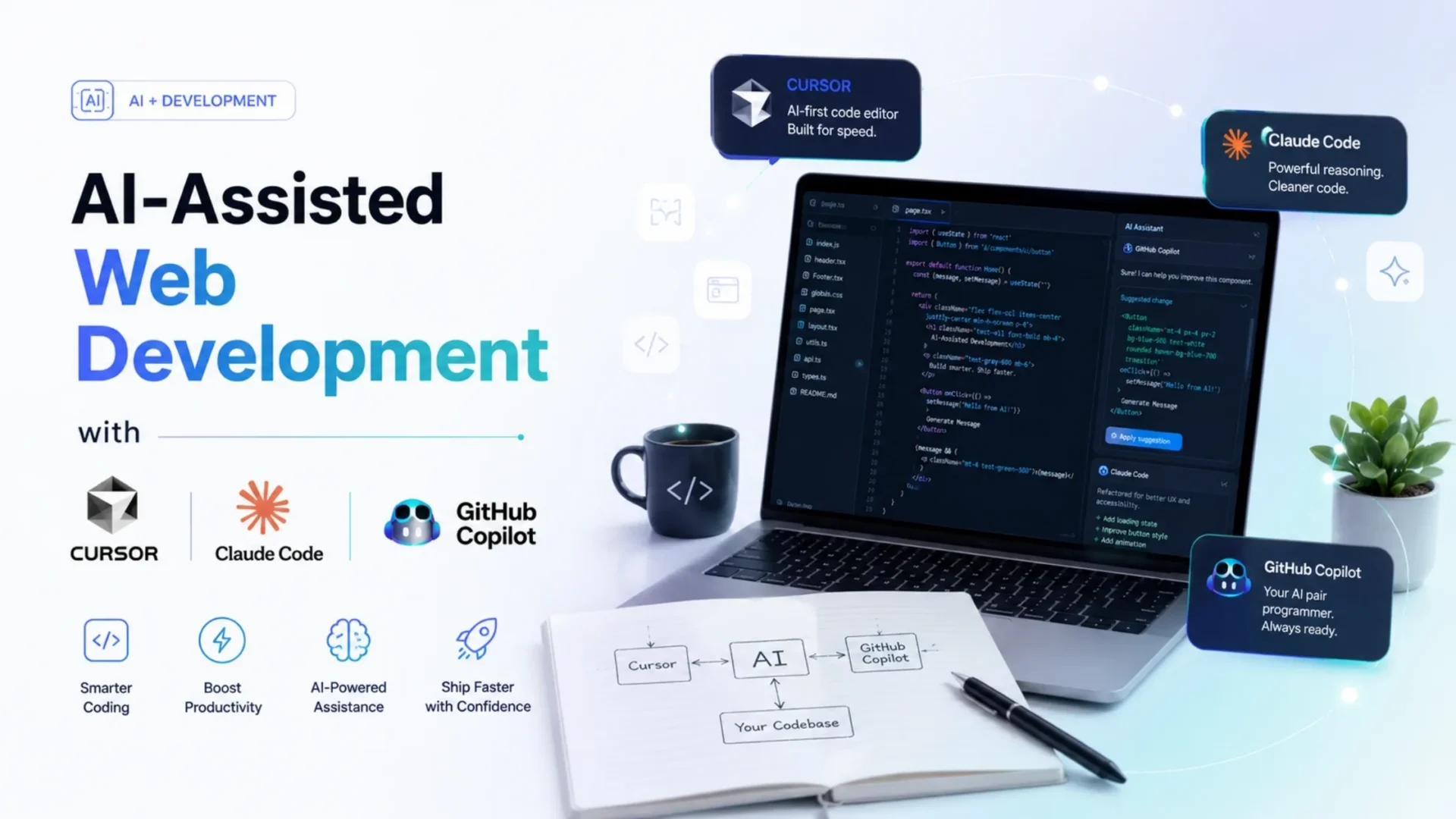
Right now, three tools keep showing up in serious conversations: Cursor, Claude Code, and GitHub Copilot. Each one is powerful. Each one works differently. And honestly, each one wins in different situations.
This guide is not hype. No vendor bias. No best tool nonsense. Just a real breakdown of what works in 2026 and what doesn’t. Whether you’re evaluating for your team or trying to standardize how developers work across your organization, this covers the actual tradeoffs.
Quick context: In 2026, 84% of developers use or plan to use AI coding tools. But adoption is only half the story. The real challenge is standardizing which tools work for which tasks, how to prevent security risks, and whether the investment actually pays off. This guide walks through each tool’s strengths, real productivity data, and a practical framework for rolling out AI coding assistance without breaking your engineering culture.
Why AI Coding Tools Are Now a Team Decision
A couple of years ago, developers picked their own tools. Now? That doesn’t scale anymore. When every developer uses a different AI assistant, things get messy. Code style becomes inconsistent. Security risks increase. Licensing confusion creeps in. Knowledge sharing breaks.
And the cost, it adds up quietly. Recent developer surveys and internal team reports are showing something interesting. Teams that move on a single AI strategy instead of letting developers choose randomly report 20% to 40% time savings on routine development tasks, faster PR cycles, and reduced boilerplate work. But those gains only happen when teams standardize usage. So yeah, this is no longer a developer preference decision. It’s an engineering leadership call.
The tools you pick today will affect how your team writes code for the next 2 to 3 years.
GitHub Copilot: Familiar, Fast, and Easy to Roll Out
GitHub Copilot is the one most teams start with. And honestly, that makes sense. It lives inside your IDE. It feels natural. You don’t need to rethink your workflow. It was the first tool to normalize AI coding assistance, and it still holds roughly 42% market share among enterprises.
Where GitHub Copilot works really well: Autocomplete and inline suggestions, writing small functions quickly, generating test cases, helping junior developers move faster, and working alongside your existing GitHub workflow without friction.
Why teams like GitHub Copilot: Very low learning curve, deep integration with GitHub, enterprise-ready compliance with SSO and audit logs, easy rollout across teams, and it works in any IDE you’re already using (VS Code, JetBrains, Neovim, Visual Studio).
Where GitHub Copilot struggles a bit: Limited multi-file understanding compared to newer tools, not great at deep reasoning tasks, can feel surface-level on complex architectural problems, and the newer agentic features are still evolving in early 2026.
Best fit: Large teams, junior-heavy teams, organizations already using GitHub, and companies where compliance and centralized control matter more than cutting-edge capability.
Cursor: The AI-Native IDE
Cursor feels different from the moment you open it. It’s not just an editor with AI added on top. It’s built around AI. And that changes how developers work.
Where Cursor AI shines: Multi-file editing, large refactors, agent-style workflows, rapid iteration on features. You can literally ask it to modify multiple files, refactor logic across the codebase, or build features end-to-end. And it actually does it. Not perfectly. But surprisingly well. By early 2026, Cursor had captured 24% of primary-tool adoption among developers, trailing only Claude Code at 28%.
Limitations of Cursor AI: It’s a separate IDE, not just a plugin, so it takes time to get comfortable. Some developers resist switching from familiar tools. The multi-model support is great, but token usage is roughly 5.5x higher than Claude Code on identical tasks, which can burn through credits faster if you’re on a lower tier.
Best fit: Startups, product teams moving fast, developers comfortable experimenting, and teams building greenfield features where speed matters more than constraints. Also good for custom software development shops where each project needs rapid iteration.
Cursor’s agent mode improvements have made it even more powerful. It’s less about suggesting code and more about doing tasks. That’s a big shift from how developers thought about AI assistance even a year ago.
Claude Code: Built for Deep Thinking
Claude Code is not trying to replace your IDE. It lives in the terminal. And it behaves more like an intelligent coding agent than a code completion tool.
What makes Claude Code different: Strong reasoning ability, handles complex multi-step tasks, works well with large codebases, great for analysis and migrations. A March 2026 developer survey from UC San Diego and Cornell found that roughly one in three professional developers actually uses all three tools together, but when choosing a primary tool for deep work, Claude Code’s 80.8% SWE-bench score is the highest among the three.
Where Claude Code performs best: Debugging complex issues, understanding unfamiliar codebases, writing automation scripts, handling long multi-step workflows, refactoring large systems, and tasks that require reasoning about architecture before writing code.
Limitations of Claude Code: Not beginner-friendly, requires comfort with terminal workflows, not ideal for quick inline coding, slower for small edits compared to IDE-integrated tools.
Best fit: Senior developers, backend-heavy teams, complex engineering environments, organizations building AI and ML systems where code understanding matters deeply.
It’s not a replacement for tools like Copilot or Cursor. It’s more like a powerful companion for difficult problems. Think of it as calling in a senior engineer to review your architecture instead of asking for help with a typo.
Side-by-Side Comparison: GitHub Copilot vs Cursor vs Claude Code
Here’s the simple way to read this table: If your team wants speed without changing how they work, Copilot is the easiest choice. It fits right into existing workflows and helps teams move faster. Cursor is better for teams open to changing how they build software. It allows faster edits across multiple files and more automation once the team gets used to it.
Claude Code works best for complex tasks and deeper problem-solving. It handles large codebases and multi-step work well, making it useful for senior developers and teams building sophisticated systems. In short, Copilot helps with speed, Cursor helps teams evolve, and Claude Code handles complexity.
Can You Use All Three Together?
Short answer: yes. And many teams actually do. A UC San Diego and Cornell survey of 99 professional developers in March 2026 found that roughly one in three used all three tools together. But not randomly. Smart teams assign tools based on tasks.
A practical setup for a 10-person team: 6 developers use Copilot daily for routine coding and tests, 3 developers use Cursor for feature building and refactoring, 2 senior engineers use Claude Code for deep tasks like architecture review and system migrations.
Not everyone needs everything. That’s the trick. When you’re building products or features at scale, you can reduce friction by having clear guidelines on which tool to reach for in each situation. Senior developers and team leads should be comfortable with all three, but junior developers only need to master one.
Real Productivity Gains (No Hype)
Let’s talk numbers. Because the gap between what vendors claim and what teams actually see is often huge.
What the data shows: In 2026, 84% of developers use or plan to use AI tools. Recent surveys show self-reported productivity jumps of 34% in the first 60 days, then productivity gains flatten after 180 days. Average time saved per developer is around 3.6 hours per week. GitHub Copilot users report 30% to 55% faster on routine tasks. Cursor enables 2x to 3x faster multi-file refactors. Claude Code is harder to measure in isolation, but shows strong results on full-task completion and code quality.
Where AI helps the most: Boilerplate code, test generation, documentation, simple bug fixes, repetitive patterns.
Where it doesn’t help much: System architecture decisions, truly new problem-solving, deep debugging sometimes helps but results are inconsistent, complex business logic that hasn’t been written yet.
And here’s the truth people don’t say enough. AI tools amplify skill. They don’t replace it. A strong developer gets faster. A weak process gets exposed. Code quality improvements only happen when you pair AI adoption with stronger code review practices, not when you replace them.
How to Roll Out AI Coding Tools (Without Messing It Up)
This is where most teams fail. They go all-in too fast. Here’s a better way.
- Audit your workflow: Find where time is actually wasted. Not where you think it is.
- Start with one tool: Don’t introduce all three at once. Pick the one that fits your team’s primary bottleneck.
- Run a 30-day pilot: Pick 3-5 developers. Track actual metrics. Measure PR cycle time, code review time, developer satisfaction.
- Measure real outcomes: Not lines of code. Look at PR cycle time, bug rates, code churn, developer satisfaction, actually completed tasks.
- Create usage guidelines: When to trust AI and when not to. This prevents the quality issues that sink rollouts.
- Train your team: Prompting matters more than people think. How you ask the AI for help directly impacts the output quality.
- Scale slowly: Expand based on real results from your pilot. Measure metrics at each step.
Most failed rollouts happen because teams introduce too many tools at once and skip testing them with a small group first. When Elsner Technologies works with clients on web development or custom builds, teams that follow a structured rollout approach see adoption rates above 80% within 90 days. Teams that don’t plan it see adoption plateaus at 40-50% and high frustration.
Security, Privacy, and Compliance Considerations
AI tools send data. That’s the reality. So you need to ask: What code is being shared? Where is it stored? Who has access?
Key considerations: Enterprise plans with data controls and no retention policies, open-source license risks (AI can inadvertently suggest GPL code), internal policies for what code can be fed to AI, IP protection, and compliance with regulations like GDPR, HIPAA, or SOC 2.
If you’re in regulated industries, you must follow strict compliance rules and perform additional security checks to protect sensitive data. For example, a healthcare company using AI tools must ensure patient data is not exposed and comply with HIPAA regulations. A fintech company needs SOC 2 compliance verification. A government contractor needs FedRAMP or higher.
GitHub Copilot’s enterprise plan includes data exclusion options. Claude Code has API-level controls. Cursor has team features with audit logs. Pick based on your security requirements, not features you think you might need.
Common Mistakes Teams Make with AI Coding Tools
This part matters a lot. These are the most common mistakes that quietly slow teams down:
Trusting AI without review: AI can make mistakes or generate incorrect code. Human validation is essential before code lands in production. Only about 29-46% of developers trust AI outputs, and that’s about right.
Letting juniors rely on it blindly: Overdependence can slow learning and weaken problem-solving skills if not guided properly. Junior developers should use AI as a learning tool, not a replacement for understanding the code.
Skipping the pilot phase: Without testing on a small scale, teams risk adopting tools that don’t fit their workflow. Pilot programs catch friction points before rollout.
Ignoring prompt training: Poor prompts lead to poor results. Teams need to learn how to communicate effectively with AI. The difference between a mediocre prompt and a good one is huge.
Mixing tools without structure: Using multiple tools without clear roles creates confusion and reduces productivity gains. Define when to use each tool.
Measuring output instead of outcomes: Focusing only on speed or volume ignores code quality, maintainability, and real impact. Track PR cycle time, code churn, and deployment stability, not just lines of code.
Assuming AI will fix broken processes: It won’t. If your code review process is slow, AI won’t fix it. If your testing is weak, AI won’t fix that either. AI amplifies what you already have. Fix the process first, then add AI.
What’s Coming Next in AI-Assisted Development
The future of AI is exciting, and things are moving fast. We’re already seeing early signals of what’s coming by mid-to-late 2026:
Fully agentic coding tools that can plan and execute multi-step features autonomously. AI-driven code review and PR approval systems. Self-healing codebases with automatic fixes for common bugs. AI-powered architectural recommendations. Better long-context models reducing the need for manual file selection. Tighter integrations between IDEs, terminals, and CI/CD pipelines so AI can see the full development flow.
The tools we’re using today are just the beginning. Teams that build strong AI coding habits now will adapt faster later.
How Elsner Technologies Helps Teams Adopt AI Coding Tools the Right Way
If you’re still unsure, that’s normal. Picking tools is one thing. Rolling them out properly, training teams, measuring actual ROI, managing security concerns, and maintaining code quality through the transition. That’s where most teams struggle.
From evaluation to pilot setup to team training to post-launch monitoring, having a structured approach can save weeks of trial and error. A simple step? Start with a small pilot and get clarity before scaling. And if you want a clearer starting point, an AI productivity audit or consultation can help you map out what actually fits your team, your budget, your security requirements, and your development culture before you commit to any tool.
Ready to Implement AI Coding Tools Without the Chaos?
We work with engineering teams to evaluate, pilot, and scale AI coding assistance the right way. Whether you need help choosing between Cursor, Claude Code, and Copilot, designing rollout strategy, or building governance frameworks, we’ve done this before.
Conclusion
AI coding tools are powerful. But they’re not magic. They don’t fix bad processes. They don’t replace thinking. What they do is remove friction from work that doesn’t require deep thinking.
The teams that win are the ones that pick the right tool for the right task, train their developers properly, measure outcomes that actually matter, and start small instead of betting the whole company on a tool before they’ve tested it.
Start small. Test properly. Scale with discipline. Because the stack you choose today will shape how your team builds software for years. Choose carefully.
One last thing: The right measure isn’t what tools cost. It’s what they return. A well-defined adoption strategy that prevents missteps saves more than the time it takes to plan it. A rollout without planning costs far more than the meeting hours that would have prevented it.
Frequently Asked Questions
Which AI coding tool is best for small teams?
Small teams often benefit from Cursor because of its speed and flexibility. But if the team prefers minimal change and already uses VS Code or GitHub, GitHub Copilot is easier to adopt quickly without learning a new IDE.
Can Cursor, Claude Code, and Copilot work together?
Yes. Many teams use them together by assigning each tool to specific tasks instead of overlapping usage. About one in three developers surveyed in early 2026 use all three tools, typically with clear guidelines on when to use each.
Are AI coding tools safe for enterprise use?
They can be, but only with proper controls. Enterprise plans with data exclusion options, internal policies on what code can be fed to AI, strong code review processes, and compliance verification for your industry are essential.
How much do these tools cost?
GitHub Copilot starts at $10/month for individuals and $19/month for business accounts. Cursor is $20/month for the Pro plan. Claude Code usage varies but typically runs $20-30/month based on usage. A team running all three spends roughly $50-60/month per developer.
Will AI replace developers?
No. These tools assist developers. They remove repetitive work but still rely heavily on human judgment, architecture decisions, and understanding of business requirements. What’s changing is which developers succeed. Developers who learn to use these tools well are more productive. Developers who resist them or fear them may find themselves less competitive.
Do these tools work with legacy code?
Yes, but results vary. Claude Code tends to perform better for analyzing older or complex codebases because it has stronger reasoning capabilities. GitHub Copilot struggles more with unfamiliar patterns. Cursor works fine as long as the legacy code is in a supported language.