- What is Shopify Collabs and How Does It Work?
- The Basic Workflow
- How Shopify Collabs Benefits Creators and Brands?
- For Creators
- For Brands
- Shopify Collabs App Features You Should Know
- Core Features
- Advanced Capabilities
- Shopify Collabs vs Influencer Platforms: Which One’s Better?
- Traditional Influencer Platforms
- Shopify Collabs Advantages
- How to Set Up Shopify Collabs (Step by Step)
- Step 1: Install the App
- Step 2: Build Your Profile
- Step 3: Set Up Collaboration Terms
- Step 4: Start Connecting
- Step 5: Generate and Share Links
- Step 6: Track and Optimize
- Why Choose a Shopify Development Company Like Elsner?
- Get Expert Shopify Help
- Final Thoughts
- FAQs
- Is Shopify Collabs legit for small business owners?
- How can creators apply for collaborations on Shopify?
- How to find influencers using Shopify Collabs?
- Can Shopify Collabs be integrated with other marketing tools?
Quick Answer
Shopify Collabs is a free Shopify app that connects brands with creators and influencers to run affiliate and partnership campaigns. Brands set commissions and find creators, the app generates tracking links, and it calculates and pays commissions automatically. Because it is built into Shopify, everything sits in one dashboard with your products and orders. It works best for brands that want creator-driven sales without juggling spreadsheets.
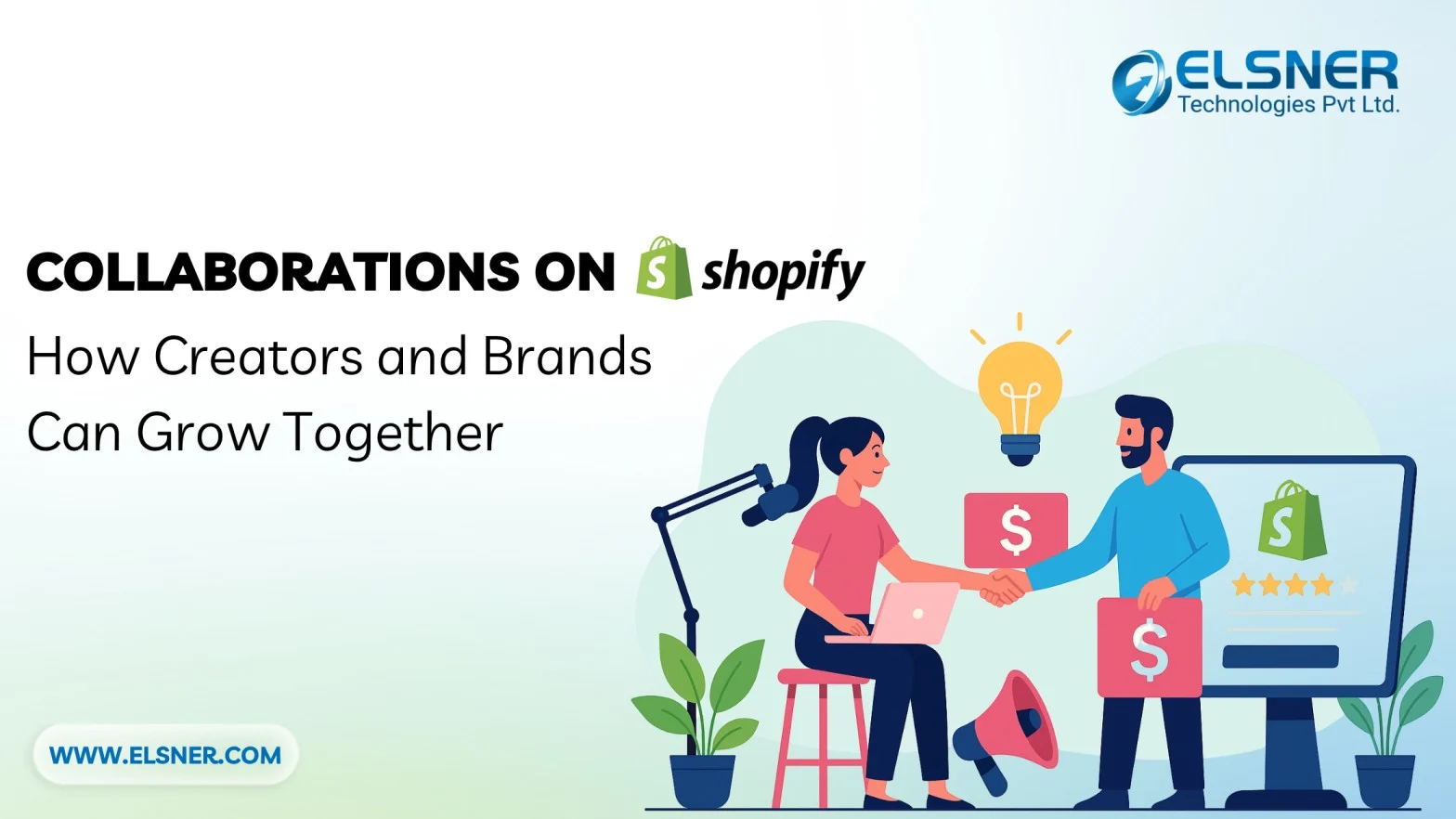
Influencer marketing will continue to dominate in 2026. But it doesn’t need to come with messy spreadsheets and endless back-and-forth emails. Shopify Collabs app puts brands and creators in the same room, digitally speaking.
What are Shopify Collabs? It basically connects eCommerce brands with content creators to drive authentic growth for eCommerce partnerships. Through the app, merchants can discover, partner with, and manage creator relationships all in one place.
Adoption is growing fast. Small brands are finding their first creators, and creators are landing paid partnerships without cold DMs. For most Shopify merchants, it works better than the old spreadsheet and email approach.
What is Shopify Collabs and How Does It Work?
Shopify Collabs is a free app. No subscription fees. No hidden costs. Just download the app from the Shopify App Store and start connecting.
You can also find the app directly on the Shopify App Store here.
How does Shopify Collabs work in the real world? Pretty straightforward, actually.
Merchants fill out a brand profile. List some products. Set what they’ll pay per sale. Explain what kind of creators they want. That’s the setup.
Creators do their part, too. Build a Shopify collabs influencer profile showing who follows them and what content they make. Browse brands that fit their vibe. Apply or wait for invites.
Then the Shopify Collabs app takes over. It generates tracking links automatically. Monitors that link drive sales. Calculates commissions without anyone touching a calculator. Sends payments through Shopify’s system when it’s time to pay out.
Zero spreadsheets needed. No “hey, did you get my payment?” messages. Just clean, automated partnership management.
The Basic Workflow
- Brand creates a collaboration program
- Creator discovers the brand or receives an invite
- Partnership terms are agreed upon
- Creator receives unique tracking links
- Sales roll in, and commissions get paid
How Shopify Collabs Benefits Creators and Brands?

For Creators
Shopify Collabs for creators opens doors to legitimate partnerships. Gone are the days of cold emailing brands or hoping for responses.
Creators get:
- Access to vetted brands actively seeking partnerships
- Transparent commission structures (no surprises)
- Real-time performance tracking
- Guaranteed payments through Shopify
- Freedom to choose brands that align with their values
The Shopify Collabs influencer dashboard shows exactly which posts drive sales. This data helps creators understand what content resonates. Better content means better conversions. Better conversions mean higher earnings.
For Brands
Managing influencer relationships traditionally means chaos. Multiple spreadsheets. Endless email threads. Manual tracking that never adds up correctly.
Knowing how to use Shopify Collabs for brand growth solves these headaches:
- Find creators in specific niches
- Track every sale back to its source
- Scale partnerships without scaling workload
- Pay commissions automatically
- Measure ROI with precision
Authentic promotion beats paid ads every time. When creators genuinely love a product, their audience notices. That trust translates to sales.
Creator traffic works even better when the store loads fast, so speed optimization becomes important here.
Shopify Collabs App Features You Should Know
The Shopify Collabs app packs serious functionality into a clean interface.
Core Features
|
Collabs Shopify Feature |
What It Does |
Why It Matters |
|
Creator Discovery |
Browse and filter potential partners |
Find the right fit faster |
|
Affiliate Link Generation |
Automatic unique tracking URLs |
No manual setup required |
|
Commission Management |
Set rates, track earnings |
Full transparency |
|
Performance Analytics |
Detailed conversion data |
Optimize what works |
|
Secure Payments |
Automated payouts |
Build creator trust |
|
Built-in Messaging |
Direct communication |
Keep everything in one place |
Advanced Capabilities
Shopify Collabs affiliate management goes deeper than basic tracking:
- Custom commission tiers: Reward top performers automatically
- Product-specific rates: Set different commissions for different items
- Time-limited campaigns: Run seasonal promotions with creators
- Multi-creator attribution: See how collaborations work together
The integration with existing Shopify stores is seamless. Everything lives in the same dashboard used for inventory, orders, and customer management.
Shopify keeps updating its ecosystem, and many new features can support collaborations even more.
Shopify Collabs vs Influencer Platforms: Which One’s Better?
Shopify Collabs vs influencer platforms isn’t always a fair comparison. They serve different needs.
Traditional Influencer Platforms
Platforms like Aspire, GRIN, and Upfluence offer:
- Massive creator databases
- Advanced campaign management
- Multi-platform tracking (Instagram, TikTok, YouTube)
- Higher monthly costs ($500-$2,000+)
Shopify Collabs Advantages
- Zero cost: Completely free to use
- Native integration: Already connected to store data
- ECommerce focus: Built specifically for product sales
- Simplified workflow: Less complexity, faster results
Recent Shopify Collabs news shows continuous platform improvements. New features drop regularly. The creator network keeps expanding.For Shopify merchants, the built-in solution makes more sense.
How to Set Up Shopify Collabs (Step by Step)
This Shopify Collabs guide for beginners takes about 15 minutes, maybe less if everything’s ready.
Step 1: Install the App
Open the Shopify admin panel. Navigate to the App Store. Search for “Shopify Collabs.” Click install. Done.
Step 2: Build Your Profile
Fill out the brand profile completely. Include:
- Clear product descriptions
- High-quality images
- Commission rate structure
- Collaboration expectations
- Brand values and mission
Creators judge brands by their profiles. Make it compelling.
Step 3: Set Up Collaboration Terms
Decide on commission percentages. Most brands start between 10% and 20%. Consider product margins when setting rates.
Define partnership requirements:
- Minimum audience size?
- Content style preferences?
- Posting frequency expectations?
- Exclusivity requirements?
Be specific but flexible.
Step 4: Start Connecting
Browse creator profiles using filters:
- Niche/industry
- Audience demographics
- Engagement rates
- Previous brand partnerships
Send personalized invites. Generic messages get ignored. Reference specific content they’ve created. Show genuine interest in working together.
Alternatively, make the collaboration program public. Let creators apply to work with the brand.
Step 5: Generate and Share Links
Once partnerships are confirmed, the app creates unique affiliate links automatically. Share these with approved creators along with:
- Product information
- Brand guidelines
- Content suggestions (not requirements)
- Key messaging points
Step 6: Track and Optimize
Monitor the dashboard regularly. Look for patterns:
- Which creators drive the most sales?
- What content types perform best?
- Which products resonate with audiences?
- What posting times generate traffic?
Use this data to refine future campaigns. Double down on what works. Adjust what doesn’t.
Setting up Shopify Collabs really is this simple. The barrier to entry is low and the upside is high.
Why Choose a Shopify Development Company Like Elsner?
Shopify Collabs works great out of the box. But custom development takes results to another level.
A Shopify Development Company like Elsner Technologies specializes in maximizing platform potential. Standard setups work fine. Optimized setups work brilliantly.
Get Expert Shopify Help
Want to improve your Shopify store and manage collaborations more efficiently? Our team can help you optimize performance, set up Collabs properly, and boost conversions.
Elsner builds Shopify stores that convert. When creator partnerships drive traffic, optimized stores capitalize on every visitor.
Final Thoughts
Shopify Collabs fixes what’s been broken in influencer marketing for years. No more chasing down creators. No more manual tracking. No more wondering if partnerships actually work.
Knowing what Shopify Collabs is matters less than actually using it. Theory doesn’t grow revenue. Action does. Sometimes that action needs a technical boost. Elsner Technologies builds Shopify stores that turn creator traffic into actual customers.
Ready to boost eCommerce reach with powerful creator partnerships? Contact Elsner—your trusted Shopify Development Company for expert integration and optimization services.
FAQs
Is Shopify Collabs legit for small business owners?
Absolutely. It’s perfect for small businesses. The platform is an official Shopify app. No sketchy third parties. No data security concerns. Everything runs through Shopify’s trusted infrastructure.
How can creators apply for collaborations on Shopify?
Creators download the Shopify Collabs app (it’s separate from the merchant version). Build a profile highlighting:
- Content niche
- Audience demographics
- Engagement statistics
- Previous brand partnerships
Then browse available brand programs. Apply to ones that match content style and audience interests. Brands review applications and approve partnerships that make sense.
How to find influencers using Shopify Collabs?
It involves smart filtering and manual review. Use the built-in search with filters:
- Industry/niche alignment
- Audience size range
- Engagement rate thresholds
- Geographic location
- Content platform (Instagram, TikTok, YouTube, blogs)
Don’t just look at follower counts. Engagement matters more. Review content quality manually. Send personalized invites to top candidates. Generic mass invites get ignored.
Can Shopify Collabs be integrated with other marketing tools?
Yes, though some integrations require custom development.
Native integrations include:
- Shopify Email
- Shopify Flow (for automation)
- Most Shopify apps in the App Store
Custom integrations connect:
- Email marketing platforms (Klaviyo, Mailchimp)
- Analytics tools (Google Analytics, Mixpanel)
- CRM systems (HubSpot, Salesforce)
- Social media management (Hootsuite, Later)
A Shopify Development Company can build these connections. Integrated systems provide better data and smoother workflows.