- Is Your WooCommerce Store a Turtle in 2026?
- Why Speed Matters for WooCommerce Stores
- 1. SEO Is Obsessed with Speed
- 2. Customers Hate Waiting
- 3. Your Sales Depend on This
- 4. Mobile Is the Main Stage
- How Speed Impacts Sales
- So, What Should You Do?
- Common WooCommerce Speed Bottlenecks
- Bloated Themes and Plugins
- Unoptimized Images
- Too Many Server Requests
- Outdated Tech
- Proven Performance Hacks for WooCommerce (2026 Edition)
- 1. Use Lightweight, Optimized Themes
- 2. Implement Lazy Loading and Compress Images
- 3. Use Advanced Caching Plugins and a CDN
- Need a Powerful WooCommerce Store That Actually Converts?
- 4. Optimize Your Database and Remove Junk
- 5. Choose High-Performance Hosting
- 6. Minimize Plugin Usage
- 7. Enable GZIP Compression and Browser Caching
- Your WooCommerce Speed Journey
- Advanced WooCommerce Speed Optimization Tips
- 1. Use Performance Monitoring Tools
- 2. Server-Side Caching
- 3. Go Headless
- How Speed Directly Boosts Sales
- 1. Better Conversion Rates
- 2. Lower Bounce Rates
- 3. Improved Search Rankings
- How Elsner Technologies Can Help
- Custom Performance Audits
- Speed-Focused Store Design
- Ongoing Maintenance and Optimization
- Conclusion: Speed Up or Fall Behind
- FAQs on WooCommerce Store Optimization
- What is the real cause behind a slow WooCommerce store?
- How often should I tune up my WooCommerce performance?
- I run a large-scale WooCommerce store. Can Elsner help?
- Do caching plugins actually work?
- Is headless WooCommerce worth it?
Quick answer: to speed up a WooCommerce store, use a lightweight theme, compress images and enable lazy loading, add a caching plugin and a CDN, clean and optimise the database, cut unnecessary plugins, enable GZIP and browser caching, and choose fast managed hosting. For advanced gains, add Redis or Memcached object caching or go headless. A one-second delay can cut conversions noticeably, so this pays back directly. The hacks are below.
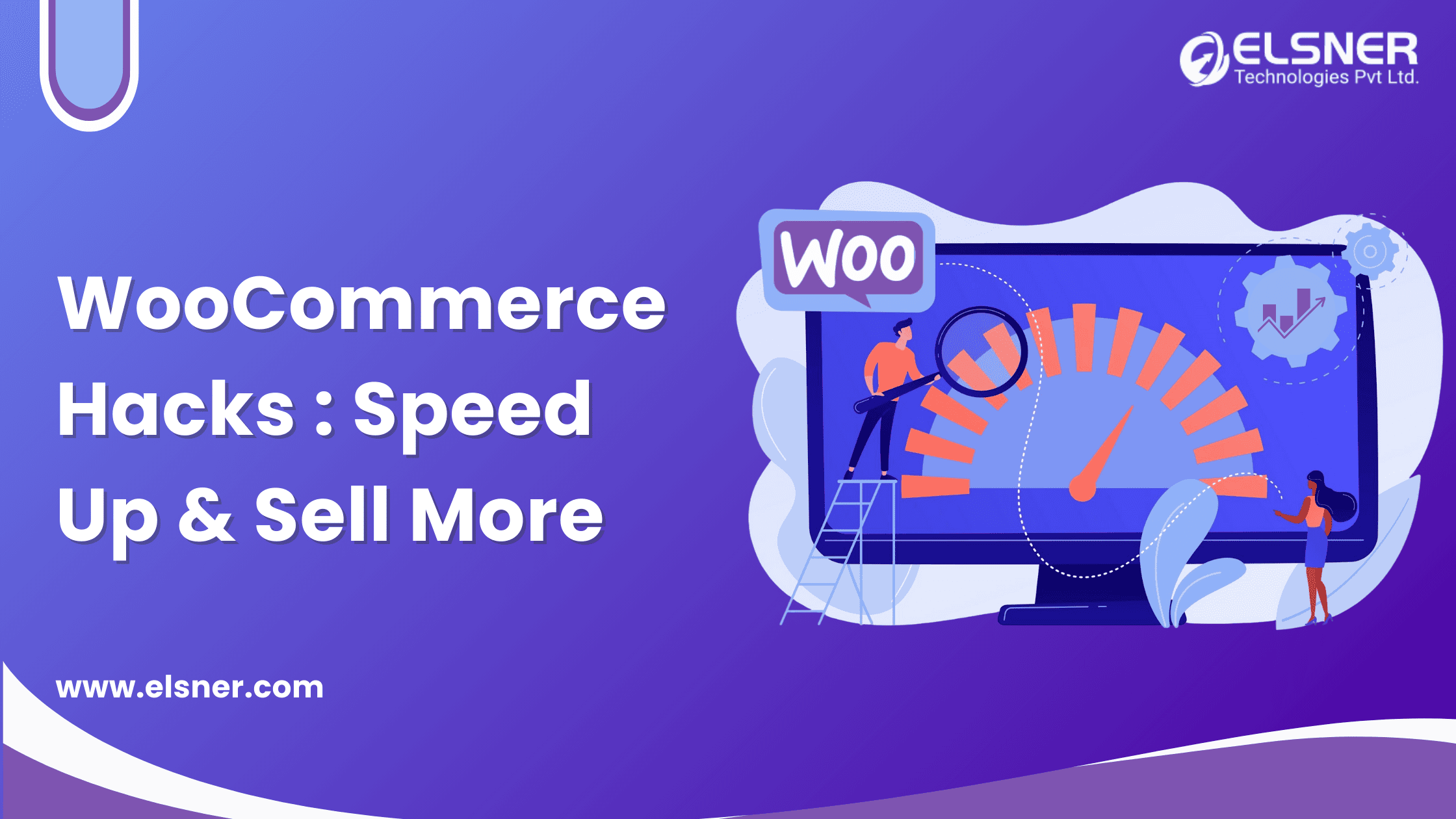
Let us face it, no one likes a slow website. In 2026, patience is extinct. If your WooCommerce store takes longer to load than it takes to make a cup of coffee, you are not just losing visitors, you are handing them over to your competitors.
Is Your WooCommerce Store a Turtle in 2026?
Time to talk about WooCommerce speed optimization. This is not just a tech upgrade, it is survival. Every click, every image, every extra plugin can drag you down. Partnering with a reliable WooCommerce development company can help you implement these fixes effectively and keep your store running fast.
Here is a stat worth remembering: according to Google, a 1-second delay in page load can reduce conversions by 20%. One second is all it takes to lose a sale.
WooCommerce, with its flexibility and wide adoption, is a fan favorite among store owners. But flexibility comes with a price. If not optimized properly, your store can slow down fast enough to frustrate even patient shoppers.
So in this guide, we are diving into WooCommerce performance in a practical way, from speed-boosting hacks to what actually moves sales.
Why Speed Matters for WooCommerce Stores
Speed is not just for race cars. In 2026, it equals sales, visibility, and customer loyalty. It is the backbone of every smart ecommerce strategy, and it affects everything from Google rankings to user trust. Let us break it down.
1. SEO Is Obsessed with Speed
Search engines want fast-loading stores. Google uses Core Web Vitals as ranking signals, so store speed and strong SEO practices go hand in hand.
2. Customers Hate Waiting
People wait in traffic. They will not wait for your store to load. The average shopper gives you a few seconds before they leave. Ditching unnecessary scripts and using proven caching practices helps you keep that window open.
Source: Google/SOASTA
If your store is slow, you are leaving money on the table. A sharper focus on conversion optimization starts with fixing load time first.
3. Your Sales Depend on This
A fast store keeps users happy. Happy users check out. Smooth, quick navigation boosts revenue, and faster checkouts mean fewer cart abandonments.
4. Mobile Is the Main Stage
2026 is mobile-first. More than 70% of online traffic comes from mobile devices. If your store design is not speed-optimized for mobile, you are out of the game.
How Speed Impacts Sales
1. Page loads slowly → 2. Visitor waits → 3. Bounce rate rises → 4. Fewer conversions → 5. Lower search rankings
So, What Should You Do?
- Choose a speed-conscious WooCommerce store design
- Streamline customization features
- Apply practical performance optimization tips consistently
- Hire a WooCommerce developer who understands speed
Common WooCommerce Speed Bottlenecks
Let us look at what is actually slowing you down.
Bloated Themes and Plugins
Fancy animations and multipurpose themes can be resource hogs. Use them wisely, or not at all. Lightweight themes improve load time dramatically.
Unoptimized Images
Large files mean slow pages. Resize and compress your images. Faster visuals mean more attention, more engagement, and better conversions.
Too Many Server Requests
Every button and widget sends a request. Reduce them where you can. Fewer requests mean faster interaction and less friction at checkout.
Outdated Tech
Running on an old PHP version or WordPress core slows everything down. Upgrading your stack improves compatibility and delivers the seamless experience customers expect today.
Proven Performance Hacks for WooCommerce (2026 Edition)
Ready to turn your sluggish store into one that converts? These practical tips are your starting point.
1. Use Lightweight, Optimized Themes
Heavy, bloated themes work against you from the start. Go with lightweight WooCommerce themes that are fast, minimal, and built for ecommerce.
Speed tip: Astra, GeneratePress, and Hello by Elementor are solid choices.
2. Implement Lazy Loading and Compress Images
Lazy loading means images load only when needed. Image compression shrinks file size without hurting quality.
<img loading="lazy" src="product-image.jpg" alt="WooCommerce product">These tactics keep visuals crisp while directly improving page speed.
3. Use Advanced Caching Plugins and a CDN
A CDN moves your site data closer to visitors. Caching plugins reduce server load in the background. Pair Cloudflare or BunnyCDN with a caching plugin like WP Rocket or W3 Total Cache for a noticeable jump in speed.
Need a Powerful WooCommerce Store That Actually Converts?
Let our WooCommerce experts build you a store that performs and grows with your business.
4. Optimize Your Database and Remove Junk
Your WooCommerce store is not a storage unit. Delete transients, clean up revisions, and sweep out spam. Every unnecessary entry slows your queries.
DELETE FROM wp_postmeta WHERE meta_key = '_edit_lock';5. Choose High-Performance Hosting
Shared hosting works for a small blog, not for a store that depends on uptime and speed. Managed hosting platforms like Kinsta, Cloudways, or SiteGround are worth the investment if you are serious about performance.
6. Minimize Plugin Usage
Too many plugins add up to a slower site. Do a plugin audit. If something is outdated, buggy, or rarely used, remove it.
7. Enable GZIP Compression and Browser Caching
GZIP compression shrinks files for faster loading. Browser caching stores parts of your site locally, so returning visitors load pages faster.
AddOutputFilterByType DEFLATE text/html text/css application/javascriptYour WooCommerce Speed Journey
1. Audit current speed → 2. Fix theme and plugins → 3. Compress images and enable lazy load → 4. Add caching and a CDN → 5. Clean the database → 6. Move to fast hosting → 7. Monitor and repeat
Advanced WooCommerce Speed Optimization Tips
Ready for the next level? These tips take more setup but pay off for higher-traffic stores.
1. Use Performance Monitoring Tools
Do not guess. Monitor your store with GTmetrix, Google PageSpeed Insights, or Lighthouse. These tools show you exactly what is slowing things down.
2. Server-Side Caching
Caching is not just a browser trick. Redis or Memcached with object caching can significantly cut database load on busy stores.
3. Go Headless
Splitting your frontend from the backend, using a JavaScript framework for the frontend while WooCommerce handles the backend, is not just modern, it is genuinely fast. It means fewer requests and more control, though it takes a skilled team to set up properly.
How Speed Directly Boosts Sales
1. Better Conversion Rates
Customers do not want to wait, especially at checkout. Faster checkout means fewer people drop off before completing a purchase.
2. Lower Bounce Rates
Slow sites scare people away. If your store takes more than 3 seconds to load, over half your visitors might leave before it finishes.
3. Improved Search Rankings
Google ranks faster sites higher. Better speed means better visibility. Elsner’s professional SEO services can help tie your speed gains to real ranking improvement.
How Elsner Technologies Can Help
Elsner Technologies focuses on WooCommerce customization, speed, and long-term store health.
Custom Performance Audits
Want the truth about your store’s speed? Elsner delivers straightforward audits, no fluff, just fixes.
Speed-Focused Store Design
Whether it is a redesign or a fresh build, performance stays a priority from the first pixel.
Ongoing Maintenance and Optimization
Speed is not a one-time job. Regular performance checks, plugin clean-ups, and database optimization keep a store fast long after launch.
Conclusion: Speed Up or Fall Behind
Let us recap. Speed impacts everything: SEO, conversions, and user happiness. Slow WooCommerce sites bleed money. You have the hacks now, from themes to caching, databases to CDNs. Now is the time to act, because in 2026, speed is not a luxury, it is survival.
Want to know where your WooCommerce store stands? Get in touch with Elsner Technologies for a free performance consultation, or explore options to hire a WooCommerce developer and start the year with a faster, more competitive store.
FAQs on WooCommerce Store Optimization
What is the real cause behind a slow WooCommerce store?
Hosting and plugins. Budget hosting combined with too many plugins is a common culprit. Start with strong hosting and a plugin audit. Fewer, faster, better, plus a few proven caching practices, and you will see load times improve without overhauling your entire setup.
How often should I tune up my WooCommerce performance?
Once every quarter is a reasonable rhythm. Regular audits help reduce bounce rate and keep overall performance in check.
I run a large-scale WooCommerce store. Can Elsner help?
Yes. If you are handling bulk orders, complex catalogs, or slow load times, Elsner offers enterprise WooCommerce solutions built for that scale, including checkout optimization to reduce abandoned carts and speed transactions.
Do caching plugins actually work?
Yes. When paired with proper image compression, caching plugins can drastically improve load times with relatively little effort.
Is headless WooCommerce worth it?
It can be, but only if you are ready for it. You will need a skilled team and a reasonable budget. For brands with big catalogs and bigger growth plans, headless WooCommerce offers a genuinely fast experience, and Elsner can build, guide, and maintain it for you.