- Zoho CRM Pricing 2026: The Quick Answer
- What Changed in Zoho’s 2026 Pricing (And Why It Matters)
- Zoho CRM Plans 2026, Explained
- Not Sure Which 2026 Zoho CRM Plan Actually Fits?
- What Zoho CRM Actually Costs for 5, 10, and 25 Users
- What Are the Hidden Costs of Zoho CRM?
- Zoho CRM vs Salesforce vs HubSpot: 2026 Pricing
- Zoho CRM Implementation Costs (US, 2026)
- Get an Honest Zoho CRM Cost Estimate for Your Team
- Is Zoho CRM Worth It in 2026?
- How to Choose the Right Zoho CRM Plan
- Conclusion
- Frequently Asked Questions
- What is the cheapest Zoho CRM plan?
- How much does Zoho CRM cost per user in 2026?
- Is Zoho CRM pricing different in India versus the US?
- What is a Zoho CRM team user, and how much does it cost?
- Are there hidden costs beyond the Zoho CRM subscription?
- Which Zoho CRM plan is best for a small US business?
Zoho CRM’s pricing page looked different in April. It looks different again now. If you’re comparing plans off a screenshot from a few months ago, or off a blog post (including our old one), some of what you’re reading is already wrong.
Here’s what changed: Zoho quietly moved AI agents, workflow automation, and sales forecasting into the Standard plan. Those used to be Professional-tier features. If you priced out Zoho CRM even six months ago and decided Standard was too basic, that math no longer holds.
This guide covers exactly what each 2026 plan includes, the real per-user cost at 5, 10, and 25 seats, the hidden costs nobody puts on the pricing page, and how Zoho stacks up against Salesforce and HubSpot right now. Not last year’s numbers. This year’s.
Quick context: Zoho CRM pricing runs from free (3 users) to $52/user/month on Ultimate, billed annually. Monthly billing costs 20 to 34% more depending on the tier. The subscription is rarely the real cost, though. Implementation, customization, and the apps you’ll inevitably add on top are where budgets actually break.
Zoho CRM Pricing 2026: The Quick Answer
If you only read one section, read this one.
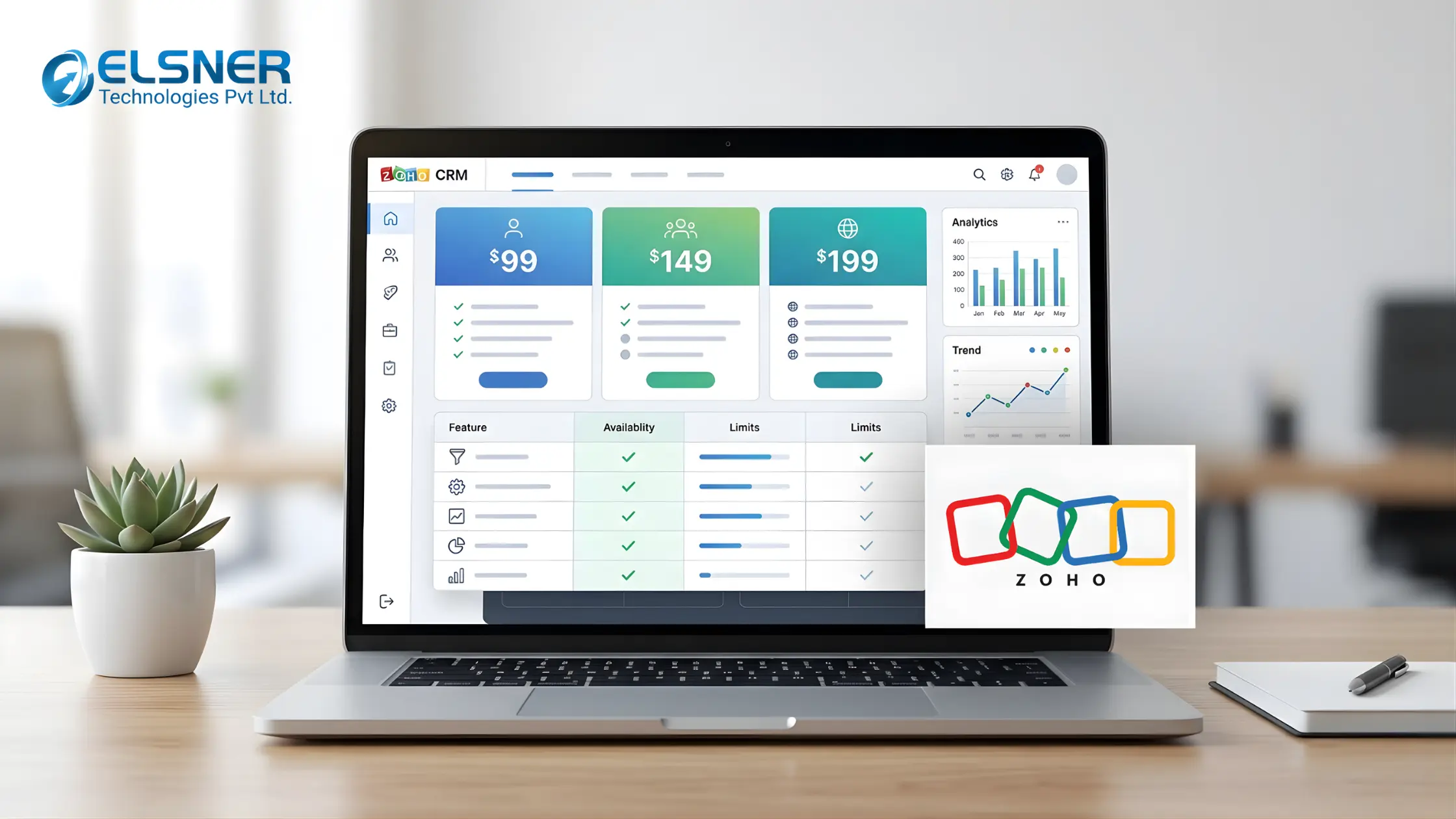
Zoho CRM has five editions, billed per user per month: Free ($0, up to 3 users), Standard ($14), Professional ($23), Enterprise ($40), and Ultimate ($52). All figures are annual billing in USD. Monthly billing runs higher across every tier, roughly $20, $35, $50, and $65 respectively. Most growing US teams land on Professional or Enterprise.
Prices are per user, in USD, on annual billing unless noted. Zoho adjusts regional pricing often, so confirm the current number on Zoho’s own pricing page before you buy.
What Changed in Zoho’s 2026 Pricing (And Why It Matters)
Zoho rolled out a new “CRM For Everyone” structure this year, and it reshuffled what you get at each tier. Two changes are worth knowing about before you shop.
|
1
|
Standard now includes AI agents and automationWorkflow rules, AI agents, cadences, sales forecasting, and custom dashboards used to require a Professional plan. They’re in Standard now, at $14/user/month. If a sales rep on your team told you six months ago that Zoho’s cheap tier was too limited, it’s worth another look. |
|
2
|
Team users are now a separate, cheaper license typeNot everyone touching your CRM needs a full seat. Zoho now splits users into org users (full CRM access, the prices above) and team users, a lighter license for marketing, support, or finance staff who just need to view records and add notes. Team user licenses run around $9/user/month. If half your “CRM users” only ever look up a contact, this changes your real cost per seat significantly. |
Zoho CRM Plans 2026, Explained
|
1
|
Free ($0, 3 users)Leads, contacts, deal tracking, basic reports, and a mobile app. No workflow depth, no email marketing, capped at three users. It’s a real CRM, not a stripped demo, but it’s built for a two or three person team testing whether they even need a CRM yet. |
|
2
|
Standard ($14/user/month)Email integration, built-in calling, multiple sales pipelines, web forms, sales forecasting, and now AI agents and workflow automation too. For a team of 5 to 25 with a fairly linear sales process, this covers more ground than it used to. The gap only shows up once your pipeline branches into multiple paths depending on deal type. |
|
3
|
Professional ($23/user/month)This is where process control shows up. Blueprint (a visual, step-by-step process builder), CPQ for quoting, inventory management, Google Ads integration, and unlimited reports. If your team is doing volume across multiple lead channels and you need every rep following the same process, this is the tier that enforces it. |
|
4
|
Enterprise ($40/user/month)Zoho marks this one “most popular,” and it usually is. Zia AI (predictions, lead scoring, anomaly detection), territory management, custom modules, developer sandbox, and multi-user portals. Territory management alone justifies this tier for any business selling across regions. Below it, territories get managed manually in spreadsheets next to the CRM, which defeats the point. |
|
5
|
Ultimate ($52/user/month)Everything in Enterprise, plus Zoho Analytics for embedded BI, higher API limits, and premium storage. Honest take: most SMBs don’t need this. If your team isn’t actively feeding CRM data into forecasting models or BI dashboards, you’re paying for a capability you won’t touch. Enterprise covers almost everything a growing mid-market company actually uses. |
Not Sure Which 2026 Zoho CRM Plan Actually Fits?
Elsner’s Zoho Development Services team can map your workflows against the current plans and tell you honestly where you’d overpay.
What Zoho CRM Actually Costs for 5, 10, and 25 Users
Per-user pricing is easy to skim past. Here’s what it looks like once you multiply by an actual headcount, annual billing.
Quick formula if your team size doesn’t match the table: seats × price × 12 gives you the annual license cost. Add another 15 to 25% for year-one implementation and onboarding, which almost nobody budgets for upfront.
What Are the Hidden Costs of Zoho CRM?
The subscription is the part everyone budgets for. It’s usually the smallest line in the first-year total.
|
1
|
ImplementationPipeline structure, user roles, data migration, custom fields, onboarding. For a small team with a simple process, a few days of internal time might cover it. For anything with real complexity, you’re hiring a Zoho partner or dedicating weeks of internal resources. Typical range: $1,000 to $5,000 for a basic setup, $10,000 or more for advanced, multi-integration rollouts. |
|
2
|
CustomizationStandard pipelines work until your sales process has industry-specific stages or reporting that doesn’t fit Zoho’s defaults. At that point you need custom modules and functions, and that’s development work, not a settings toggle. |
|
3
|
IntegrationsZoho connects natively to a lot of tools. Link it to an ERP, a custom billing system, or an internal database, and you’re likely looking at API work. Zapier-style middleware handles the simpler connections but adds its own monthly bill. |
|
4
|
Zoho’s Other AppsZoho CRM is one piece of a much bigger ecosystem. Desk for support, Campaigns for email, Books for accounting, Sign for contracts. Each one is a separate line item. Individually, they’re reasonable. Stacked together, they add up faster than most teams plan for. If you’re already leaning on several, Zoho One (the 50+ app bundle) starts around $37/user/month and can work out cheaper than buying apps piecemeal. |
|
5
|
Training and Support UpgradesA CRM set up properly and then used badly delivers close to zero ROI. Budget time for rep training, even if it’s just internal documentation. Zoho’s standard support handles basic questions; faster response times and dedicated onboarding sit behind a paid support tier. |
Zoho CRM vs Salesforce vs HubSpot: 2026 Pricing
Zoho’s pitch has always been price-to-feature ratio. The gap against the two biggest names is still wide in 2026.
At entry level the three look close. The gap widens fast once you compare like for like: Salesforce’s mid tier runs $80 to $165/user/month, and HubSpot’s Professional tier crosses $90/user/month. Zoho’s Enterprise plan, with Zia AI and territory management included, sits at $40. If you’re migrating off Salesforce specifically, our Salesforce to Zoho CRM migration guide walks through what the switch actually involves, and if HubSpot is your other option on the table, Zoho vs HubSpot breaks down where each one wins.
Zoho CRM Implementation Costs (US, 2026)
What pushes costs toward the top of that range: migrating a large database from Salesforce or HubSpot, building custom modules for an industry-specific workflow, and multi-team rollouts where each department runs a different pipeline. If you’re weighing a bigger platform decision alongside the CRM, scoping it properly through custom software development upfront tends to save money later, since what your implementation actually requires often determines which plan you need in the first place.
Get an Honest Zoho CRM Cost Estimate for Your Team
Tell us your team size and workflow and we’ll size the plan, the implementation, and the real first-year number, no guesswork.
Is Zoho CRM Worth It in 2026?
For most small and mid-sized US businesses, yes, and that’s not a hedge. Zoho Enterprise at $40/user/month includes custom modules, territory management, and AI features that Salesforce charges roughly four times as much for at a comparable tier.
The honest caveat: none of that happens automatically. A CRM that’s badly configured and half-adopted delivers close to no ROI regardless of price. The tool only pays off when the setup matches how your team actually sells, and someone on the team is accountable for keeping data clean.
On scalability, Zoho holds up well. Moving from Standard to Enterprise as you grow doesn’t require a platform migration, just an upgrade and some reconfiguration. If your reporting needs eventually outgrow the built-in dashboards, pairing CRM data with business intelligence tooling extends what Zoho Analytics gives you on the Ultimate plan.
How to Choose the Right Zoho CRM Plan
- 1 to 3 users, basic needs: Free covers it.
- 5 to 25 users, simple process: Standard, now that AI agents and automation are included.
- Multi-channel lead volume, need consistency across reps: Professional.
- Territories, custom objects, complex structure: Enterprise.
- AI forecasting and BI as a core requirement, not a nice-to-have: Ultimate.
One practical note: if you’re a team of 15 today expecting to double within a year, Standard runs out of headroom faster than the price tag suggests. Starting on Professional gives you room to grow without a mid-year reconfiguration scramble.
The mistake most buyers make
Picking a plan based on today’s headcount and today’s process, without asking what breaks first as the team grows. Territory management, custom fields, and API limits all have hard ceilings on lower tiers. Hitting one mid-quarter is a worse time to upgrade than planning for it now.
Conclusion
Zoho CRM pricing in 2026 is genuinely competitive, and it’s also genuinely different from what it was a year ago. Standard does more than it used to. Team users change the math for anyone whose CRM touches more than just the sales floor. And the subscription, whichever tier you land on, is still the smallest number in your first-year budget.
Implementation, customization, and the apps you’ll add later are where the real spend sits. Get those numbers scoped before you commit to a tier, not after.
If you’re ready to move forward, Elsner’s Zoho Development Services handle setup, data migration, and custom module development end to end. We’ve walked enough of these implementations to know where the 2026 pricing changes actually help you, and where they don’t.
Frequently Asked Questions
What is the cheapest Zoho CRM plan?
Free, for up to 3 users. For paid plans, Standard is the entry point at $14/user/month on annual billing, and now includes AI agents and workflow automation.
How much does Zoho CRM cost per user in 2026?
From $0 (Free) up to $52/user/month on Ultimate, billed annually. Monthly billing costs roughly 20 to 34% more depending on the tier.
Is Zoho CRM pricing different in India versus the US?
Zoho prices regionally and displays local currency automatically based on your location. The USD figures in this guide apply to US billing; local taxes like VAT or GST are added separately where applicable.
What is a Zoho CRM team user, and how much does it cost?
A team user is a lighter-access license, around $9/user/month, for staff outside sales, like marketing or support, who need to view and note records but don’t need full CRM functionality. It’s separate from the standard per-user pricing above.
Are there hidden costs beyond the Zoho CRM subscription?
Yes. Implementation, customization, third-party integrations, individual Zoho add-on apps, and staff training all carry real costs, ranging from a few thousand dollars to well over $20,000 depending on complexity.
Which Zoho CRM plan is best for a small US business?
Standard covers simple sales workflows well now that it includes automation. Professional is the better call once you need Blueprint, structured deal stages, or multi-channel lead tracking. Most small businesses end up on one of these two.