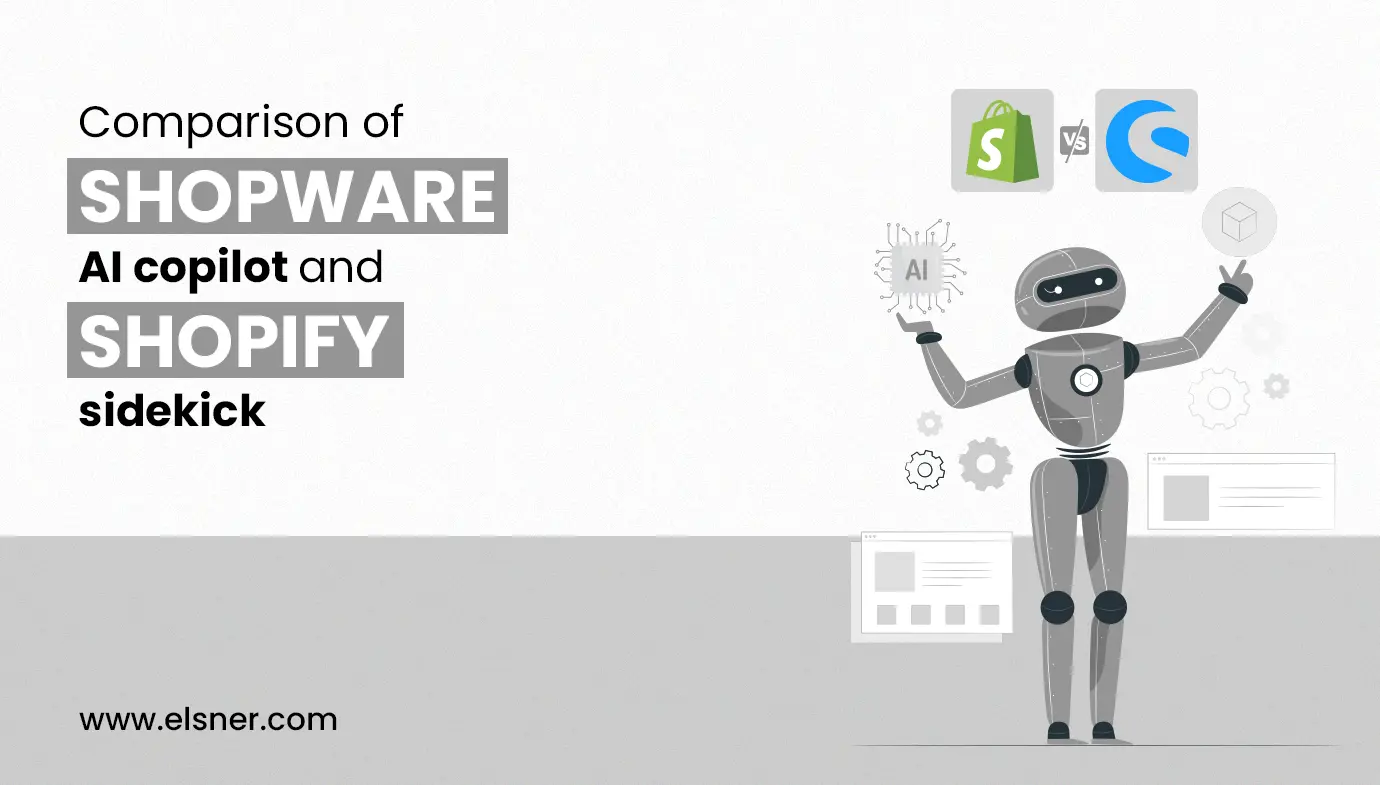
- What is Shopware AI Copilot?
- Some Top-Notch Features of Shopware AI Copilot
- 1. AI-generated Content Creation
- 2. Image Keyword Assistant
- 3. AI-generated Product Review Summary
- 4. Custom Checkout Message
- 5. AI-generated Product Properties
- 6. AI-based Translation for Reviews
- 7. AI-based Customers Classification
- 8. AI Export Assistant
- What is Shopify Sidekick?
- Some Top-most Features of Shopify Sidekick
- 1. Generating Smart Replies with AI-powered Assistant
- 2. Customer Insights and Segmentation
- 3. Pre-defined Actions
- 4. Inventory Management Automation
- 5. Trends Predictions
- 6. Marketing Strategy Optimization
- Shopware AI Copilot vs Shopify Sidekick: Feature Comparison
- AI Use Cases in Ecommerce
- Shopware AI Copilot vs Shopify Sidekick: Which One Should You Choose?
- Frequently Asked Questions
Artificial Intelligence is rapidly transforming how ecommerce businesses operate. From automating product content to predicting customer behavior, AI tools are now helping merchants:
- Save time
- Reduce manual work
- Improve decision-making
Today, platforms are evolving into intelligent systems that assist with everything from marketing to growth strategies. This is where tools like Shopware AI Copilot and Shopify Sidekick are gaining attention.
Both are designed to act as AI-powered assistants for ecommerce businesses, helping merchants manage their stores more efficiently. However, they differ in how they approach automation and store management.
In this blog, we will compare Shopware AI Copilot and Shopify Sidekick and help you understand which solution fits your business needs.
What is Shopware AI Copilot?
Shopware AI Copilot is an advanced AI-powered assistant built to help ecommerce businesses automate content, manage data, and improve operational efficiency. It combines Artificial Intelligence and Machine Learning to assist merchants in handling repetitive tasks while improving store performance.
What makes Shopware AI Copilot stand out is its focus on content automation and data structuring. It helps businesses generate product descriptions, summaries, translations, and even customer segmentation automatically.
For stores with large product catalogs, this tool becomes especially useful. Instead of manually creating product information or analyzing customer behavior, merchants can rely on AI to streamline these processes and save time.
Some Top-Notch Features of Shopware AI Copilot
Here’s the list of some top-notch features that Shopware AI Copilot offers:
1. AI-generated Content Creation
With the help of Shopware AI Copilot, you can automate the content creation process and generate different types of text content for your online store in different languages. So a merchant needs to access this feature and enter a prompt like “write a social post content on top 5 healthy fruits.” then AI will automatically generate human-like, well-researched content for your social media platforms that you can publish. Also, if you’re newly setting up your online store, then this feature allows you to write attractive web page content and ready your store in less time.
2. Image Keyword Assistant
The image keyword assistant is another top-most feature of Shopware AI Copilot where AI will analyze the images you upload, understand the content inside the image and provide the most relevant keywords. It’s the fastest and most efficient way to get metadata about the topic via AI. It’s a very helpful platform for those merchants who want to set up a large number of product pages and get keywords for each category simply. These keywords are accurate and help in boosting the visibility in search engines.
3. AI-generated Product Review Summary
When you have a large inventory to list products then creating a description or summary of each product is time-consuming. Shopware AI Copilot offers an AI-based solution to automatically generate a product based brief summary for all the products in the store in a few minutes. It only provides the most essential and beneficial information about the products to customers so that they can make data-driven decisions much faster.
4. Custom Checkout Message
Providing a personalized shopping experience is now becoming essential. Shopware AI Copilot allows you to provide a custom checkout message for each customer after the purchase they made. Each message varies from the item they bought and provides a complete personalized touch with messaging.
This feature can help you to increase customer loyalty for your brand and encourage them to make more purchases. You can automate the process of custom checkout messages with this tool and see significant growth in customer satisfaction. You’ll get complete customization control over the message to keep it short and crispy, and the length and tone of the message. Once you’ve made your changes you can start with a test message to check the experience customers are having once they make purchases.
5. AI-generated Product Properties
Personalized product recommendations are a key to driving more sales and conversions in e-commerce business. In order to provide relevant product recommendations, you need to define each product property to ensure only suggestions that are relevant. With Shopware AI Copilot helps you to generate all product properties and save them in the system. So that whenever customers are looking for any product then it suggests the most relevant products based on their properties. Adding each product property is a time-consuming process that can be easily automated with this new feature of Shopware AI Copilot.
6. AI-based Translation for Reviews
If you’re having customers from everywhere in the world who speak different languages then this feature is going to help your business. Shopware AI Copilot offers AI-based Translation that allows you to turn your recent feedback, testimonials and product pages into different languages to display them and attract more customers. There’s no need to create multiple pages on similar products, this is an extension that enables the whole website to turn into language as per user language and provide a more personalized shopping experience.
7. AI-based Customers Classification
With Shopware AI Copilot, you can identify your ideal customers based on their characteristics and behavior and turn them into segments with labels. So you can make a group of audience for a particular thing like newly purchased customers, returning customers etc. The main reason is having audience segmentation to target and approach the customers based on their appropriate segments and it becomes easier to reach out to them during marketing. It saves you useful time and automates your various operations.
8. AI Export Assistant
Now taking your whole website data is much easier with an AI export assistant. It can easily turn your data from Shopware into a CSV file. Just add the Shopware AI Copilot and navigate to Export in settings to enable it. After enabling the setting, you need to input a command in a text box “Send all orders from Today”. Now, AI will understand your request and showcase results in another tab to download the CSV file.
These are some popular features offered by Shopware AI Copilot.
What is Shopify Sidekick?
Shopify Sidekick is Shopify’s AI-powered assistant designed to help merchants manage and grow their ecommerce stores using simple instructions. It acts as a built-in business assistant that can perform tasks, provide insights, and automate operations directly within the Shopify ecosystem.
Unlike traditional tools, Shopify Sidekick focuses on action-based automation. Merchants can ask it to perform tasks such as creating discounts, analyzing store performance, updating themes, or generating reports.
It also helps with:
- Customer segmentation and insights
- Inventory recommendations based on trends
- Marketing strategy suggestions
- Store performance analysis
Shopify Sidekick is particularly useful for small to mid-sized businesses that want to manage their store efficiently without relying heavily on technical expertise.
Some Top-most Features of Shopify Sidekick
Here are some wonderful features that Shopify Sidekick comes with:
1. Generating Smart Replies with AI-powered Assistant
Shopify Sidekick is offering a smart assistant that can chat with visitors and answer their queries quickly and effectively. It’s an AI-powered assistant that learns and tries to deliver the next response more accurately and help users to resolve their queries and encourages them to make quick buying decisions.
2. Customer Insights and Segmentation
AI-powered Shopify Sidekick will analyze your customer’s behavior, preferences and buying process to create a similar audience segmentation for an effective marketing strategy. It helps you to create an ideal customer avatar for your e-commerce store and create marketing strategies to reach out to them for high conversions and profitability.
3. Pre-defined Actions
When you open Shopify Sidekick in your store then you’ll see various predefined actions that Sidekick can take in just one tap. Some of the most popular actions are Creating a discount, Analyzing the store and editing themes. As a store owner, you can simply tap on any instructions and the sidekick will start taking action towards it.
4. Inventory Management Automation
Managing inventory has never been easier than before with Shopify Sidekick. Small businesses and merchants can automate their inventory operations and save precious time and ensure to keep the inventory up-to-date with on-demand products. Sidekick uses order history, sales data, current trends and customer preferences to keep the inventory up-to-date with the right product demand.
5. Trends Predictions
Sidekick also helps store owners to stay up-to-date with the latest trends in today’s e-commerce world. It will suggest the most on-demand products that are relevant to your store and drive you more sales after completing the research.
6. Marketing Strategy Optimization
When data meets with marketing strategy then magic happens in business. This is where sidekicks ensure to build a strong connection and use data to make marketing strategies for store owners. It also suggests various improvements in published campaigns and does a lot more testing to grow results.
Shopware AI Copilot vs Shopify Sidekick: Feature Comparison
To better understand the differences between these two AI tools, here is a structured comparison:
| Feature | Shopware AI Copilot | Shopify Sidekick |
| Core Focus | Content automation and data structuring | Store management and task automation |
| Ease of Use | Requires setup and configuration | Simple prompt-based interaction |
| Content Generation | Strong capabilities for product content and summaries | Basic content support |
| Automation | Focused on content and workflows | Action-based automation across store |
| Customer Insights | AI-based segmentation and classification | Behavior-based insights and analytics |
| Best For | Large catalogs and content-heavy stores | Small to mid-sized businesses |
| Learning Curve | Moderate | Low |
This comparison helps merchants quickly identify which tool aligns better with their business requirements.
AI Use Cases in Ecommerce
AI is no longer a future concept in ecommerce. It is actively being used to improve efficiency, customer experience, and business growth.
Some common AI use cases in ecommerce include:
Automated Content Creation
AI tools generate product descriptions, blog content, and marketing copy, reducing manual effort.
Customer Segmentation
AI analyses customer behavior and groups users based on preferences, improving targeting and personalization.
Product Recommendations
AI suggests relevant products based on browsing history and purchase patterns, increasing average order value.
Inventory Forecasting
AI predicts demand trends and helps businesses maintain optimal stock levels.
Marketing Optimization
AI tools analyse campaign performance and suggest improvements to increase conversions.
These use cases show how AI tools like Shopware AI Copilot and Shopify Sidekick are transforming ecommerce operations.
Shopware AI Copilot vs Shopify Sidekick: Which One Should You Choose?
Both Shopware AI Copilot and Shopify Sidekick offer valuable AI-driven capabilities, but they serve different purposes.
Shopware AI Copilot is ideal for businesses that manage large product catalogs and need strong content automation and data structuring. On the other hand, Shopify Sidekick is better suited for merchants looking for a simple, action-based assistant to manage store operations and marketing tasks.
The right choice depends on your business size, technical requirements, and operational complexity. Understanding how each tool supports your workflow will help you make a more informed decision.
Frequently Asked Questions
What is Shopify Sidekick used for?
Shopify Sidekick is used to automate store management tasks such as creating discounts, analyzing performance, and managing inventory using AI.
What does Shopware AI Copilot do?
Shopware AI Copilot focuses on automating content creation, product data management, and customer segmentation using AI.
Which AI tool is better for ecommerce beginners?
Shopify Sidekick is generally easier for beginners due to its simple, prompt-based interface.
Can AI tools improve ecommerce sales?
Yes, AI tools help improve personalization, automate marketing, and optimize store performance, which can increase conversions and sales.