- What a WordPress Workflow Really Is
- Where the hours actually go
- Why the old way stopped scaling
- How AI Changes WordPress Workflow Management
- Where AI fits into content operations
- 7 AI-Powered WordPress Workflows Worth Setting Up First
- Best AI Tools for WordPress Workflow Automation in 2026
- How to actually choose
- Building a WordPress Approval Workflow That Doesn’t Stall
- Define the stages, then name the owners
- A Scalable Editorial Workflow, Stage by Stage
- What the ROI Actually Looks Like
- Common Mistakes to Avoid
- Where AI WordPress Workflows Are Heading
- Getting Started Without Overcomplicating It
- Want AI Workflows Built Into Your WordPress Setup?
- Frequently Asked Questions
- What is a WordPress workflow?
- What is WordPress workflow automation?
- How does AI improve WordPress workflow management?
- What’s the difference between an editorial workflow and an approval workflow?
- Which plugins help automate WordPress workflows?
- How much time can AI-powered workflows actually save?
- Is workflow automation worth it for small businesses?
- Can AI fully automate WordPress content approvals?
A mid-sized content team can lose ten to fifteen hours a week to work nobody should be doing by hand. Reformatting drafts. Chasing approvals over email. Pasting in meta descriptions one post at a time. Re-running the same SEO checks on every article. None of it shows up on a strategy deck, but it quietly eats the hours you meant to spend on the work that actually moves the needle.
That’s the gap AI-powered WordPress workflows close. Not by replacing the writers and editors, but by clearing the repetitive layer underneath them, so the same team ships more without burning out. WordPress runs roughly 43% of all websites on the internet, according to W3Techs, which means most of these time drains are happening on the same platform, in the same handful of predictable ways. And that predictability is exactly what makes them automatable.
What this guide covers:
Where automation actually saves time (and where it doesn’t), seven workflows worth setting up first, the tools that run them in 2026, how to build approval and editorial processes that scale, and a straight answer on the ROI most teams never bother to calculate.
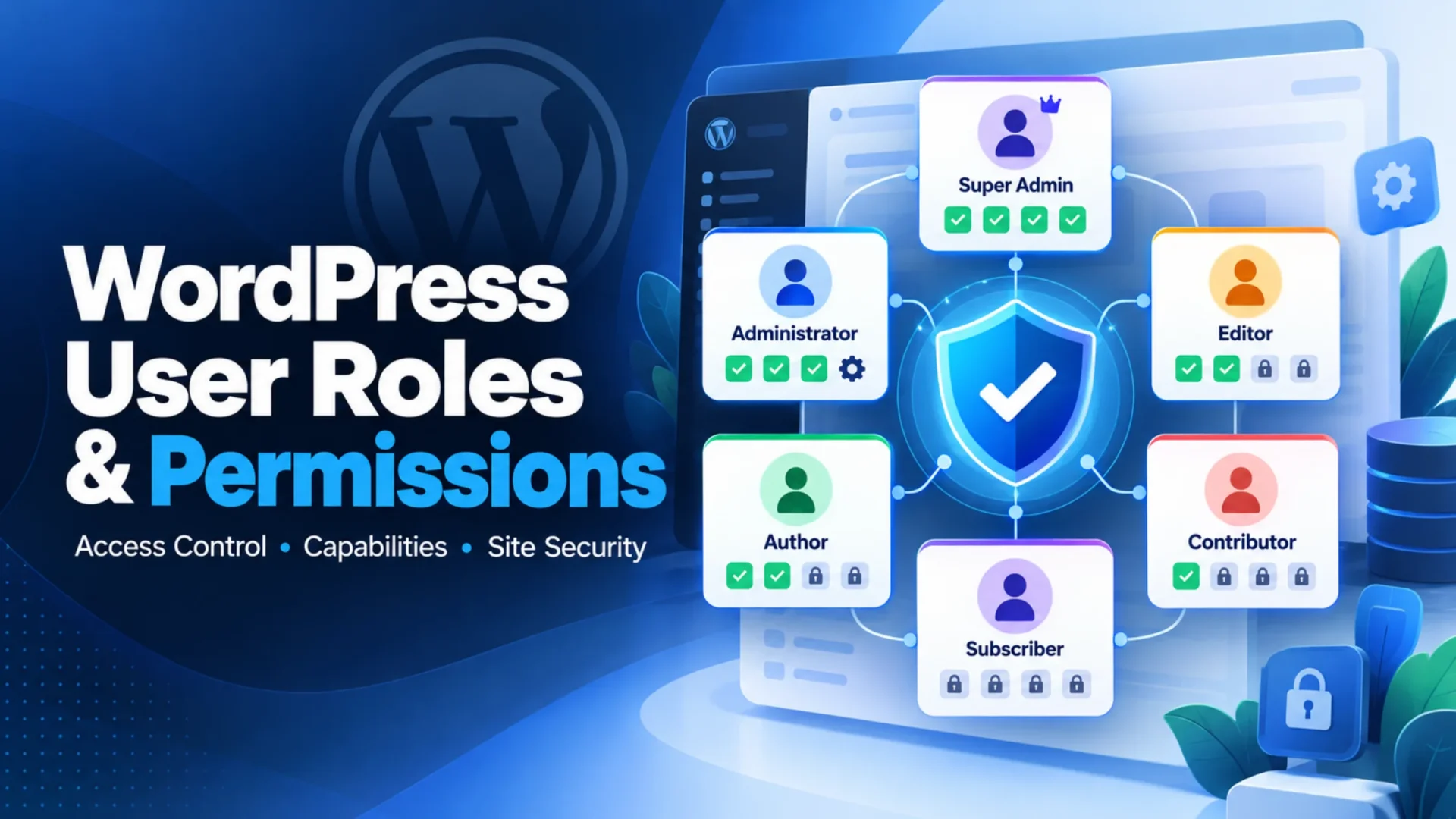
What a WordPress Workflow Really Is
Strip away the jargon and a WordPress workflow is just the path a piece of content takes from idea to live page, plus everything that happens after. Plan it, write it, edit it, get it approved, publish it, then watch how it performs. Six stages, give or take, repeated hundreds of times a year.
Most teams never wrote this down. It just grew, one Slack message and one “can you take a look?” email at a time. That’s the problem. When a process lives in people’s heads, every handoff depends on someone remembering to do something, and memory is where time leaks.
Where the hours actually go
Ask a content manager what slows them down and you’ll hear the same answers. Approvals that sit in an inbox for three days. A draft that’s “done” but needs the same five formatting fixes every writer forgets. Posts scheduled at the wrong time because nobody owns the calendar. Reporting that takes a Friday afternoon to pull together and gets read by no one.
These aren’t writing problems. They’re operational ones. And operations is where automation earns its keep.
Why the old way stopped scaling
A manual workflow works fine at four posts a month. Push it to forty, across a blog, a newsletter, and three social channels, with freelancers and a couple of subject experts in the mix, and the cracks show fast. More content means more handoffs. More handoffs mean more places for things to stall. The team that was comfortable last year is now drowning, and hiring another editor only patches the symptom. The real fix is taking the repetitive work off the humans entirely, which is where a smarter approach to custom WordPress development starts to pay off, because the automation gets built into the platform instead of bolted on with a dozen disconnected apps.
How AI Changes WordPress Workflow Management
Workflow automation isn’t new. Editorial calendars and approval plugins have existed for years. What’s new is that AI handles the messy, judgment-light tasks that rule-based automation never could: drafting a brief from a keyword, spotting that a post reads like it was written for robots, suggesting which internal links fit, flagging an article that’s quietly decaying in the rankings.
The work under the hood is ordinary AI and machine learning development, pointed at content operations instead of, say, fraud detection. The model reads text, scores it, summarizes it, routes it. Useful, unglamorous, and it runs while your team sleeps.
Where AI fits into content operations
Not everywhere, and that’s the point. AI is strong at the structured, repetitive edges of the process, and weak at the parts that need taste, brand voice, and a human call. The trick is using it for the first set and protecting the second.
Read down the right column and a pattern shows up. AI doesn’t make the final decision in any of these. It does the gathering, the first pass, the routing, and hands a cleaner version to a human. That division of labor is what makes the whole thing trustworthy.
7 AI-Powered WordPress Workflows Worth Setting Up First
You don’t automate everything on day one. You start where the time leak is biggest and the risk is lowest. These seven, roughly in the order content moves through a team, are where most teams find the fastest wins. The time-saved figures are working estimates from typical team sizes, not lab results, so treat them as a guide and measure your own.
|
1
|
Content brief creationFeed in a target keyword and AI pulls the related searches, clusters them, and drafts an outline with the angles competitors covered and the ones they missed. Your strategist edits down instead of building up from a blank page. That shift, from creating to refining, is where the hours come back. Time saved: roughly 2 to 4 hrs per brief |
|
2
|
Editorial review automationBefore a draft reaches a human editor, AI runs the first pass: readability, tone drift, passive voice, factual claims that need a source, the formatting fixes every writer forgets. The editor then spends their time on judgment, not janitorial work. Honestly, this is the one most teams underrate. Time saved: roughly 30 to 45 min per post |
|
3
|
Content approval routingThe silent killer of publishing speed. A draft marked ready gets routed to the right reviewer automatically, with revision history tracked and a nudge sent if it sits too long. No more “did anyone approve this?” threads. The post moves because the system moves it. Time saved: 1 to 3 days off the publishing cycle |
|
4
|
SEO optimizationTitle tags, meta descriptions, schema markup, internal link suggestions drawn from your own sitemap, alt text for images. AI drafts all of it against the post’s content, and your team approves or tweaks. Done well, it also keeps you aligned with broader SEO services standards instead of each writer guessing. Time saved: roughly 20 to 40 min per post |
|
5
|
Publishing and schedulingSmart scheduling picks publish times from your own engagement data, queues posts across channels, and keeps a consistent cadence even when the team is heads-down. Consistency is half the SEO battle, and a calendar that runs itself is hard to beat for that. Time saved: 2 to 3 hrs per week |
|
6
|
Content refresh detectionOld posts decay. Rankings slip, traffic fades, and nobody notices until a quarterly review. AI watches the library, flags pages losing ground, and ranks them by upside so you refresh the ones that’ll actually move. This is found money most teams leave on the table. Time saved: 3 to 5 hrs per audit cycle |
|
7
|
Analytics and reportingAutomated reports pull the numbers, surface what changed, and flag the opportunities worth acting on, in plain language a stakeholder can read in two minutes. No more Friday spent in spreadsheets producing a deck nobody opens. Time saved: 2 to 4 hrs per week |
Add those up across a busy month and you’re well into double-digit hours recovered per person. The point isn’t any single workflow. It’s the compounding effect of taking the dull layer off the whole team at once.
Best AI Tools for WordPress Workflow Automation in 2026
No single tool does all of this, and anyone selling you one is overselling. Most teams run a small stack: something for editorial workflow, something for SEO, and a connector that ties them together. Here’s how the common options break down.
Beyond the named plugins, most teams also wire a general model like ChatGPT or Claude into briefs and first-pass editing through one of the automation layers above. If you want a deeper look at the plugin side specifically, our rundown of AI plugins for WordPress goes tool by tool.
How to actually choose
Match the stack to the team, not the hype. A solo blogger and a forty-person agency need very different setups, and overbuying is the most common mistake here.
- Small team or solo: one SEO plugin plus a single connector covers most of it. Skip the rest.
- Growing team: add a real editorial workflow tool once handoffs start stalling. That’s the signal.
- Agency or enterprise: integration matters more than features. The tools have to talk to each other cleanly, or you’ve just built a faster mess.
- Budget reality: per-seat subscriptions add up fast across a team. Total it monthly before you commit.
Building a WordPress Approval Workflow That Doesn’t Stall
Approvals are where good content goes to wait. A draft can be finished on Monday and live on Thursday, and those three lost days are almost always a process problem, not a writing one. Fixing it is mostly about clarity: who does what, when, and what happens if they don’t.
Define the stages, then name the owners
Draft, review, approve, publish. Four stages, and each one needs a single named owner, not a team. “The marketing team will review it” means nobody will. “Priya reviews it” means Priya reviews it. Editors handle quality, subject experts check accuracy, an approver gives the final yes, and a publisher pushes it live. When those roles blur, drafts stall in the gaps between them.
Let AI handle the chasing
This is the part to automate first. Status updates, review reminders, escalation when something sits too long, and smart routing that sends urgent posts to the front of the queue. The humans still make every decision. They just stop spending energy on remembering to make them.
One caution. Don’t automate an approval process you haven’t fixed yet. If your current workflow has five reviewers and three of them never respond, automation will just send reminders into the void faster. Trim the process to what’s necessary, then automate the version that works.
A Scalable Editorial Workflow, Stage by Stage
An editorial workflow is the bigger picture: the full assembly line from idea to measured result. The approval flow is one station on it. Here’s how the stages map out, who owns each, and where automation slots in cleanly.
Notice the owner column never says “AI.” Every stage has a human accountable for the outcome. The model assists; the person decides. Teams that get the order right tend to find the same lift our piece on using AI and ML in a WordPress site walks through in more detail.
What the ROI Actually Looks Like
Here’s the part most teams skip, and it’s the part that gets budget approved. The return on workflow automation shows up in three places: hours recovered, faster publishing, and lower cost per published piece. The first is easy to count. The other two compound.
A rough, conservative model for a small team looks like this. Adjust the inputs to your own reality.
Even halving those numbers to be safe, the math holds. And that’s before the harder-to-count wins: faster time to publish means content ranks sooner, fewer errors slip through, and the team stops dreading the parts of the job that used to grind them down. Those don’t fit neatly in a spreadsheet, but anyone who’s run a content team feels them.
Common Mistakes to Avoid
Automation goes wrong in predictable ways. These are the ones that show up most often, and each one is avoidable if you see it coming.
Automating a broken process
If the workflow is a mess by hand, automation just makes the mess run faster. Fix the process first, then automate the clean version. This is the single most expensive mistake on the list.
Letting AI publish unchecked
Removing the human review step to save a few minutes is how factual errors and off-brand content reach your audience. Keep a person on the final yes. Always.
Buying ten tools at once
A pile of overlapping tools nobody fully learns is worse than two used well. Start with one workflow, prove it, then add the next.
Never measuring the result
If you don’t baseline your hours and publishing speed before launch, you’ll never prove the automation worked, and you’ll struggle to defend the budget next year. Measure first.
Where AI WordPress Workflows Are Heading
The near-term direction is less about better individual tasks and more about systems that connect them. The shift worth watching is from automation that follows rules to automation that makes small decisions on its own.
That’s the agentic turn. Instead of a workflow where each step waits for a trigger, you get AI agents that handle a goal end to end: take a brief, draft it, route it, fix the SEO, and queue it, escalating to a human only when something needs judgment. Early days, but the trajectory is clear.
Alongside that, expect predictive publishing to mature. Pair workflow data with predictive analytics and the system starts suggesting not just when to publish, but what to publish next based on what’s gaining traction. Content governance gets smarter too, with AI flagging compliance and brand-consistency issues before a post ever reaches review. The teams setting up clean, documented workflows now are the ones who’ll plug these in without a painful rebuild later.
Getting Started Without Overcomplicating It
The short version: map your current workflow, find the biggest time leak, automate that one thing, measure it, then move to the next. Slow and proven beats fast and tangled, every time.
If you had to pick three to start, make them approval routing, SEO optimization, and content refresh detection. They’re low-risk, the time savings are immediate, and none of them require handing real decisions to a machine. Get those running, watch the hours come back, and the case for the rest makes itself.
The bigger picture is simple. AI-powered WordPress workflows aren’t about doing less work. They’re about pointing your team’s time at the work that needs a human, and letting the repetitive layer run itself. Done right, the same team ships more, ships faster, and stops dreading Mondays. That’s the whole return.
Want AI Workflows Built Into Your WordPress Setup?
We help content teams design and build automation that fits how they actually work, from approval routing to SEO and reporting, with the integration and human oversight that keep it reliable. Let’s map where your hours are leaking and what’s worth automating first.
Frequently Asked Questions
What is a WordPress workflow?
A WordPress workflow is the defined path a piece of content follows from idea to live page, usually planning, creation, editing, approval, publishing, and performance monitoring. A clear workflow assigns an owner to each stage so nothing stalls in the handoffs between people.
What is WordPress workflow automation?
Workflow automation uses plugins and connected tools to handle the repetitive steps in that process without manual effort: routing approvals, sending reminders, generating metadata, scheduling posts, and producing reports. AI extends this to judgment-light tasks like drafting briefs and running first-pass editorial checks.
How does AI improve WordPress workflow management?
AI handles the structured, repetitive work that surrounds content: brief creation, readability and quality checks, metadata and schema generation, smart scheduling, and decay detection. It does the gathering and the first pass, then hands a cleaner version to a human who makes the final call.
What’s the difference between an editorial workflow and an approval workflow?
An editorial workflow is the full process from idea to measured result across every stage. An approval workflow is one station inside it, covering how a finished draft gets reviewed and signed off before publishing. The approval flow is a subset of the larger editorial system.
Which plugins help automate WordPress workflows?
Common choices include PublishPress for editorial calendars and approvals, Rank Math AI and Yoast AI for SEO, Uncanny Automator for no-code automation inside WordPress, and Zapier or Make for connecting WordPress to outside apps. Most teams combine two or three rather than relying on a single plugin.
How much time can AI-powered workflows actually save?
It varies with team size and content volume, but recovering eight to fifteen hours per person each week is realistic once approvals, SEO, and reporting are automated. The honest answer is to baseline your current hours first, then measure the difference rather than trusting a vendor’s headline number.
Is workflow automation worth it for small businesses?
Often yes, with a lighter setup. A solo operator or small team usually needs just one SEO plugin and a single connector to recover meaningful time. The mistake is overbuying. Start with the one workflow that drains the most hours and expand only when the team grows into it.
Can AI fully automate WordPress content approvals?
AI can automate the routing, reminders, and prioritization around approvals, but the approval decision itself should stay with a person. Removing human sign-off to save a few minutes is how factual errors and off-brand content slip through. Automate the chasing, keep the deciding.