- Why WordPress Remains a Flexible Platform for Businesses
- How Can a WordPress Developer Improve Your Online Presence?
- Build Around Your Business Idea
- Create a More Distinct User Experience
- Add the Right Functionality
- Improve the Technical SEO Foundation
- Support Performance and Website Reliability
- Connect WordPress With Other Business Tools
- How a Developer Can Save Time and Avoid Unnecessary Work
- Can a WordPress Developer Help With SEO?
- Why Ongoing WordPress Maintenance Matters
- Tips for Hiring the Right WordPress Developer
- Define Your Requirements
- Review Relevant Work
- Ask How the Project Will Be Approached
- Prepare a Detailed Project Brief
- Discuss Maintenance and Support
- Final Thoughts
- Frequently Asked Questions
- What does a WordPress developer do?
- When should I hire a WordPress developer?
- Can a WordPress developer help improve SEO?
- How can a developer improve a WordPress website’s performance?
- What should I ask before hiring a WordPress developer?
- Can a WordPress developer customize themes and plugins?
Quick Answer
A WordPress developer can help turn a basic website into a more purposeful digital experience by improving its design, functionality, performance, SEO foundation, integrations, and maintainability. The value comes from matching the website to the business rather than simply adding more themes or plugins.
|
A developer can help with
|
A good hiring decision starts with
|
Short version: the right WordPress developer should help you build around your business goals, not simply recreate another generic website.
WordPress is widely used by businesses because it combines a flexible content management system with a large ecosystem of themes, plugins, and integrations. That makes it possible to build anything from a straightforward business website to a more customized digital experience.
But having WordPress installed is only the starting point. As a website grows, businesses often need more control over design, functionality, integrations, performance, and ongoing maintenance.
This is where a WordPress developer can make a practical difference. Instead of relying entirely on pre-built solutions, a developer can help adapt the website to specific business requirements and technical needs.
In this guide, we will look at how a WordPress developer can strengthen your online presence, what areas they can improve, and what to consider before hiring one.
Why WordPress Remains a Flexible Platform for Businesses
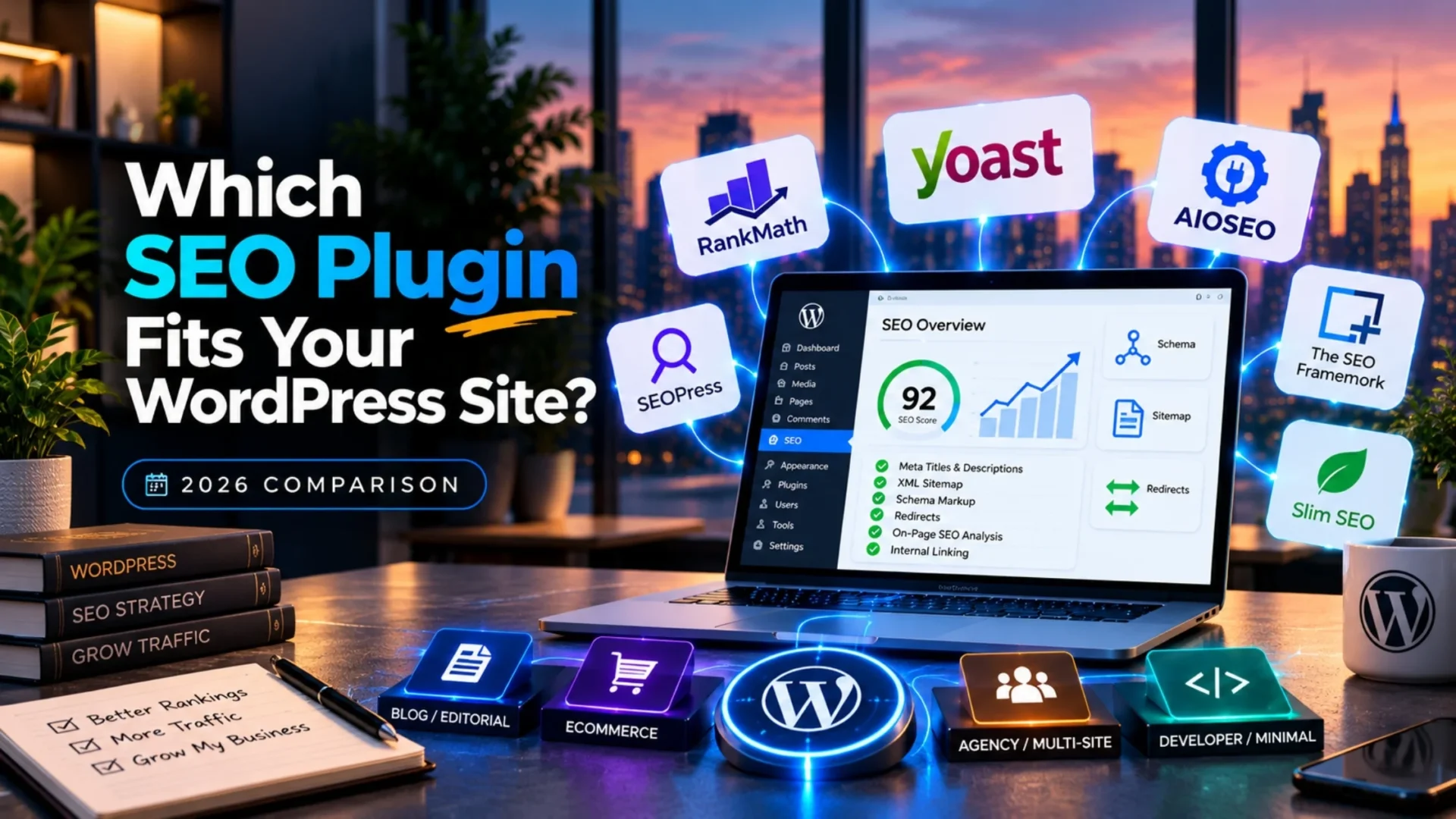
One of WordPress’s biggest advantages is flexibility. Businesses can begin with a standard theme and established plugins, then add functionality as their requirements become more specific.
Themes can shape the visual experience, while plugins can extend functionality such as forms, ecommerce, analytics, security, memberships, marketing, and other business needs. WordPress can also connect with third-party tools when a project requires data exchange between systems.
However, customization has limits when a website depends too heavily on unsuitable themes or an excessive number of plugins. A developer can help evaluate what should be configured, what should be customized, and what should be integrated through a more suitable technical approach.
How Can a WordPress Developer Improve Your Online Presence?
A strong online presence is not just about having a website. The website also needs to represent the brand clearly, provide a useful experience, work reliably, and support the actions you want visitors to take.
|
1
|
Build Around Your Business IdeaA developer can translate business requirements into practical website functionality. Instead of forcing your workflows into a generic layout, the development process can be structured around your users, content, goals, and required features. |
|
2
|
Create a More Distinct User ExperienceA website should reflect the brand and make it easy for visitors to find information. A developer can support custom layouts, reusable components, navigation structures, forms, and other elements that help create a more consistent experience. |
|
3
|
Add the Right FunctionalityDepending on the project, businesses may need custom forms, advanced filters, member areas, booking features, ecommerce workflows, calculators, portals, or other functionality that is not handled well by a standard setup. |
|
4
|
Improve the Technical SEO FoundationDevelopers can help build a cleaner technical foundation by considering crawlability, site structure, page templates, performance, responsive behavior, metadata implementation, structured data requirements, and other technical considerations. These improvements support SEO, but they do not guarantee higher rankings on their own. |
|
5
|
Support Performance and Website ReliabilityPerformance issues can come from themes, plugins, scripts, images, database queries, hosting configuration, or custom functionality. A developer can help diagnose technical bottlenecks and improve the implementation based on the actual problem. |
|
6
|
Connect WordPress With Other Business ToolsBusinesses may need WordPress to communicate with CRM platforms, marketing tools, analytics systems, payment providers, ERP applications, or other third-party services. A developer can help plan and implement these integrations based on data and workflow requirements. |
Once you know what your website needs, it helps to evaluate the development approach, technologies, integrations, and project capabilities available for that type of work.
How a Developer Can Save Time and Avoid Unnecessary Work
Building or improving a WordPress website internally can require knowledge across design, development, plugins, integrations, performance, security, and troubleshooting. Depending on the project, this can make even small changes take more time than expected.
A developer brings focused technical expertise to those tasks. This can reduce the need for businesses to solve every technical issue themselves and can make it easier to handle specialized requirements as they arise.
Can a WordPress Developer Help With SEO?
Development and SEO are closely connected because technical decisions can affect how search engines crawl, render, understand, and access a website.
A developer can support the technical side by implementing SEO-friendly templates, improving website structure, resolving technical issues, supporting responsive experiences, optimizing functionality, and making required changes to the site’s code or architecture.
Important: technical development supports SEO, but rankings also depend on content quality, relevance, authority, competition, search intent, and many other factors.
Why Ongoing WordPress Maintenance Matters
Launching a website is not the end of the development process. WordPress core, themes, plugins, integrations, browsers, and third-party services can all change over time.
Regular maintenance can help identify compatibility issues, broken functionality, security concerns, performance problems, and outdated components before they become larger issues.
Common maintenance activities: WordPress and plugin updates, compatibility checks, backups, security reviews, performance monitoring, bug fixes, and ongoing technical improvements.
Tips for Hiring the Right WordPress Developer
The right developer depends on the complexity and requirements of your project. Before starting discussions, it helps to prepare the information a developer will need to understand the work properly.
|
1
|
Define Your RequirementsList the pages, features, integrations, design expectations, technical issues, and business goals you want the website to address. |
|
2
|
Review Relevant WorkLook for previous projects that demonstrate experience with technologies, functionality, industries, or integrations relevant to your requirements. |
|
3
|
Ask How the Project Will Be ApproachedAsk about discovery, technical planning, development, testing, deployment, communication, and post-launch support. A clear process makes it easier to understand what will happen before development begins. |
|
4
|
Prepare a Detailed Project BriefA project brief should explain what the website needs to achieve, who it serves, which functionality is required, and which systems need to be connected. This allows developers to assess the scope more accurately. |
|
5
|
Discuss Maintenance and SupportAsk what happens after launch. Clarify how updates, bugs, compatibility issues, security concerns, and future improvements will be handled. |
For projects that require dedicated WordPress development expertise, you can also review the available WordPress developer hiring options and compare them with your project requirements.
Final Thoughts
A WordPress developer can contribute far beyond the initial website build. From custom functionality and user experience to technical SEO foundations, integrations, performance, and maintenance, development decisions can influence how effectively a website supports the business.
The key is to hire based on your actual requirements. A simple website may need limited customization, while a more complex project may require custom development, integrations, performance work, and ongoing technical support.
Before starting a project, define your goals, document the required functionality, review relevant experience, and discuss the development process clearly. This makes it easier to choose the right approach and set realistic expectations.
Planning a WordPress website that needs custom functionality, integrations, or a scalable technical foundation? Explore Elsner’s WordPress development capabilities to understand the solutions relevant to your project.
Frequently Asked Questions
What does a WordPress developer do?
A WordPress developer works on the technical side of a website, which can include themes, plugins, custom functionality, integrations, performance improvements, troubleshooting, maintenance, and other development requirements.
When should I hire a WordPress developer?
Hiring a developer becomes useful when a website needs custom functionality, complex integrations, performance improvements, technical troubleshooting, or changes that go beyond what can be handled reliably through standard themes and plugins.
Can a WordPress developer help improve SEO?
A developer can support the technical foundation of SEO by working on site structure, performance, responsive behavior, technical issues, templates, and other implementation requirements. Higher rankings still depend on many factors beyond development alone.
How can a developer improve a WordPress website’s performance?
A developer can investigate issues involving themes, plugins, scripts, images, custom code, database queries, integrations, and configuration. The actual solution depends on the cause of the performance problem.
What should I ask before hiring a WordPress developer?
Ask about relevant project experience, technical expertise, development process, communication, testing, integrations, timelines, and post-launch support. A clear project brief will also make discussions more productive.
Can a WordPress developer customize themes and plugins?
Yes. Depending on the requirements, a developer can customize existing themes and plugins or create purpose-built functionality when existing solutions do not meet the project’s needs.