- Defining WordPress Multisite
- Key Benefits of a WordPress Multisite Network
- Centralized Management
- Cost Efficiency
- User Management Made Easy
- Consistent Branding and Design
- Simplified Plugin Management
- Enhanced Performance and Scalability
- Conclusion: The Power of Consolidation
- FAQs
- What is WordPress Multisite?
- What are the benefits of WordPress Multisite?
- What are the downsides of WordPress Multisite?
- When should I use Multisite instead of separate sites?
Quick Answer
WordPress Multisite is a feature that lets you run many WordPress sites from a single installation and dashboard. The benefits are central management, shared themes and plugins, and easier updates across all sites. It suits networks of related sites like franchises, universities, or multi brand companies. It is not ideal when sites need very different setups or separate hosting, where individual installs are safer. The guide below covers the trade offs.
Managing multiple websites is often a complex and time-consuming task, whether it involves juggling various brands, geographical locations, or organizational projects. Research indicates that approximately 70% of commercial entities operate several sites to cover a large market area or reach specific demographics. However, without a methodical and centralized approach, this complexity can quickly lead to unreasonable costs, inconsistent branding, and increased exposure to security threats.
This is where WordPress Multisite comes into play. Launched in 2010, this feature allows for the easy creation and management of multiple WordPress websites under a single installation. It has proven to be an invaluable tool for developing site networks in organizations, educational facilities, and mass media networks. Furthermore, its importance is underscored by the growing emphasis on website efficiency, with nearly 73% of companies now utilizing web design to develop brand differentiators through consistent user experience and cross-device functionality.
As we approach 2026, WordPress Multisite development has matured significantly. Modern solutions feature enhanced security protocols, improved performance optimization, and streamlined management tools as standard. Organizations are increasingly prioritizing Multisite solutions not just for efficiency, but for their ability to scale rapidly while maintaining enterprise-level security and compliance standards.
The unique selling proposition of WordPress Multisite is its ability to enable the management of various aspects—such as updating plugins, themes, and site designs—across all sites from a single dashboard. As companies become more advanced in the digital landscape, methods like WordPress Multisite provide the necessary measure and scope to respond to fast-paced developments. This consolidation not only helps organizations remain secure and consistent but also significantly cuts costs and time.
Defining WordPress Multisite
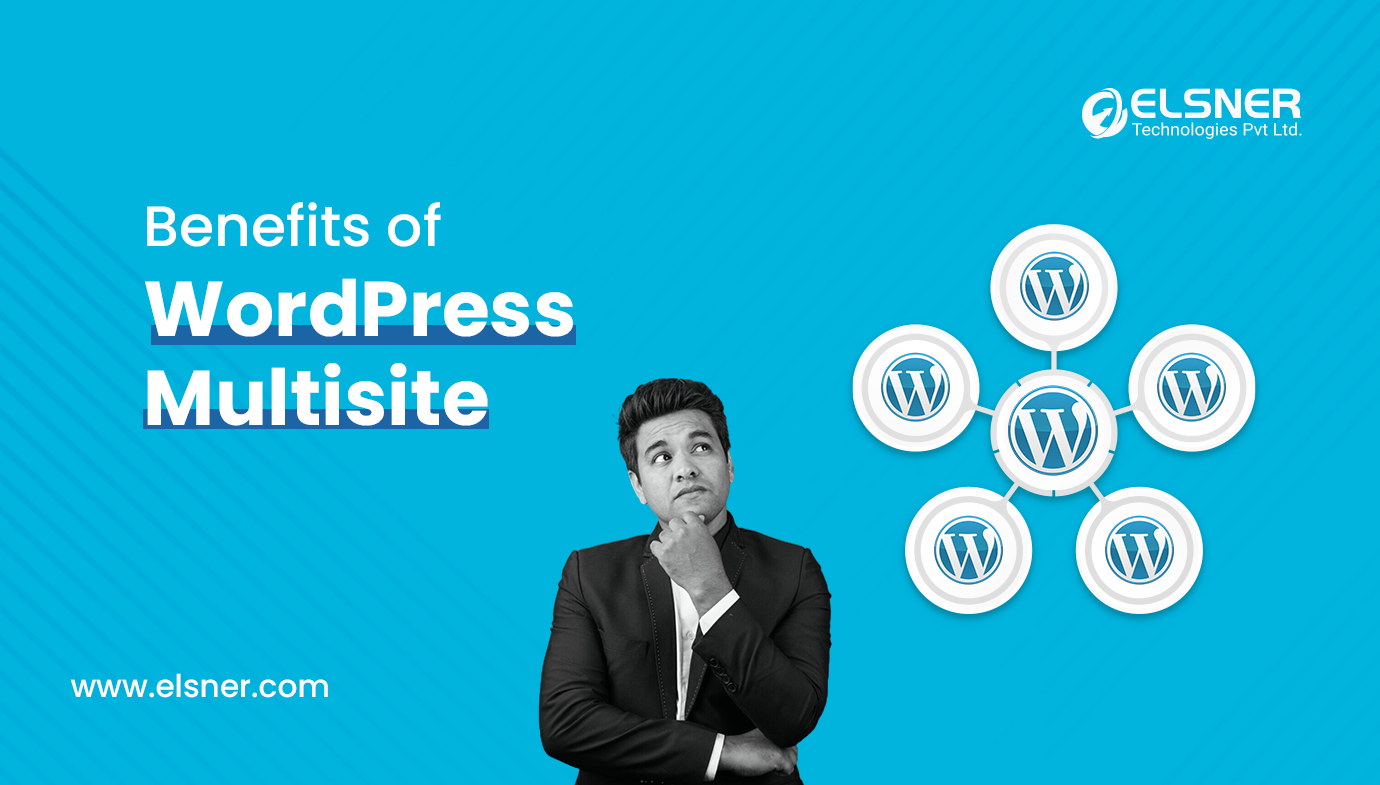
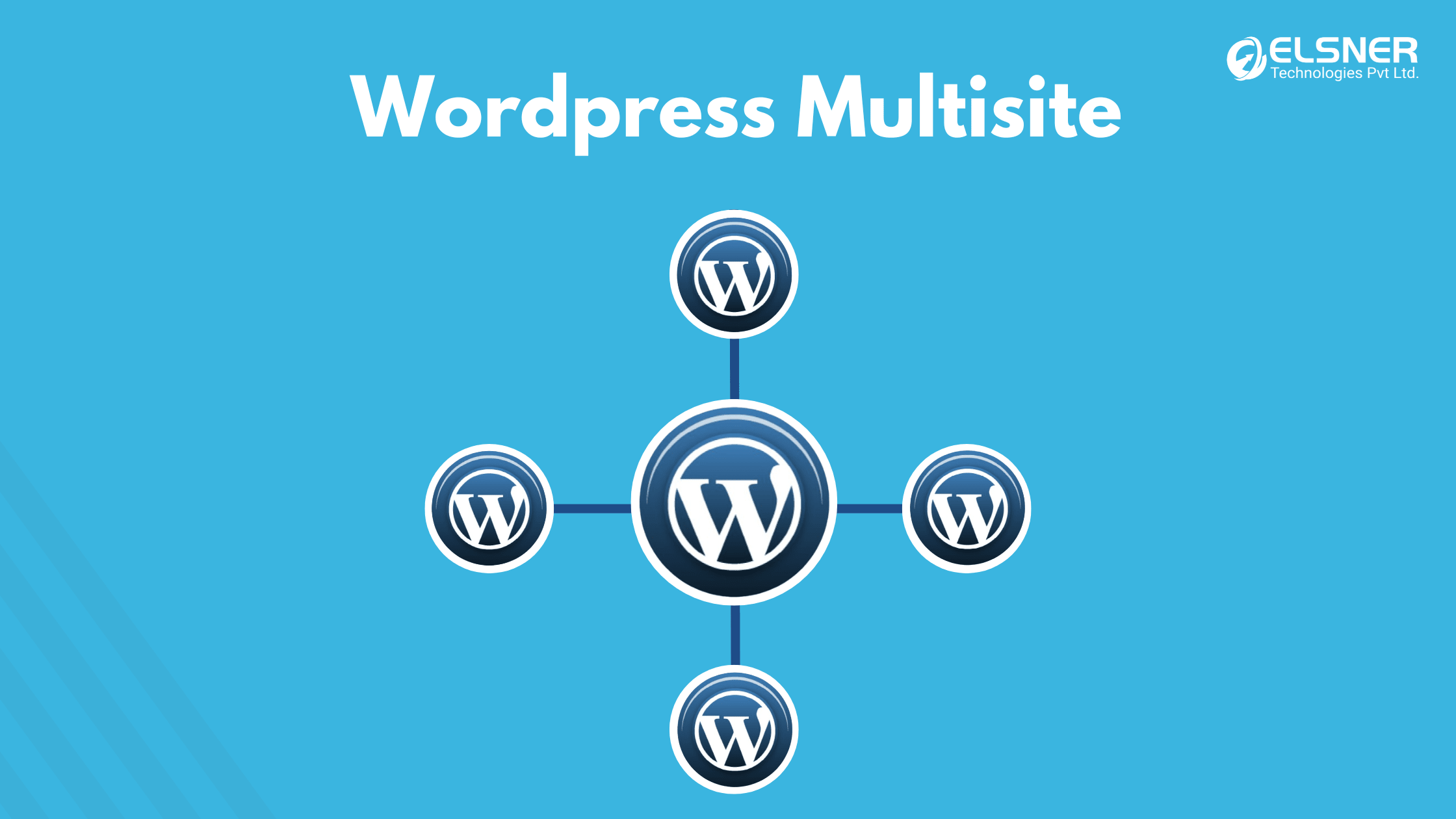 WordPress Multisite is a core functionality that allows users to create and administer a network of sites through a single installation of WordPress. Instead of managing each site individually, Multisite brings them all together within one installation. This centralization makes it easier to manage, upgrade, and operate all the websites within a respective user network. Whether a user is running a business with several branches, a university with different faculty sites, or a network of blogs, this feature, often implemented with the help of a Professional WordPress Development Company, streamlines processes and management.
Key Benefits of a WordPress Multisite Network
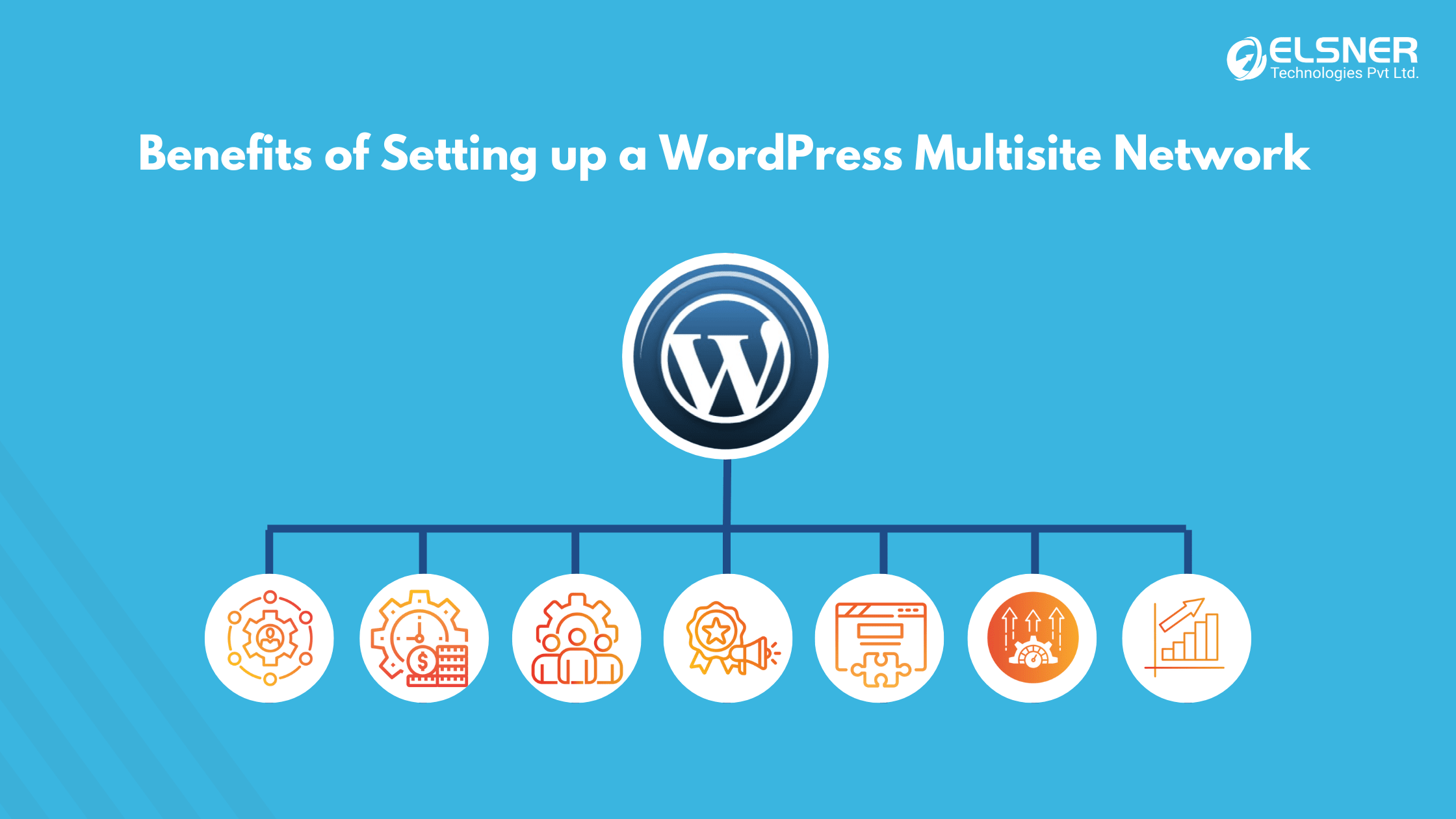 The adoption of a WordPress Multisite network offers several compelling advantages that address the complexities of managing multiple web properties.
Centralized Management
The most significant benefit, according to many webmasters from WordPress website development services, is the centralized management it provides. A single network administrator can control updates, add new plugins, and set specific parameters across all sites in the network from one location. This not only saves time and effort but also minimizes the risk of security vulnerabilities. Latest statistics indicate that more than 60% of internet hacks occur on websites due to outdated plugins or themes. By running a system like WordPress Multisite, the practical usage of resources is managed, and the safety of all sites is significantly enhanced.
Cost Efficiency
Running separate WordPress sites requires bearing individual costs for each website, including domain registration, hosting services, and separate purchases of premium plugins. WordPress Multisite domain mapping eliminates many of these redundant expenses. By hosting all websites under one hosting package and centralizing premium plugin and theme licenses, the overall cost can be significantly minimized. Additionally, leveraging WordPress Full Site Editing can further streamline the design process across all sites, making it easier to maintain consistency. This economic viability makes Multisite a preferred option for businesses and institutions with numerous web properties.
User Management Made Easy
When utilizing a WordPress Multisite Network, users can be managed and assigned various roles and permission levels across all sites from a single interface. This is remarkably useful for organizations with multiple teams or departments. Administrators can grant different roles (Editor, Author, Subscriber, etc.) at the entire network level or to an individual site. This enhanced control improves protection by limiting access to only the necessary levels for users within the network.
Consistent Branding and Design
For any business or corporate organization, maintaining consistent branding across all digital properties is paramount. The WordPress Multisite setup eliminates the challenge of brand inconsistency by enabling a single theme, color scheme, and logo to be used across all sites, thereby reinforcing the brand image. As WordPress educator and content creator Brenda Barron notes:“Multisite networks make it easier to maintain consistent branding. Changes to themes or plugins can be applied across all sites at once, ensuring that branding and user experience are uniform across your network.”Custom designs can be developed in line with the brand and efficiently extended across the network with the help of WordPress design and development services. This approach is particularly beneficial for franchises, universities, or organizations with multiple clusters or geographical locations that require a consistent design aesthetic. To ensure scalability, performance, and long-term maintainability, many organizations choose to hire WordPress developerswho can customize, manage, and expand these designs seamlessly as the network grows.
Simplified Plugin Management
Another key advantage of WordPress Multisite is the ability to install and activate network-wide plugins. Rather than individually affixing and activating plugins on separate sites, a network administrator can install a plugin once and activate it across the entire network, preserving standard practice and cutting costs. For instance, an administrator can install an SEO or security plugin once for all sites in the network, streamlining the process for those blogging with WordPress across multiple properties.
Enhanced Performance and Scalability
Controlling the performance of a WordPress Multisite network offers advantages due to the central demand management. All sites experience one central demand, decreasing the resource burden that several separate installations would require. Many managed custom WordPress development services offer optimized packages specifically for Multisite networks, which are designed to use server resources more efficiently to host multiple sites. This optimization encourages quicker loading speeds, which is advantageous for both user experience and search engine optimization.Furthermore, WordPress Multisite is inherently scalable. As an organization grows and requires more web presence, new sites can be created rapidly. For example, an established company opening new physical branches can create a new site within the existing network with minimal effort, avoiding the need for an entirely new WordPress installation. This adaptability makes Multisite attractive to dynamic, developing organizations, learning institutions, and businesses focused on increasing their online presence.
Conclusion: The Power of Consolidation
A WordPress Multisite setup is an excellent and versatile tool for managing numerous sites. By consolidating management processes, minimizing expenses, and promoting uniformity across several sites, it offers a level of efficiency that is nearly impossible to achieve with separate installations. Whether you are a small business or a large corporation, leveraging a WordPress website development service to implement Multisite can significantly reduce the time and money spent on management, while enhancing the overall security, effectiveness, and design consistency of your web presence. Setting up WordPress Multisite with proper planning ensures your network foundation is solid from day one.
FAQs
What is WordPress Multisite?
A built in feature that lets you run multiple WordPress sites from one installation and one dashboard.
What are the benefits of WordPress Multisite?
Central management, shared themes and plugins, and updating every site at once, which saves time for networks of related sites.
What are the downsides of WordPress Multisite?
All sites share one installation, so a problem can affect all of them, and some plugins and hosts do not fully support it.
When should I use Multisite instead of separate sites?
Use Multisite for many similar, related sites managed by one team. Use separate installs when sites need very different setups or isolation.