 Zoho
Solutions
 Ecommerce
Development
 Web
Development
 AI
Solutions





- Magento Open Source vs Adobe Commerce: What “Free” Covers
- The Line-by-Line Magento Development Budget
- Discovery, Design, and Theme: Where the Frontend Budget Goes
- Luma vs Hyvä
- Extensions and Custom Modules
- When to Build a Custom Module
- Integrations: ERP, CRM, Payments, Shipping, and Tax
- Data Migration, QA, and Launch
- Data Migration
- QA and Performance Testing
- SEO Migration and Launch
- Hosting and Infrastructure: What Magento 2.4 Needs to Run Well
- Who Builds It: Team Model and Rates
- Ongoing Costs After Launch
- Plan Upgrades Around Adobe’s Dates
- Hidden Costs Most Magento Budgets Miss
- How to Lower Magento Development Cost Without Cutting Corners
- FAQs
- How much does it cost to build a Magento store?
- Is Magento Open Source really free?
- How much does Magento maintenance cost per year?
- How long does it take to build a Magento store?
- Is Hyvä worth it for a new Magento store?
- Should I choose Magento Open Source or Adobe Commerce?
- Want a Line-by-Line Estimate for Your Store?
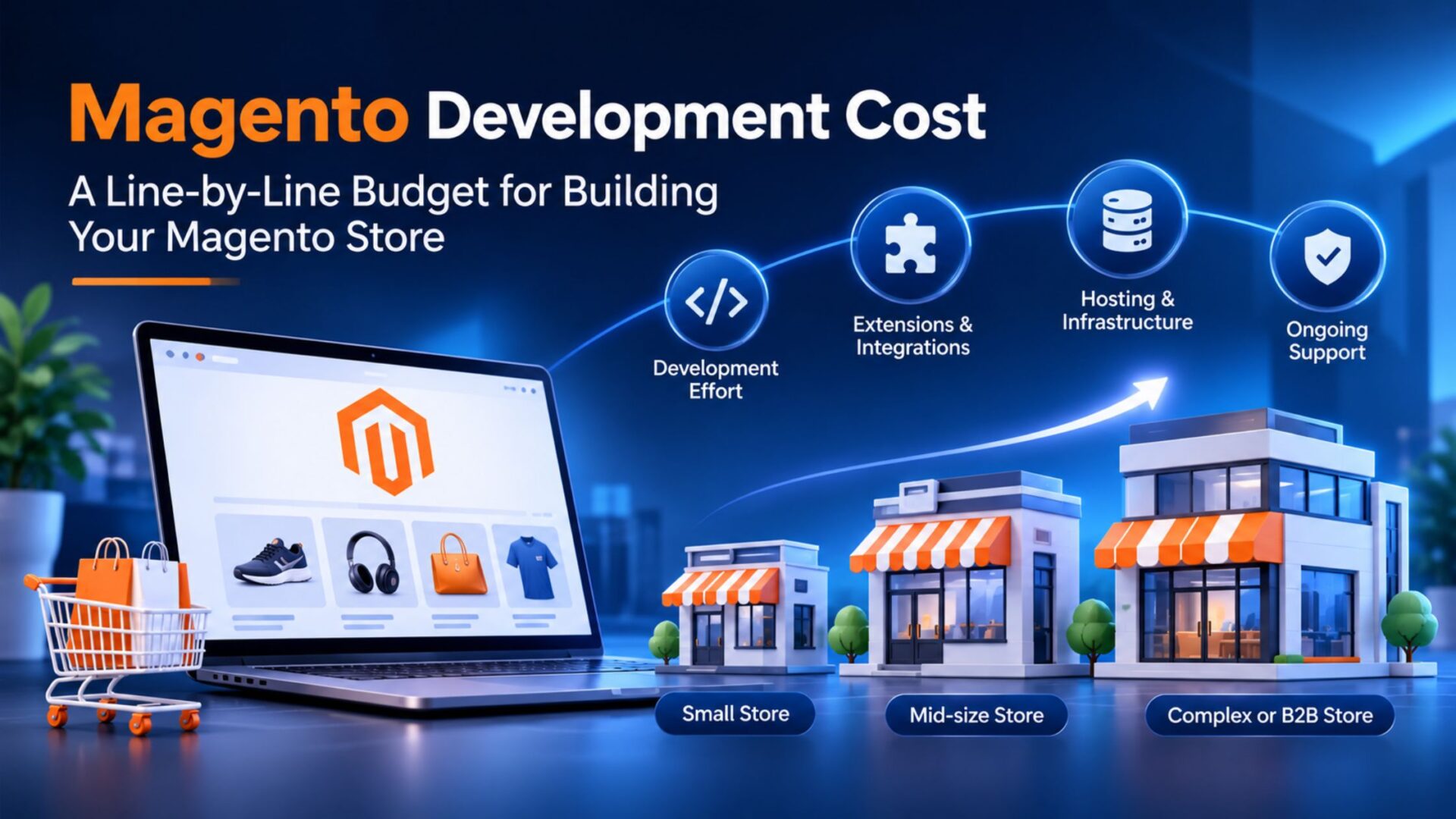
A Magento Open Source build usually lands in one of three bands. Scope sets the band far more than catalog size does.
| Store Type | Typical Scope | Illustrative Effort | Illustrative Build Budget |
|---|---|---|---|
| Small store | Customized Hyvä or Luma theme, standard payments and shipping, a handful of extensions, no ERP | 400 to 750 hours | $10,000 to $45,000 |
| Mid-size store | Custom Hyvä design, 15 to 30 extensions, one or two integrations such as ERP or CRM, migration from another platform | 900 to 2,100 hours | $22,500 to $126,000 |
| Complex or B2B store | Multi-store or multi-language setup, custom modules, several integrations, large data migration, B2B pricing and accounts | 2,100 to 5,000+ hours | $52,500 to $300,000+ |
Treat these as planning ranges, not quotes. Budgets range from $25 to $60 an hour, the offshore senior developer range that appears below in the team section. Nearshore teams are more expensive per hour.
Magento Open Source vs Adobe Commerce: What “Free” Covers
Magento Open Source is free to download and run. You pay Adobe nothing, and you also get nothing from Adobe beyond the code and its patches. That shifts four costs onto you:
Hosting
You choose, pay for, and manage the infrastructure.
Premium Features
B2B tools, customer segmentation, and content staging ship with Adobe Commerce. On Open Source, you buy them as extensions or build them.
Support
There’s no Adobe support contract. Your agency or in-house team owns every fix.
Upgrades
Adobe’s lifecycle policy gives each release a three-year standard support window. Its extended support offer covers Adobe Commerce customers, so Open Source stores should plan upgrades inside the standard window.
Adobe Commerce adds a license fee in exchange for those features and support. For many small and mid-size stores, Open Source plus targeted extensions costs less overall. For a feature-level view, see our comparison of Magento Open Source and Adobe Commerce editions.
The Line-by-Line Magento Development Budget
A complete Magento build has ten cost lines. Frontend work, integrations, and custom modules usually swing the total most. Hours below are illustrative ranges for planning.
| Cost Line | Main Cost Driver | Small Store (Hours) | Mid-Size Store (Hours) | Complex Store (Hours) |
|---|---|---|---|---|
| Discovery and solution design | Stakeholders, integrations, unclear requirements | 20 to 40 | 40 to 100 | 100 to 200 |
| UX and UI design | Number of unique templates; custom vs adapted design | 40 to 80 | 80 to 200 | 200 to 400 |
| Theme and frontend build | Hyvä vs Luma, design complexity, extension compatibility | 140 to 200 | 200 to 450 | 450 to 900 |
| Extension setup (license fees extra) | Number of extensions and conflicts between them | 30 to 60 | 60 to 150 | 150 to 300 |
| Custom module development | Features no extension covers | 0 to 40 | 80 to 250 | 250 to 800 |
| Integrations | Number of systems, sync direction, data volume | 30 to 60 | 120 to 300 | 300 to 800 |
| Data migration | Source platform, record counts, data quality | 20 to 60 | 60 to 160 | 160 to 400 |
| QA and performance testing | Devices, checkout paths, load testing | 70 to 100 | 120 to 240 | 240 to 500 |
| SEO migration and launch | URL count, redirect mapping, go-live support | 16 to 40 | 40 to 80 | 80 to 160 |
| Project management | 10 to 15% of total effort | 40 to 100 | 80 to 290 | 190 to 540 |
| Total | About 400 to 750 | About 900 to 2,100 | About 2,100 to 5,000 |
To turn hours into dollars, multiply by your partner’s blended hourly rate. The next sections cover what sits inside each line and how to keep it under control.
Discovery, Design, and Theme: Where the Frontend Budget Goes
Discovery is one of the smallest lines on the budget, and it protects every other line. A good discovery phase produces a feature list, an extension shortlist, an integration map, and a fixed scope. Skipping it is a common reason Magento projects overrun.
Design cost is based on the number of pages or layouts you require. Many shops will require a custom-designed layout for their home page, categories, product pages, shopping cart, checkout, and customer account. An additional layout type (eg., configurator or B2B quick-order page) adds hours of design and build.
Luma vs Hyvä
Your theme choice has the biggest effect on frontend hours.
Luma
Luma is Magento’s default theme. Most developers know it well, but its heavy JavaScript makes performance tuning a recurring cost.
Hyvä
Hyvä replaces Luma’s frontend stack with a lighter one built on Tailwind CSS and Alpine.js. The theme itself has been free and open source since November 2025. Add-ons such as Hyvä UI and Hyvä Checkout are sold separately.
Hyvä builds usually need less performance work, but some extensions need Hyvä compatibility modules first. Check your extension list before you commit. Our introduction to the Hyvä theme explains how it differs from Luma.
Extensions and Custom Modules
Extensions are the fastest way to add features to Magento Open Source. Each one carries three costs:
License
Many Marketplace extensions charge a one-time fee, and some add yearly fees for updates and support after the first year.
Setup
Each extension needs configuration, styling to match your theme, and testing alongside the others.
Upkeep
A Magento upgrade or PHP change can break an extension until its vendor ships a fix.
The bigger risk is stacking too many. Each extension adds code to page loads or checkout, and conflicts between two vendors’ modules can take days to untangle. Audit every extension during discovery, and cut the ones that duplicate built-in features or each other.
When to Build a Custom Module
Build custom when:
- No extension covers the feature, or the closest one needs heavy changes.
- The feature is core to how you sell, such as custom pricing logic or a product configurator.
- One maintained module can replace several overlapping extensions.
Custom modules cost more upfront, but you own the code and control its upgrade path. For features that must follow Magento’s coding standards and survive upgrades, consider dedicated Magento extension development.
Integrations: ERP, CRM, Payments, Shipping, and Tax
Integrations are where mid-size and complex budgets grow fastest. A store with no back-office connections needs only payments and shipping. A store tied to an ERP, a CRM, and a PIM can spend more on integrations than on design.
| Integration | Usual Approach | What Raises the Cost |
|---|---|---|
| Payment gateway | Official extension | Several gateways, custom payment flows, saved cards |
| Shipping and carriers | Extension or carrier API | Real-time rates, multi-warehouse rules, label printing |
| Sales tax | Tax service extension | Multi-state nexus, tax-exempt B2B customers |
| CRM | Connector or custom API | Two-way sync, custom fields |
| ERP | Connector or custom middleware | Inventory and pricing sync, order status updates, high data volume |
| PIM | Connector or custom API | Large catalogs with many attributes and locales |
Two questions decide most of the cost: does data flow one way or both ways, and how often must it sync? Real-time, two-way inventory and pricing sync costs far more than a nightly one-way export.
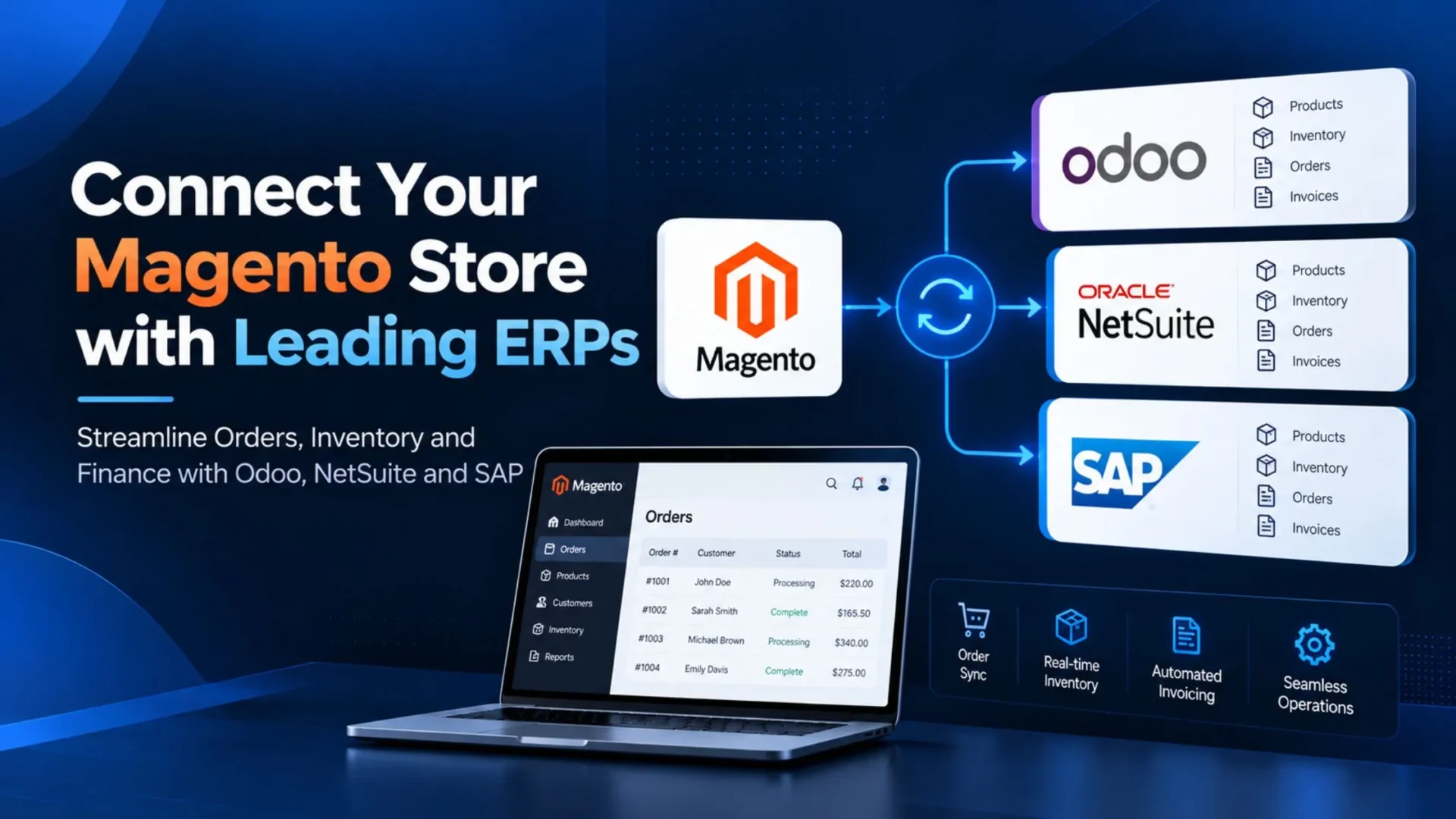
Our guide to Magento ERP integration with Odoo, NetSuite, and SAP walks through the common patterns.
Data Migration, QA, and Launch
These three lines are the first to get cut when budgets tighten. They also cause the most expensive problems after launch.
Data Migration
Migration cost depends on where your data comes from and how clean it is. Moving from Magento 1, WooCommerce, or Shopify each needs a different mapping approach. Duplicate customers, broken attributes, and inconsistent SKUs all add cleanup hours. Customer passwords often can’t move between platforms, so plan a reset flow. Our Magento migration checklist covers what to do before, during, and after the move.
QA and Performance Testing
Budget QA as its own line, not as spare time at the end. Test checkout on every payment method, shipping rule, and device you support. Add load testing before any seasonal peak, because Magento’s speed depends heavily on cache and indexer setup.
SEO Migration and Launch
A replatform can lose organic traffic when old URLs break. Map every indexed URL to its new address with 301 redirects, keep your metadata, and resubmit sitemaps. Keep developers on call for the first one to two weeks after launch.
Hosting and Infrastructure: What Magento 2.4 Needs to Run Well
Magento Open Source needs more than a web server and a database to perform well. A typical production stack includes:
- PHP in a version your Magento release supports. Adobe lists PHP 8.3 and 8.4 for Magento 2.4.8.
- MySQL or MariaDB for the database.
- OpenSearch for catalog search.
- Redis or Valkey for cache and sessions.
- Varnish for full-page caching, plus a CDN.
- RabbitMQ for message queues on larger stores.
Hosting cost scales with traffic and redundancy. A small store can run on one managed server. A high-traffic store needs separate database and search nodes, autoscaling, and a staging environment. Managed Magento hosting costs more per month than generic cloud hosting, but it usually saves developer hours on server work.
Adobe doesn’t patch these third-party services. Keeping PHP, the database, OpenSearch, and Redis on supported versions is your team’s job, so it belongs in your maintenance budget.
Server setup also drives page speed, which our Adobe Commerce speed optimization tips cover in detail.
Who Builds It: Team Model and Rates
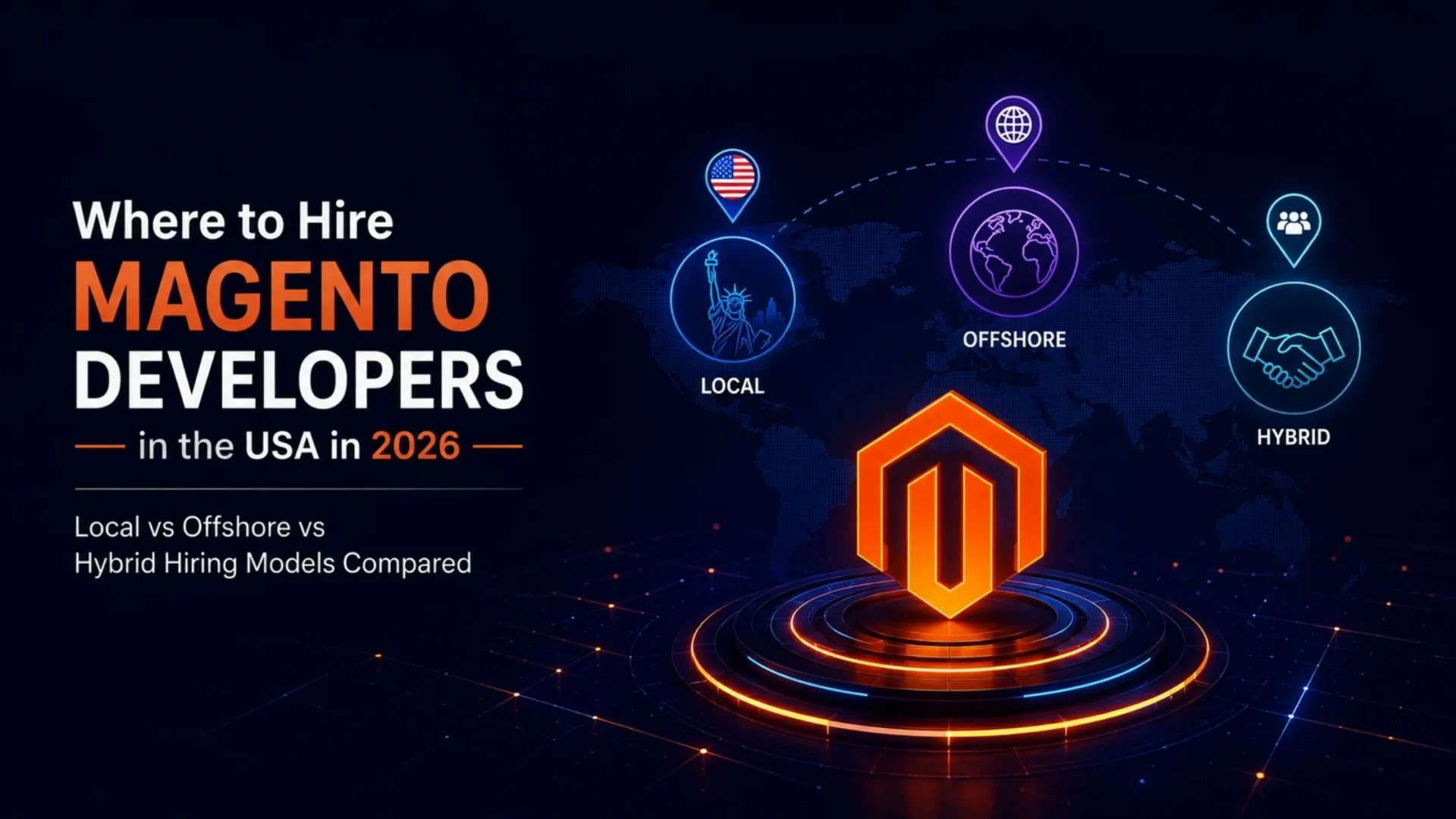
The same scope can cost two to four times more depending on who builds it. Our breakdown of Magento hiring models compares the three common options:
| Team Model | Senior Developer Cost per Month | Time to Hire or Start |
|---|---|---|
| Local hire | $15,000 to $32,000 | 60 to 120 days |
| Offshore team | $4,000 to $9,500 | 1 to 4 weeks |
| Hybrid (offshore team with a local lead) | $8,000 to $16,000 | 2 to 6 weeks |
Dividing the offshore range by 160 working hours gives roughly $25 to $60 per hour. That’s the rate behind the budget ranges in this guide.
Rate is only half the equation. A Magento-certified team that has built similar stores often needs fewer hours than a cheaper generalist team. Compare quotes on total hours and scope coverage, not hourly rate alone. Freelancers can work for small, well-defined tasks, but full builds need design, frontend, backend, QA, and DevOps skills that one person rarely covers.
Ongoing Costs After Launch
Launch is not the end of the budget. A Magento Open Source store has six recurring cost lines.
| Ongoing Cost | What It Covers | How Often |
|---|---|---|
| Hosting and monitoring | Servers, CDN, backups, uptime alerts | Monthly |
| Security patches | Applying and testing each Adobe security release | Several times a year |
| Version upgrades | Moving to a newer 2.4.x release before support ends | Every one to three years |
| Dependency updates | PHP, database, OpenSearch, and Redis versions | As each reaches end of life |
| Extension renewals | Update and support fees from vendors | Yearly |
| Support and small changes | Bug fixes, content updates, minor features | Monthly |
Plan Upgrades Around Adobe’s Dates
Adobe’s lifecycle policy lists these end dates for standard support on each release line:
- 2.4.7: May 31, 2027
- 2.4.8: May 31, 2028
- 2.4.9 (released May 12, 2026): May 31, 2029
PHP 8.2 reaches end of life on December 31, 2026, which puts stores still running it at PCI compliance risk. Budget each upgrade as a small project, with testing for every extension and custom module.
Many teams avoid surprise bills with a fixed monthly block of support hours instead of paying per incident. A Magento support plan works this way and keeps patching on schedule.
Hidden Costs Most Magento Budgets Miss
These items rarely appear in a development quote, but they land on the same budget:
⚠️ Extension Renewals
Year-two update and support fees surprise teams that budgeted only the first purchase.
⚠️ Paid Add-Ons for Free Tools
The Hyvä theme is free, but Hyvä UI and Hyvä Checkout are not.
⚠️ Third-Party Subscriptions
Hosted search, reviews, email marketing, and sales tax services usually bill monthly.
⚠️ Product Content
Writing descriptions, shooting images, and cleaning attributes is often excluded from development scope.
⚠️ PCI Compliance Work
Scans, questionnaires, and fixes recur every year, even with a hosted payment form.
⚠️ Staff Training
The Magento admin takes time to learn, especially for catalog and promotion rules.
⚠️ Change Requests
New ideas mid-build add hours. Keep a contingency of 10 to 15% of the build budget.
Ask every vendor which of these their quote includes. Two quotes only compare fairly once both cover the same lines.
How to Lower Magento Development Cost Without Cutting Corners
The cheapest quote is rarely the cheapest store over three years. These moves cut cost without creating problems later:
|
1
|
Pay for Discovery FirstA fixed scope prevents the change requests that inflate builds.
|
|
2
|
Launch With a Focused Feature SetShip what drives revenue, then add phase two features once real data shows demand.
|
|
3
|
Choose Hyvä for New BuildsA lighter frontend cuts performance tuning now and later.
|
|
4
|
Buy for Common Needs, Build for DifferentiatorsUse well-maintained extensions for standard features. Write custom code only where it sets you apart.
|
|
5
|
Route Integrations Through One LayerWith three or more back-office systems, one middleware layer is easier to maintain than separate connectors.
|
|
6
|
Use a Hybrid TeamAn offshore build team with a local lead balances cost and communication.
|
|
7
|
Never Skip PatchesEach skipped release makes the next upgrade bigger and riskier.
|
A partner with deep Magento experience helps on every point above. Elsner’s Magento development services cover discovery, Hyvä builds, integrations, and long-term support for Magento Open Source stores.
FAQs
How much does it cost to build a Magento store?
As a planning range, a small Magento Open Source store takes about 400 to 750 hours, a mid-size store about 900 to 2,100, and a complex or B2B store 2,100 hours or more. At $25 to $60 per hour, that’s roughly $10,000 to $45,000, $22,500 to $126,000, and $52,500 or more.
Is Magento Open Source really free?
The package is free, but you still pay for hosting, extension customization, security patching, and upgrades. If you want features that Adobe Commerce brings (e. g., B2B tools or content staging), then you need extensions or to customize Open Source.
How much does Magento maintenance cost per year?
It depends on hosting, extension renewals, and support hours. Budget for security patches a few times a year, dependency upgrades as PHP and other services go out of support, and a version upgrade in the three-year support window of each release. It’s a fixed monthly block of support time.
How long does it take to build a Magento store?
With a dedicated team, a small store usually takes about 2 to 3 months. Mid-size stores take about 3 to 6 months, and complex or B2B stores 6 to 12 months. Integrations, data migration, and late scope changes cause most delays.
Is Hyvä worth it for a new Magento store?
For most new builds, yes. The Hyvä theme is now free and open source, and its lighter frontend reduces performance work. Check extension compatibility first, and budget for paid add-ons such as Hyvä Checkout if you need them.
Should I choose Magento Open Source or Adobe Commerce?
Open Source fits most small and mid-size stores that can buy or build the features they need. Adobe Commerce makes sense when you need its built-in B2B features, Adobe support, or managed cloud hosting, and the license fee fits your revenue.
Want a Line-by-Line Estimate for Your Store?
Share your requirements, and we’ll send a line-by-line estimate like the one in this guide.