- Your Options at a Glance: PWA, Plugin Wrapper, or Custom Native App
- How a WordPress-to-App Connection Actually Works
- Choosing a Framework: React Native or Flutter
- Push Notifications and Offline Access
- WooCommerce and Ecommerce Considerations
- Real Example: WordPress and Flutter in Production
- Cost and Timeline
- When You Should NOT Build a Custom App
- Decision Checklist
- Frequently Asked Questions
- How do you convert a WordPress site into a mobile app?
- What’s the difference between a PWA and a custom native app for WordPress?
- Is a WordPress app plugin enough, or do I need custom development?
- How much does it cost to build a WordPress-connected mobile app?
- Can WooCommerce data sync with a mobile app?
- Do I need to rebuild my WordPress site to add an app?
- Can push notifications be sent from WordPress?
- Conclusion
Quick Answer
Yeah. WordPress can be integrated with a native mobile app using the REST API. This technique makes it possible to share your posts, products, and user data from one app frontend to another created with React Native or Flutter.
This is a different approach from a plugin or a PWA, which wrap your site in an app or run inside a browser. A custom native app lets you get into an app store; it also gives you the ability to access deeper capabilities of the device (camera, GPS, biometrics, push). The performance will be better compared to the plugin wrappers you normally get.
However, it will definitely cost more and take longer, but this is a very well-considered decision not to be taken in a hurry just because it’s the default option.
A WordPress site owner contacted us last month with a straightforward question: can we turn our WooCommerce site into a real mobile application, not one of those plugin-generated ones? Short answer: yes. Detailed answer: it’s all about how you define “real” from your business, and this guide is what will help you make that decision.
If you are deciding to convert WordPress to a mobile app, you have most likely already tried and/or read plugin reviews, and maybe you even did a comparison. Those two approaches may be quite good. But when a business grows beyond its capabilities, connecting WordPress to an actual mobile-native app written in either React Native or Flutter usually becomes the next step that a business takes. Here is where the rest of this article picks up.
Your Options at a Glance: PWA, Plugin Wrapper, or Custom Native App
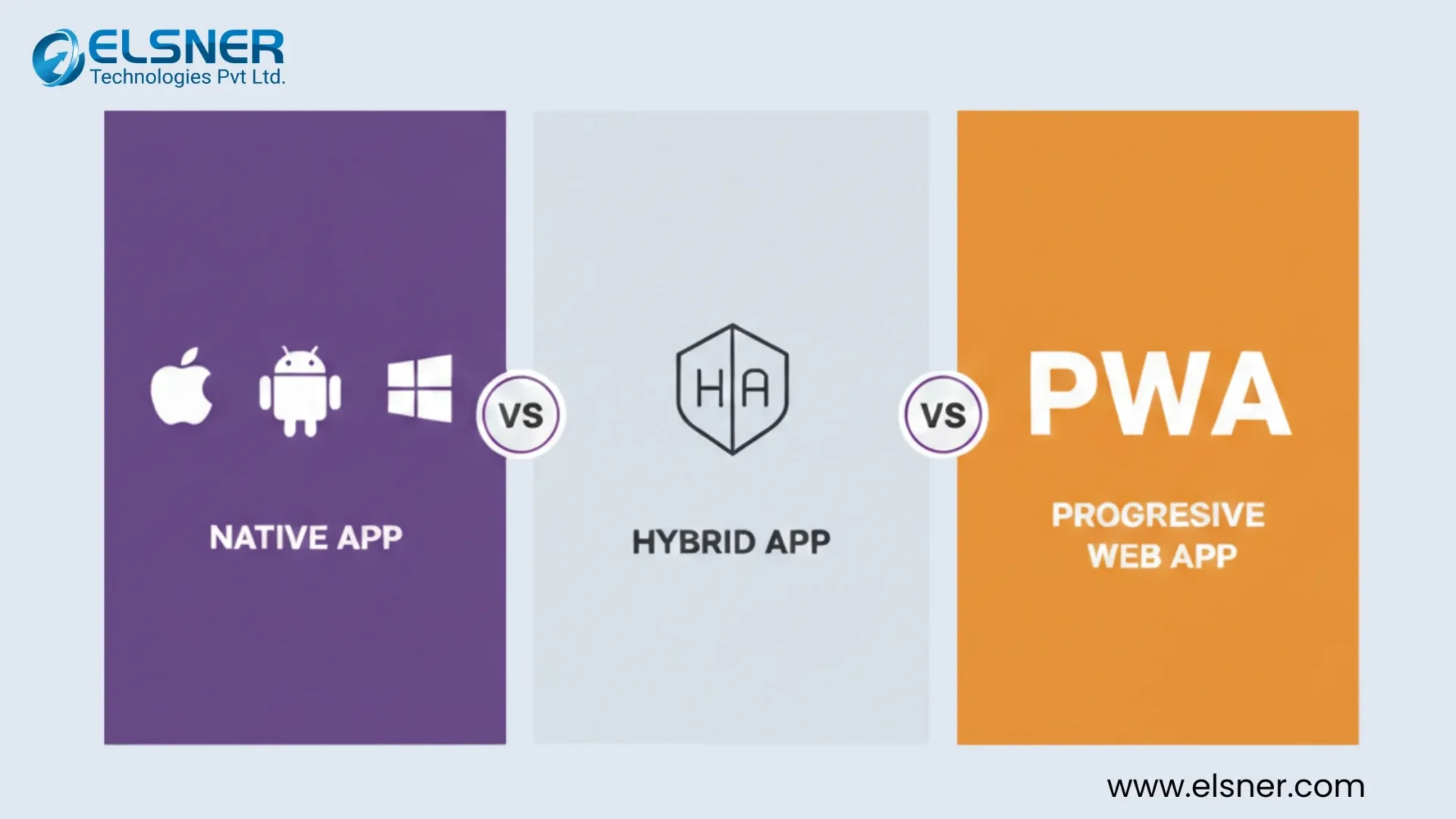
Three routes exist, and none of them is universally “best.”
|
Plugin-Based App Installs a tool on top of WordPress that generates a basic app shell. Quick, cheap, limited. Fine for a simple content site. |
PWA Turns your existing WordPress site into an installable, app-like experience inside the browser. Faster to launch, no app store approval, and a genuinely solid option for many small to mid-size sites. |
Custom Native App Built with React Native or Flutter, connects to WordPress as a backend and runs as a genuine iOS and Android app, listed in the App Store and Google Play, with full access to device hardware. |
We’ve covered the PWA route in detail already: Convert Your WordPress Site to a Progressive Web App. If a lightweight, browser-based app fits your traffic and goals, start there instead of reading further.
|
When the lighter option is genuinely fine Small blog, low daily traffic, content that doesn’t change hour to hour, no need for offline mode or push at scale. Honestly, most sites fall here, at least at first. |
When plugins and PWAs break down E-commerce at real volume. Custom checkout flows. Deep device features like camera scanning or biometric login. Performance expectations that a browser wrapper can’t hit. App store visibility that only a listed native app provides. |
At that point, this becomes a business decision about revenue and user experience, not a technical preference.
How a WordPress-to-App Connection Actually Works
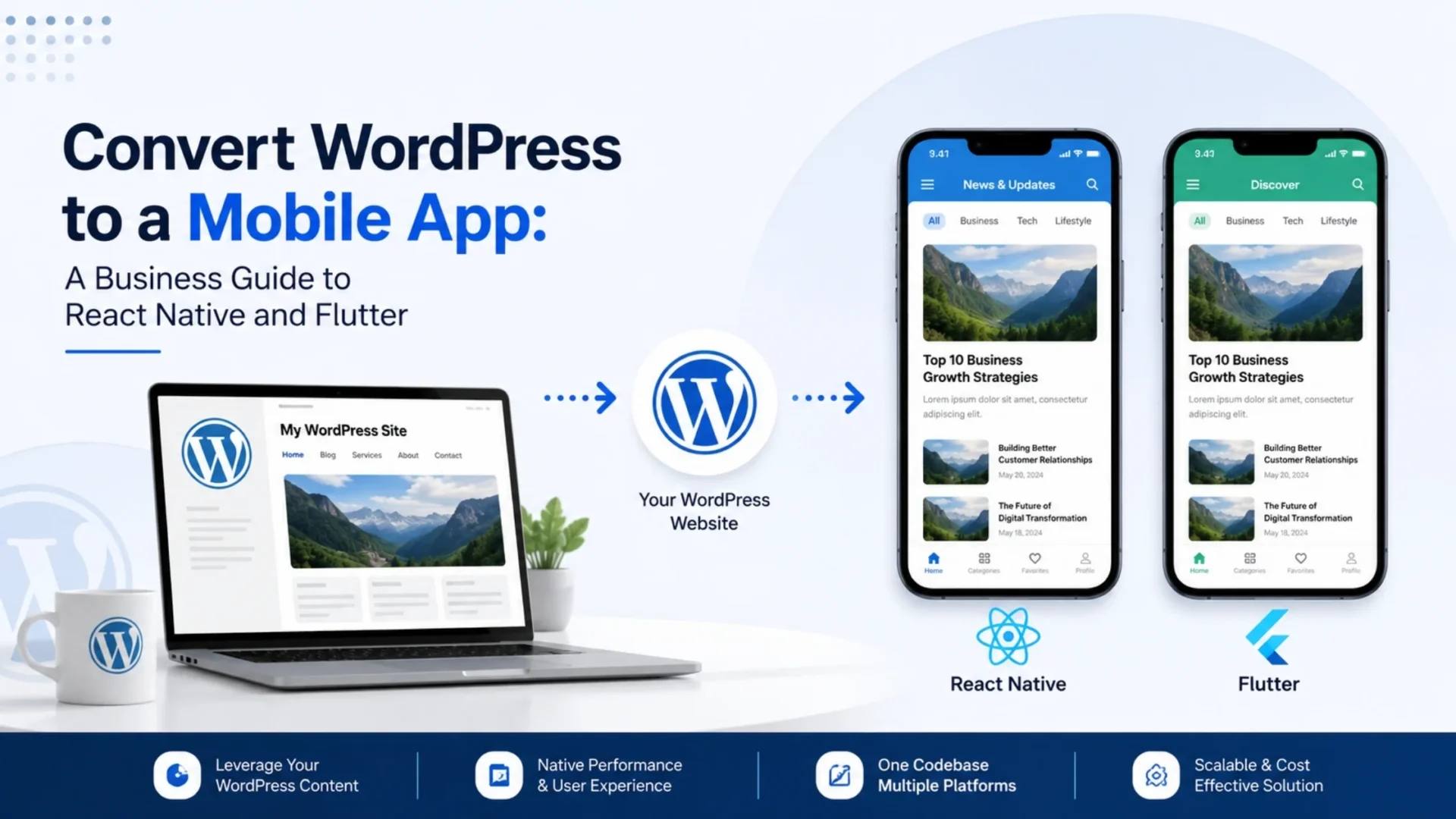
Here’s the part people usually get wrong: WordPress doesn’t disappear when you build an app. It becomes the backend.
With WordPress, you can use the REST API, which allows you to publish content in JSON format rather than through page rendering using HTML. For example, your app frontend, which might be built using React Native or Flutter, fetches this set of data and uses it as display material in the native components instead of a web browser. Basically, this is referred to as headless WordPress in the sense that you take the CMS (“head”) out of the system and just use it as a content delivery mechanism.
What flows through that connection in a typical setup:
- Blog posts and pages
- WooCommerce products, categories, and inventory
- User accounts, logins, and order history
- Custom fields and taxonomies, if your site uses ACF or similar plugins
- Media, images, and featured content
|
Your workflow stays the same Editors still publish from the familiar WordPress dashboard. The app simply reads that data and presents it natively, without a browser wrapper slowing things down. You don’t rebuild your content workflow; you extend it. |
Security needs a second look Many builds use application passwords, OAuth, or JWT tokens, yet WordPress keeps track of the account records. Focus audits on which REST API endpoints are public and which need authentication, since headless exposes more surface area to attacks. |
None of this is out of the ordinary. It’s well-known, common practice, but it pays to plan it from the beginning instead of adding it hastily after a launch.
Choosing a Framework: React Native or Flutter
With both platforms, developers write a single codebase and build highly native-looking apps with a lower budget for maintenance and development.
|
React Native Supported by Meta, is a JavaScript-based platform. It creates native UI elements at runtime of the app. The platform is perfect for developers who are familiar with JavaScript or who are planning to access a variety of plugins and libraries. |
Flutter Developed by Google, uses a rendering engine and the Dart language. It is a perfect tool if you want the app to be highly visual and consistent across all devices, or when the app needs custom animations and a highly personalized interface that is the same regardless of the platform. |
Neither is objectively better than the other. It all boils down to what kind of expertise your team currently holds, what level of visual complexity your app needs, and the extent to which you are willing to prioritize the native components that each platform offers over a perfectly consistent design from one screen to another. A brief technical meeting at the beginning can resolve it much quicker than reading ten more comparison articles.
Worth factoring in: maintenance
Sometimes this is overlooked. The larger React Native ecosystem offers more third-party packages, which one has to look for and sometimes fix. Flutter’s Google-driven tooling gives a lot fewer surprises with updates, but at the same time, the talent is scarce in some areas. None of this is too serious, yet you might want to check with your development partner and see which one of the two they have been maintaining for a long time, and not just who is more efficient in building the app rapidly.
Push Notifications and Offline Access
Push notifications are one of the clearest wins of going native, and they’re triggered from activity happening on the WordPress side.
Practical examples:
- A new blog post publishes, and subscribed users get notified within seconds
- A WooCommerce order status changes, from processing to shipped
- A tracked product drops in price
- A cart sits abandoned for a set period, prompting a return visit
How offline access actually works
The app caches recent content and, in some cases, queued actions, so users can browse products or read saved articles without a live connection. Full offline checkout is more complex and depends on your payment setup. Worth asking about during scoping, not assuming.
A frequent misconception: offline mode is not a mirror copy of the online version of the app without the internet. It typically implies that a fixed set of screens and operations are preloaded into caches, with everything else being saved for use upon connectivity. This difference is relevant when you are managing your team or discussing the details of an app with your customers, and you want to clarify what the term ‘offline’ means.
WooCommerce and Ecommerce Considerations
If you’re running WooCommerce, the calculation shifts a bit. Product catalogs, cart behavior, and checkout flow all need to sync reliably between your WordPress backend and the app frontend.
A few things matter more here than on a content-only site:
- Real-time inventory sync, so the app never shows a product as available when it’s sold out on the web store
- Cart and checkout parity, so customers don’t hit friction switching between app and browser
- Order history and account data pulling correctly through the REST API
- Payment gateway compatibility inside a native checkout flow
This is also where the case for going beyond a plugin or PWA tends to get strongest. High-volume WooCommerce stores lean on app-specific behavior, like saved payment methods and one-tap reorders, that browser-based experiences handle less smoothly. If your store already runs on WooCommerce and you’re evaluating this path, our WooCommerce Development Services team is a useful next stop for the storefront side of this conversation.
Real Example: WordPress and Flutter in Production
This isn’t theoretical. Elsner built a Flutter mobile app, live on both iOS and Android, that shares a WordPress backend with an existing site for content, rewards, and user data. Editors publish once through WordPress. The app and the website both pull from the same source, so there’s no duplicate content management and no sync gap between platforms.
That’s the practical proof point behind everything above. The REST API connection, the headless setup, the shared backend – all of it runs in production today, not just in a sales deck. If you’re weighing this route for your own site, our Hybrid App Development Services team can walk through what a similar setup would look like for your specific content and commerce needs.
Cost and Timeline
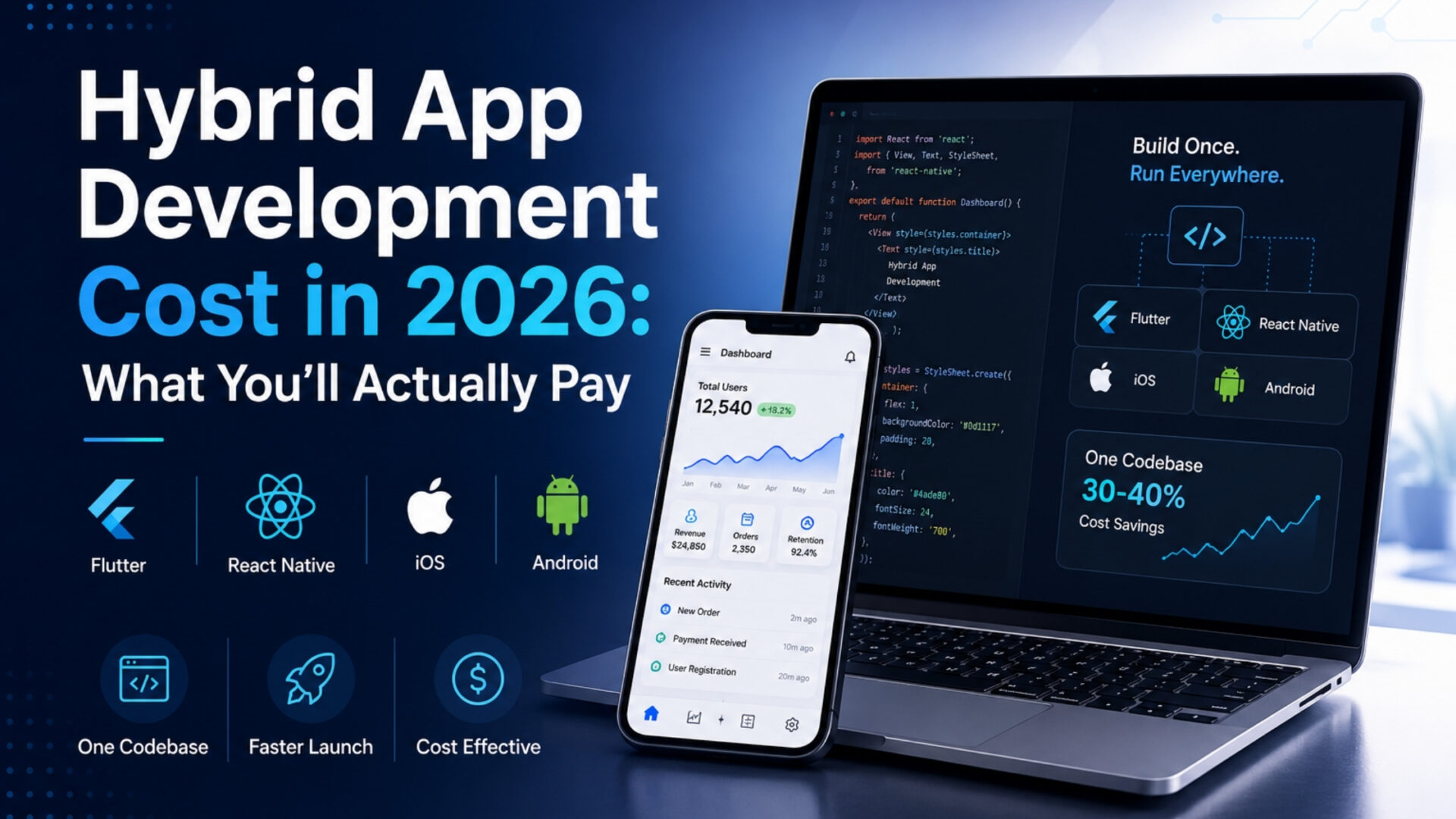
We prefer not to repeat the full pricing details since we already have a comprehensive description of the same on our blog. Generally speaking, the app development cost connected to WordPress would be higher than for the plugin wrapper (which can be a few hundred dollars cheaper) and also higher than a PWA build, since you are, in fact, building a legitimate native frontend, testing device compatibility, and also facing the app store approval check.
Timelines usually stretch from a few months for a focused MVP to longer for a feature-heavy ecommerce app with payments, loyalty, and push infrastructure. For the full number ranges by app type and complexity, see our Hybrid App Development Cost 2026 guide.
When You Should NOT Build a Custom App
Skip it, at least for now, if:
- Your site gets modest traffic and content changes infrequently
- You haven’t validated that users actually want an app over your mobile site
- Budget doesn’t yet support ongoing app store maintenance, not just the initial build
- A PWA would solve the same problem for a fraction of the cost
Often overlooked: an app is a second product you now maintain forever, not a one-time project. Two operating systems, two sets of store guidelines, ongoing updates. That’s a real commitment, and it’s fine to wait until the numbers justify it.
Still shoring up the WordPress side before you think about an app? That’s usually the right call. Our WordPress Development Services team can help you get the foundation solid first, so the app conversation is easier whenever you’re ready for it.
Decision Checklist
Quick gut check before committing to a custom build:
- Do you need offline access or deep device features (camera, biometrics, GPS)?
- Is your traffic or order volume already straining what a PWA or plugin can handle?
- Do you want app store presence for discoverability and trust?
- Can your team commit to ongoing app maintenance, not just launch?
- Have you ruled out the PWA route as genuinely insufficient for your goals?
If you answered yes to three or more, a custom native app conversation is probably worth having. If not, the lighter routes likely serve you better for now.
Frequently Asked Questions
How do you convert a WordPress site into a mobile app?
One way is to connect WordPress, which acts as a headless backend and exposes its data via the REST API, to the native mobile app, developed in React Native or Flutter. The mobile app will load data such as blog posts, products, and user information from WordPress and display it on native screens without using any web view or browser components. Your team will continue doing their content work via the same WordPress admin without any interruption.
What’s the difference between a PWA and a custom native app for WordPress?
A PWA runs inside a browser and installs like an app, without an app store listing or full device access. A custom native app is built separately in React Native or Flutter, lives in the App Store and Google Play, and gets deeper access to hardware features like push notifications, camera, and biometrics. PWAs cost less and launch faster; native apps offer more capability and store presence.
Is a WordPress app plugin enough, or do I need custom development?
Plugin apps are usually adequate for very basic sites that do not have high traffic. Still, as your business grows and you start to run e-commerce operations at a larger scale or require a unique user experience, the limitations of plugins will become apparent. It’s normally at this stage that custom development becomes the best financial investment. In these cases, plugins would have already stopped working adequately for your business needs before custom development starts. It was just that you didn’t notice until it was too late.
How much does it cost to build a WordPress-connected mobile app?
Costs vary widely based on features, platforms, and complexity, ranging from a lean MVP to a full ecommerce build with payments and loyalty features. For detailed pricing by app type, see our Hybrid App Development Cost 2026 guide.
Can WooCommerce data sync with a mobile app?
Absolutely. Product, stock levels, shopping cart, payment, and order history can be synchronized via the WordPress REST API between the WooCommerce site and the native app frontend. Syncing of inventory and payment channels in real time is crucial for larger stores with high sales volumes.
Do I need to rebuild my WordPress site to add an app?
No. Your existing WordPress site and dashboard stay in place. The app connects to it as a backend through the REST API, so your team keeps publishing content the same way. The app is an additional frontend, not a replacement for your site.
Can push notifications be sent from WordPress?
Yes. Notifications can be triggered by WordPress activity, like a new post being published, an order status changing, or a price drop on a tracked product, and get delivered to the app. This is one of the clearer engagement advantages of a native app over a browser-based PWA.
Conclusion
To convert WordPress to a mobile app isn’t a standalone decision. It’s really three separate ones stacked together: plugin, PWA, or custom native build. Most sites initially don’t need the custom route. But once traffic, ecommerce volume, or user expectations outgrow what a browser-based experience can deliver, a React Native or Flutter app connected through the WordPress REST API is a proven, production-ready path forward, not a theoretical one.
Not Sure Which Route Fits Your Site?
Plugin, PWA, or a custom native build with React Native or Flutter, our team will walk through your traffic, goals, and WooCommerce setup, and give you an honest read on what’s worth building now versus later.