- What Is Zoho Books?
- What Is QuickBooks Online?
- Zoho Books vs QuickBooks: Pricing Comparison (2026)
- Zoho Books pricing (per organization, not per user):
- QuickBooks Online pricing (effective August 1, 2026):
- Zoho Books vs QuickBooks: Core Features
- Zoho Books vs QuickBooks: Payroll
- Zoho Books vs QuickBooks: Multi-Currency and International Support
- Zoho Books vs QuickBooks: Ecosystem and Integrations
- Which Accounting Software Should You Choose?
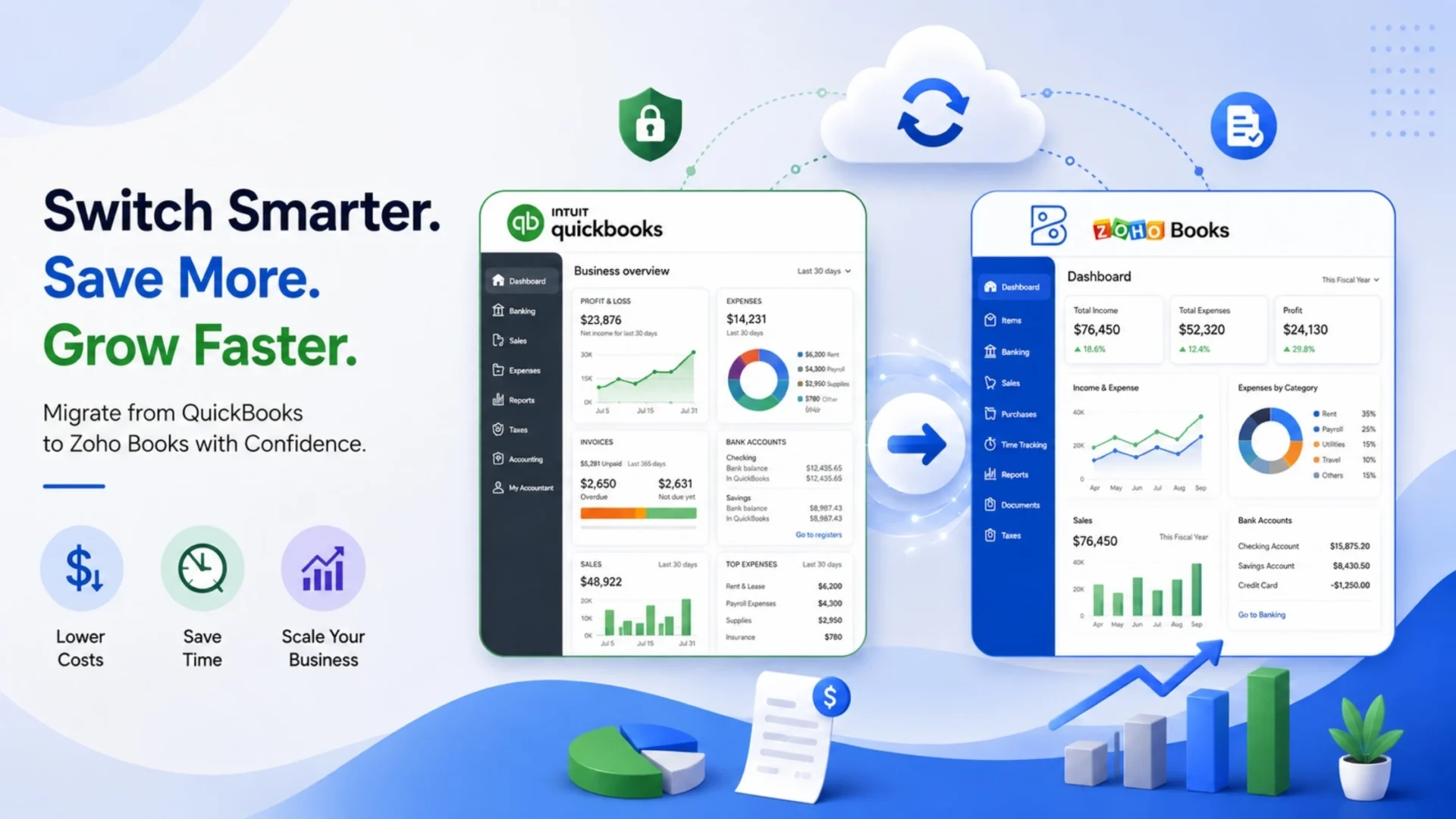
- How to Migrate from QuickBooks to Zoho Books
- Prerequisites for Data Migration
- Setting Up Your Zoho Books Organization
- Exporting Data from QuickBooks Online
- Types of Migration
- Importing the Chart of Accounts
- Validating Your Migration
- Realistic Timeline Expectations
- Conclusion
- Wrapping Up
- Frequently Asked Questions
- Is Zoho Books cheaper than QuickBooks?
- How long does a QuickBooks to Zoho Books migration take?
- What data can be migrated from QuickBooks to Zoho Books?
- Does Zoho Books have payroll like QuickBooks?
- Can I migrate historical transactions, or only current balances?
- Which is better for e-commerce businesses, Zoho Books or QuickBooks?
- Does Zoho Books integrate with Zoho CRM and Zoho Inventory?
Quick Answer
QuickBooks Online raised prices on three of its four plans in August 2026, pushing many small businesses to compare alternatives. Zoho Books runs cheaper at nearly every tier, ships a genuinely usable free plan, and integrates natively with 55+ Zoho apps, while QuickBooks still leads on native payroll depth and its CPA/ProAdvisor ecosystem.
|
Choose Zoho Books if
|
Stick with QuickBooks if
|
Short version: match the platform to your budget, your existing software stack, and how your accountant works, not to which one sounds cheaper on the surface. This guide breaks down pricing, features, and exactly how to migrate without losing a year of records.
QuickBooks Online became more expensive very recently. Early in August 2026, Intuit increased the prices of three of its four plans. For instance, the Plus plan went up from $99 to $140 per month, a price increase of about 41%. Advanced increased from $200 to $340 per month, a 70% increase. You may have already received a renewal notice if you are a small or medium-sized business on QuickBooks. Now is the time to probably think whether you’re still on the right platform.
This is why this guide has appeared in 2026. Not just a headline about the competitor’s exit from the market, but actually a direct cost question from many entrepreneurs lately: is there some kind of alternative online tool that does everything QuickBooks does for a reasonable rate, not raising the price on every subsequent billing cycle?
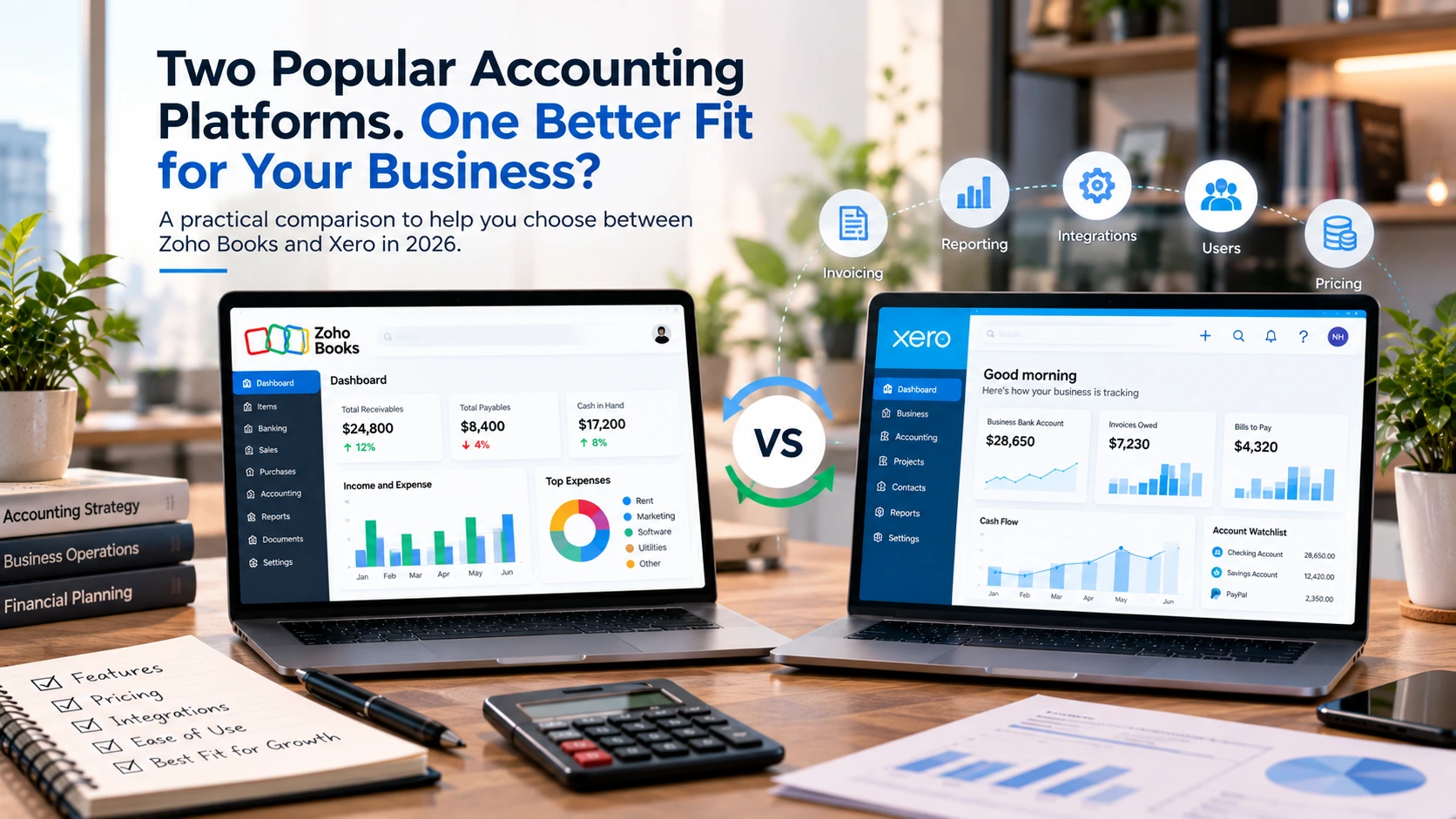
For a number of businesses, mostly the expanding ones, the answer is Zoho Books. Though the choice is not always easy, we will go into detail about why QuickBooks still remains the winner in some cases. For instance, if you are going to change accounting programs, or switch from one you are already using, you will probably appreciate knowing which one suits you better. That is what we are going to compare here, and we will also explain how to move your data easily and without losing a year of your records!
We’ve handled how businesses migrate from QuickBooks to Zoho Books across e-commerce, professional services, and SaaS businesses. What we have explained below is based on our actual experience and not just what random marketing pages promise.
What Is Zoho Books?
Zoho Books is a cloud-based accounting software from Zoho Corporation. Zoho Books handles core accounting tasks, such as issuing invoices, tracking expenses, reconciling bank accounts, sales taxes, and creating financial reports.
What makes it different is not the inclusion of one feature or another, but the overall ecosystem. In fact, Zoho Books integrates smoothly with more than 55 other Zoho Apps. It is quite a big point if your business is currently using Zoho CRM for sales or Zoho Inventory for stock management. There is no need for middleware here: neither a third-party integration tool nor a Zapier subscription will be required to tie everything together.
Zoho Books also ships a genuinely usable free plan. Businesses under $50,000 in annual revenue get one user, up to 1,000 invoices a year, bank reconciliation, and a client portal at no cost, indefinitely. That’s not a 14-day trial dressed up as a free tier. It’s a real plan with real limits, and plenty of freelancers and micro-businesses never need to leave it.
What Is QuickBooks Online?
QuickBooks Online is Intuit’s cloud accounting platform. It’s the default choice for small business accounting in the United States. Depending on which market data you look at, QuickBooks holds somewhere around 80% of the US small business accounting software market. That scale is the whole story with QuickBooks. It’s not necessarily the most innovative platform on the market. Yet, it’s the one your accountant already knows, the one every bookkeeping firm supports, and the one with a certified ProAdvisor network.
It handles most of your day-to-day work with customers, vendors, and employees. You can create and send invoices, receive payments, issue checks, pay vendors, run payroll reports, track inventory, check profitability by project, and get accounting reports. The reporting component creates a simple P&L statement and also a custom multi-entity dashboards, which are only available in the Advanced plan. It is a very solid and well-thought-out product. Actually, QuickBooks Online is 19 years old, and the level of integration with tax software, banks, and other professionals in the field is a clear demonstration of its maturity.
Zoho Books vs QuickBooks: Pricing Comparison (2026)
Here’s where the two platforms diverge most sharply, especially after August’s price change.
Zoho Books pricing (per organization, not per user):
Extra users beyond a plan’s limit run about $2.50 per user, per month, on annual billing.
QuickBooks Online pricing (effective August 1, 2026):
The gap is hard to ignore at the entry level. Zoho Books Standard runs 3 users for $20 a month. QuickBooks Essentials, the closest comparable tier, costs $85 for the same 3-user cap. Even Zoho Books Professional, which adds inventory and purchase orders at $50 a month, lands well under QuickBooks Plus at $140.
Advanced tells a more complicated story, though. Its 70% price jump looks brutal in isolation, but Intuit folded QuickBooks Workforce Elite payroll and Bill Pay Elite into the subscription at no extra charge. If you were already paying for both as add-ons, and many Advanced customers were, the net increase is a lot smaller than the headline number suggests. Run your actual current stack cost before assuming Advanced got 70% more expensive for you specifically.
Another genuine observation: Honestly, it’s not so easy to shop a six-tier system like Zoho. Most companies just settle for Standard or Professional plans without ever really understanding what Premium, Elite, or Ultimate are all about. In reality, QuickBooks has a four-tier product line that’s easy to understand, even if the price is higher at each tier, which is a plus.
Zoho Books vs QuickBooks: Core Features
Both platforms cover the accounting basics competently: invoicing, expense tracking, bank feeds, and financial statements. The differences show up in the details.
Inventory management is where Zoho pulls ahead for straightforward product businesses. Inventory tracking is built into Zoho Books Professional at $50 a month. QuickBooks gates equivalent functionality behind Plus at $140, and while QuickBooks added Enhanced Inventory features to Plus and Advanced in August 2026 (Item Receipt, Moving Average Cost valuation, PO-to-SO linking), you’re still paying nearly three times as much to unlock it.
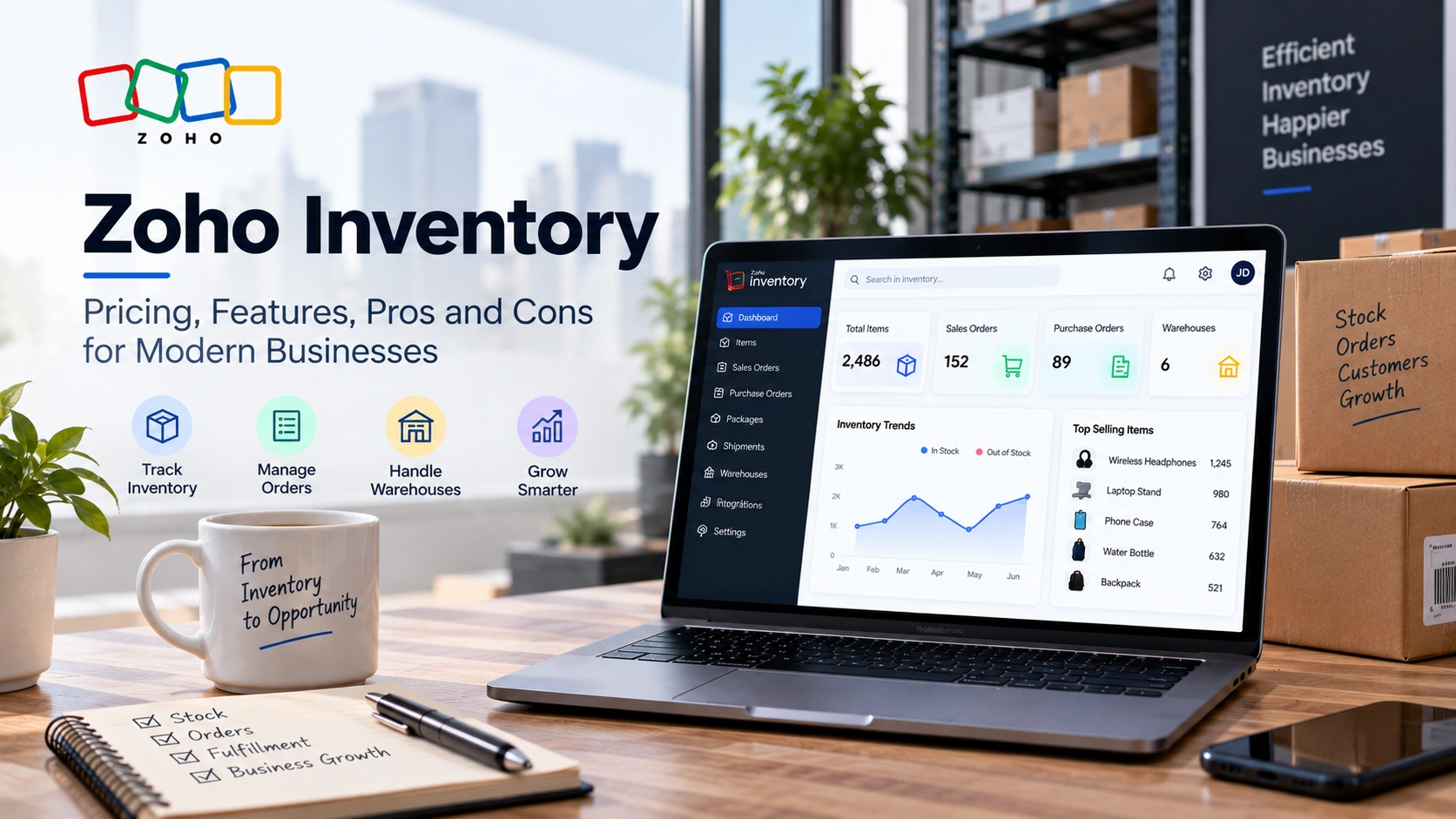
For genuinely complex inventory, multi-warehouse operations, multi-channel sync, and landed cost calculations, neither platform’s native tools will fully satisfy you. That’s a job for a dedicated inventory system connected via API, and it’s the kind of setup where a Zoho Development Services partner saves months of trial and error compared to configuring it in-house.
Reporting depth favors QuickBooks, particularly at the Advanced tier. Custom user roles, class and location tracking across more dimensions, and the new AI-powered 13-week cash flow and P&L forecasting give finance teams more to work with. Zoho Books’ reporting is solid and gets the job done for most SMBs, but it doesn’t reach the same granularity.
Automation and AI features are a big part of QuickBooks till the end of 2026. With Continuously Clean Books, they check your transactions and auto-categorize them throughout the month. It also verifies the expert opinion from Intuit. Invoicing on Autopilot allows your team to generate invoices in bulk from the documents they scan in. To ensure you’re benefiting, a team member must check the results. Then again, when you have auto-categorization that remains unchecked, the result is just a neat-looking P&L statement with inaccurate accounts.
User interface is a matter of taste more than function. Zoho Books tends to feel cleaner for teams that aren’t accounting specialists. QuickBooks’ interface carries some legacy complexity, but it’s the interface your bookkeeper has used for a decade, which has real value during onboarding.
Zoho Books vs QuickBooks: Payroll
This is a genuine point in QuickBooks’ favor for many businesses.
QuickBooks Payroll integrates natively and deeply, especially since Workforce Elite got bundled into Advanced. It handles federal, state, and local tax filing, W-2 and 1099 generation, and benefits administration, all inside the same login your accountant already uses. If payroll is a heavy operational lift for you, this native depth matters.
Zoho takes a different approach. Zoho Payroll launched as a standalone US product in December 2024, with pricing from around $29 a month plus roughly $5 per employee on annual billing, and it integrates with Zoho Books through journal entry automation rather than being fused into the same product. It covers all-50-state tax compliance and handles W-4 through W-2 workflows. It’s not weaker, exactly. It’s separate. For businesses already comfortable running Zoho Books and Zoho Payroll as two connected apps, this works fine. For businesses that want payroll baked directly into their accounting platform with zero setup friction, QuickBooks still has the edge here.
Worth noting: businesses on QuickBooks Simple Start or Essentials without payroll needs get no benefit from Intuit’s payroll bundling. If you don’t run payroll, that argument for staying on QuickBooks disappears.
Zoho Books vs QuickBooks: Multi-Currency and International Support
Here’s a clear Zoho Books strength. Multi-currency support ships in Zoho Books Professional at $50 a month, alongside automatic exchange rate updates and multi-currency invoicing. QuickBooks requires Essentials or higher for multi-currency, and even then, the experience is generally considered less mature than Zoho’s, particularly around automated rate handling and multi-currency bank reconciliation.
If you invoice international clients, pay overseas vendors, or run a business with cross-border operations, this is one of the more concrete reasons businesses migrate from QuickBooks to Zoho Books specifically. It’s not a marginal difference. It shows up every time you touch a foreign-currency transaction.
Zoho Books vs QuickBooks: Ecosystem and Integrations
Companies already using Zoho CRM, Zoho Inventory, or Zoho Projects receive features that QuickBooks cannot produce: native integration across the entire operational stack. When you close a deal in Zoho CRM, the invoice is generated automatically in Zoho Books. There is no Zapier between them, nor any other manual API call. If the stock changes in Zoho Inventory, the finance sheet in Zoho Books updates in real time.
QuickBooks integrates with a huge third-party app marketplace, and for many businesses, that’s plenty. But every integration is a connection you have to build, maintain, and troubleshoot when something breaks. Zoho’s ecosystem removes that layer for businesses already inside it.
The implementation process is another area where an experienced partner can bring great value. Configuring Zoho CRM, Books, and Zoho ERP integrations accurately on the first try reduces the need for mid-project fixings and cleanups. Using Magento or another e-commerce platform? That also gets carried forward through inventory syncing, and we have a detailed step-by-step guide on how to integrate Zoho Inventory and Magento 2 for teams who might be leaning towards that system setup.
Which Accounting Software Should You Choose?
Neither platform wins outright. Here’s a straightforward way to think about it.
|
Choose Zoho Books if:
|
Stick with or choose QuickBooks if:
|
There’s no universally correct answer here. A 12-person e-commerce brand already running Zoho Inventory has a very different calculation than a construction firm whose CPA insists on QuickBooks files every March.
How to Migrate from QuickBooks to Zoho Books
If you’ve decided Zoho Books is the right move, the migration itself is manageable, but it rewards planning. Rushing it is how businesses end up with a chart of accounts that doesn’t reconcile against last year’s tax filing.
|
1
|
Prerequisites for Data MigrationDon’t press any export button until you’ve got these two key issues sorted out. Firstly, set up your Zoho Books organization and make sure your fiscal year, base currency, and tax preferences are aligned with the future requirements rather than just mirroring those in QuickBooks. Secondly, get a clean set of QuickBooks Online reports when both systems are still live, which will be your base to verify that data is properly imported later. This step, if omitted, has been the most common cause of a migration headache. They start importing data without knowing they have duplicates or inconsistent vendor names in their QuickBooks account lists. They only realize this fact halfway through the migration. These mistakes in their old system are actually carried over to the new one, and the new system also has the same errors! Not only that, their efforts made so far may also be spoiled. |
|
2
|
Setting Up Your Zoho Books OrganizationStart by logging into Zoho Books and completing your organization profile under Settings. Fill in your legal business details, fiscal year start, and base currency accurately here, since changing these later is far more disruptive than getting them right on day one. Next, configure your tax settings. Go to Settings, then Taxes, and add each applicable tax rate with the correct authority. If your tax authority isn’t listed in the dropdown, you can type it in manually, and Zoho will add it. This step matters more than it looks. Sales tax misconfiguration is one of the most common post-migration cleanup items. |
|
3
|
Exporting Data from QuickBooks OnlineWith your Zoho Books org ready, pull the following reports from QuickBooks:
Log into QuickBooks, open the Reports module, select each report, and export to Excel or CSV. Excel format generally imports more cleanly into Zoho’s tools than PDF. |
|
4
|
Types of MigrationNot every business needs a full historical import, and knowing which type fits your situation saves time and cleanup work. List migration brings over your master data only, meaning customers, vendors, items, and your chart of accounts, along with opening balances. No transaction history comes across. This is the fastest option and works well for businesses starting fresh at a new fiscal year. Summary migration adds account-level balance summaries on top of your master data, without line-by-line transaction details. A reasonable middle ground if you need historical totals for reporting but not full audit trails. Full data migration brings across every transaction, invoice, bill, payment, and journal entry. This is the most complete option and the one most established businesses need, particularly if you’re mid-fiscal-year or your CPA needs continuous transaction history for tax purposes. It’s also the slowest and most detail-sensitive migration type, so budget more validation time for it. |
|
5
|
Importing the Chart of AccountsOnce your organization is configured, Zoho Books provides a dedicated import tool for your chart of accounts. Navigate to the Accountant module, select the gear icon, choose Import Chart of Accounts, and follow Zoho’s guided mapping process. You can similarly import invoices, estimates, and contact records through the same import framework elsewhere in the platform. Map carefully here. Zoho’s default chart of accounts template won’t match your QuickBooks structure exactly, and forcing a sloppy match now creates reconciliation problems for your accountant later. |
|
6
|
Validating Your MigrationDon’t flip the switch and walk away. Before fully cutting over, run your trial balance in both systems side by side and confirm the totals match to the penny. Spot-check a sample of invoices and bills against the original QuickBooks records, particularly any with unusual tax treatment or multi-currency components. Have your bookkeeper reconcile at least one full bank statement inside Zoho Books before you consider QuickBooks fully retired. This validation step typically takes a few days for a small business and considerably longer for businesses with high transaction volume or multi-entity structures. It’s not optional, even when the pressure is on to close out QuickBooks and stop paying for two subscriptions. |
What Doesn’t Migrate Automatically
This part gets glossed over in most QuickBooks to Zoho Books migration guides, and it shouldn’t.
Recurring transaction templates, memorized reports, and custom QuickBooks workflow rules typically don’t transfer and need to be rebuilt manually in Zoho Books. Attached documents and receipts linked to individual transactions often require separate export and re-upload rather than coming across with the transaction itself. Payroll history, if you’re switching payroll providers alongside your accounting platform, is a completely separate migration project with its own compliance considerations.
Bank reconciliation status is another common gap. Transactions import, but their reconciled or unreconciled state doesn’t always carry over cleanly, which means someone needs to re-verify reconciliation status against bank statements after the migration completes.
Realistic Timeline Expectations
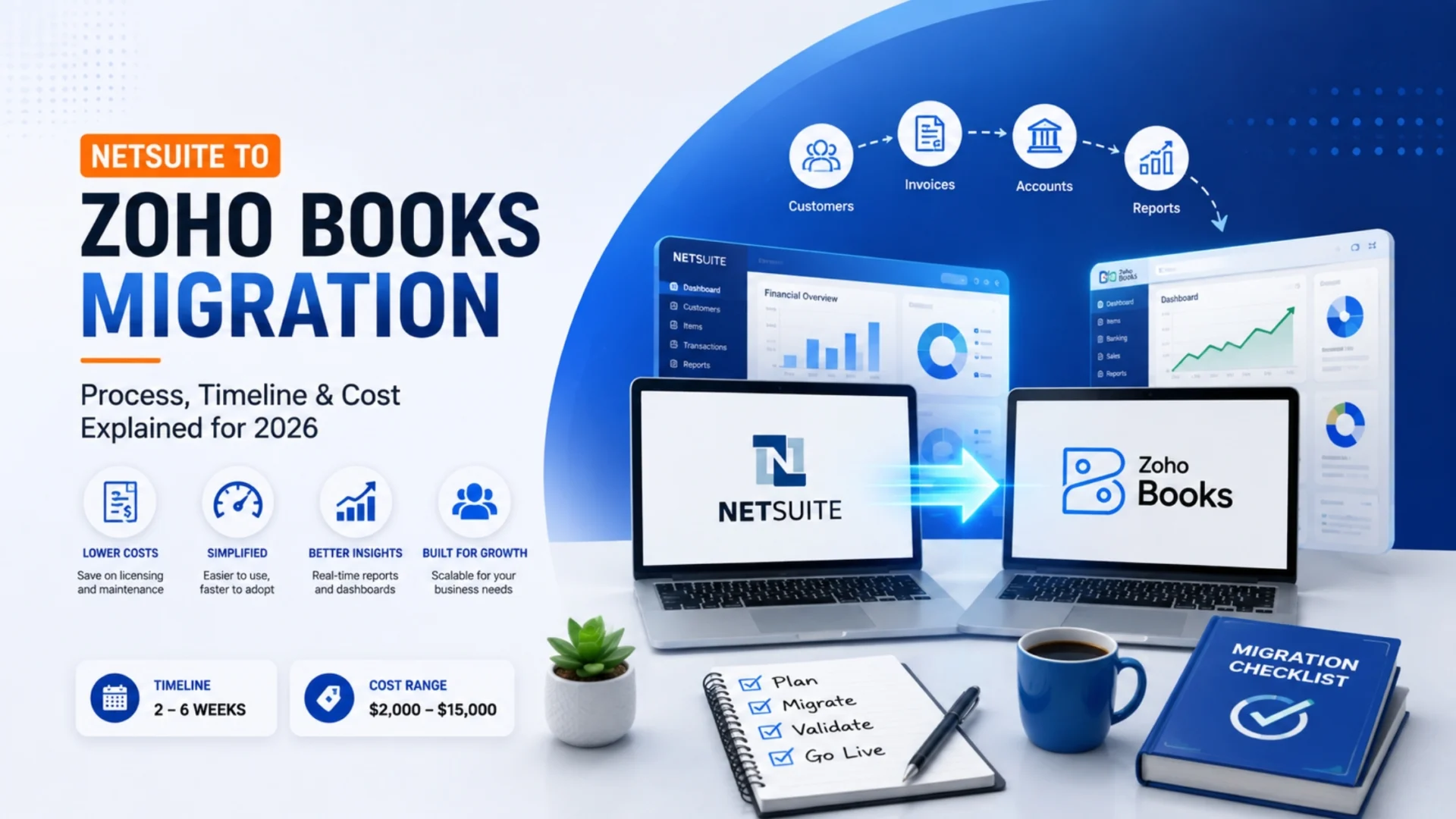
For a straightforward small business with list or summary migration needs, expect one to two weeks from Zoho Books setup through validated cutover. Full data migration with significant transaction history typically runs three to six weeks, depending on data volume and how much cleanup your QuickBooks chart of accounts needs before it’s migration-ready. Businesses with inventory, multi-currency operations, or custom workflows should plan toward the longer end of that range.
Conclusion
The choice between Zoho Books and QuickBooks isn’t really about which platform is “better.” It’s about which one matches your business’s actual operating reality: your budget, your existing software stack, your accountant’s fluency, and how much you rely on payroll or third-party integrations built specifically for QuickBooks.
What’s changed in 2026 is the calculus for a lot of businesses. QuickBooks’ August price increase, especially on Plus and Advanced, has pushed a meaningful number of small businesses to actually run the numbers on alternatives for the first time in years. Zoho Books doesn’t win every comparison. But for businesses already inside the Zoho ecosystem, or simply priced out of QuickBooks’ new tiers, it’s a legitimate, well-built platform, not a discount compromise.
If you decide to make the switch, the migration itself is the part worth getting right. A clean chart of accounts, a validated trial balance, and a properly configured tax setup on day one save your bookkeeper months of cleanup down the line.
Wrapping Up
Thinking about migrating from QuickBooks to Zoho Books, but not sure whether your business needs a list migration or a full historical import? That’s exactly the kind of question worth answering before you touch an export button, not after.
Elsner Technologies is a certified Zoho partner with hands-on experience migrating businesses off QuickBooks and into Zoho Books, including the messy parts most guides skip: chart of accounts mapping, multi-currency setup, and reconciling historical transactions so your CPA doesn’t inherit a mess at tax time. If you’d rather have someone who’s done this before catch the gaps early, talk to our Zoho development team about a migration assessment before you commit to a cutover date.
Already running Zoho CRM or evaluating the broader Zoho suite alongside Books? Our guides on Zoho CRM pricing plans and what it actually costs to bring in a Zoho developer are worth a read before you scope the full project.
Frequently Asked Questions
Is Zoho Books cheaper than QuickBooks?
For most small businesses, yes. Zoho Books Standard costs $20 a month for 3 users, versus $85 for QuickBooks Essentials at the same user count. The gap holds across most tiers, though QuickBooks Advanced narrows it somewhat since it now bundles payroll and bill pay that used to cost extra.
How long does a QuickBooks to Zoho Books migration take?
A simple list migration typically takes one to two weeks from setup to validated cutover. Full data migration with complete transaction history usually runs three to six weeks, depending on data volume, inventory complexity, and how much cleanup your QuickBooks file needs beforehand.
What data can be migrated from QuickBooks to Zoho Books?
You can migrate your chart of accounts, customer and vendor contacts, products and services, invoices, bills, payments, and full transaction history. Recurring templates, memorized reports, and custom workflow rules generally need to be rebuilt manually rather than imported directly.
Does Zoho Books have payroll like QuickBooks?
Zoho Books integrates with Zoho Payroll, a separate US product starting around $29 a month plus roughly $5 per employee, connected through automated journal entries. QuickBooks Payroll is more deeply fused into the platform itself, particularly on the Advanced plan, where Workforce Elite is now bundled in.
Can I migrate historical transactions, or only current balances?
Both options exist. Summary migration brings over account balances without transaction-level detail. Full data migration includes every invoice, bill, payment, and journal entry. Most established businesses, especially those mid-fiscal-year, need full data migration for accurate ongoing reporting.
Which is better for e-commerce businesses, Zoho Books or QuickBooks?
Zoho Books tends to fit e-commerce businesses well due to lower-cost inventory tracking and native integration with Zoho Inventory and Zoho Commerce. QuickBooks Plus offers comparable inventory features at a higher price point, but its wider third-party app marketplace can matter for platform-specific integrations.
Does Zoho Books integrate with Zoho CRM and Zoho Inventory?
Yes, natively. Data flows automatically between Zoho Books, Zoho CRM, and Zoho Inventory without third-party connectors, meaning invoices, stock updates, and customer records stay synced across the suite in real time. This is one of the strongest reasons businesses already using other Zoho products choose Zoho Books.