- What Is a Shopify Theme Detector?
- How theme detection works at the code level
- Why People Want to Detect Shopify Themes
- Competitor research
- Store design inspiration
- Theme performance analysis
- Development and UX benchmarking
- 8 Proven Ways to Detect Any Shopify Theme
- Best Shopify Theme Detector Tools Compared
- Most Popular Shopify Themes Used by Successful Brands
- Can Shopify Theme Detectors Be Wrong?
- How to Detect Shopify Apps Along With Themes
- How to Tell if a Website Uses Shopify
- Shopify Theme Detector vs Manual Detection
- How to Choose the Right Shopify Theme for Your Store
- Match the theme to your catalogue size
- Speed is a conversion variable, not just a technical one
- Consider whether a theme can grow with your store
- Frequently Asked Questions
- What Shopify theme is this store using?
- Which Shopify theme is this website using?
- How accurate are Shopify theme detectors?
- Can I detect custom Shopify themes?
- What is the best Shopify theme finder in 2026?
- Can I identify Shopify apps alongside the theme?
- Is Shopify theme detection legal?
- How do Shopify theme IDs work?
- Can I copy another Shopify store’s theme?
- Why does my Shopify theme detector show no result?
- Do headless Shopify stores have themes?
- What’s the difference between a free and paid Shopify theme?
- Need Help Building or Customizing a Shopify Store?
You land on a Shopify store. The layout is clean, the product page converts well, and the mobile experience is genuinely smooth. Your first instinct is to figure out what they’re running. That’s exactly what a Shopify theme detector is built for.
It’s a fast, free way to identify the theme behind any Shopify storefront, along with its customizations, installed apps, and sometimes even the full tech stack. Store owners use it for competitive research. Developers use it to audit clients. Agencies use it to benchmark designs before a new build. The use cases are broad, and the tools have gotten a lot better in 2026.
What this guide covers:
How Shopify theme detection actually works under the hood, 8 tested detection methods ranked by accuracy, a head-to-head tool comparison, what happens when detectors fail (and what to do about it), how to detect apps alongside themes, and a full FAQ section.
What Is a Shopify Theme Detector?
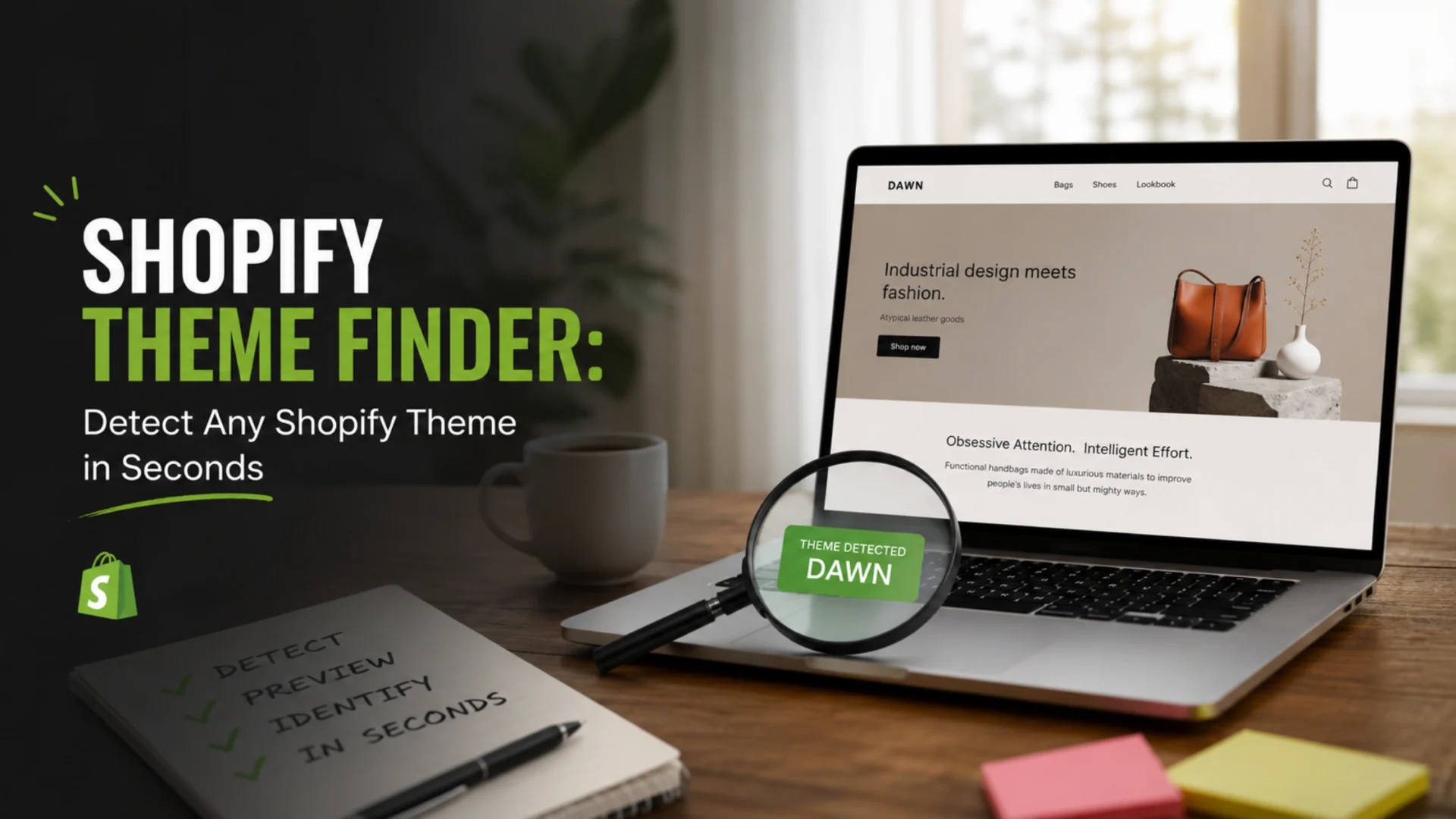
A Shopify theme detector is a tool or technique that identifies the active theme running on any public Shopify storefront. Paste in a URL, and it returns the theme name, sometimes the theme ID, pricing info, and a link to purchase it if it’s available on the Shopify Theme Store.
Most tools do this by reading publicly available HTML and comparing it against a database of known Shopify themes. No login required. No admin access needed. The store owner can’t tell you checked. It’s all based on what anyone could see by clicking “View Page Source” in a browser.
The more sophisticated tools go further. They cross-reference theme IDs embedded in Shopify’s JavaScript, pull CSS asset file names, scan for app signatures, and map the full technology stack of the store. Some of the best ones return all of that in under three seconds.
How theme detection works at the code level
Every live Shopify store has a Shopify.theme object injected into its page DOM. This object contains the theme name, a numeric theme ID (typically 10 to 14 digits), and a theme_store_id if the theme was purchased from Shopify’s official store. Detectors read this object directly, which is why they’re so accurate on standard stores.
Beyond the global theme object, detectors also look for theme-specific asset file paths, naming patterns in JavaScript and CSS files, and structural DOM patterns that developers tend to leave in their code. These serve as secondary fingerprints when the primary object is obscured.
Why People Want to Detect Shopify Themes
The reasons vary more than you’d expect. Here are the four that come up most often.
Competitor research
If a competitor’s store converts well, the theme is one piece of that puzzle. Knowing whether they’re on a free Dawn build with custom CSS or a $350 premium theme like Prestige changes how you benchmark them. It tells you whether the performance is baked into the template or built on top of it.
Store design inspiration
Sometimes you find a store that just looks right. Clean navigation, fast load, product pages that feel considered. Theme detection skips the guesswork and takes you straight to the source. You either buy the same theme or use it as a benchmark for your own build.
Theme performance analysis
Not all Shopify themes are fast. Some carry JavaScript weight that tanks Core Web Vitals. If you’re doing CRO work and a client’s competitor is outperforming them, checking the theme is often step one of the technical audit. Speed differences between themes are real, and they show up in conversion data.
Development and UX benchmarking
Agencies and developers use theme detection to scope client work accurately. Knowing whether a store is on a standard theme, a heavily modified base, or a custom build changes the estimate, the timeline, and the recommended approach entirely. It’s due diligence before a proposal, not a shortcut.
8 Proven Ways to Detect Any Shopify Theme
These methods are ordered roughly from fastest to most technical. In most cases you’ll only need the first two. The rest exist for situations where the obvious approach doesn’t work.
|
1
|
Use a Shopify Theme Detector ToolPaste the store URL into a dedicated detector. It scans the HTML, reads the Pros: No technical knowledge needed, free, instant. Cons: Can’t identify custom or headless builds. Fails on password-protected stores. Best for: Daily competitor research, quick checks |
|
2
|
Check the Source Code ManuallyRight-click anywhere on the store page and select “View Page Source.” Press Ctrl+F (or Cmd+F on Mac) and search for Also try searching for Best for: Verification when tools disagree |
|
3
|
Use Browser Developer ToolsOpen DevTools (F12 or right-click and Inspect). Go to the Console tab and type From the Network tab, you can also filter requests by “stylesheet” and inspect CSS file names for theme identifiers. This becomes relevant when the console returns nothing, which is a signal worth paying attention to on its own. Best for: Developers, technical audits |
|
4
|
Check Theme CSS and Asset FilesEvery Shopify theme has a CSS file hosted on Shopify’s CDN. In DevTools, open the Sources tab and look for stylesheets loading from Best for: Confirming modified or rebranded themes |
|
5
|
Use Browser Extensions: Koala Inspector and ShopScanKoala Inspector is the most practical extension for store-level research. Install it in Chrome, visit any Shopify store, and click the icon. It returns the theme, installed apps, top-selling products, and traffic estimates from a single click, no URL pasting required. If you check 30 or more competitor stores a week, this workflow is significantly faster than using web-based tools. ShopScan is the cleaner option for users who only need theme and app data without the product research layer. It’s less cluttered and loads faster for quick checks. Best for: High-volume research, browsing competitors live |
|
6
|
Use BuiltWith for Full Technology ProfilingBuiltWith is a broad-spectrum technology detector rather than a Shopify-specific tool. It won’t always return the theme name, but it does identify Shopify as the platform and captures CDN usage, tracking pixels, analytics tools, and third-party integrations with historical data. It’s useful for understanding a competitor’s full tech stack beyond just the storefront design. Paid plans start at $295/month, which only makes sense at research scale. For individual store checks, the free single-lookup is enough. One honest caveat: BuiltWith frequently misses Shopify-specific app detection. Pair it with a dedicated Shopify tool. Best for: Enterprise-level audits, cross-platform research |
|
7
|
Analyze Theme Assets and CDN StructureOpen any page on the store and inspect the network requests loading from Shopify’s CDN. Theme asset files often carry names that match the original theme, even after heavy customization. Specific font pairings, icon libraries, and image directory structures are difficult for store owners to scrub entirely. Developers frequently leave distinctive footprints in JavaScript implementations that confirm the base theme, even when the visual design has been transformed. Best for: Identifying heavily modified themes |
|
8
|
Detect Customized Dawn and Online Store 2.0 ThemesThis is the method most guides skip. Dawn is free and powers roughly 22 to 23 percent of all detectable Shopify stores in 2026. The challenge is that many merchants treat it as a blank canvas. After custom sections, metafield-driven layouts, and CSS overrides, a Dawn store can look nothing like the default. Automated tools will still identify it as Dawn. What they won’t tell you is how much of the design is the theme versus custom development. The signal to look for: In DevTools, check for Worth noting: Shopify released Horizon in Summer 2025 as a new free default. Horizon has reached 1.8% market share and is growing fast. Detection for Horizon follows the same source code approach. Best for: Competitive analysis of leading free-theme stores |
Best Shopify Theme Detector Tools Compared
No single tool dominates everything. They each have a specific strength. Here’s an honest comparison based on what they’re actually good at in 2026.
Wappalyzer consistently appears on these lists but honestly isn’t a Shopify theme tool. It identifies Shopify as the platform, full stop. Don’t reach for it when you need theme names. Pair it with Koala Inspector if you need broad tech profiling alongside Shopify-specific data.
Most Popular Shopify Themes Used by Successful Brands
Based on detection data across tens of thousands of Shopify stores, some themes dominate specific niches. These patterns are worth knowing when you’re choosing a theme for a new store or advising a client.
One thing worth flagging: stores using premium themes ($250 to $400 range) earn roughly 2.4x more per visitor than stores on free themes, according to detection data from PageFly. That’s a correlation, not a causation, but it suggests the stores investing in proper theme architecture are often the same ones investing in broader conversion work. The theme is one variable in a larger system.
Can Shopify Theme Detectors Be Wrong?
Yes. Frequently. Here’s exactly when and why.
Custom-built themes
A store built from scratch with a private Liquid codebase has no theme_store_id and often has a renamed internal theme. Detectors return “Custom Theme” as the result, which isn’t wrong, but it isn’t actionable either. You can’t purchase what doesn’t exist in any marketplace. If you see this result, what the store is using is custom development, not a theme product.
Heavily modified themes
Many serious stores start with a theme like Impulse or Prestige and modify it so extensively that the visual design shares nothing with the original. Automated tools might still correctly identify the base theme from the underlying code, but it’s a misleading answer. If you try to recreate that store by buying the same theme, you’ll get the bones, not the result. The actual design lives in months of development work on top of the theme, not in the theme itself.
Headless Shopify stores
Headless commerce separates the visual frontend from Shopify’s backend entirely. The storefront is built with React, Next.js, Vue, or Shopify’s own Hydrogen framework, and there is no Shopify theme involved. Detectors can’t return a theme result because there isn’t one to find. The absence of a theme result on a clearly functioning Shopify store is often the signal that you’re looking at a headless build. These stores require custom development to recreate, and no theme purchase will get you there.
Practical rule: When two tools return different results, open the source code and check Shopify.theme yourself. It takes 30 seconds and settles most disagreements. If the source returns nothing useful, you’re probably dealing with a custom or headless build.
How to Detect Shopify Apps Along With Themes
The theme is often the least interesting part of a successful store’s stack. The apps running on top of it drive reviews, subscriptions, upsells, loyalty programs, and email capture. Understanding a competitor’s app stack tells you more about how their store operates than knowing the theme ever will.
A few methods that work reliably:
In the source code, look for script tags loading from domains like cdn.judge.me, static.klaviyo.com, a.klaviyo.com, or cdn.yotpo.com. These are direct signatures. Most major Shopify apps load external scripts from identifiable domains, and a quick source scan turns up a solid picture of the marketing and CRO stack within a few minutes.
For stores investing in Shopify development at scale, understanding competitor app stacks is part of the competitive intelligence layer, not just an afterthought. Our team at Elsner covers this as part of full Shopify development services when clients want a proper competitor audit before a build or rebuild.
How to Tell if a Website Uses Shopify
Before you try to detect the theme, it helps to confirm the store is even on Shopify. Not every clean ecommerce site is.
The fastest check: add /admin to the end of the URL. Shopify stores redirect to accounts.shopify.com. Non-Shopify sites either 404 or redirect somewhere else entirely.
Other signals in the source code:
- Look for
cdn.shopify.comin asset URLs. That CDN domain is Shopify-exclusive. - Check for a
meta name="shopify-checkout-api-token"tag in the page head. - Search for
Shopify.shoporwindow.Shopifyin the page source. - Scroll to the footer. Many Shopify stores include a “Powered by Shopify” link, though merchants can remove it.
Standard detectors confirm platform automatically, so if you’re already running a theme check, this is handled. The manual method matters when you’re working with unusual or headless builds where tool results are unclear.
Shopify Theme Detector vs Manual Detection
Both methods have a place. The right choice depends on what you need and how often you’re doing this.
The most reliable workflow for serious store research: run an automated tool first, then verify anything unusual manually. Use the extension while browsing, cross-check with source code when the results don’t add up. That combination covers about 95 percent of cases cleanly.
How to Choose the Right Shopify Theme for Your Store
Theme detection isn’t just about understanding competitors. It feeds directly into your own theme selection. Here’s what actually matters when making that call.
Match the theme to your catalogue size
A store with 10 SKUs needs a very different layout than one with 500. Themes built for large catalogues include robust filtering, sorting, and navigation systems. Using one of those on a small curated store feels cluttered. Using a minimal theme on a large catalogue creates a navigation nightmare. This is often where detection research helps most: seeing which themes large-catalogue competitors run tells you what’s been battle-tested at scale.
Speed is a conversion variable, not just a technical one
Theme performance varies significantly. Some themes carry legacy JavaScript weight that drags Core Web Vitals down on mobile. If conversion rate is the priority, especially on paid traffic, a speed-optimized theme or a well-maintained free theme like Dawn will often outperform a visually richer premium option. Our guide on Shopify development costs covers where theme selection sits in the overall build budget.
Consider whether a theme can grow with your store
Online Store 2.0 themes like Dawn, Horizon, and most current premium offerings are built on a section-everywhere architecture. That means extensive layout flexibility without code changes. Older themes, sometimes still used on long-running stores, lock layout into template files and require developer work for every structural change. If you’re building for the next three to four years, the theme’s flexibility matters as much as how it looks on day one.
Once you’ve identified themes you like through detection research, also look at whether you need custom theme development on top of a base, or whether a well-configured off-the-shelf option does the job. For many stores, especially those scaling through paid channels, a properly configured Dawn with targeted customizations outperforms a premium theme used out-of-the-box.
Frequently Asked Questions
What Shopify theme is this store using?
Paste the store URL into a free Shopify theme detector like PageFly’s tool or ShopifyThemeDetector.tools. These scan the store’s HTML for the Shopify.theme object and return the theme name, price, and a marketplace link, usually within five seconds. Alternatively, right-click the store and view the page source, then search for Shopify.theme to find the data directly.
Which Shopify theme is this website using?
Use a theme detector tool and paste the URL. If the tool returns no result, the store may be using a custom theme, a headless frontend, or the page may be password-protected. In those cases, try the manual source code method before concluding the store has no detectable theme.
How accurate are Shopify theme detectors?
For standard, non-headless Shopify stores, accuracy is high, typically 90 to 98 percent depending on the tool. Accuracy drops when stores use custom-built themes, heavily modified base themes, or headless architectures. Koala Inspector reports around 95 percent accuracy. PageFly draws from a database of 10,000+ themes. For maximum confidence, use two tools and confirm edge cases manually.
Can I detect custom Shopify themes?
You can confirm a custom theme exists, but you can’t identify it by name or purchase it. Detectors return “Custom Theme” for stores built with private Liquid codebases. What you’re seeing is bespoke development, not a theme product. If you want to replicate something similar, you’d need a Shopify developer to build it rather than a theme purchase.
What is the best Shopify theme finder in 2026?
For web-based detection: PageFly’s free detector and ShopifyThemeDetector.tools are both reliable and free with no signup required. For browser-based detection while browsing stores: Koala Inspector is the most widely used option and returns theme plus app data in one click. For full tech stack profiling: BuiltWith, though it’s best used alongside a Shopify-specific tool.
Can I identify Shopify apps alongside the theme?
Yes. Koala Inspector and ShopScan detect apps as part of their standard output. EcomGuide’s detector cross-references 50+ known app signatures including Klaviyo, Yotpo, Judge.me, and ReCharge. Manually, you can scan the page source for external script tags from app-specific CDN domains. Most major Shopify apps load identifiable JavaScript files that are visible in the HTML.
Is Shopify theme detection legal?
Yes. Theme detection reads publicly accessible HTML, the same code visible to any browser loading the page. No login, admin access, or bypassing of security is involved. The store owner can’t tell you checked, and there’s no mechanism to block standard theme detection. That said, attempting to copy proprietary theme code itself would be a separate issue, as it’s still subject to copyright and Shopify’s terms of service.
How do Shopify theme IDs work?
Every published Shopify theme receives a numeric ID of 10 to 14 digits when it’s uploaded or activated on a store. Themes from the official Shopify Theme Store also carry a theme_store_id, a universal identifier linking the theme back to its listing. This ID is what detectors use to match a store’s active theme against their database of known theme products.
Can I copy another Shopify store’s theme?
You can purchase and use the same theme, but you can’t copy the actual code from another store’s installation. Theme code is copyrighted, and copying it violates both the theme developer’s license and Shopify’s terms. If a store is using a modified version of a public theme, you can buy the base theme and hire a developer to customize it. If it’s a custom build, there’s nothing to copy at the theme level.
Why does my Shopify theme detector show no result?
There are five common reasons: the store is password-protected, it’s not actually a Shopify store, it uses a headless frontend with no Shopify theme, the theme has been so heavily modified that the detection fingerprints are gone, or geo-blocks or bot protection are preventing the tool from reading the page. Try the manual source code method. If Shopify.theme returns nothing there either, the headless explanation is most likely.
Do headless Shopify stores have themes?
No. Headless Shopify stores use a custom frontend built with frameworks like React, Next.js, or Shopify’s own Hydrogen. The Shopify backend handles cart, checkout, and product data, but the visual layer is entirely custom-coded. There’s no Shopify theme in the traditional sense. Detection tools return no theme result, and that absence is meaningful. Recreating a headless storefront requires development work, not a theme purchase.
What’s the difference between a free and paid Shopify theme?
Free themes like Dawn and Horizon are fully functional, receive regular Shopify updates, and support Online Store 2.0 section architecture. Premium themes ($250 to $400) typically include more built-in section types, stronger conversion-focused features like sticky cart, advanced filtering, and subscription-compatible layouts. The performance gap is real but the price gap is also real. A well-configured Dawn store frequently outperforms a premium theme used without customization.
Need Help Building or Customizing a Shopify Store?
Whether you’re starting from a detected theme, customizing an existing one, or building something entirely custom, Elsner’s Shopify team has done it across dozens of verticals. From theme configuration and speed optimization to full custom builds and migrations, we scope what you actually need rather than oversell what you don’t.