



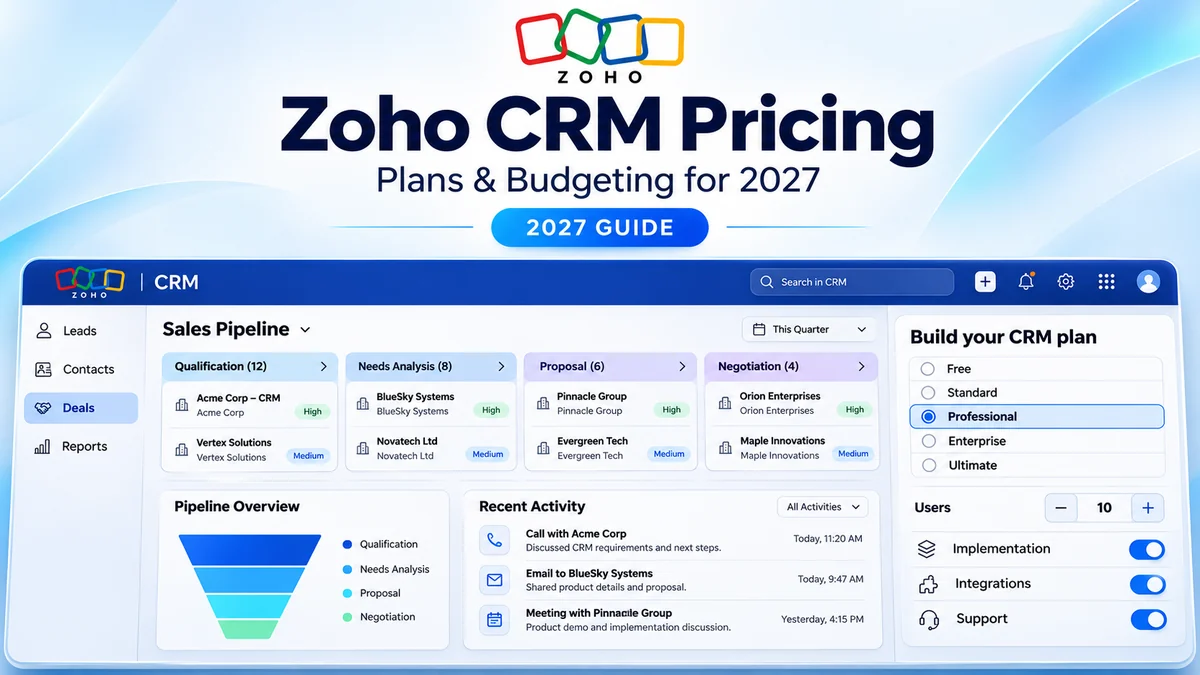
- Zoho CRM Prices: Annual vs Monthly Billing
- What Do 5, 10 or 25 Regular Users Cost?
- Which Zoho CRM Edition Fits Your Requirements?
- Free: validate a small, basic CRM setup
- Standard: assess the essential sales setup
- Professional: assess process and quoting requirements
- Enterprise: assess advanced control and development needs
- Ultimate: check the higher allowances and analytics scope
- Regular Users vs Team Users: Check Access Before Price
- What Costs Sit Beyond the Subscription?
- Should You Compare Zoho CRM with Zoho One or Another CRM?
- Planning Your Zoho CRM Budget for 2027?
- Frequently Asked Questions
- What is the cheapest Zoho CRM plan?
- How much does Zoho CRM cost per user?
- Is Zoho CRM pricing different in India versus the US?
- What is a Zoho CRM team user, and how much does it cost?
- What costs should I budget for beyond the subscription?
- Which Zoho CRM plan should a small business choose?
The per-user price is a useful starting point. Your budget also depends on who needs a full CRM licence, which processes the edition supports, and what it takes to move your team onto the system. A cheaper subscription can still need substantial configuration or integration work.
This guide uses published US dollar reference rates checked on 16 November 2026 to help you plan for 2027. Confirm the current regional quote before purchasing or renewing. The examples below are licence calculations, not promises about future prices or an implementation quotation.
Quick answer
Zoho CRM’s published US regular-user rates start at $14 per user/month with annual billing for Standard and reach $52 for Ultimate. A Free edition supports up to three users. Build your budget in three parts: the subscription commitment, the work needed to launch, and ongoing operation. Check seat permissions and feature limits before choosing a plan.
Zoho CRM Prices: Annual vs Monthly Billing
These are USD reference rates per regular organisation user, before applicable taxes and additional purchases. The annual-billing column is a monthly equivalent of an annual subscription.
| Edition | Annual billing USD per user/mo |
Monthly billing USD per user/mo |
|---|---|---|
| Free | Free for up to 3 users | Free for up to 3 users |
| Standard | $14 | $20 |
| Professional | $23 | $35 |
| Enterprise | $40 | $50 |
| Ultimate | $52 | $65 |
Source: Zoho’s published USD price comparison. Use the current CRM pricing page for your region and purchase date. India and other markets have their own rates; a currency conversion of this table is not a local quotation.
Annual billing involves an annual payment commitment. For example, 10 Professional regular-user licences at $23 × 10 × 12 give a $2,760 annual licence total. Twelve months at the $35 monthly rate would total $4,200. Compare both the full-period cost and the payment schedule with your expected staffing and rollout date.
What Do 5, 10 or 25 Regular Users Cost?
The following calculations use the annual-billing rates above for a full year. They exclude team-user licences, taxes, add-ons and service work.
| Regular-user seats | Annual licence total in USD |
|---|---|
| 5 users | Standard: $840 Professional: $1,380 Enterprise: $2,400 |
| 10 users | Standard: $1,680 Professional: $2,760 Enterprise: $4,800 |
| 25 users | Standard: $4,200 Professional: $6,900 Enterprise: $12,000 |
Formula: regular-user seats × annual-billing monthly rate × 12. Calculate additional seat types and purchases separately. The number of people does not tell you whether the team needs Blueprint, a sandbox or a particular integration.
Which Zoho CRM Edition Fits Your Requirements?
Use the current edition feature comparison to check both availability and limits. Ask for the exact AI capabilities and usage allowances included in your account and quote.
Free: validate a small, basic CRM setup
For up to three users, assess the Free edition against the records and daily work you need. Test your required automation and integration behaviour before deciding that it can support a live process.
Standard: assess the essential sales setup
Review pipelines, forecasting, workflow needs and available custom modules. Custom modules are already listed for Standard; check their limits and the related field and permission requirements. Our Zoho CRM customisation guide helps frame that scope.
Professional: assess process and quoting requirements
Compare Blueprint and CPQ against how the team qualifies, quotes and progresses a deal. Write down what must be enforced and what can remain a background action; the Zoho CRM workflow automation guide explains that distinction.
Enterprise: assess advanced control and development needs
Requirements such as territory management, custom functions and a developer sandbox can influence the edition choice. Validate the exact feature, permissions and limits with a representative sales process rather than selecting it from the team size alone.
Ultimate: check the higher allowances and analytics scope
Compare the relevant limits with expected data and usage. Zoho describes the included Analytics capabilities as CRM-focused. If you need broader cross-system reporting, confirm the licences and data-source scope before including business intelligence work in the budget.
If the requirements are still unclear, Zoho consulting can help turn them into a plan comparison and rollout brief. Keep the feature test separate from the number of licences you intend to buy.
Regular Users vs Team Users: Check Access Before Price
Zoho’s Team Users and Licensing FAQ quotes $9 per team-user licence/month with annual payment, or $11 monthly. Team users primarily work in team modules and have restricted access to organisation modules. They are not substitutes for sales users who need to create, edit or own those CRM records.
Map each role to its actual work. For an illustrative setup with 10 Professional regular users and five eligible team users, the annual reference calculation is $2,760 + $540 = $3,300 before taxes and other purchases. Confirm permissions, the edition and the regional quote before using that mix.
Also review the CRM billing FAQ: deactivating a user does not automatically reduce the purchased subscription quantity. Assign responsibility for licence reviews as people join, change roles or leave.
What Costs Sit Beyond the Subscription?
Ask for a scope-based estimate that separates the following work. Each line should identify deliverables, assumptions, acceptance checks and the person responsible.
| Workstream | What to include in the estimate |
|---|---|
| Configuration | Pipelines, layouts, fields, access, business rules and the reports the team needs. |
| Migration | Source review, data cleanup, mapping, a test migration, reconciliation and cutover support. |
| Integrations | Objects and directions, connectors or middleware, field mapping, authentication, failure handling and usage allowances. |
| Custom development | Required functions or applications, documentation, testing and ownership of future changes. |
| Training and operation | Role-based training, monitoring, support scope, paid usage or storage needs and a change process. |
For migration scope, see the Salesforce to Zoho CRM migration guide. Scope connected systems through Zoho CRM integration services and custom behaviour through Zoho Development Services. A customer portal or a wider application may also need custom software development beyond the CRM configuration.
Should You Compare Zoho CRM with Zoho One or Another CRM?
If several departments need Zoho applications, compare the applicable Zoho One plan with the individual subscriptions. Zoho One has different licensing models: its pricing FAQ explains All Employee licensing for every employee and Flexible User licensing for selected users. Confirm the apps, edition entitlements and total bill for your situation.
For a wider platform decision, the Zoho vs HubSpot guide provides additional context. Build your comparison around the same roles, processes, integrations and reporting needs. Include the work of moving and supporting the system alongside subscription prices.
Planning Your Zoho CRM Budget for 2027?
Share your billing country, regular and team-user roles, current CRM, connected apps and target launch or renewal date. Add the three workflows your team needs most. Elsner’s Zoho team can help define the configuration, migration, integration or development scope and the checks needed for a realistic estimate.
Frequently Asked Questions
What is the cheapest Zoho CRM plan?
Zoho CRM has a Free edition for up to three users. The published US reference price for Standard is $14 per regular user per month with annual billing, or $20 with monthly billing. Check the features, limits and regional quote before choosing it.
How much does Zoho CRM cost per user?
The published USD reference rates checked on 16 November 2026 are Standard $14, Professional $23, Enterprise $40 and Ultimate $52 per regular user per month with annual billing. Their monthly-billing rates are $20, $35, $50 and $65. Reconfirm prices when preparing a 2027 purchase or renewal.
Is Zoho CRM pricing different in India versus the US?
Yes. Zoho publishes regional prices and applicable taxes. Use the price and currency for your billing country rather than converting the US table using an exchange rate. The USD examples in this guide are a reference for US licensing; request a current local quote elsewhere.
What is a Zoho CRM team user, and how much does it cost?
Zoho’s current licensing FAQ quotes $9 per team-user licence per month with annual payment, or $11 with monthly payment. Team users work primarily in team modules and have restricted organisation-module access. Check the required permissions before substituting a team licence for a regular sales-user seat.
What costs should I budget for beyond the subscription?
Allow for the work your rollout requires: configuration, data preparation and migration, integrations, custom development, testing, training and ongoing support. Usage allowances and add-ons may also affect the total. Ask for a scoped estimate with assumptions and exclusions rather than applying a fixed percentage to the licence bill.
Which Zoho CRM plan should a small business choose?
Start with the processes and permissions the team needs. Compare the required modules, workflow actions, process controls, integrations and usage limits against the current feature matrix. Test representative work in a trial and choose the lowest edition that supports it reliably; headcount alone does not determine the right plan.