- Should You Migrate to BigCommerce? A Readiness Framework
- What Data Migrates to BigCommerce, and What Doesn’t?
- Magento to BigCommerce Migration
- WooCommerce to BigCommerce Migration
- Shopify to BigCommerce Migration
- The Six-Phase BigCommerce Migration Process
- Hidden Migration Costs Agencies Rarely Quote Upfront
- Pre-Migration Go/No Go Checklist
- BigCommerce Migration Cost: What to Budget
- Ready to Migrate to BigCommerce Without the Guesswork?
- Conclusion
- FAQs
- How long does it take to migrate to BigCommerce?
- Can I migrate from Magento to BigCommerce without losing SEO rankings?
- What data can be migrated from Shopify to BigCommerce?
- How much does a BigCommerce migration cost?
- What is the difference between migrating from WooCommerce vs Shopify to BigCommerce?
- Do I need a developer to migrate to BigCommerce?
Three separate guides. That’s what you get when you search for how to migrate to BigCommerce today.
One for Magento. One for WooCommerce. One for Shopify. Never a single piece that covers all three and tells you what’s actually different between them at the data level.
The honest stuff is even harder to find. The real cost of replatforming. What breaks when you rush it? How to keep your SEO rankings during the cutover. Almost nobody writes about any of that.
So this guide does.
It’s written for the owner or ops manager who needs a real picture before signing off on a project that touches revenue. Magento to BigCommerce isn’t the same as Shopify to BigCommerce. WooCommerce has its own headaches. We’ll walk each one separately.
Should You Migrate to BigCommerce? A Readiness Framework
Before we get into steps, a more useful question: should you actually do this right now?
Not every store needs to replatform. But three patterns tend to push the decision.
|
1
|
You’re on Magento and the math stopped workingYou’re on Magento 1, or Magento Open Source, and your combined hosting plus maintenance spend has crept past $2,000 to $3,000 a month. Your GMV no longer justifies a full custom architecture. BigCommerce gives you enterprise catalogue management and native B2B without the self-hosted burden. That’s a clear win. |
|
2
|
You’ve outgrown WooCommerce as a commerce engineYou’re running more than ten paid plugins to keep the store functional. Your developers spend half the week debugging plugin conflicts instead of building anything new. You’ve outgrown WordPress as a commerce engine. Really common pattern. |
|
3
|
Shopify’s fees and feature gaps are costing youYou need native B2B tiers, customer group pricing, or multi-storefront support. You’re tired of bolting on apps for every feature. You’re hitting the GMV-based plan tier escalation. At seven figures, transaction fees start mattering. |
The flip side: Mid-season? Don’t migrate. Does your current platform work fine at your scale? Don’t migrate. Can’t commit a team to a structured 90-day project? Don’t migrate. Waiting isn’t a weakness. Bad migrations cost more than delayed ones.
If the case is clear, the rest of this guide gives you the playbook, platform by platform.
What Data Migrates to BigCommerce, and What Doesn’t?
Every migration starts with a reality check. What comes across clean. What needs rework? What’s gone for good.
Agencies sometimes skip this on the sales call. Two weeks later, surprises happen.
That’s the general picture. Details shift depending on your source platform. Which is exactly what the next section gets into.
Magento to BigCommerce Migration
This one’s the hardest of the three. Not a criticism of Magento, just the reality of the data model.
Most merchants coming from Magento fall into one of two buckets. Either they’re still on Magento 1, which hit end of life in June 2020 and has been living on borrowed time for years. Or they’re on Open Source 2, spending more on dev hours and hosting than the store is really earning back. Either way, the math stopped working at some point.
The EAV Database Problem
Magento uses an EAV database model — Entity Attribute Value. Each product attribute lives as its own row instead of a column on the product. BigCommerce doesn’t work that way. Its catalog is flatter, simpler. Which means your configurable products, custom options, and attribute sets all need manual mapping before anything imports cleanly. Skip that work, and you’ll find missing variants, broken filters, and empty attribute fields staring back at you in the new admin.
The Extension Problem
Most Magento 2 stores have accumulated years of custom code — tax modules, shipping calculators, loyalty integrations, custom checkout steps. Every one needs a BigCommerce equivalent identified or a custom replacement built. Some will have direct matches in the App Store. Some won’t.
⚠️ The URL Trap — Most Expensive to Get Wrong
Magento 2 URL patterns don’t match BigCommerce defaults. If you go live without a full URL map and 301 redirects in place, every page of organic traffic you’ve built up over the years evaporates within a week. Not dramatic. Factual.
For stores with fewer than 5,000 SKUs and clean data, LitExtension handles the bulk transfer well enough. Above that number, or if you’ve got bundled products and a stack of custom extensions, a BigCommerce partner doing API-based migration is the safer call. Elsner’s Magento development services team has run this migration path for tile retailers, jewellery brands, and B2B manufacturers, so the patterns are pretty familiar territory.
Warning: Don’t try to recreate 10,000 products by hand from a CSV file without first cleaning the Magento export. Encoding errors. Duplicate attribute values. Broken image paths. Magento exports always include all three. Import that mess as-is, and your BigCommerce catalogue will be unusable before you’ve even started testing. The Elsner Magento migration checklist covers the prep steps in more detail if you want a deeper reference.
WooCommerce to BigCommerce Migration
Why do WooCommerce stores actually leave? Usually, there are two reasons. WordPress hosting can’t keep up with commerce traffic once you cross a certain volume. And plugin dependency becomes its own full-time cost. Once you’re paying for fifteen plugins and debugging three of them every quarter, the hidden bill gets loud.
The data side has one specific catch. WooCommerce products live inside the WordPress database as custom post types. Simple products export to CSV fine. Variable products with messy attribute logic? Fidelity drops fast. Plan to verify every variant after import manually. Sometimes you’ll rebuild them from scratch.
The Content Migration Nobody Mentions
WooCommerce blogs are WordPress posts. They can’t be automated across to BigCommerce. Every post. Every landing page. Every custom content block. Manual export. Manual reformat. Manual republish. Give content migration its own sprint in the project plan. It never gets done in a day. For stores with more than fifty blog posts, plan a full week.
Plugin Replacement Gotcha
WooCommerce plugins are almost unique to the WordPress ecosystem. Your payment gateway plugin. Your shipping extension. Your loyalty tool. Your subscription manager. Every one of them needs a BigCommerce App Store equivalent or a custom replacement. Don’t assume direct matches exist for every plugin you’ve got. Some don’t. Elsner’s WooCommerce development services page has more context on common plugin dependency traps.
For the bulk data transfer itself, both Cart2Cart and LitExtension reliably handle most WooCommerce stores. Blog and content migration is always manual. No tool changes that.
⚠️ WooCommerce Subscriptions Warning
If your store runs on WooCommerce Subscriptions and generates recurring revenue, that data doesn’t transfer cleanly at all. You’ll need a manual transition workflow before cutover, plus proactive communication to every active subscriber. Surprising a paying subscriber with a billing disruption is a churn event you can’t undo.
Shopify to BigCommerce Migration
Good news first. Of the three migration paths, this one’s the cleanest at the data level.
Shopify’s product data model is genuinely well structured. Exports come out clean. Imports go in without much friction. Products, images, customer records, and order history — most of it transfers fine using BigCommerce’s native Shopify import tool or a third-party tool like LitExtension.
Why are merchants leaving Shopify for BigCommerce? Usually, a combination of three things:
Critical: Shopify Liquid themes do not port to BigCommerce Stencil. At all. Ever. The storefront is a full rebuild, full stop. Any agency quoting you a theme migration from Shopify to BigCommerce is misrepresenting the scope of work. You’re getting a new Stencil theme, whether you wanted one or not. Budget for it on day one.
The app ecosystem gap matters too. Shopify’s marketplace is deeper than BigCommerce’s in a few specific categories — marketing automation, loyalty programs, fulfilment tools that integrate natively. Some of your favourites will have direct BigCommerce equivalents. Some will have partial matches. And some will not exist. Audit your app stack before you commit to a date. Check Elsner’s Shopify development services page for context on what the Shopify platform handles well before making the call.
For standard stores with straightforward data, BigCommerce’s import tool gets the job done. For stores with heavy metafield usage, custom product options, or complex discount logic, get a partner involved to audit the mapping before any production import. Easier to catch issues in staging than in production. Always.
Note: Shopify’s Checkout Extensions are more flexible than BigCommerce’s default checkout. If you’ve built a custom checkout flow on Shopify, you’ll need to rebuild and test the equivalent on Stencil. Don’t assume feature parity. It’s not there today.
The Six-Phase BigCommerce Migration Process
Platform aside, every migration follows the same six phases. Skip one, and you’ll feel it post-launch.
|
1
|
Audit and BaselineStart two weeks before any data gets touched. Crawl your current store with Screaming Frog or Sitebulb. Document every URL, every page title, every meta description, and your top 100 keyword positions. Export 12 months of GA4 traffic into a spreadsheet. This is your benchmark. Without it, you can’t measure what migration actually changed versus what you’re just guessing about. |
|
2
|
Data PreparationExport everything — products, customers, orders, and content. Then clean it. Duplicate SKUs out. Broken image paths fixed. Attribute names standardised. Test orders purged. Most post-migration data headaches — the ones that create weeks of catalog cleanup later — come from skipping this phase. Anything over 2,000 SKUs, block out a full working week. It isn’t glamorous work. Also, it isn’t optional. |
|
3
|
Environment SetupBuild your BigCommerce store on a staging subdomain with password protection. Configure the Stencil theme, payment gateways, shipping rules, apps, and ERP or third-party tool integrations. The live store must be functionally complete before data migration begins. Not partially done. Complete. |
|
4
|
Data Migration and URL MappingThis is the phase everyone focuses on, and honestly, it’s the shortest one. Run the import. Validate every category, variant, and image. Then the real work: build your complete 301 redirect map. Every single URL from the old store needs a redirect destination. No exceptions. Any URL without a redirect loses its accumulated search equity permanently. |
|
5
|
SEO VerificationTransfer meta titles, descriptions, and image alt tags to the new BigCommerce pages. Verify canonical tags. Submit the new XML sitemap to Google Search Console. A rule worth respecting: don’t change your domain name, content structure, or navigation at the same time as migrating. Change one thing at a time. Stacking changes makes problems impossible to diagnose later. |
|
6
|
Post Launch MonitoringThirty days minimum. Longer if you can afford it. Daily Search Console checks for crawl errors and indexing drops. Weekly ranking tracking for your top 100 keywords. If organic traffic falls more than 20% two weeks out, don’t panic and don’t blame BigCommerce. Audit your redirect map for gaps first. Most post-migration traffic loss is due to a redirect issue, not a platform issue. |
Hidden Migration Costs Agencies Rarely Quote Upfront
This is the part nobody mentions on the discovery call. It’s also the part that decides whether your project stays on budget.
✅ Data Cleaning
Rarely itemised as a separate line. For stores above 5,000 SKUs, typically 20 to 40 hours of hands-on work. Dirty imports create months of post-launch catalogue cleanup — that’s the time your merchandising team should be spending on sales, not fixing broken product descriptions.
✅ Stencil Theme Development
The big one. Moving to BigCommerce means rebuilding the storefront in Stencil. Any agency quoting “theme migration” is usually quoting a template purchase, not a custom design rebuild. Expect $5,000 to $25,000+ for a real custom Stencil build, depending on page count and design complexity. If your current store has a lot of custom design, plan for the upper half of that range.
✅ App Replacement
Adds up faster than anyone expects. For each plugin or Shopify app, find, install, and configure a BigCommerce equivalent. Some exist in the App Store. Some don’t, and you’re looking at custom development. Figure $200 to $2,000 per critical app. Fifteen plugins can easily hit $10,000 in replacement costs alone.
✅ Customer Password Reset Emails
Sounds trivial. It isn’t. Passwords don’t transfer between platforms, ever. A well-crafted email sequence notifying customers to reset their login credentials is essential. Handle it poorly, and you’ll watch returning customer logins drop noticeably for weeks.
✅ SEO Monitoring and Redirect Cleanup
Budget at least 10 hours of post-launch work in the first 30 days. Rarely included in the migration quote. Elsner’s team usually builds this in by default because it prevents exactly the ranking drop stores panic about.
✅ Staff Retraining
The cost everyone forgets. Your ops team and customer service folks who knew Magento admin or Shopify’s backend cold will need onboarding on BigCommerce. Four to eight hours per person, usually. Never quoted. Always costs time.
Pre-Migration Go/No Go Checklist
Use these thirty days before your planned launch. If you can’t check every item, you’re not ready to fly.
- Full data export completed and cleaned for products, customers, orders, and content
- The BigCommerce staging environment is built and fully functional, including checkout, shipping, and payment gateway
- Complete URL mapping document drafted with a redirect destination for every URL in the current store
- All critical app replacements installed and tested in staging
- Baseline SEO data captured: full URL crawl, top 100 keyword rankings, and 12-month GA4 traffic export
- Customer password reset email sequence drafted and ready to deploy on launch day
- DNS TTL reduced to 300 seconds at least 48 hours before cutover
- Google Search Console verified for the new property, and the XML sitemap is ready to submit on launch day
- Post-launch monitoring window of at least 30 days allocated, with a named team member responsible
- Migration is scheduled during the lowest traffic window in the store’s weekly cycle
All ten green? You’re cleared to launch. Even one yellow? Push the date.
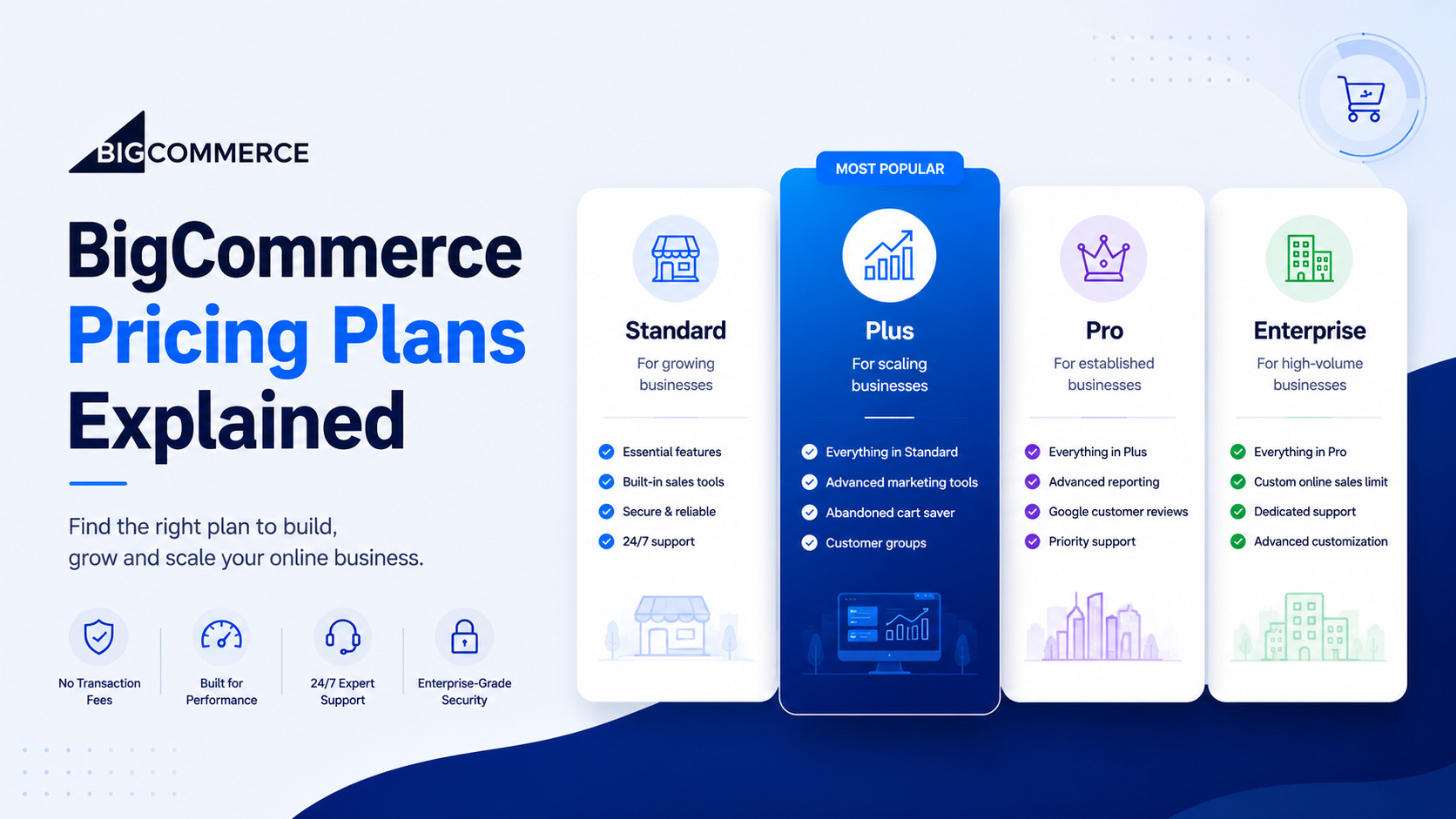
BigCommerce Migration Cost: What to Budget
The question everyone asks first. And the one with the most variable honest answer.
Note: These numbers cover only data migration and environment setup. Add Stencil theme development, app replacements, SEO monitoring, and staff retraining on top to get your true total. Most store owners end up 30% to 50% over the initial migration quote once everything’s added up. Trying to push a mid- to large-sized store through migration without professional help to save upfront budget usually costs more in post-launch remediation than the agency quote would have. That’s a false economy.
Ready to Migrate to BigCommerce Without the Guesswork?
Our team will scope the migration, identify your risk points, and give you a honest cost estimate — before you commit to anything.
Conclusion
Migrating to BigCommerce is a strong move for merchants who’ve outgrown their current platform. The risk isn’t the destination. It’s underestimating the scope of the journey.
Stores that replatform successfully treat it as a structured business project, not a weekend data export. Plan in phases. Clean your data. Map every URL. Test in staging. Monitor rankings for thirty days after launch. Not glamorous. Just works.
Elsner’s BigCommerce development services team has managed replatforming projects from Magento, WooCommerce, and Shopify for businesses across retail, B2B, and manufacturing. If you want a clear migration scope, an honest cost estimate, and a team that builds the BigCommerce store before any go-live decision is made, get a free consultation.
FAQs
How long does it take to migrate to BigCommerce?
Depends heavily on store size and complexity. A small store under 500 SKUs can migrate in one to two weeks using a tool like LitExtension. Mid-size stores with 500 to 5,000 SKUs typically run for 3 to 6 weeks with agency support. Large stores with custom themes, deep app stacks, and full SEO migration usually take 6 to 12 weeks end-to-end, including audit and post-launch monitoring.
Can I migrate from Magento to BigCommerce without losing SEO rankings?
Yes, but only with real planning. The critical step is to create a complete 301 redirect map that covers every indexed URL on your Magento store. You also need to transfer meta titles, descriptions, and canonical tags to the new pages. Capture a full SEO baseline before migration, watch Search Console daily after launch, and fix redirect gaps inside the first two weeks. Stores that skip these steps almost always see ranking drops.
What data can be migrated from Shopify to BigCommerce?
Products, product images, customer records, and order history can be transferred reliably through BigCommerce’s native import tool or third-party options like LitExtension. Customer passwords cannot be transferred, ever. Shopify Liquid themes cannot be ported to BigCommerce Stencil and must be rebuilt. App configurations, custom checkout logic, and metafield data usually require manual migration or custom development to recreate on the new platform.
How much does a BigCommerce migration cost?
Ranges widely based on store size and project scope. A small DIY migration with Cart2Cart or LitExtension might cost $500-$2,000. Mid-size stores working with an agency typically spend $5,000 to $15,000. Large enterprise migrations with custom theme development, full data cleaning, and SEO preservation commonly range from $15,000 to $50,000 or more. Factor in hidden costs like app replacement, retraining, and post-launch SEO monitoring.
What is the difference between migrating from WooCommerce vs Shopify to BigCommerce?
Shopify data exports cleanly and imports with minimal friction, making it the more straightforward path. WooCommerce data lives in WordPress custom post types, and variable product exports often lose fidelity. The biggest practical difference is content — WooCommerce blogs and content pages require a full manual migration, whereas most Shopify stores have less CMS content to move. WooCommerce plugin dependencies also tend to run deeper and are harder to replace cleanly on BigCommerce.
Do I need a developer to migrate to BigCommerce?
For small stores with fewer than 500 SKUs and standard product data, a DIY migration with LitExtension or Cart2Cart works well. For stores with complex catalogues, custom extensions, active subscriptions, or meaningful organic search traffic, working with a developer or agency significantly reduces the risk of data corruption, broken redirects, and post-launch revenue loss. The complexity of your current store — not BigCommerce itself — decides whether you need professional help.