


- How much does a Zoho implementation cost?
- Illustrative Zoho implementation costs by scope
- When a fixed-scope package can cut Zoho implementation cost
- Zoho implementation cost and ongoing expenses
- Which rollout does your Zoho budget need to cover?
- CRM only for one sales team
- Zoho One for connected teams
- What changes your Zoho implementation cost?
- Start with one business process and define what done means
- How migration affects Zoho implementation cost
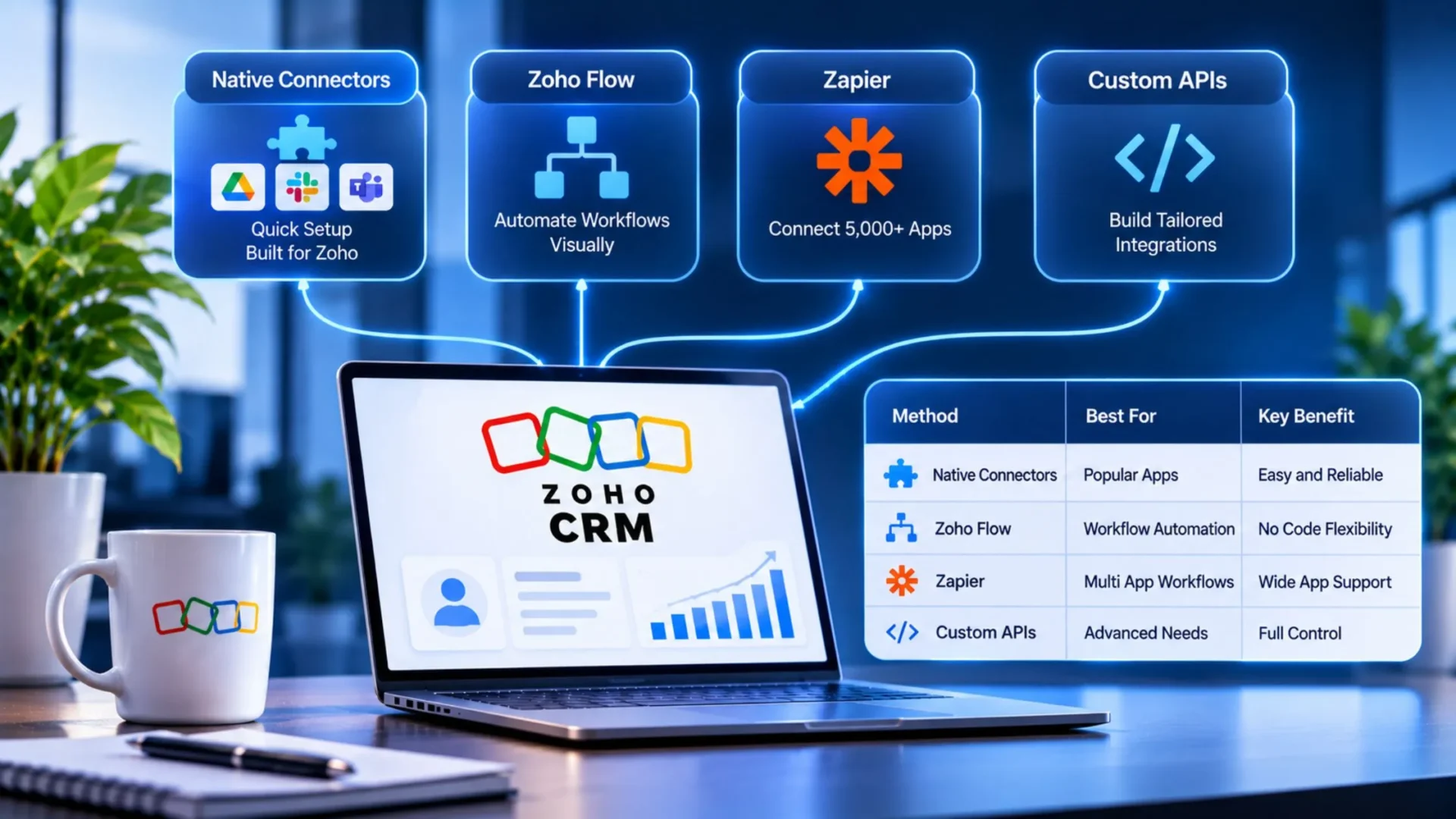
- Scope CRM integrations by the data moving between systems
- How custom development affects Zoho implementation cost
- Make inventory and fulfilment rules explicit
- How to scope supplier feeds and split orders
- Which Zoho implementation costs are easy to miss?
- Licence fees and Zoho implementation cost
- Rework when data or scope changes
- Testing and support after the build
- How to compare Zoho implementation cost across quotes
- Compare the first-year cost and support terms
- How support terms affect Zoho implementation cost
- A worksheet for comparing Zoho implementation cost
- What should a Zoho implementation timeline include?
- Discovery and design
- Build and pilot
- Cutover and handover
- How can you reduce Zoho implementation cost without weakening the rollout?
- Frequently Asked Questions
- How much does Zoho cost per month?
- Does Zoho One pricing include implementation?
- How do I estimate Zoho CRM implementation cost?
- How long does a Zoho implementation take?
- Can I get a fixed-price Zoho implementation quote?
- Which costs are easiest to miss?
- When should I pay for discovery before accepting a fixed quote?
- Request a scoped Zoho implementation estimate
Zoho implementation cost depends on your project scope, data and workflows. Two Zoho quotes can name the same apps and cover very different work. For example, one may include a sample import. The other may move live data and test what happens when an order fails to reach inventory. Use the examples below to set a starting budget, then compare proposals against the same deliverables.
How much does a Zoho implementation cost?
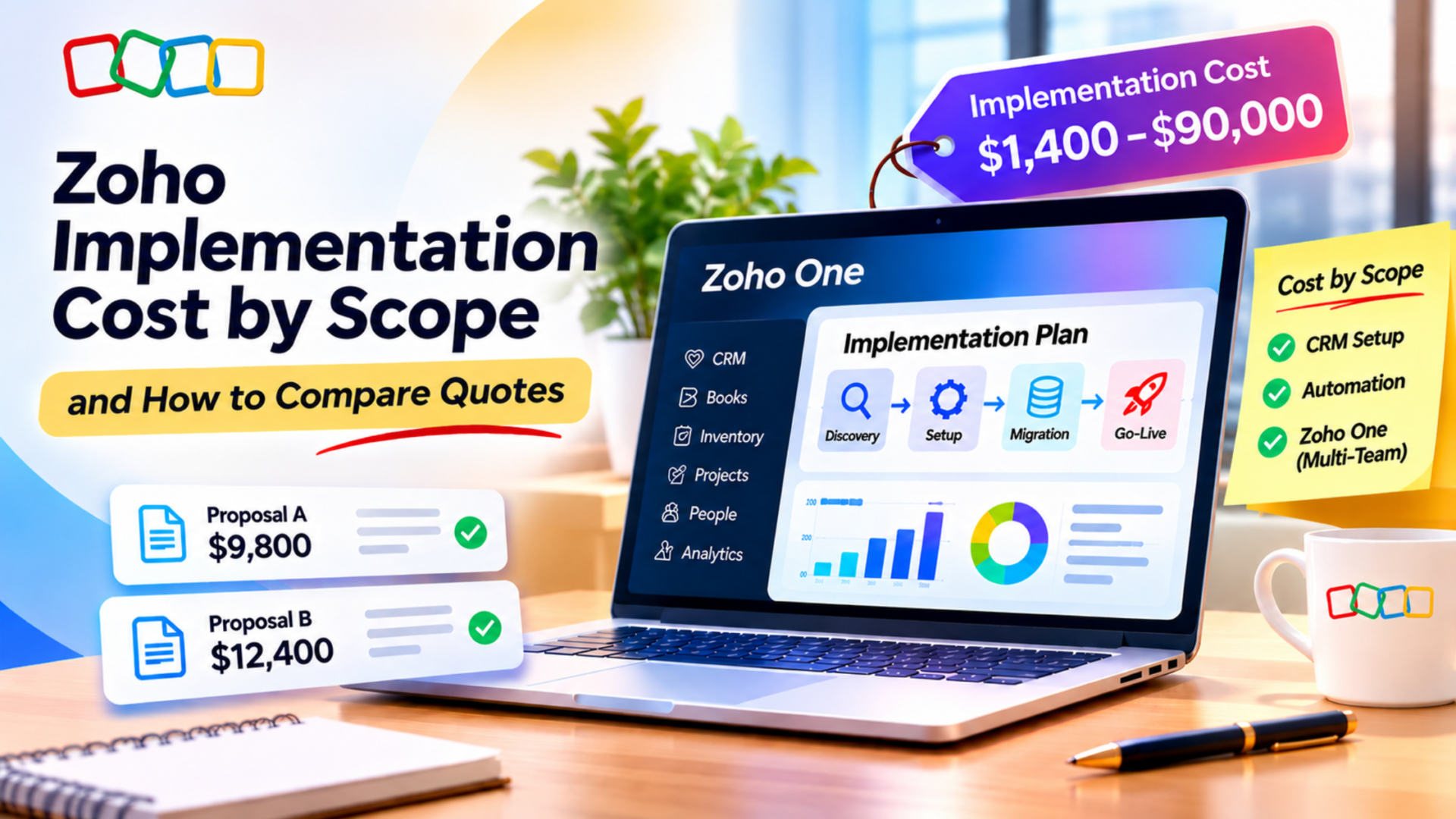
Quick answer. Zoho implementation costs depend on how much work your rollout needs and the rate you are quoted. In the example below, a 40–100-hour CRM setup comes to US$1,400–US$3,500 at US$35 per hour. A 240–600-hour Zoho One rollout comes to US$36,000–US$90,000 at US$150 per hour. Ask for a quote based on your data, workflows and launch tests.
Illustrative Zoho implementation costs by scope
This example uses hypothetical hours and hourly rates to show how scope affects implementation fees. It assumes 40–100 hours for basic CRM, 100–240 hours for CRM with automation, and 240–600 hours for a multi-team Zoho One rollout. All amounts are in US dollars. To estimate your own budget, multiply the quoted hours by the quoted rate and check what each quote includes.
| Project scope | At US$35/hour | At US$150/hour | What to check in your quote |
|---|---|---|---|
| Basic Zoho CRM | 1,400 to 3,500 | 6,000 to 15,000 | One sales team, standard modules and a straightforward import. Confirm the number of users, pipelines and training sessions. |
| Zoho CRM with automation | 3,500 to 8,400 | 15,000 to 36,000 | Custom fields, workflows, forms and reports. Confirm how many are included and which failure cases will be tested. |
| Multi-department Zoho One | 8,400 to 21,000 | 36,000 to 90,000 | Several linked apps and teams. Confirm phase-one scope, which app owns each key record, and who signs off each handoff. |
Before you compare hourly rates, check what each quote includes. Ask each provider to price data cleanup, integration testing and post-launch support separately if they fall outside the base scope.
When a fixed-scope package can cut Zoho implementation cost
Zoho’s India Jumpstart page lists a CRM package at ₹40,000 for 20 hours over 10 business days. Its scope includes sample data import, and the page lists third-party or other Zoho app integration under additional paid services. Before you budget, check if the package covers a move of your live data. Also check if it covers the link you need and a go-live test with your own records. Official Zoho Jumpstart package scope
A fixed-scope package can work if your sales process is clear. Make sure your team can handle any work left out. Your team may need to keep old record links, connect stock or finance, or test what happens on an error. If so, ask the provider to price each task on its own line. The example below shows how extras change both Zoho implementation cost and the first-year total.
Zoho implementation cost and ongoing expenses
When you estimate Zoho implementation cost, budget for these three expense groups separately.
- Implementation. Discovery, app configuration, migration, integration, custom development, testing, training and cutover. Ask which items are fixed-price and which depend on an assumption or allowance.
- Recurring software. Zoho subscriptions, paid connectors and third-party tools. Confirm the country, currency, billing period, renewal price and whether a connector bills separately by volume.
- Ongoing operations. Post-launch support, change requests, monitoring and the internal staff time needed to own the workflows. Track internal hours on a separate line when comparing partner quotes.
For Zoho One, price the actual users and employees the contract covers. Zoho lists Flexible User and All Employee models for Standard. The All Employee model requires licences for all employees on payroll. Check your regional pricing and billing terms and record renewal assumptions alongside any introductory offer. Official Zoho One pricing
Need to define what belongs in phase one?
Share the apps, teams and priority workflow you need to price. Elsner can help you define the scope before you compare provider quotes.
Which rollout does your Zoho budget need to cover?
What changes your Zoho implementation cost?
Start with one business process and define what done means
“Set up Sales and Inventory” leaves a lot for the agency to assume. A scope a senior buyer can sign off is more specific. A salesperson makes a quote on the right account. Finance gets the approved details. The stock team can trace any reserved stock to the order. Decide who signs off that result, which records users may see, and who handles exceptions.
Use the same exercise to decide what belongs in phase one. For a distributor, quote approval and order handoff may be essential. A supplier portal can wait if operations already has a workable process for supplier updates. If sales, finance and operations still disagree about ownership, put process mapping into the discovery scope. Elsner offers Zoho consulting services for that stage.
How migration affects Zoho implementation cost
Provide each vendor with the same inventory of data sources, modules, and approximate volumes. For example, specify whether to retain two years of history and which custom fields, attachments and record relationships must survive. Flag duplicates for review. Twenty thousand clean records are easier to manage than five thousand records spread across inconsistent exports.
Zoho CRM’s migration wizard can help map files and columns to modules and fields. It also identifies unmapped or unsupported files. Ask the vendor to show what the wizard supports for your chosen source and how it will handle the rest. Include a trial load and a reconciliation report in the Zoho implementation cost. For example, compare record counts in both tools. Check a few contacts against their accounts. Then ask the owner to sign off on any gaps before the last load.
Before the last data move, write down the cutoff time. Name who stops edits in the old tool and who handles records made after the first export. Name who checks late records. Also ask how the team can keep working if the launch slips. Include permissions in the trial. A record can migrate correctly and still be unusable if its new owner cannot see it.
Scope CRM integrations by the data moving between systems
A connection named “CRM to accounting” tells you very little about the delivery. First, ask what starts the sync and what moves each way. Next, check which IDs match and which app owns each field. For a quote-to-order flow, agree what starts the order. Then decide what should happen if the same event runs twice.
Add a test for a missing product or customer match. The operations owner should be able to see which record failed and decide whether it can safely be retried. If CRM needs to exchange data with accounting, ecommerce or another existing system, specify the workflow when discussing Zoho CRM integration services.
How custom development affects Zoho implementation cost
Have each proposal identify which requirement uses built-in configuration, which depends on a connector and which requires custom work. A native approval rule may handle an ordinary manager sign-off. A task may branch across tools and use your own rules when things go wrong. In that case, you may need a custom function or a small app.
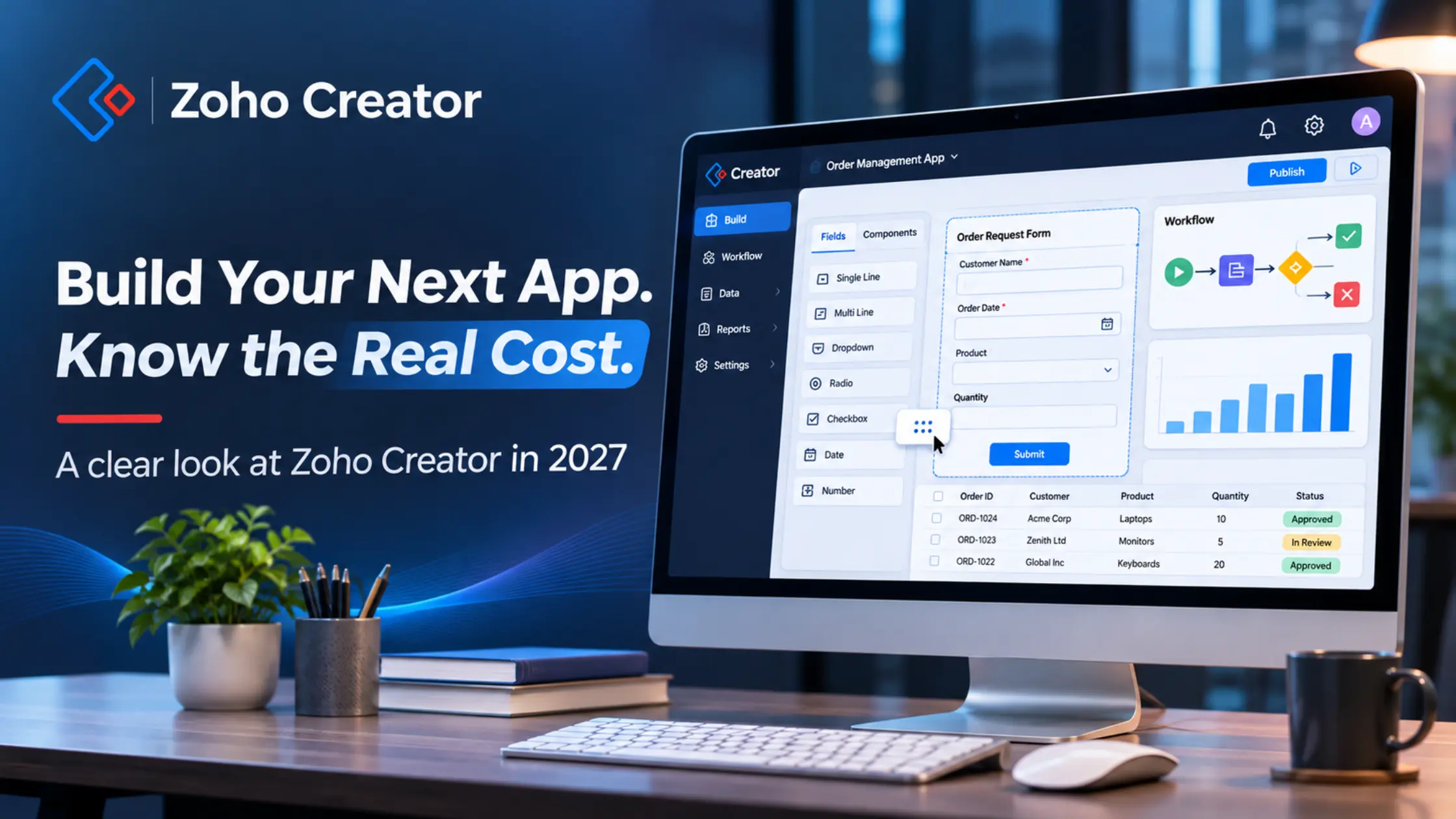
For each custom task, ask what starts it and how your team spots a failed run. Also ask who can change it and what notes you will get. For a workflow that needs a custom function or a Zoho Creator app, Zoho development services can scope that specific requirement.
Make inventory and fulfilment rules explicit
“Sync stock” looks like a small line item. That can change if there are two stores, a warehouse and a supplier feed. Each source may use different product IDs. Specify how products and locations match, who owns the sellable quantity, and how quickly each channel needs it. Agree how the system handles delayed feeds, unmapped items and cancellations.
Auscorp IT case study
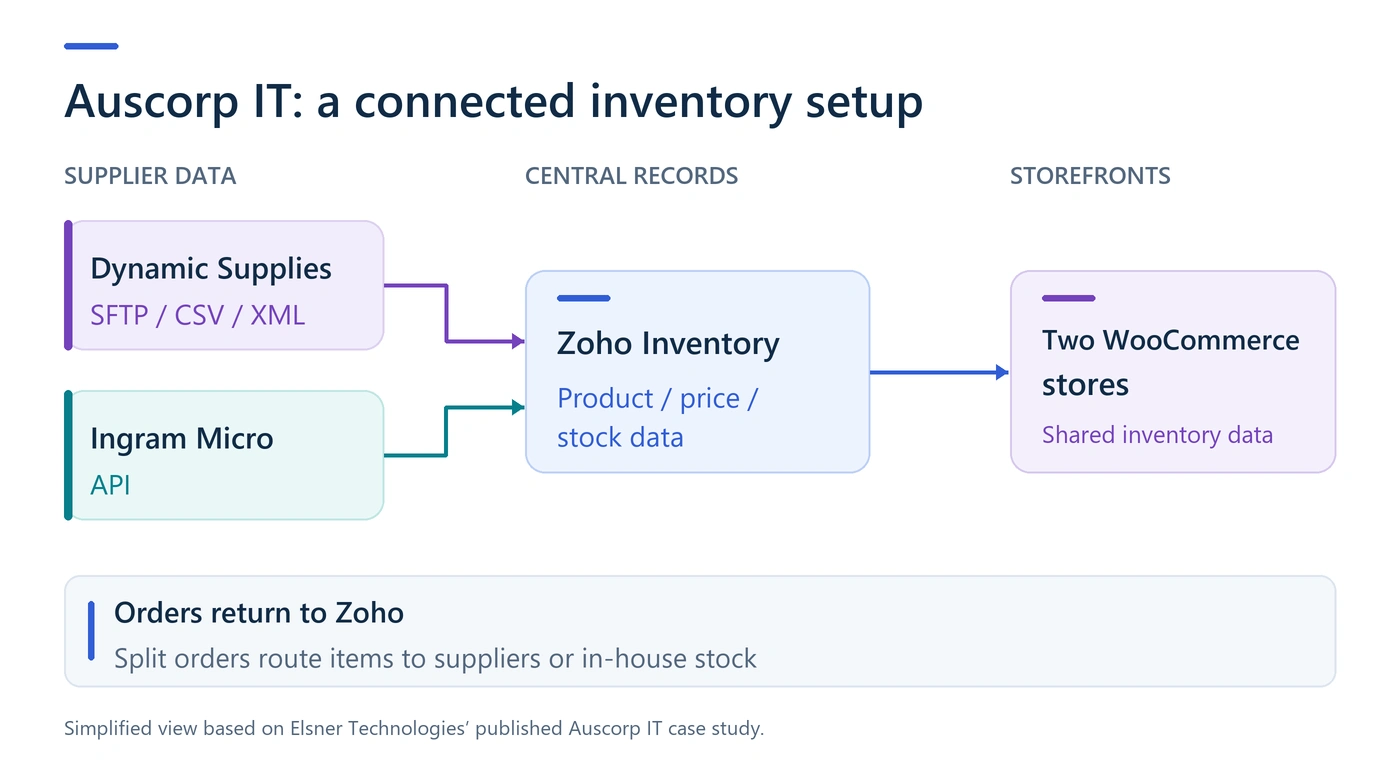
Elsner’s Auscorp IT project gives this scope some context. Two WooCommerce storefronts used Zoho Inventory as the central system while supplier data arrived through different mechanisms. That is the kind of setup where the work should be priced by source, mapping and order-routing rule. Read the Auscorp IT case study
How to scope supplier feeds and split orders
The two suppliers in the Auscorp IT project also needed different handoffs. Dynamic Supplies sent file-based product and stock data, while Ingram Micro connected through its API. The team set up order routing to split a single order. Each item could go to the right supplier or to the stock on hand.
If the quote covers more than one supplier, ask for a price for each feed. Then ask the team to show what happens when one order uses both routes. A test with one supplier cannot prove the split-order flow.
For an inventory-heavy rollout, walk through a representative SKU and order when discussing Zoho Inventory implementation and integration. Have the buyer and provider agree which system should show the result at each step.
For example, use one test order. Check that it links to the right account and keeps the same order ID. Then check that the stock count is right. Run the same test after a cancellation. Agree on the expected stock change and timing for each step. A licence or connector line in a proposal should name the feature or service required to make those tests pass.
Which Zoho implementation costs are easy to miss?
Licence fees and Zoho implementation cost
Ask for the first-year and renewal prices for the same country, currency, app edition and seat count. Add fees for connectors and any charges tied to use. Also count the months you may pay for both the old and new tools. Check who owns each account and which renewals your team handles. Compare these recurring expenses over the same period, alongside the one-time Zoho implementation cost.
Rework when data or scope changes
Your Zoho implementation cost estimate may assume one clean export, while your team has three files with different IDs for the same company. Ask each bidder to price the same sample. Then ask what counts as an extra data source or work to clean it up. Also put optional dashboards, links and reports on their own lines. If needed, move them to a later phase to keep the launch on track.
Testing and support after the build
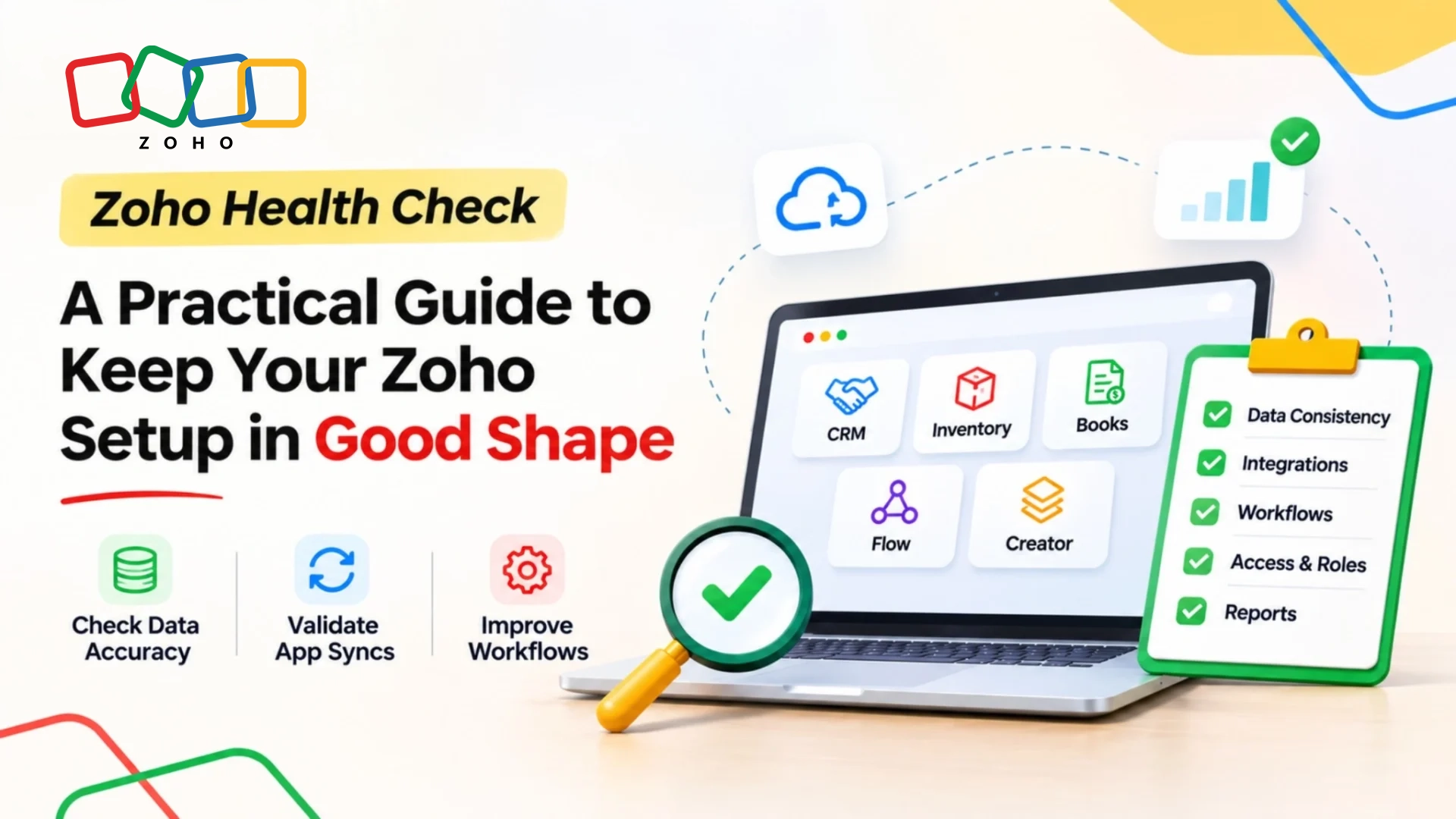
A demo can show that a new record reaches both apps. Budget time to test a duplicate, an invalid item and the recovery process after an interrupted run. Ask which parts can be tested in a sandbox, a separate environment used for testing, and what needs another setup. Zoho documents restrictions on CRM sandbox support and deployment for integrations. Require the provider to name the test environment, records and sign-off owner for each connection. Zoho CRM sandbox deployment documentation
How to compare Zoho implementation cost across quotes
Hypothetical example, in US dollars. A distributor needs CRM for quotes, Zoho Inventory for stock and orders, and a connection to an accounting tool it plans to keep. Both quotes cover connector setup and a data move with a trial load. They also cover one full test for repeat events, staff training and 90 days of support. Both proposals assume the same subscription and connector budget. The figures below illustrate the comparison method.
| Cost for the agreed scope | Proposal A | Proposal B |
|---|---|---|
| Base setup, connector configuration and training | $9,800 | $12,400 |
| Migration, trial load and reconciliation | $1,600 | Included |
| Integration exception testing | $1,200 | Included |
| 90-day support | $900 | $600 |
| First year of Zoho subscriptions | $3,600 | $3,600 |
| First year of connector fees | $600 | $600 |
| Comparable first-year cost | $17,700 | $17,200 |
Compare the first-year cost and support terms
Proposal A opens at $9,800 and Proposal B at $12,400. Once both cover the same work, Proposal B costs $500 less in the first year. That conclusion depends on the quoted extras and what each supplier actually includes. Check, for example, whether Proposal B’s trial migration includes a report on skipped records or only an informal spot check.
If a quote leaves out a task you need, mark it “unpriced”. Ask for a firm price or an agreed amount to set aside. For a large data move, ask the vendor to price a sample. Then ask what might change the quote. Apply the same treatment to both proposals. Keep taxes, contingency and your team’s time visible outside this comparison.
Ask how Zoho implementation cost changes if discovery finds a missing field or an unsupported connector action. With a fixed-price quote, spell out the acceptance criteria and how change requests are approved. If you pay for time, ask for a cap on the next phase. Agree on what you need to see before you go ahead. Use the same commercial assumptions for both proposals when you compare them.
How support terms affect Zoho implementation cost
However, the result changes if the support term changes. Say Proposal B’s US$600 pays for just 30 days. If the next 60 days cost US$800, its first-year total rises to US$18,000. Proposal A would then be US$300 lower. Ask for the same term and check what counts as a bug or change request. Also check if the price covers a new test after a fix. A calendar label such as “90 days” only helps when both providers define what the buyer gets during that period.
Planning a rollout across several Zoho apps?
Review how CRM, inventory and finance will hand work to each other before asking providers to price the first phase.
A worksheet for comparing Zoho implementation cost
Use this worksheet to brief each vendor and compare Zoho implementation cost against the same scope. Replace the sample acceptance criteria with your own and add a price, an owner and any exclusion for each workstream. Ask what work your team must do. Then agree on what proof the vendor will show and when you will review it.
| Workstream | What to give the supplier | Evidence to request |
|---|---|---|
| Discovery and setup | Apps, teams, roles and one priority workflow | Approved process map with exclusions |
| Migration | Source systems, volumes, relationships and retention needs | Trial load with counts and exception log |
| CRM integration | Systems, fields, trigger, direction and matching key | Normal and duplicate events produce the expected records |
| Inventory | SKU and location rules, stock source and cancellation policy | A test order reconciles across both stock and sales systems |
| Custom development | Specific requirement and reason configuration falls short | Demo plus maintenance and failure-handling notes |
| Training and support | Users, launch date, coverage period and escalation owner | Handover materials and severity-based response terms |
Before signing, ask for three dates tied to evidence.
- Discovery sign-off. The process owner approves the app scope, systems that own key data, and the exclusions.
- Pilot sign-off. Users run one normal workflow and at least one exception. Check that the test records match and the link runs on time.
- Go-live sign-off. The team confirms how late changes are handled, who can pause the launch, and who owns open issues after handover.
What should a Zoho implementation timeline include?
Discovery and design
Give the provider access to representative exports, process owners and the people who administer connected systems. Use discovery to confirm app editions, data ownership, integration direction and any work assigned to your team. Ask when the revised estimate is due and which assumptions will produce a change to price or timing.
Build and pilot
First, have the vendor set up one key workflow and run a test import. Then ask how the right person finds out if the run fails. Set aside time for your team to run the same steps with its own roles and test data. For a sales-to-stock pilot, first check that one approved quote makes one order. Then repeat the event and check that no extra order appears. Finally, cancel the order and check the stock change.
Cutover and handover
Agree what changes between the last trial and go-live, who checks the final import and who can pause the launch. Set a checkpoint for open orders, unresolved exceptions and users who still need training. Have the business owner approve the launch once the required workflows pass. Start the support period on a named date and schedule a review for the issues that do not block launch.
How can you reduce Zoho implementation cost without weakening the rollout?
Roll out one complete process before expanding the app list. For example, start with quote approval and order creation, then move to supplier automation once both teams trust the order data. Use Zoho’s official onboarding guidance to confirm the initial goal, apps and team. When multiple Zoho apps need to go live together, ask the Zoho One implementation team to show what the first phase delivers and which later work depends on it. Zoho One onboarding checklist
Treat launch coverage and ongoing support as two quote lines. Launch coverage should explain who fixes defects found soon after go-live and what the agreement covers. Ongoing support can include failed-sync monitoring, troubleshooting and small changes. Ask how an urgent stock or order issue is triaged and who can test the recovery. If your team needs an ongoing owner for that queue, include Zoho support and maintenance in the scope.
Plan for the next person who will administer the system. Ask for a short handover that names which accounts own the links and where logs live. Also ask how to change a rule and who to call if a run fails. If the same provider stays on, set a review date. Then agree which requests count as support and which are new work.
Frequently Asked Questions
How much does Zoho cost per month?
The monthly subscription depends on the product, edition, region and billing schedule. For example, Zoho’s US pricing lists CRM Standard at US$14 per user per month on annual billing. Ten seats would be US$1,680 for 12 months before tax. Put implementation fees, paid connectors and support on separate lines. Official Zoho CRM pricing
Does Zoho One pricing include implementation?
Show your Zoho One subscription and the project fee as separate budget items. Ask which work is covered by the software or any onboarding offer, then price the discovery, migration, integration, training and support needed for your rollout.
How do I estimate Zoho CRM implementation cost?
Start with the required pipeline, user roles, migration sources and one workflow the sales team needs on day one. Then add integration work, training and launch coverage. Ask for a trial migration when record relationships or attachments affect how the team works.
How long does a Zoho implementation take?
The timeline depends on the workflows in scope, access to source systems, data quality and how quickly owners make decisions and test the result. Request milestone dates for discovery, a test migration, user acceptance and go-live. Ask the vendor to name the dependency most likely to move each date.
Can I get a fixed-price Zoho implementation quote?
A fixed price is easier to agree when the initial scope, data assumptions, acceptance criteria and exclusions are written down. If the source data or integration behaviour is uncertain, ask for a discovery scope and agree when the provider will confirm a build price.
Which costs are easiest to miss?
Check extra migration effort, connector fees, exception handling, retraining and support after launch. Ask each provider to flag whether those items are included, priced separately or the responsibility of your team.
When should I pay for discovery before accepting a fixed quote?
Discovery can help when you still need to test a connector, inspect inconsistent exports or decide which system will own key records. Ask for a defined deliverable, such as a process map, a sample data assessment and a costed phase-one scope. That gives you something to compare even if you ask another provider to price the build.
Request a scoped Zoho implementation estimate
Tell us which tools you use and which Zoho apps or work you plan to roll out. Share the toughest data or sync issue and when you need to go live. Elsner can use those details to discuss what belongs in phase one and what the quote needs to include.