- What is a CRM solution?
- How CRM Expectations Have Changed in 2026?
- What is Zoho?
- What is HubSpot?
- Need Help Choosing or Implementing Zoho CRM?
- Which one to choose: Zoho CRM vs HubSpot?
- 1. Features:
- 2. Integrations:
- 3. Pricing:
- 4. Target market:
- 5. Ease of use:
- 6. Customization:
- What are the uses of Zoho CRM and HubSpot?
- Let us look at the uses for Zoho CRM:
- Let us look at the uses for HubSpot:
- Zoho CRM vs HubSpot Comparison in 2026
- Choose the ideal CRM for Zoho CRM vs HubSpot Now!
- 1. Business Requirements:
- 2. Budget:
- 3. User interface:
- 4. Integration:
- 5. Customer support:
- 6. Security:
- The End Note!
- FAQs
- Is Zoho CRM too complex for small teams?
- Why do many marketers prefer HubSpot?
- Which CRM is safer long term?
- Do I need expert help to implement a CRM?
Choosing a CRM feels simple until real business complexity shows up. Sales follow-ups slip. Leads pile up. Teams work hard, but visibility stays low. That is usually when businesses start comparing Zoho CRM and HubSpot.
Both platforms promise better relationships and smoother workflows. The real challenge lies in knowing which one fits how your business actually works today and how it plans to grow in 2026.
What is a CRM solution?
Customer Relationship Management is a software system that businesses use to communicate and maintain relationships with their customers. It perfectly combines business software, strategies, and processes to ensure a smooth customer journey.
It helps ensure smooth relationships among customers, colleagues, suppliers, service users, and others throughout the lifecycle of the business. With the ease of access to information, it is easier to enhance productivity and collaborate to boost the performance of the business. 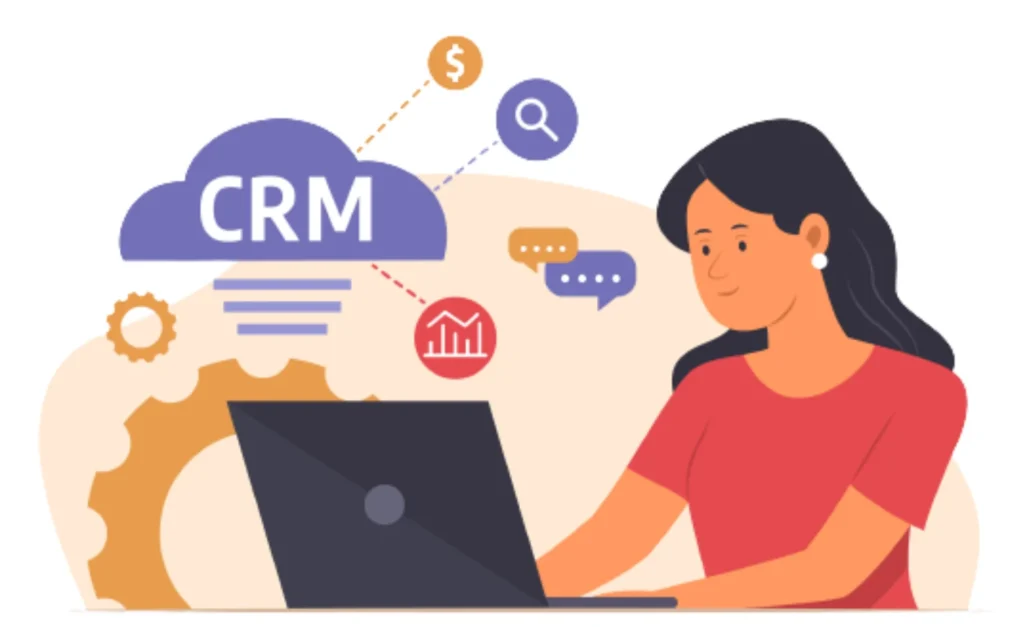
Did you know there will be a yearly 13% growth in CRM market value? The outstanding features you must look for in a CRM solution:
- Workflow Automation: It is important to have unique features that ensure faster results and boosts productivity. These are also helpful in setting specific rules for the CRM software and triggers for certain events.
- Sales: There should be features to handle sales processes, track opportunities, report, and sales forecasting.
- Marketing Automation: CRM tools should be able to automate the marketing processes like email campaigns, social media, and lead generation.
- Customer Support: Most platforms have unique features to manage customer engagement and provide the best solutions.
- Mobile Responsive: People are now interacting more through mobile devices, making it essential to have a mobile-friendly solution.
How CRM Expectations Have Changed in 2026?
CRM choices used to be about features. That mindset does not hold up anymore.
In 2026, businesses expect their CRM to think along with them.
- Sales teams want context, not just contact records.
- Marketing teams want visibility into what actually converts, not vanity numbers.
- Leadership wants answers without chasing reports across tools.
This is where the Zoho versus HubSpot decision becomes less about checklists and more about habits. How your team works. How much flexibility you need? How fast you want insights without extra setup?The wrong choice rarely fails loudly. It just creates friction that slows everything down.
What is Zoho?
It is a cloud-based CRM tool that aims to support small and medium-scale businesses. There are multiple Zoho CRM benefits which make it perfect to be used for sales, marketing, and customer support. Most Zoho development services are considered highly affordable for businesses to automate complicated tasks. The main features of the Zoho platform are:
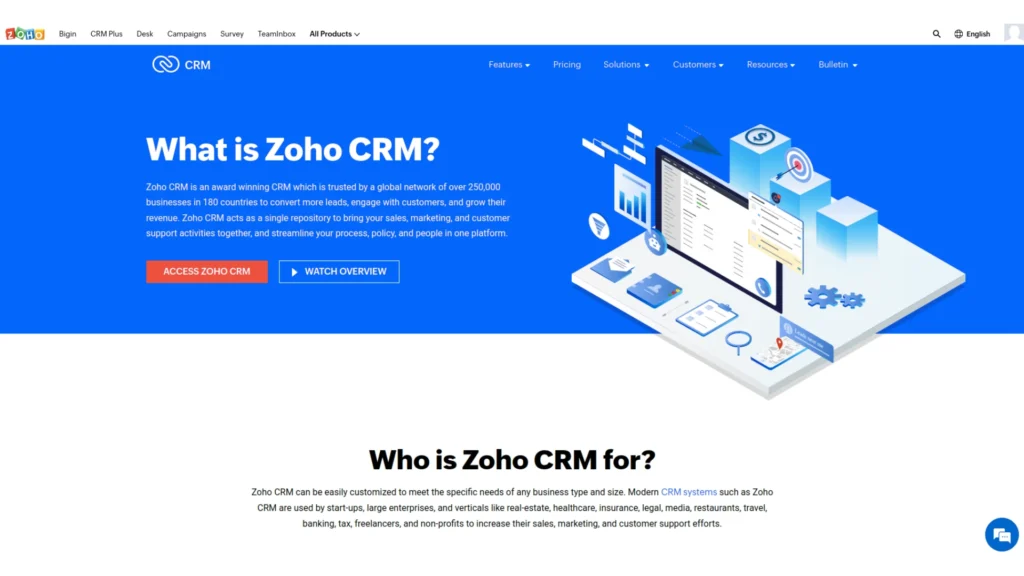
- Customer Management: It enables businesses to manage leads, and connections through various sales funnel stages, monitor communication, and categorize contacts for better engagement.
- Sales Management: It will visually represent the sales pipeline, allowing businesses to track deals and their progress through different sales process stages.
- Marketing Automation: Enables businesses to create and run targeted email campaigns, social media campaigns, and other marketing activities to nurture leads and convert them into customers.
- Analytics and Reporting: Provides customizable reports and dashboards to track key performance indicators and get insights into sales, marketing, and customer support activities.
- Mobile App: Zoho CRM has a mobile app that allows businesses to access and manage their CRM data effortlessly.
- Integrations: It can be integrated with various third-party apps such as email marketing platforms, web forms, accounting software, and more to ensure great accessibility.
- Collaboration: It enables teams to collaborate to share information and work together towards a single goal.
What is HubSpot?
It is an inbound marketing and sales solution for businesses to engage with visitors and generate quality leads. All the information is updated on all the devices in real-time to keep everyone updated. It has a centralized system which means you have ease of management and accessibility from a single source.
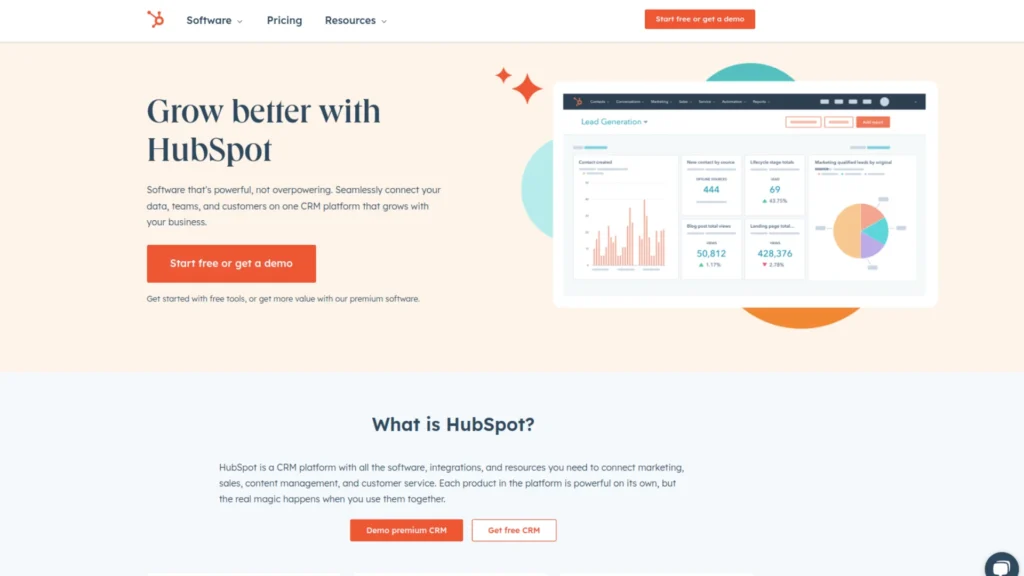
- Marketing Automation: It has marketing automation tools that enable users to create and automate email campaigns, social media posts, and other marketing activities, including those for capital markets advisory firms. It has unique features like email marketing, landing pages and forms, lead scoring and tracking, and marketing analytics.
- Sales Automation: This will help you streamline your sales process and close deals faster. It includes sales pipelines, email templates and sequences, meeting scheduling, and sales analytics.
- Content Management System: The CMS allows you to create and manage your website, blog, and landing pages without any coding experience. It includes drag-and-drop page editors, content personalization, and SEO optimization.
- Customer Support: Managing customer inquiries, support, and live chat are important. HubSpot includes features like a help desk, knowledge base, chatbot, and customer feedback tools.
- Reports: It is essential to have reporting and analytics tools to monitor the performance of your marketing, sales, and service activities. This tool has the best features, like dashboards, custom reports, and attribution reporting.
- Social Media Management: This also helps users to schedule and publish posts, monitor conversations, and analyze social media performance. It includes features like a social media calendar, monitoring and listening tools, and reporting.
- Email Marketing: Users can create and send personalized email campaigns, automate follow-up emails, and track email performance. It includes features like email templates, personalized, and A/B testing.
- Landing Pages: It will enable the users to create and publish custom landing pages and forms that integrate with your CRM and marketing automation perfectly. It includes features like drag-and-drop editors, customizable form fields, and more
- Lead Monitoring: Users can prioritize leads and track their behavior across the website and marketing activities. They can use features like website tracking, location monitoring, devices, and detailed reporting.
Need Help Choosing or Implementing Zoho CRM?
If you’re planning to implement Zoho CRM or want expert guidance to customize it for your business needs, our Zoho development team can help you get it right from day one.
Which one to choose: Zoho CRM vs HubSpot?
 Let us look at the various factors to understand
Zoho CRM vs HubSpot in detail:
1. Features:
Zoho CRM
It focuses on traditional CRM features such as lead and contact management, sales forecasting, and workflow automation.
HubSpot
On the other hand, this is known for its robust suite of inbound marketing tools, including lead generation, social media management, email marketing, and more.
Both tools offer similar features for managing deals, tasks, and customer interactions.
2. Integrations:
HubSpot provides a wide range of integrations with third-party apps and services through its App Marketplace.
When it is Zoho CRM vs HubSpot, both the platforms can be integrated with a range of other software and platforms, such as email marketing tools, accounting software, and e-commerce platforms.
3. Pricing:
Zoho CRM It offers a range of pricing plans starting at $14 per user per month, with higher-priced plans offering more features and functionality. HubSpot This offers a free CRM and paid plans starting at $50 per user per month, with higher-priced plans offering more advanced features.
4. Target market:
Zoho CRM
This is better suited for businesses of all sizes, including enterprise-level companies. The best one of all Zoho CRM benefits is that it also has specialized editions for specific industries such as real estate, healthcare, and finance.
5. Ease of use:
Zoho CRM and HubSpot both have user-friendly interfaces and are generally easy to use, although some users may find HubSpot’s interface more intuitive and streamlined.
6. Customization:
Zoho CRM It offers a high level of customization, allowing users to optimize the software to their specific business needs. HubSpot This also offers customization options, although they are more limited than Zoho CRM.
What are the uses of Zoho CRM and HubSpot?
This will help you know the right choice for your business regarding Zoho CRM vs HubSpot.
Let us look at the uses for Zoho CRM:
- Sales: It is commonly used in sales and marketing teams to manage customer data, track leads, and automate sales processes.
- Retail: Retail businesses can use this tool to manage customer data, track sales, and create targeted marketing campaigns.
- Real estate: This can help real estate businesses manage client data, track property listings, and automate the sales process.
- Finance: Financial services companies can use Zoho CRM to manage client data, track financial products, and automate sales and marketing processes.
- Healthcare: This tool in the healthcare sector will help manage data, monitor medical records, and automate communication.
- Hospitality: Hospitality businesses can use it to manage information, monitor bookings, and automate marketing and communication.
Let us look at the uses for HubSpot:
- Marketing: It is commonly used in marketing teams to manage content creation, track social media engagement, and automate marketing processes.
- Sales: Use HubSpot to manage customer data, track deals, and automate sales processes.
- Customer service: This can help customer service teams manage customer inquiries, tickets, and feedback.
- E-commerce: Online businesses can use such tools to manage customer data, track purchases, and create targeted marketing campaigns.
- Education: HubSpot can manage student data, track enrolment, and automate communication with students and parents.
- Healthcare: They can manage patient data, track medical appointments, and automate communication.
Zoho CRM vs HubSpot Comparison in 2026
|
Factor |
Zoho CRM | HubSpot |
|
Core strength |
Customizable CRM workflows | Inbound marketing ecosystem |
|
Best for |
Cost-conscious growing teams | Marketing-driven businesses |
|
Automation depth |
High with customization |
Strong but structured |
|
Ease of onboarding |
Moderate learning curve |
Beginner friendly |
|
Scalability |
Flexible across industries |
Best for marketing-led growth |
|
Pricing flexibility |
Budget-friendly plans |
Higher cost at scale |
| Custom reporting | Highly configurable |
Simplified and visual |
Choose the ideal CRM for Zoho CRM vs HubSpot Now!
 It is important to consider the right factors that make a difference for your business. Some of the features to consider before making the final decision are:
1. Business Requirements:
Identify the specific needs and goals of your business. If you require a CRM for sales, marketing, or customer service. Also, know the features that are essential for your business growth.
2. Budget:
This is crucial in knowing how much you can invest in a CRM tool. Some CRMs offer free or low-cost plans, while others can be expensive, depending on your requirements.
3. User interface:
It is better to have a tool that offers easy and user-friendly solutions. This will save time and reduce the learning curve for your team.
4. Integration:
Look for a CRM that integrates effortlessly with many tools, resources, and systems. This can help streamline your workflows and improve efficiency.
5. Customer support:
Check the quality and availability of customer support. A CRM with good support can be crucial in addressing any issues or questions.
6. Security:
Ensure the CRM offers powerful security features to protect your data and customer information.We hope this will help you make the right choice regarding Zoho CRM vs HubSpot. Just ensure to explore the pros and cons of both tools.
The End Note!
In the above content piece, we have explored the use cases for both platforms, which gives you a clear picture of the platforms. We hope this will help you make the right choice regarding Zoho CRM vs HubSpot. Also, always consider understanding the pros and cons of CRM tools before making the final decisions for your business.
FAQs
Is Zoho CRM too complex for small teams?
It can feel that way at first. Zoho shines when businesses want flexibility and control, but that freedom comes with choices. With the right setup, small teams often grow into it instead of outgrowing it.
Why do many marketers prefer HubSpot?
HubSpot removes friction. Campaigns, emails, landing pages, and reporting sit close together. For marketing led teams, that convenience matters more than deep customization.
Which CRM is safer long term?
Neither is risky. The real risk is choosing a platform that does not match how your team works. Adoption matters more than features.
Do I need expert help to implement a CRM?
Most businesses benefit from it. Not because the tools are difficult, but because small setup decisions quietly shape results for years.