- Traffic Doesn’t Mean Buyers Are Showing Up
- Top Reasons Your Shopify Store Gets Traffic But No Sales
- The Wrong People Are Landing on Your Store
- Product Pages That Don’t Do Enough Work
- Site Speed and Mobile UX Are Quietly Killing Conversions
- Checkout Is Where the Sale Dies Most Quietly
- No Trust, No Sale — Simple as That
- Hidden Costs and Misaligned Pricing
- Metrics to Track (And What They’re Actually Telling You)
- Fixes That Actually Improve Ecommerce Conversion Rate
- Rewrite Product Pages With Buyers in Mind
- Make Mobile and Speed Non-Negotiable
- Cut the Friction at Checkout
- Trust Signals Belong Above the Fold
- Stop Shopify Conversion Rate Optimization Based On Gut Feeling
- Not Sure What’s Holding Back Your Conversions?
- Quick Shopify Conversion Rate Optimization Checklist
- When Doing It Yourself Isn’t Enough?
- The Bottom Line
- Turn Your Shopify Traffic into Real Sales
- FAQ
- Why is my Shopify store gets traffic but no sales?
- What’s a good conversion rate for a Shopify store?
- How do I increase my Shopify conversion rate fast?
- Does slow site speed actually affect sales?
- Traffic or conversion — which should I focus on first?
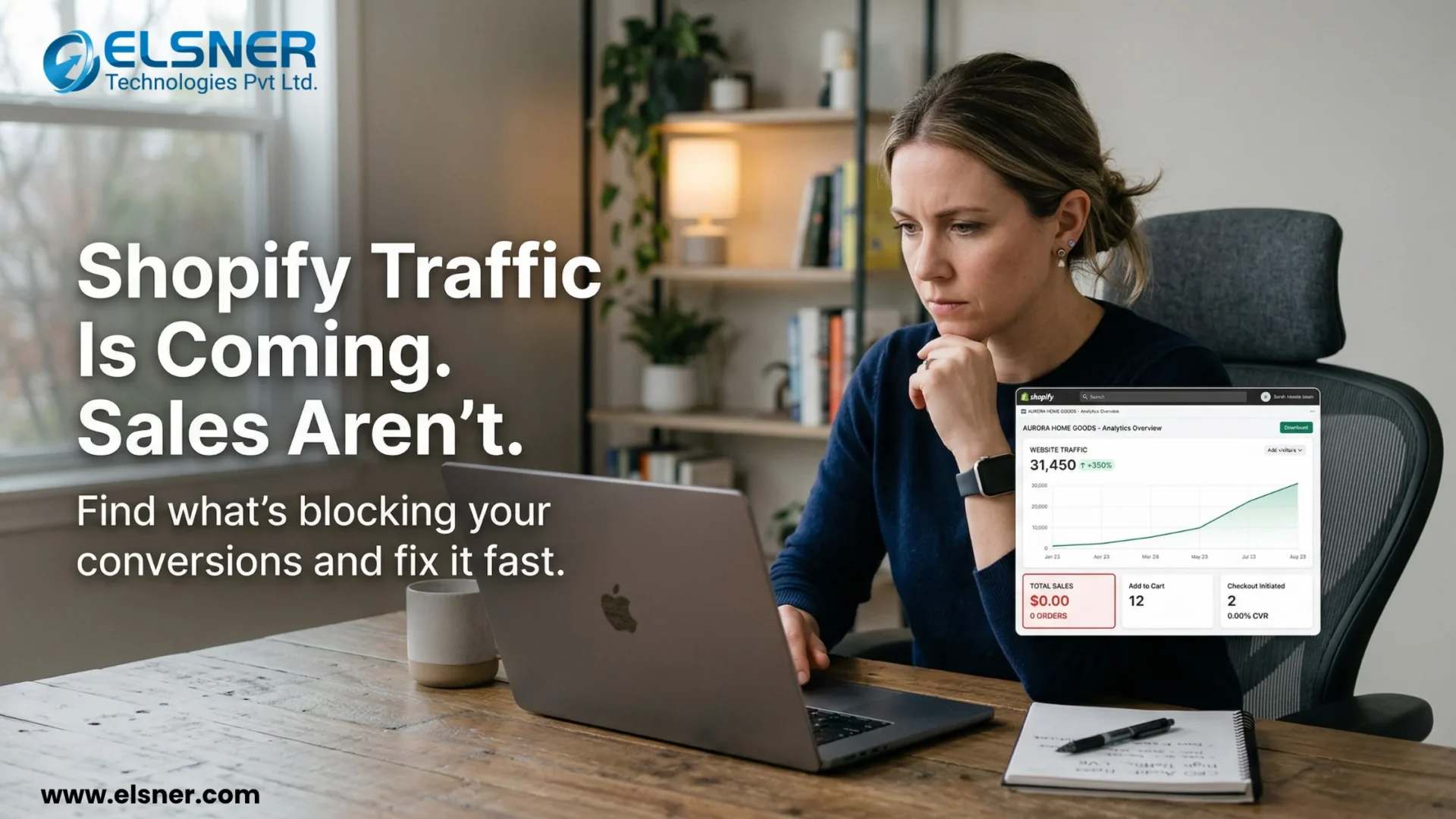
Traffic is coming in. Analytics look decent. But the orders? Quiet. Your Shopify store gets traffic but no sales.
This is the scenario that keeps eCommerce store owners up at night. And it’s more widespread than most people admit. Here’s the thing: traffic and sales are not the same problem. Treating them like they are is exactly why so many Shopify stores stay stuck.
This article gets into the actual reasons your Shopify store isn’t converting. Not the recycled generic tips on the Shopify store get traffic but no sales. We’ll share insights that actually show up in real stores with real traffic.
Traffic Doesn’t Mean Buyers Are Showing Up
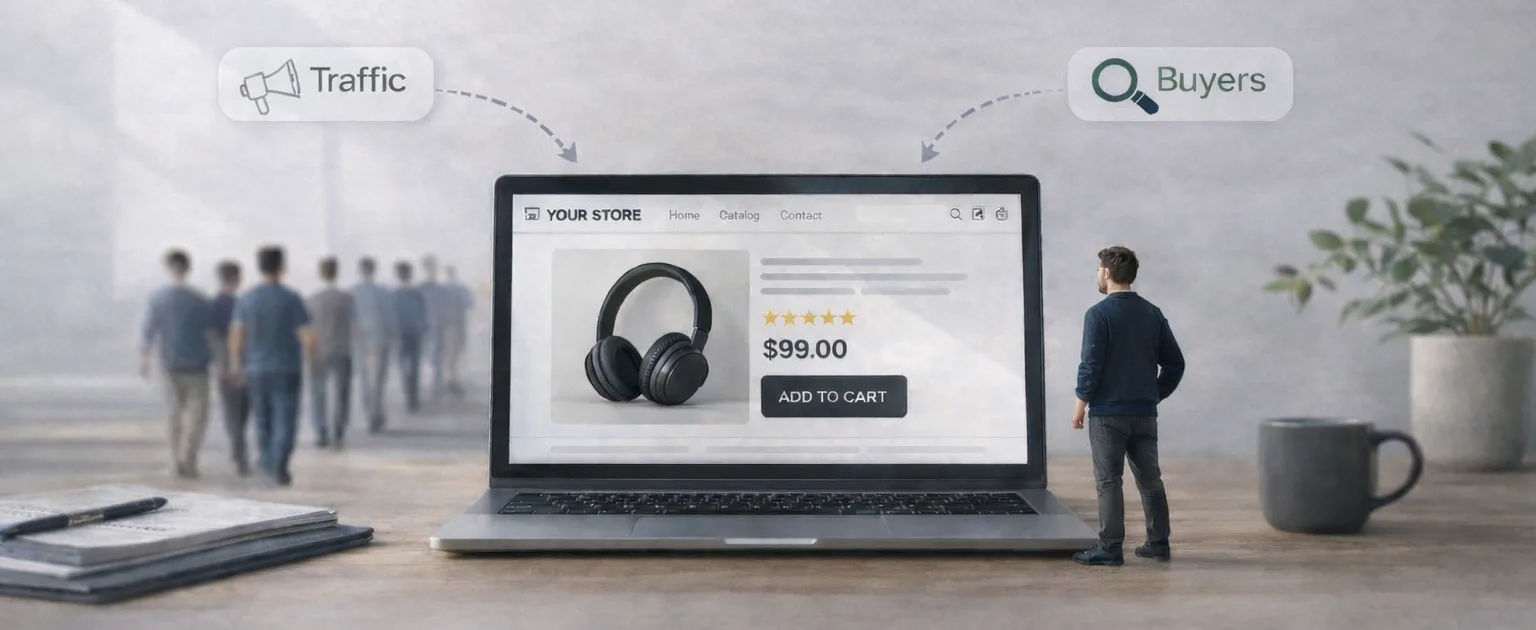
There’s a difference between someone visiting your store and someone who was ever going to buy from it.
Traffic is just a headcount. What matters is whether those people had any reason to purchase. A visitor who stumbled onto your site from a broad ad campaign and a visitor actively searching for your exact product: they behave completely differently once they land.
This is the logic behind the conversion funnel:
Discover → Browse → Add to Cart → Purchase
Where people drop off tells you what to fix. Drop-off at the product page is a different problem than drop-off at checkout. Without knowing which stage is leaking, every Shopify conversion rate optimization fix is a guess.
Top Reasons Your Shopify Store Gets Traffic But No Sales
The Wrong People Are Landing on Your Store
Blunt but worth saying: if the audience isn’t right, nothing else matters.
Stores running broad ad targeting often pull in thousands of clicks from people who were curious, bored, or just browsing. Those clicks cost money. They don’t convert.
Keyword intent is a big culprit here too. Getting your Shopify SEO right plays a big role in attracting the right kind of traffic. Someone searching for “best running shoes” is still shopping around, while someone searching “buy Nike Pegasus 41 size 10 men’s” is ready to pay.
If your SEO or ad targeting is focused on awareness-stage terms, you’ll mostly attract visitors who aren’t ready to convert.
Product Pages That Don’t Do Enough Work
The product page is where buying decisions actually happen. Most stores underestimate how hard that page needs to work.
Common Shopify Conversion Issues:
- Supplier copy-pasted descriptions — Generic, feature-heavy, no personality. Buyers notice. They want to know why this product, from this store, is worth their money.
- No reviews or social proof — One of the fastest ways to lose a sale. Shoppers are trained to look for reviews. An empty review section is a red flag.
- Weak or inconsistent photography — Blurry images, only one angle, no lifestyle context. People can’t touch the product, so the photos do that job. If they’re underwhelming, the sale falls through.
Site Speed and Mobile UX Are Quietly Killing Conversions
This one gets underestimated constantly.
A page that takes four seconds to load on mobile loses a significant portion of its visitors. Not because those visitors were impatient, but because slow load time signals, unconsciously, that this store isn’t quite right. Running a proper Shopify speed audit checklist can help identify exactly what’s slowing your store down.
Test this: pull up your Shopify store on an actual phone (not a browser preview). Tap through to a product. Add it to the cart. Reach checkout. If anything feels clunky or slow, potential buyers feel it too and that’s why your traffic on Shopify not converting.
Mobile is not secondary anymore. For most Shopify stores, it’s the majority of traffic.
Checkout Is Where the Sale Dies Most Quietly
Cart abandonment during checkout is painful because the customer already decided to buy. Something changed their mind at the last step. If your Shopify checkout process is breaking at this stage, fixing common checkout issues can help recover lost sales.
What usually causes it:
|
Friction Point |
Why It Kills the Sale |
|
Forced account creation |
Adds a barrier right before purchase |
|
Surprise shipping costs |
Kills trust when it appears late |
|
Too many form fields |
Feels like unnecessary effort |
|
Limited payment options |
No Apple Pay, PayPal, or BNPL = lost sale |
Guest checkout alone has recovered sales for countless stores. If it’s not enabled, turn it on today to improve ecommerce conversion rate.
No Trust, No Sale — Simple as That
Think about what a first-time visitor actually sees when they land on an unfamiliar store. No reviews. Vague or buried return policy. No contact information in sight. Maybe a footer with three links.
That’s a store that looks like it might be legitimate. And might isn’t good enough when someone’s entering their card details.
Trust isn’t built through great design alone. It’s built through:
- Visible, real customer reviews (not just star ratings — actual written feedback)
- A return policy that’s easy to find and clearly written
- Shipping timelines stated upfront
- A way to contact a real person if something goes wrong
These aren’t optional features. They’re the baseline to increase Shopify sales from someone who’s never bought from you before.
Hidden Costs and Misaligned Pricing
The product price isn’t what ends the sale. It’s the number that appears after the customer has already committed emotionally.
A $39 product becomes a $54 surprise when shipping appears at checkout. That gap between expected and actual cost is what triggers cart abandonment. Not the total amount. The surprise.
Pricing strategy matters too. If competitors are offering similar products for noticeably less with no clear reason to choose your store instead. Price becomes the deciding factor by default.
Metrics to Track (And What They’re Actually Telling You)
Fixing Shopify conversion issues without data is just guessing. These four numbers do most of the heavy lifting:
|
Metric |
What It Measures |
What It Reveals |
|
Conversion Rate |
% of visitors who purchase |
Overall funnel health |
|
Bounce Rate |
% leaving after one page |
Traffic-content mismatch |
|
Add to Cart Rate |
% adding products to cart |
Product page appeal |
|
Checkout Abandonment |
% dropping off mid-checkout | Friction at the final step |
High add-to-cart rate but high checkout abandonment? The product is fine. The checkout isn’t. High bounce rate with low add-to-cart? People aren’t making it to the product page at all. Each combination points somewhere specific on why website not generating leads.
Fixes That Actually Improve Ecommerce Conversion Rate
Rewrite Product Pages With Buyers in Mind
Drop the feature list. Lead with the outcome.
Instead of just: “Stainless steel bottle, 750ml, BPA-free” Try: “Keeps drinks cold for 24 hours — won’t sweat in your bag, won’t leak in your car.”
Small shift. Different effects on how the product is perceived.
Add real reviews. Even 6–8 authentic written reviews build more trust than a 4.8-star average with no text attached. A Shopify SEO service can help you write proper descriptions.
Make Mobile and Speed Non-Negotiable
Run the store through Google PageSpeed Insights. The results are usually uncomfortable. Act on the top recommendations. Image compression alone fixes a lot.
Check for app bloat too. Shopify stores accumulate apps quickly, and unused or redundant apps slow everything down.
Cut the Friction at Checkout
- Enable guest checkout (no account required)
- Show shipping costs on the product page or in the cart — not at the end
- Add Shop Pay, PayPal, Apple Pay, Google Pay
- Remove any form fields that aren’t genuinely necessary
The goal is to make purchasing feel effortless. Every extra step is an exit opportunity.
Trust Signals Belong Above the Fold
Don’t bury reviews at the bottom of the product page. Put a summary with the star rating near the buy button. Add a secure checkout badge. Link to the return policy from the product page: not just the footer.
Anything that reduces “is this store legitimate?” anxiety gets conversions up.
Stop Shopify Conversion Rate Optimization Based On Gut Feeling
Heatmaps (Hotjar, Microsoft Clarity) show exactly where people click, where they scroll to, and where they stop. That data is more useful than any assumption about what visitors want.
Run A/B tests on product page headlines, button copy, or image order. Even small tests reveal which version of a page actually converts.
If you don’t have the time or expertise to do this consistently, it’s often worth it to hire a Shopify expert who can identify and fix these gaps faster.
Not Sure What’s Holding Back Your Conversions?
You’ve seen what works. Now it’s about applying the right fixes in the right place. We’ll analyze your store, find what’s blocking conversions, and help you fix it step by step.
Quick Shopify Conversion Rate Optimization Checklist
Before spending more on ads, run through this:
|
Area |
What to Check |
|
Navigation |
Can someone find a product in under 10 seconds? |
|
Speed |
Under 3 seconds on mobile? |
|
Product Pages |
Benefits-led copy? Real reviews? Quality images? |
|
Trust |
Policies visible? Contact info findable? |
|
Checkout |
Guest checkout on? Shipping costs shown early? |
|
Payment |
At least 3–4 payment methods available? |
Be honest with this. Most stores have gaps in at least two or three of these.
When Doing It Yourself Isn’t Enough?
Sometimes the issues are obvious and fixable with a weekend’s work. Other times it is consistent traffic, stagnant sales, nothing obvious standing out. The problem is buried somewhere less visible.
App conflicts causing checkout errors on specific devices. Theme code slowing the store on Android but not desktop. A trust issue that’s invisible to the store owner because they know the brand, but glaring to a first-time visitor.
That’s when bringing in Shopify Development Services or CRO specialist makes sense. Not because the store owner failed, but because outside expertise finds things internal familiarity misses.
If the traffic is there and the sales aren’t, something is broken. Worth finding out exactly what. Book a free site audit with CRO / Conversion Optimization Services
The Bottom Line
Your Shopify store gets traffic but no sales. More traffic is not the answer to a conversion problem. Spending more on ads to send more people into a leaky funnel just burns more budget.
Fix the funnel first. Identify where visitors are dropping off, address the trust and friction issues, and make buying as simple as possible. Then scale traffic into a store that’s actually built to convert.
Turn Your Shopify Traffic into Real Sales
If your store is getting traffic but not converting, the problem isn’t traffic. It’s your funnel.
Fix drop-offs, improve trust, and optimize every step to turn visitors into paying customers.
FAQ
Why is my Shopify store gets traffic but no sales?
Usually a combination of factors: traffic that doesn’t match buyer intent, product pages that don’t build enough confidence, or checkout friction that kills the sale at the final step. Check bounce rate and checkout abandonment first. They narrow down why there is ecommerce traffic but no sales problem quickly.
What’s a good conversion rate for a Shopify store?
Somewhere between 1–3% is the general range, but niche matters a lot. Luxury and high-consideration products sit lower. Impulse purchases and consumables can push above 3%. Below 1% on consistent traffic almost always means there’s a fixable problem.
How do I increase my Shopify conversion rate fast?
Start with product pages and checkout. They tend to have the highest impact for the least effort. Benefits-focused descriptions, real reviews, guest checkout enabled, and shipping costs shown upfront. These changes don’t require a redesign.
Does slow site speed actually affect sales?
Directly. Slow pages raise bounce rates, and higher bounce rates mean fewer people reach the product page at all. On mobile, the threshold is lower. Even a two or three second delay causes drop-off.
Traffic or conversion — which should I focus on first?
Conversion. Doubling your conversion rate has the same revenue effect as doubling traffic, without the ad spend. Scaling traffic into a store that doesn’t convert well just amplifies the waste.