- How to Choose CRO Tools
- Tools by Category
- Analytics and Funnels
- A/B and Multivariate Testing
- Heatmaps and Session Replay
- Surveys and Qualitative Feedback
- Personalization and AI-Assisted CRO
- A Free and Low-Cost Starter Stack
- Building a CRO Stack by Business Stage
- The Trap: Tools Without a Process
- FAQs
- What are the best CRO tools?
- Are there free CRO tools?
- What tools do I need to start CRO?
- Do I need a testing tool and a heatmap tool?
- Can AI tools do CRO for me?
- Ready to Build a CRO Stack That Actually Works?
- Ready to Build a CRO Stack That Actually Works?
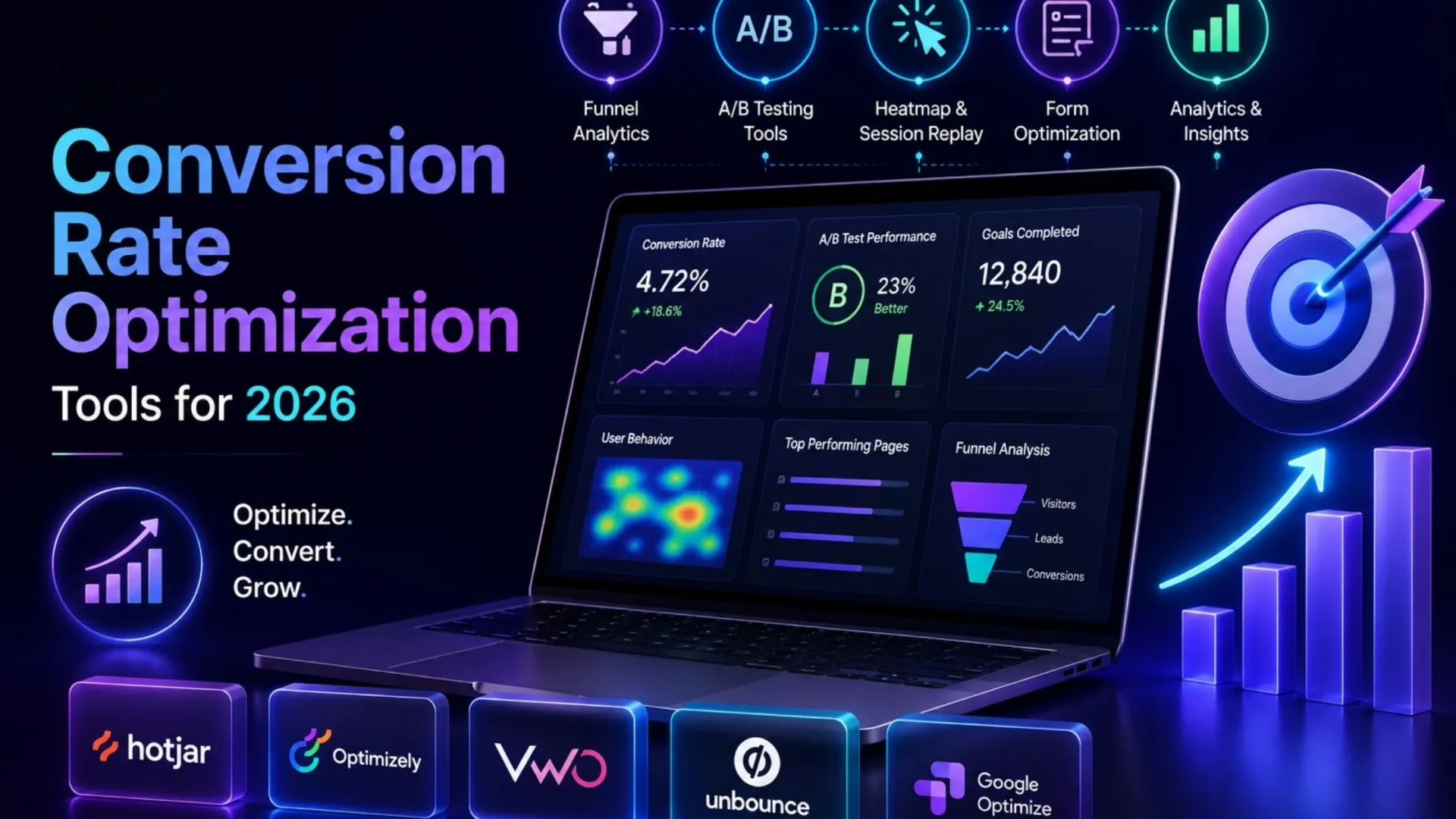
Most “best Conversion Rate Optimization tools” lists name the same seven tools in a different order. This type of list is not very helpful when you are seriously trying to put a stack together. We have categorised the tools by their respective jobs in this article. It includes analytics, testing, behavior tracking, feedback, and personalization. This way, you will know what each category covers before you choose any brand inside that particular category.
One thing worth saying upfront: tools support CRO; they don’t replace it. A heatmap tells you where people click. It doesn’t tell you why your checkout page loses a third of its traffic at step two. That still takes an experienced conversion rate optimization services provider.
We’ll get to that trap later. First, the tools themselves are organized so you can build a stack that fits your stage and your budget, not someone else’s affiliate commission.
How to Choose CRO Tools
Before any names, a few questions matter more than feature lists.
Skip any of these, and you’ll likely end up with a subscription nobody logs into by month four. That happens more often than vendors admit.
There’s also a fifth question rarely on these lists: what if you outgrow a tool? Free and entry-level plans are often built around limits (session limits, a certain number of users, and so on). Before signing, find out the options on the other side of the upgrade. Otherwise, you may be stuck with a tool that no longer meets your needs.
Tools by Category
Before you get started, something you must know: product pricing and packaging are dynamic, and this trend is particularly visible in 2026. There have been a lot of acquisitions and mergers during the year. Because of this, contact each supplier to find out the details about their package and what’s available at that time.
Analytics and Funnels
Without any idea of where your site visitors actually leave, how will you test something and know what you changed? Analytics tools provide you with those drop-off locations, which you would never even dream of.
Most teams still start with Google Analytics 4 as the default. The primary reasons are that it is free and it’s already gathering your traffic data, whether you are watching or not. It does a pretty good job on funnel visualization, source attribution, and goal tracking. There are no heatmap or session replay features, which are very important. That’s why nearly every serious CRO stack couples GA4 with a qualitative tool.
What to Look For
The ideal solution will support funnel visualisation, reports at the segment level rather than only aggregates, and a very clean integration with whichever test tool you decide on later. Any tool that can only record traffic without being able to break it down by device, source, or landing page is just a simple counter. Imagine you want to check if mobile checkout conversion is really worse than desktop. If it is, then your test priorities will change.
A/B and Multivariate Testing
This is the experimentation layer, where hypotheses actually get validated instead of argued about in a meeting.
VWO has always been the all-round testing solution of choice for those looking for a platform that combines A/B split, multivariate, heatmaps, and session recordings. VWO’s price points have gone up quite a bit during 2026, and the company has also decided to remove or scale back the use of its free plan for new customers (check current terms at the time you read this). They are still a capable platform, but with the addition of AB Tasty’s personalization module that they’ve merged with, it’s no longer the friendly budget option it started off as.
Optimizely, then again, has positioned itself on the enterprise segment, as it has been first and foremost built for big companies with teams running several experimental programs at the same time, and it has full-stack testing features.
For small teams that only want to create A/B tests in structured, controlled ways without signing up for an enterprise contract, several lightweight, specialized, and cheaper alternatives have appeared this year. They have simpler payment options and a graphical interface that doesn’t require a developer each time a change is made.
⚠️ Key Features That Actually Matter
Proper statistical significance reporting (not just “variant B is winning”), sample size calculators, and the ability to test one variable cleanly without traffic splitting itself into meaninglessness. Watch out for tools that make it easy to peek at results early and call a test finished. That’s how teams end up shipping “wins” that don’t actually hold up once the full sample runs.
Heatmaps and Session Replay
This is where you watch, literally, how people move through your site.
- Microsoft Clarity is worth calling out first, because it is truly free (no session limits or spinning storage upsell) and includes heatmaps, click-maps, and session recordings. For a small shop on a tight budget, this alone can substitute for two or three paid tools.
- Hotjar has been the category household name for a long time, consolidating heatmaps, recordings, and on-site surveys into the same dashboard. Note that Hotjar was acquired by Contentsquare, and the product lines and pricing structure have especially changed by 2026, with self-serve plans increasingly woven into Contentsquare’s overall packaging. If you’re considering Hotjar today, be prepared for the pricing page itself to look different than it did 12 months ago.
- Crazy Egg is another simpler, more affordable choice for teams that just want heatmaps without the overhead of everything else.
What to look for: scroll depth tracking, rage-click detection, and filters that let you segment replays by device or traffic source. Watching 50 random sessions teaches you less than watching 10 sessions from users who abandoned at the same step.
Surveys and Qualitative Feedback
Numbers tell you what happened. Surveys tell you why, assuming you ask the right question at the right moment.
On-site exit surveys and post-purchase polls fill the gap that analytics can’t. A product page with a 60 percent bounce rate is a number. “I couldn’t find the return policy” is an answer you can act on. SurveyMonkey and similar feedback tools work well for structured customer research, while lighter on-page polling tools (often bundled inside heatmap platforms like Hotjar or Clarity) work better for catching friction the moment it happens.
Good use case: trigger a one-question survey right after someone abandons checkout. You’ll learn more from twenty honest answers than from another month of guessing. Keep the question short, too. A five-field survey after checkout abandonment gets ignored. One field, asked at the right moment, gets answered.
Personalization and AI-Assisted CRO
This is the newest category and also the one most prone to overselling.
With the help of AI, modern systems can now identify behavioral patterns, flag anomalous test results, and in some cases, generate new hypotheses to test out completely automatically. These functionalities are, to some extent, really helpful. Pattern recognition across large volumes of sessions is something AI outperforms humans at when they’re visually monitoring a dashboard. Where things get rough for the machine is the final judgment call. AI could easily point out that a cluster of users has oddball behavior, but it doesn’t know whether such behavior should be regarded as a problem or just noise. For Shopify merchants, we wrote about AI conversion optimization for Shopify, covering which aspect is really effective and where the other part is basically marketing speak.
Zoho PageSense is worth a mention here for teams already inside the Zoho ecosystem, since it bundles heatmaps, funnel analysis, and A/B testing at a notably lower price point than the enterprise suites, making it a reasonable middle ground for growth-stage teams.
A Free and Low-Cost Starter Stack
You can get further on free tools than most vendors want you to believe.
|
1
|
Google Analytics 4The quantitative layer. Free, and likely already gathering your traffic data. |
|
2
|
Microsoft ClarityHeatmaps and session replay, genuinely free with no meaningful session caps. |
|
3
|
A Basic On-Page Survey WidgetQualitative feedback to catch friction in the moment. That’s three tools, zero dollars, and it covers every category you actually need before your first real test. |
When should you start paying? Usually once you have enough traffic that free-tier session caps start cutting off your data, or once you need proper statistical testing infrastructure that free tools genuinely don’t offer. Not before.
Building a CRO Stack by Business Stage
Notice the progression isn’t “buy everything at once.” It’s adding one category at a time, as the previous one starts producing insight you can actually act on. Jumping straight to an enterprise personalization suite before you’ve even set up basic funnel tracking is a common, expensive mistake. The tool isn’t the problem in that scenario. The sequencing is.
The Trap: Tools Without a Process
Here’s the part most roundups skip entirely.
Buying a testing tool doesn’t make you good at testing. Frankly, it’s one of the most common ways CRO budgets get wasted. A team installs VWO or Optimizely, runs a handful of tests with no hypothesis behind them, sees inconclusive results, and quietly stops logging in by month three.
Tools amplify a process. They don’t create one. If you don’t already have a research-first workflow, hypotheses grounded in actual user behavior, proper sample sizing, and documented learnings, adding more software just adds more dashboards nobody checks.
Worth reading before you buy anything: our breakdown of what actually works in conversion rate optimization for 2026 is a good gut check before you assume a testing tool is the fix you need.
FAQs
What are the best CRO tools?
There isn’t one universal answer, it depends on your stage and budget. For most teams, a reasonable stack pairs Google Analytics 4 (quantitative), a heatmap and session replay tool like Microsoft Clarity or Hotjar (qualitative), and a testing platform like VWO or a leaner alternative once you’re running structured experiments.
Are there free CRO tools?
Yes. Google Analytics 4 and Microsoft Clarity are both genuinely free with no meaningful session caps, and together they cover analytics and behavioral tracking, two of the four core CRO categories, at zero cost.
What tools do I need to start CRO?
At minimum, one analytics tool and one qualitative tool (heatmap or session replay). Testing tools and personalization platforms can wait until you have a hypothesis backlog worth validating.
Do I need a testing tool and a heatmap tool?
Eventually, yes, but not on day one. Heatmaps and session replay tell you where the problem likely is. Testing tools confirm whether your fix actually worked. Skipping straight to testing without qualitative research usually means testing the wrong things.
Can AI tools do CRO for me?
Not entirely. Yes, AI marketing tools can recognize patterns from large data sets much better than a person can. But one thing a machine cannot do is judge which of these patterns are important to your business. That’s a matter of interpretation, and a human being has to get involved to do it correctly.
Ready to Build a CRO Stack That Actually Works?
The right tools matter less than most vendors want you to believe. What matters more is a research-first process that turns data into hypotheses you can actually test, and the discipline to keep documenting what you learn along the way. If you’d rather have a team build and run that process for you instead of piecing it together from software, Elsner’s conversion rate optimization services are built around exactly that.
Ready to Build a CRO Stack That Actually Works?
Skip the shelf of unused software. Elsner’s CRO team builds and runs a research-first process that turns your data into tested, documented wins.