- What Is Adobe Commerce Optimizer?
- How Adobe Commerce Optimizer Actually Improves Speed
- Edge Rendering & Global Distribution
- Reduced JavaScript Payload
- Pre-rendered HTML Delivery
- Built-in Asset Optimization
- CDN-Native Architecture
- Frontend Simplification
- Adobe Commerce Optimizer vs Hyva vs PWA Studio
- Who Should Adopt Adobe Commerce Optimizer in 2026?
- You should adopt Optimizer if:
- You should wait (or stay with the current setup) if:
- Implementation Reality: What It Takes to Enable Optimizer
- Real-World Performance Impact: What Merchants Can Expect
- Cost, Licensing, and Adoption Considerations
- Limitations: What Optimizer Does NOT Solve
- Common Mistakes Merchants Make
- How to Decide: A Practical 5-Question Framework
- Conclusion
- Ready to Implement Adobe Commerce Optimizer or Explore Alternatives?
- Frequently Asked Questions
- What is Adobe Commerce Optimizer exactly?
- Is Adobe Commerce Optimizer free?
- Can I use Optimizer with Hyva?
- How long does implementation take?
- Will Optimizer work with my custom extensions?
Magento has had a performance problem for years. Not in theory, in reality. Heavy frontend rendering, layered caching hacks, constant patchwork optimizations. Merchants have been chasing Core Web Vitals like it’s a never-ending race.
And honestly, it’s been expensive.
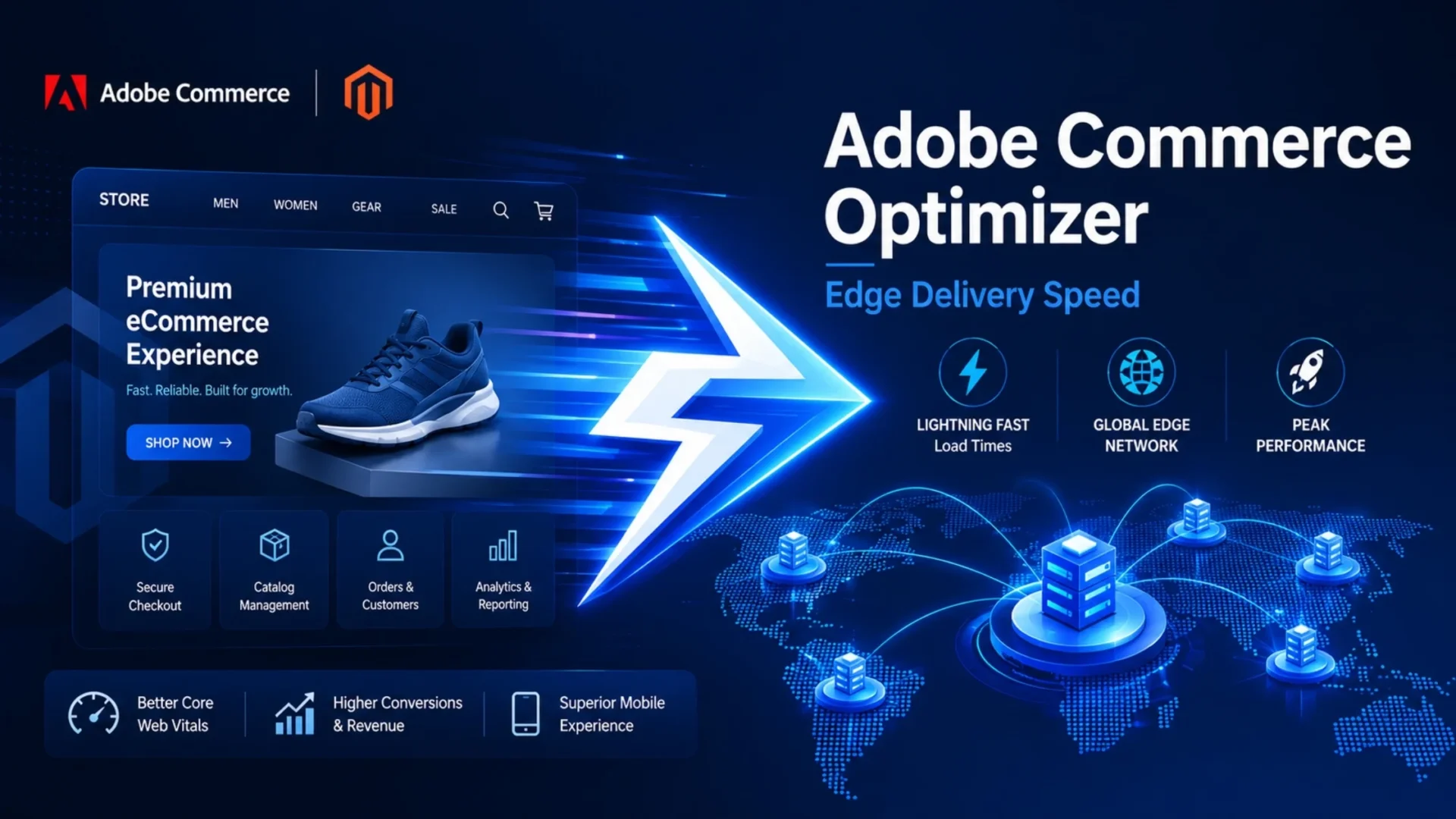
In 2026, Adobe is finally stepping in at the platform level with something more fundamental: Adobe Commerce Optimiser. Built on Edge Delivery Services, it’s not another patch or extension. It’s a shift in how storefronts are delivered altogether.
But here’s the real question: is it actually the solution Magento merchants have been waiting for? Or just another option in an already crowded performance ecosystem.
Let’s break it down properly.
What Is Adobe Commerce Optimizer?
At its core, Adobe Commerce Optimizer is Adobe’s native performance layer designed to solve frontend speed issues without requiring a full rebuild using third-party frameworks.
Simple way to think about it. Instead of building pages every time on a server, Optimizer sends ready-made pages from servers closer to the user.
That alone changes everything.
It works in combination with Adobe Commerce Edge Delivery Services, a global network that serves content from distributed nodes, reducing the distance between your store and your customer.
What stays the same?
- Your backend (catalog, orders, admin)
- Your business logic
- Your checkout workflows (mostly)
What changes?
- How your frontend is delivered
- How content is rendered
- How much JavaScript the browser has to process
And that’s exactly where Magento development has historically struggled.
Adobe didn’t build this randomly either. Shopify has been winning on speed for years. Headless frameworks started gaining traction. Hyva disrupted the frontend ecosystem.
Optimizer is Adobe’s response to all of that pressure, and a move toward a more composable, edge-first commerce future.
How Adobe Commerce Optimizer Actually Improves Speed
This is where things get interesting, and a bit technical, but I’ll keep it grounded.
Edge Rendering & Global Distribution
Instead of waiting for your origin server to respond, pages are served from edge nodes globally.
So if your customer is in New York, they’re not waiting on a centralized server in, say, Virginia or worse, another continent. This dramatically improves Largest Contentful Paint (LCP).
Typical improvement? From 3-5 seconds, down to under 1.5 seconds in many cases.
That’s not small.
Reduced JavaScript Payload
Magento’s traditional frontend relies heavily on JavaScript frameworks like Knockout.js and RequireJS. They’re heavy. And they slow down interaction.
Optimizer reduces unnecessary JavaScript execution and shifts more work to pre-rendered HTML.
Result?
- Better Interaction to Next Paint (INP)
- Faster click responsiveness
- Less browser strain on mobile devices
And in 2026, INP is no longer optional. It’s a Core Web Vital.
Pre-rendered HTML Delivery
Magento’s full-page cache still generates pages dynamically in many scenarios. Optimizer flips this. Pages are pre-built and delivered instantly as static HTML.
No waiting. No backend processing delays. No cache misses are slowing things down.
Built-in Asset Optimization
Images, scripts, and styles are all optimized automatically.
- WebP / AVIF formats
- Lazy loading
- Compression
- Smart delivery based on the device
So you don’t need 5 different plugins just to optimize images anymore.
CDN-Native Architecture
This isn’t “add a CDN on top”… This is the CDN.
It means fewer round-trips to origin servers, less latency, and more consistent Adobe Commerce performance globally.
Frontend Simplification
Legacy Magento frontend layers are complicated. Optimizer strips a lot of that overhead away. No unnecessary rendering layers. Less dependency on outdated frontend patterns.
Cleaner delivery. Faster output.
Important note: Adobe Commerce Optimizer is not a theme. It’s not a plugin. It’s a foundational shift in how the Magento frontend works.
Adobe Commerce Optimizer vs Hyva vs PWA Studio
This is where most decisions actually happen. Let’s simplify it.
Now, the real-world interpretation.
- Optimizer → Best if you want speed without rebuilding everything
- Hyva → Best if you’re okay committing to a new frontend stack
- PWA Studio → Best if you need complete headless control
There’s no universal winner. It depends on where you are right now.
Who Should Adopt Adobe Commerce Optimizer in 2026?
Let’s keep this honest.
You should adopt Optimizer if:
- You’re on Adobe Commerce Cloud
- You want native performance improvements without heavy redevelopment
- You haven’t already invested in Hyva or PWA
- You need faster Core Web Vitals improvements quickly
- Your store is primarily B2C or hybrid
You should wait (or stay with the current setup) if:
- You’ve already implemented Hyva successfully
- You’re running a complex headless architecture
- Your frontend relies heavily on legacy customizations
- You prefer to let the product mature for another 6–12 months
Sometimes, doing nothing (for now) is the smarter move.
Implementation Reality: What It Takes to Enable Optimizer
This isn’t a “turn it on and done” feature. Here’s what typically goes into it:
- Adobe Commerce Cloud compatibility requirements
- Edge Delivery Services setup and configuration
- Frontend adjustments (not a full rebuild, but still work)
- Content publishing workflow updates
- Testing across devices and environments
Timeline? Usually between 4 to 10 weeks, depending on store complexity.
What doesn’t change:
- Backend operations
- Admin workflows
- Product management
But you will need:
- Frontend expertise (this is where Adobe Commerce development services come in)
- Performance testing tools
- A structured rollout plan
Skipping these leads to disappointment.
Real-World Performance Impact: What Merchants Can Expect
Now the part everyone cares about. Typical improvements seen:
- LCP: 3–5s → under 1.5s
- INP: Significant responsiveness gains
- CLS: More stable layouts
- Mobile: Bigger impact than desktop
And yes, conversion rates do improve with speed. Even a 1-second improvement can impact revenue noticeably.
But here’s the nuance. Adobe Commerce Performance gains depend heavily on:
- Your current baseline
- Catalog size
- Third-party integrations
- Implementation quality
Optimizer isn’t magic. It just gives you a much better foundation.
Cost, Licensing, and Adoption Considerations
This part is still evolving a bit.
But broadly:
- May be included in Adobe Commerce Cloud tiers (depends on plan)
- Adobe Commerce Edge Delivery pricing may vary (usage-based models likely)
- Implementation cost varies based on complexity
Typical cost factors:
- Store size
- Custom frontend logic
- Testing and QA depth
- Developer expertise
Also, don’t forget hidden costs:
- Monitoring tools
- Performance audits
- Developer training
ROI usually shows up within months if implemented correctly.
Limitations: What Optimizer Does NOT Solve
Let’s be real. It doesn’t fix everything.
- Backend performance issues still exist
- Slow database queries remain slow
- Heavy extensions can still hurt performance
- Checkout may still need separate optimization
- Complex multi-store setups need careful planning
And yes, it’s still a relatively new product. There will be gaps.
Common Mistakes Merchants Make
This is where things go wrong most often.
- Choosing based on hype → Picking what’s trending instead of what actually fits your store needs.
- Leaving Hyva too early → Switching without checking if your current setup is already performing well.
- Underestimating complexity → Assuming it’s quick and easy when it actually needs skilled implementation.
- Treating Optimizer as a silver bullet → Expecting it to fix backend issues it’s not designed to solve.
- Skipping baseline measurement → Not knowing your current performance, so you can’t measure real improvement.
- Ignoring ongoing monitoring → Thinking speed gains will stay forever without regular tracking.
- Misaligned frontend strategy → Choosing a solution that doesn’t match your long-term tech or business plans.
Performance isn’t a one-time fix. It’s an ongoing discipline.
How to Decide: A Practical 5-Question Framework
Ask yourself:
- What are your current Core Web Vitals scores?
- Have you already invested in Hyva or PWA?
- How important is Adobe-native alignment for you?
- Does your team have frontend expertise?
- What’s your realistic timeline for implementation?
If you can answer these honestly, the decision becomes clearer. Optimizer makes sense for stores with speed as a core problem, Adobe Commerce Cloud as the platform, and a team ready to invest in a 4-10 week implementation.
For everything else, the alternatives (Hyva, PWA, or staying put) are often the better play.
Conclusion
Adobe Commerce Optimizer represents a real shift in how Magento storefronts can be built and delivered. It’s not overhyped, and it’s not a solution looking for a problem.
It’s a tool for a specific set of merchants: those running Adobe Commerce Cloud, facing performance limits, and willing to invest in the implementation.
For the right store, the speed and conversion improvements are worth it. For the wrong store, it’s expensive complexity you didn’t need.
The decision, as with most things in ecommerce, comes down to your baseline, your goals, and your willingness to execute properly. Get those right, and Adobe Commerce PWA and Edge Delivery Services become force multipliers. Get them wrong, and you’ll spend a lot of money chasing a solution that doesn’t match your actual problem.
Ready to Implement Adobe Commerce Optimizer or Explore Alternatives?
Whether you’re evaluating Optimizer, considering Hyva, or planning a PWA migration, expert guidance makes the difference. Our team has led these implementations across enterprise Magento stores.
Frequently Asked Questions
What is Adobe Commerce Optimizer exactly?
It’s Adobe’s native performance layer built on Edge Delivery Services. It pre-renders pages and delivers them from edge nodes globally, eliminating server-side rendering delays and reducing JavaScript overhead.
Is Adobe Commerce Optimizer free?
It may be included in certain Adobe Commerce Cloud tiers. Edge Delivery usage may have associated costs. Check with your Adobe account team for specific pricing based on your plan.
Can I use Optimizer with Hyva?
Not directly. Optimizer replaces the traditional theme layer. If you’re already on Hyva and happy with performance, staying on Hyva is usually the better choice.
How long does implementation take?
Typically 4 to 10 weeks, depending on store complexity, customizations, and your team’s familiarity with Edge Delivery Services.
Will Optimizer work with my custom extensions?
Not all extensions work seamlessly with Edge Delivery Services. Heavy JavaScript-based extensions may need refactoring. Audit your extension stack before committing to Optimizer.