- The Evolution of CSS in Web Development
- The Early Days of Plain CSS
- The Rise of CSS Frameworks
- The Modern Challenge
- What Is Traditional CSS?
- Core Concept
- Advantages
- Common Problems
- What Is Tailwind CSS?
- Utility-First Philosophy
- How It Works
- Core Benefits
- Tailwind CSS vs Traditional CSS: Core Differences
- 1. Development Speed
- 2. File Size and Performance
- 3. Scalability
- 4. Maintainability
- 5. Design Consistency
- Tailwind CSS vs Bootstrap: Which Framework Should You Choose?
- Why Modern Teams Are Switching to Tailwind?
- Faster MVP Development
- Better Designer-Developer Collaboration
- Component-Based Framework Compatibility
- Reduced Technical Debt
- Better Performance and Developer Experience
- Real-World Use Cases
- SaaS Platforms
- Startup Landing Pages
- Enterprise Applications
- Common Criticism of Tailwind
- “HTML Looks Messy”
- “It Breaks Separation of Concerns”
- “Learning Curve”
- “Vendor Lock-in”
- When Traditional CSS Still Makes Sense
- The Future of CSS and Utility-First Frameworks
- Ready to Build Faster with Tailwind CSS?
- Final Verdict: Is Tailwind Replacing Traditional CSS?
- Frequently Asked Questions (FAQs)
- Q1. Is Tailwind CSS better than traditional CSS for all projects?
- Q2. Does Tailwind CSS affect website performance?
- Q3. How long does it take to learn Tailwind CSS?
- Q4. Can Tailwind CSS and traditional CSS be used together?
- Q5. Is Tailwind a good fit for large enterprise applications?
- Q6. Why is the Tailwind vs traditional CSS debate so persistent?
- Q7. Does Tailwind mean writing less CSS overall?
- Q8. How does Tailwind handle responsive design compared to traditional CSS?
- About Elsner
Frontend development has changed more in the last decade than in the two decades before it. Component-driven frameworks, design systems, and cross-platform delivery have made the old way of writing CSS feel like a poor fit. A lot of developers reported using or actively exploring utility-first CSS frameworks – a number that was near zero just six years ago. That kind of adoption does not happen without a real reason.
The way we build UIs has moved on. React, Vue, and Next.js encourage isolated, reusable components. Traditional CSS was never designed for that model, which is why many developers are now shifting toward more flexible, utility-first approaches like Tailwind CSS. Global stylesheets and cascading overrides create friction in a component-first world. That friction is exactly what Tailwind CSS was built to remove.
At Elsner, we have seen this shift firsthand across hundreds of client projects. Teams using Tailwind CSS ship faster, maintain cleaner code, and spend far less energy debugging style conflicts. This blog explains why – and why Tailwind CSS is becoming the default in modern web development. So, let’s dig in:
The Evolution of CSS in Web Development
The Early Days of Plain CSS
Early CSS was simple by necessity. Global stylesheets, class-based styling, and hand-written media queries got the job done when websites were mostly static. That simplicity was a strength – until project size outgrew it. Styles started bleeding across sections. Class names collided. The cascade became something developers worked around rather than with.
The Rise of CSS Frameworks
Bootstrap gave teams pre-built components and a grid system. Preprocessors like Sass and LESS added variables and nesting. Component libraries like Material UI bundled logic and styles together. Each tool solved something – but none of them fixed the underlying problem of global, unpredictable CSS.
The Modern Challenge
Today’s web is component-driven. React, Vue, and Angular push developers toward self-contained units where structure, logic, and style belong together. Design systems demand strict consistency. Traditional CSS, built for a different era, struggles to keep up. Therefore, the industry needed a new approach – and Tailwind CSS delivered one.
What Is Traditional CSS?
Core Concept
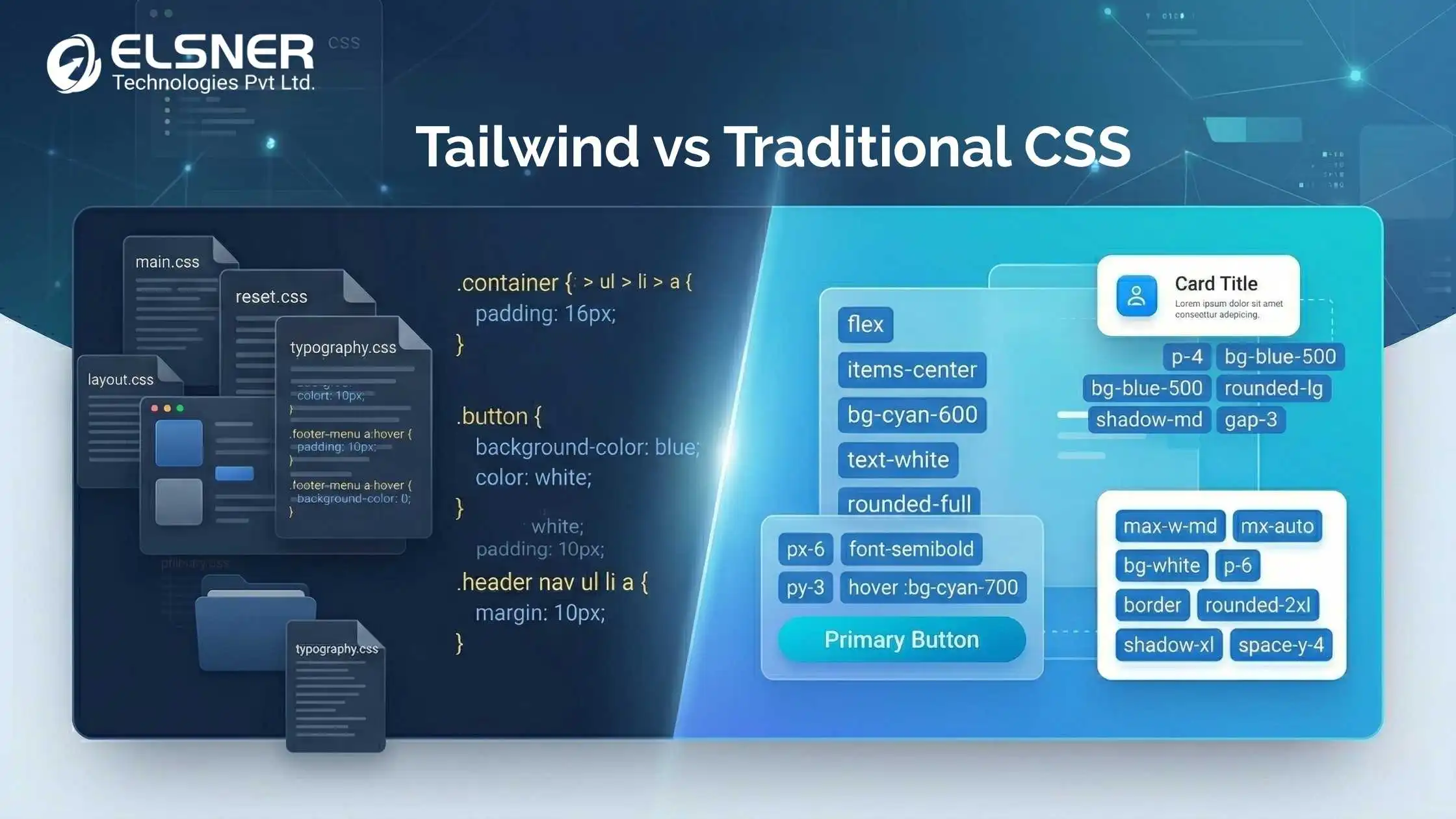
Traditional CSS means writing custom styles in .css files and applying them through class names in HTML. The principle is separation of concerns: structure in HTML, appearance in CSS. That separation is clean in theory. In practice, it breaks down quickly as projects grow and stylesheets multiply.
Advantages
Full control over every declaration. Clean HTML with no utility classes. No external dependency or build step required. For small, stable projects maintained by a single developer, traditional CSS is a completely reasonable choice. The tooling is universal and the learning curve is shallow.
Common Problems
The problems are well-documented at scale. CSS scalability breaks down when:
- Specificity conflicts make it unclear which style wins.
- Naming collisions appear across files written by different developers.
- Dead CSS accumulates because no one wants to risk deleting it.
- New developers need weeks to understand the existing stylesheet structure.
A real example: a SaaS product with 10,000+ lines of CSS across 40+ stylesheets. Every new feature triggers a stylesheet audit. Onboarding a new frontend developer takes three to four weeks. Those costs – in time and in bugs – are the exact problem Tailwind CSS is designed to solve.
What Is Tailwind CSS?
Utility-First Philosophy
Tailwind CSS is a utility-first CSS framework built around one idea: compose your design using small, single-purpose classes applied directly in HTML. bg-blue-500 sets the background. p-4 adds padding. Each class does one thing. You combine them to build exactly what you need – no custom CSS file required in most cases.
How It Works
Tailwind generates utility classes from a central configuration file. Your entire design system – colors, spacing, typography, breakpoints – lives in tailwind.config.js. The JIT (Just-in-Time) engine scans your markup and generates only the classes you actually use. Therefore, production CSS bundles stay tiny – often under 10KB – regardless of project size.
Core Benefits
Styles live with the component. There is no context switching between HTML and CSS files. Responsive design is handled through mobile-first breakpoint prefixes like md: and lg: – applied inline, readable at a glance. The benefits of Tailwind CSS in modern web development are most visible the moment you stop hunting across stylesheets to understand why something looks the way it does.
Tailwind CSS vs Traditional CSS: Core Differences
1. Development Speed
Traditional CSS requires a write-switch-test-refactor loop. Every design decision means a new class name and a new style block in a separate file. Tailwind CSS lets you compose utilities directly in HTML – no file switch, no naming decision, no refactor. That speed adds up fast across a full project.
2. File Size and Performance
Traditional CSS accumulates dead styles with every feature change. Tailwind’s JIT engine ships only what is used. That is why Tailwind CSS vs custom CSS performance comparison consistently favors Tailwind in production – smaller bundles, faster loads, better Core Web Vitals.
3. Scalability
Scaling traditional CSS requires enforcing naming conventions like BEM or SMACSS across every developer on the team. Tailwind needs no naming conventions at all. Every developer uses the same vocabulary – the utility classes. This way, a developer new to a project can read the markup and understand the styles on day one.
4. Maintainability
In traditional CSS, tracking down why a component looks a certain way means cross-referencing class names across multiple files. In Tailwind, the styles are right there in the markup. Editing a component means editing one file. There is no risk of accidentally breaking something elsewhere.
5. Design Consistency
Design drift is a quiet problem in traditional CSS – slightly different grays, inconsistent padding, mismatched font sizes. Tailwind builds design tokens into the config. Every color and spacing value comes from one source. Likewise, designers and developers work from the same system – which removes an entire category of back-and-forth.
Comparison Table: Tailwind CSS vs Traditional CSS
| Aspect | Traditional CSS | Tailwind CSS |
| Development Speed | Write, test, refactor cycle | Compose utilities in HTML directly |
| File Size | Dead CSS accumulates over time | JIT ships only what is used |
| Scalability | BEM or SMACSS required | No naming conventions needed |
| Maintainability | Styles scattered across files | Styles live with each component |
| Design Consistency | Manual alignment with design | Design tokens built into config |
| Onboarding | Project-specific learning curve | Same vocabulary across all projects |
| Responsive Design | Manual media query blocks | Mobile-first prefixes built in |
ALSO READ
Tailwind CSS vs Bootstrap: Which Framework Should You Choose?
Confused between Tailwind CSS and Bootstrap? Explore key differences in flexibility, performance, and development approach to choose the right framework.
Why Modern Teams Are Switching to Tailwind?
Faster MVP Development
Startups need to test ideas quickly. Tailwind removes the CSS setup overhead entirely. Developers prototype full screens with utility classes – changes take seconds, not minutes. Not only that, but prototype code is already production-ready. There is no separate cleanup phase.
Better Designer-Developer Collaboration
When design tokens from Figma map directly into tailwind.config.js, the gap between a design file and a working UI shrinks dramatically. Predictable spacing, consistent colors, and standardized type are the default – not something you chase down in code reviews.
Component-Based Framework Compatibility
Tailwind is built for the component era. It sits naturally inside React, Vue, and Next.js. A Tailwind for React component carries its own styles in the JSX – copy it to another project, and it works exactly the same. No external stylesheet needed, no import chain to manage.
Reduced Technical Debt
There are no global styles to conflict with. There is no specificity ladder to climb. There are no unused classes to delete. Therefore, Tailwind projects tend to get cleaner over time – not messier – which is the opposite of what happens with traditional CSS at scale.
Better Performance and Developer Experience
Tailwind’s JIT engine automates frontend performance optimization at the build level. Tailwind IntelliSense adds autocomplete, color previews, and inline documentation to your editor. Visual class names like flex items-center justify-between are self-documenting – readable without opening a browser or a CSS file. At Elsner, developers consistently report stronger productivity from week one on Tailwind projects.
Real-World Use Cases
SaaS Platforms
Dashboard UIs demand precise layout, consistent spacing, and rapid iteration. Traditional CSS slows that cycle down – every new widget means new styles and new naming decisions. With Tailwind, adding a panel means writing utility classes in a component. The design system applies automatically. Changes happen in seconds.
Startup Landing Pages
Speed and experimentation matter on landing pages. Want to test a different button color? Change one class. Want a different mobile layout? Swap a breakpoint prefix. Tailwind makes these decisions fast – and reversible just as fast.
Enterprise Applications
Large teams need consistency without constant enforcement. Tailwind delivers that by design. Every team works from the same config. Every utility maps to the same token. Design drift stops happening because off-brand values become technically inaccessible.
Case study: A mid-sized tech company was maintaining 15,000 lines of CSS across 60 stylesheets. New developer onboarding took four weeks. Feature releases regularly shipped visual regressions. After a three-month Tailwind migration, modern web development styling brought UI development cycles down by approximately 35%. Onboarding dropped to one week. Specificity-related bugs disappeared entirely in the following quarter.
Common Criticism of Tailwind
“HTML Looks Messy”
Utility classes look unfamiliar at first. That said, the apparent clutter is actually information – every class tells you what the element looks like without opening a second file. Inside a React component, those classes are encapsulated anyway. The messiness is mostly a first-impression problem.
“It Breaks Separation of Concerns”
Modern component architecture already puts structure, logic, and event handlers in the same file. Adding style to that same component is not a step backward – it is the logical conclusion of component-driven thinking. Separation of concerns now means separating components from each other, not separating HTML from CSS within one.
“Learning Curve”
The learning curve is real but short. Most developers with CSS experience are productive in Tailwind within three to five days. The long-term gains far outweigh the initial adjustment period. The curve is temporary; the cleaner codebase is permanent.
“Vendor Lock-in”
Tailwind is a PostCSS plugin. Its compiled output is plain CSS. If you ever need to leave, the migration is clean. Likewise, since the output is standard CSS, there is no runtime dependency – nothing to break, nothing to maintain.
When Traditional CSS Still Makes Sense
Simple static sites, personal portfolios, and small brochure pages do not need a build step and a config file. For those, traditional CSS is lighter and faster to set up. Teams working without a modern toolchain or in environments without Node.js will also find traditional CSS more practical.
The point is not that traditional CSS is obsolete. It is that the right tool depends on the project. For small, stable, simple projects – traditional CSS is fine. For complex, team-based, component-driven applications – Tailwind is the stronger choice. That covers most serious commercial development happening today.
The Future of CSS and Utility-First Frameworks
Atomic CSS is not a trend – it is the direction the industry has settled on. AI-powered UI generation tools increasingly output utility-class markup because explicit, composable styles are easier to reason about. The CSS spec itself is evolving toward more predictable, explicit behavior with cascade layers, container queries, and :has().
At Elsner, clients are asking for Tailwind by name. They understand that utility-first CSS framework architecture pays off in the long run. The tooling is mature, the community is large, and the production results speak clearly.
Ready to Build Faster with Tailwind CSS?
From UI development to performance optimization, we help businesses implement scalable frontend solutions using modern frameworks like Tailwind CSS.
Final Verdict: Is Tailwind Replacing Traditional CSS?
Not completely. Traditional CSS is part of the web platform and will remain relevant for the right contexts. That said, Tailwind CSS is dominating the modern stack. Most new React, Next.js, and Vue projects start with Tailwind. Most high-output engineering teams choose it for speed, CSS scalability, and consistency.
This is not about declaring a winner in the Tailwind CSS vs traditional CSS conversation. It is about matching the right tool to the architecture you are building for. In a component-driven, design-system world, Tailwind matches that architecture far better than global stylesheets do. For modern web development, it has become the default – and the numbers show why.
Frequently Asked Questions (FAQs)
Q1. Is Tailwind CSS better than traditional CSS for all projects?
Not for every project. Tailwind CSS performs best in component-driven, team-based environments – React apps, SaaS dashboards, Next.js products. For a small static site or a personal portfolio, traditional CSS is a perfectly reasonable choice. The tooling overhead for Tailwind is not always worth it on projects with five components and one developer. Hereby, the answer is about context, not preference.
Q2. Does Tailwind CSS affect website performance?
It improves it. The JIT engine generates only the CSS classes present in your markup. Production bundles regularly come in under 10KB. Tailwind CSS vs custom CSS performance comparison consistently favors Tailwind in bundle size – especially in mature projects where traditional CSS has had time to accumulate dead rules.
Q3. How long does it take to learn Tailwind CSS?
Most developers with CSS experience are productive within three to five days. Class names like text-lg, mt-4, and flex are intuitive. The config system and component extraction patterns take a few more weeks to feel natural. Likewise, the mental shift from global styles to utility-first thinking is an adjustment – but most developers describe it as freeing once it clicks.
Q4. Can Tailwind CSS and traditional CSS be used together?
Yes. Tailwind does not prevent you from writing custom CSS. The @layer directive and @apply syntax let you extend Tailwind with custom logic where needed. Many teams migrate gradually – new components get Tailwind, legacy files stay until they can be refactored. Therefore, a hybrid approach is practical and common during transitions.
Q5. Is Tailwind a good fit for large enterprise applications?
It is one of the strongest fits available. CSS scalability stops being a recurring concern because every team works from the same config and the same vocabulary. New team members can read any component and understand the styles immediately. At Elsner, enterprise clients have reported measurable drops in frontend QA time after switching – simply because visual inconsistencies stopped slipping through.
Q6. Why is the Tailwind vs traditional CSS debate so persistent?
Because both sides have valid points, and the debate often skips the real question – which tool fits your specific context? Developers who learned CSS through BEM and global stylesheets have real expertise that feels undermined by utility classes. Developers who started in React find Tailwind more natural from day one. The debate reflects two genuinely different mental models. The honest position: Tailwind CSS benefits are strongest in high-complexity, team-based, component-driven work. Traditional CSS holds its ground in simpler environments.
Q7. Does Tailwind mean writing less CSS overall?
In most cases, yes. For typical UI elements – buttons, cards, forms, navigation, modals – utility classes cover everything. Therefore, the custom CSS you write tends to be minimal and specific rather than a growing global file. For edge cases like complex animations or third-party overrides, @layer and arbitrary value syntax in Tailwind handle it. That way, you get utility-first for 95% of the work and plain CSS for the rest.
Q8. How does Tailwind handle responsive design compared to traditional CSS?
Tailwind uses mobile-first breakpoint prefixes applied directly in the markup. md:text-lg applies large text on medium screens. lg:grid-cols-3 switches to three columns on large screens. The responsive behavior is right there in the component – no separate stylesheet section to hunt through. This way, auditing responsive logic for any element takes seconds, not minutes. Traditional CSS requires explicit media query blocks written apart from the component they affect – which scatters the responsive picture across the codebase.
About Elsner
Elsner is a full-service IT and software development company with 19+ years of experience delivering web development and mobile development solutions to clients worldwide. Our team of 250+ developers has completed 9,500+ projects and served 6,200+ global clients across healthcare, retail, education, real estate, and more.
We have built our company on honesty, integrity, and quality deliverables. Our mission is straightforward: take ownership of technology projects, deliver cost-effective solutions through technical excellence, and help our clients excel in their domains.
Whether you are starting a new product, migrating to a modern stack, or scaling a complex enterprise application, Elsner has the team and the experience to get it done right. Reach out to us – let us help your business grow.