Category: WordPress
-

WordPress Web Development: A Complete Guide for Businesses Building Custom Sites in 2026
Quick Answer: Yes, WordPress web development still makes sense for most businesses in 2026. It powers 42-43% of the internet and holds over 60% of the CMS market, giving you full ownership of your code and data instead of renting space on a closed platform. Costs range from $2,000 for a basic business site to…
-
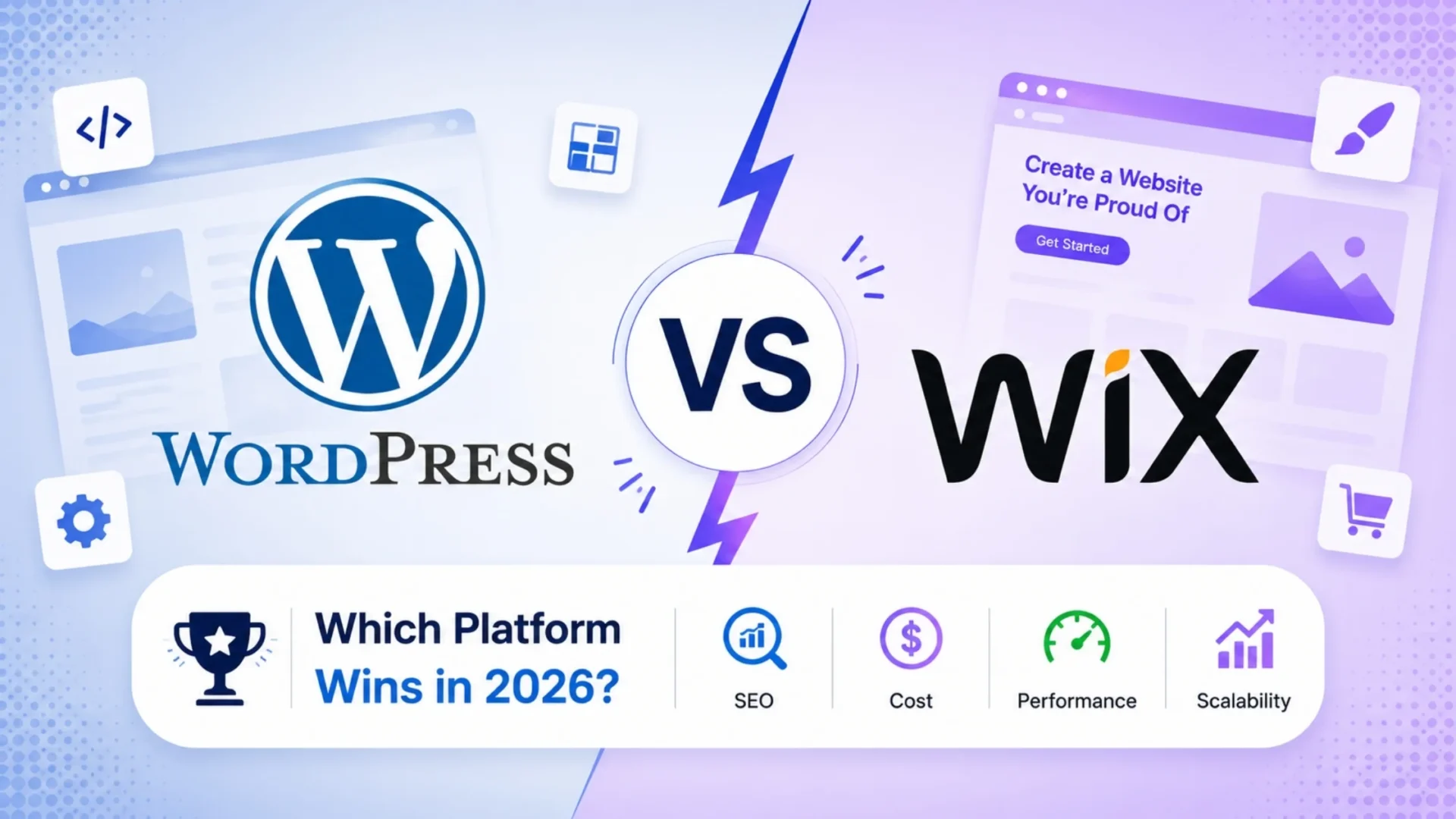
WordPress vs Wix: Which One Actually Makes Sense for Your Business in 2026?
You’ve probably typed “WordPress vs Wix” into Google, opened five tabs, and closed all of them still unsure. That’s not a you problem. Most comparison articles hand you a giant feature table and walk away, leaving the actual decision to you. Here’s the thing: the “right” platform depends entirely on where your business is headed,…
-
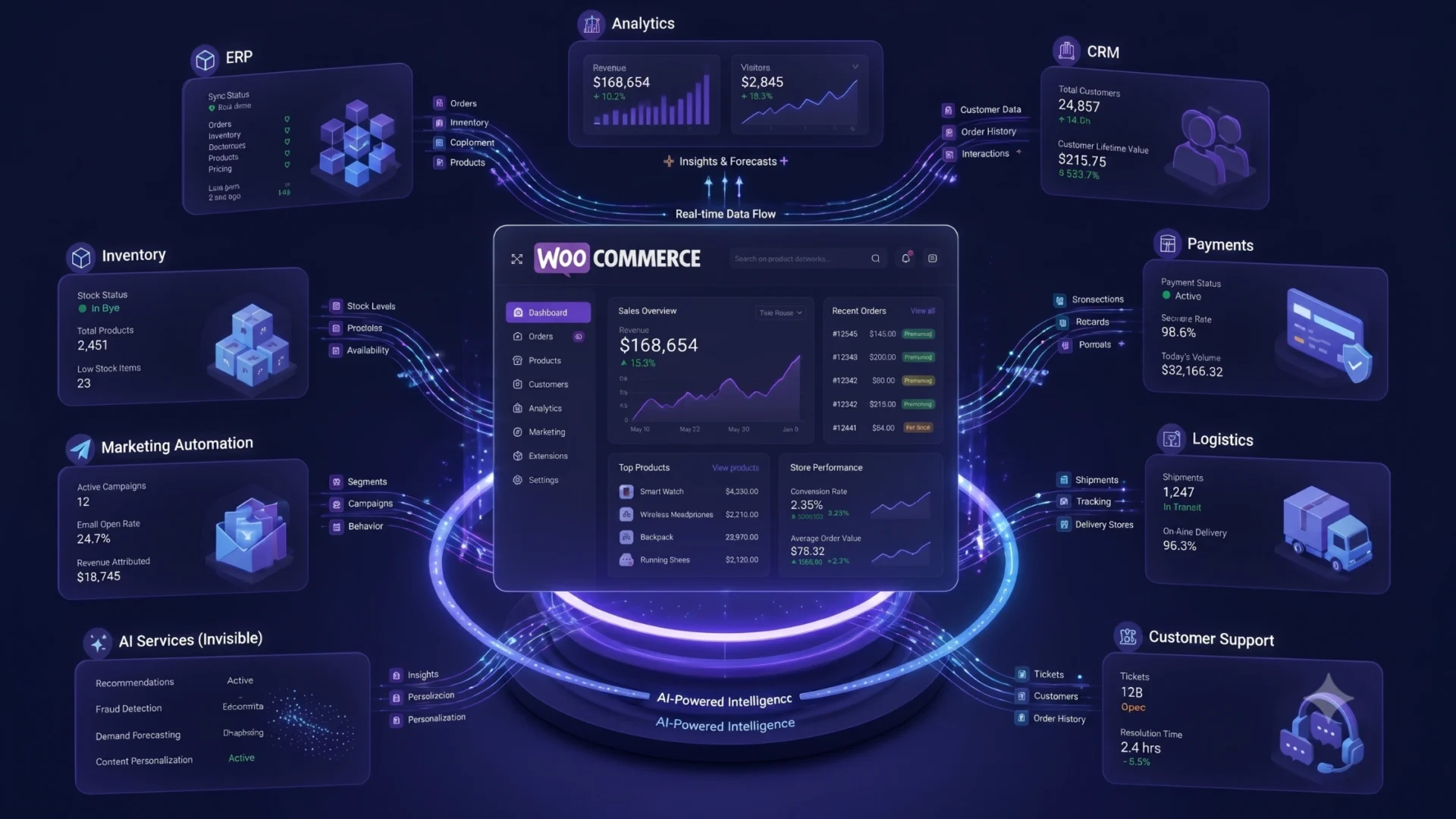
AI for WooCommerce: Enterprise Automation & AI Agents (2026)
An operations director at a home goods brand doing eight figures a year on WooCommerce described her real problem to us this way. Her team was not short on AI tools. They had a chatbot, a product description writer, and an email engine that all claimed to run on AI. What they did not have…
-
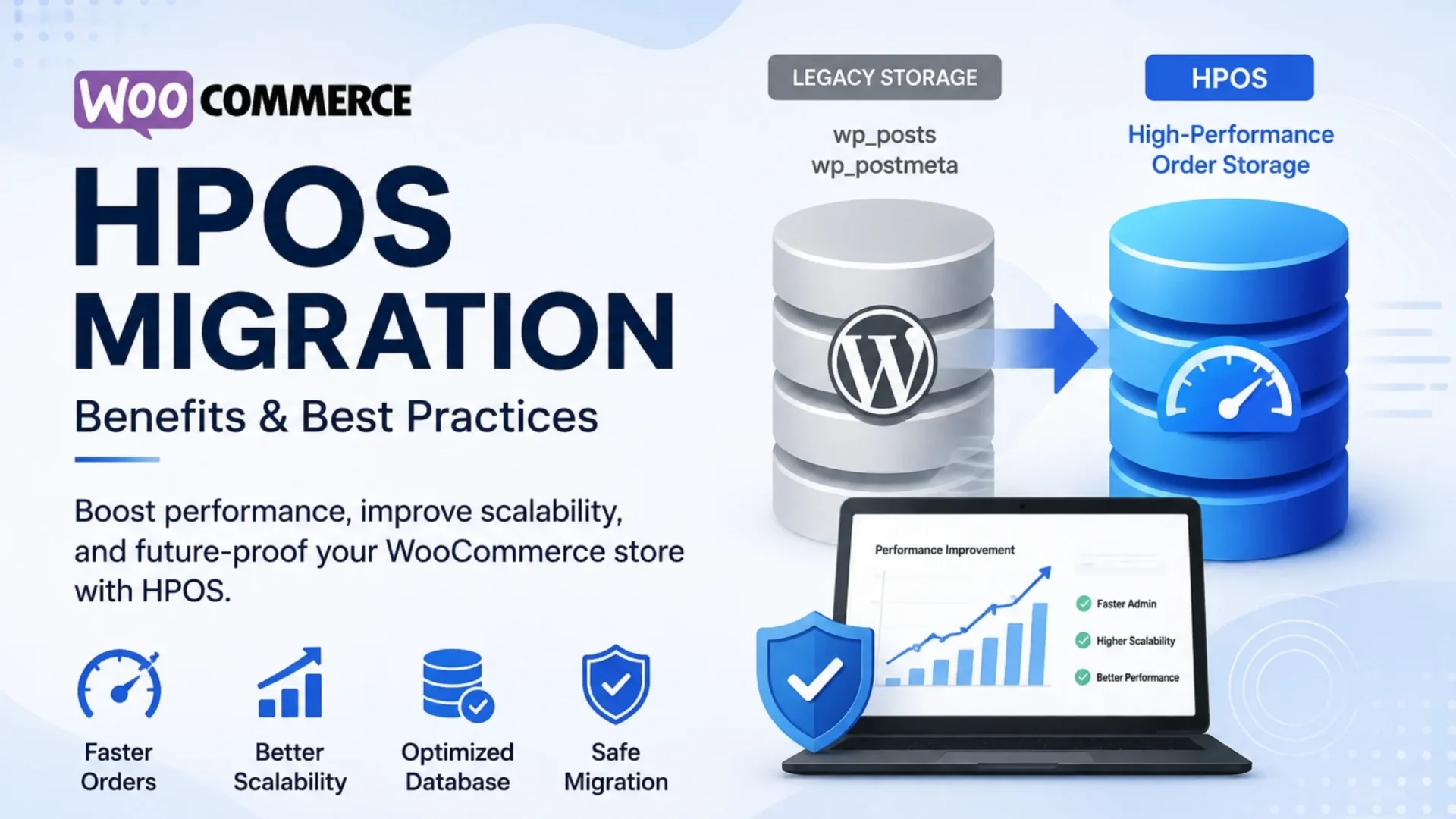
WooCommerce HPOS Explained: Benefits, Migration & Best Practices
Quick Answer WooCommerce HPOS (High-Performance Order Storage) stores order data in dedicated, optimized database tables instead of the legacy WordPress wp_posts and wp_postmeta tables. This can improve order processing, scalability, and admin performance, especially for high-volume stores. For a safe migration, back up your store, test plugin compatibility in staging, synchronize and verify order data,…
-
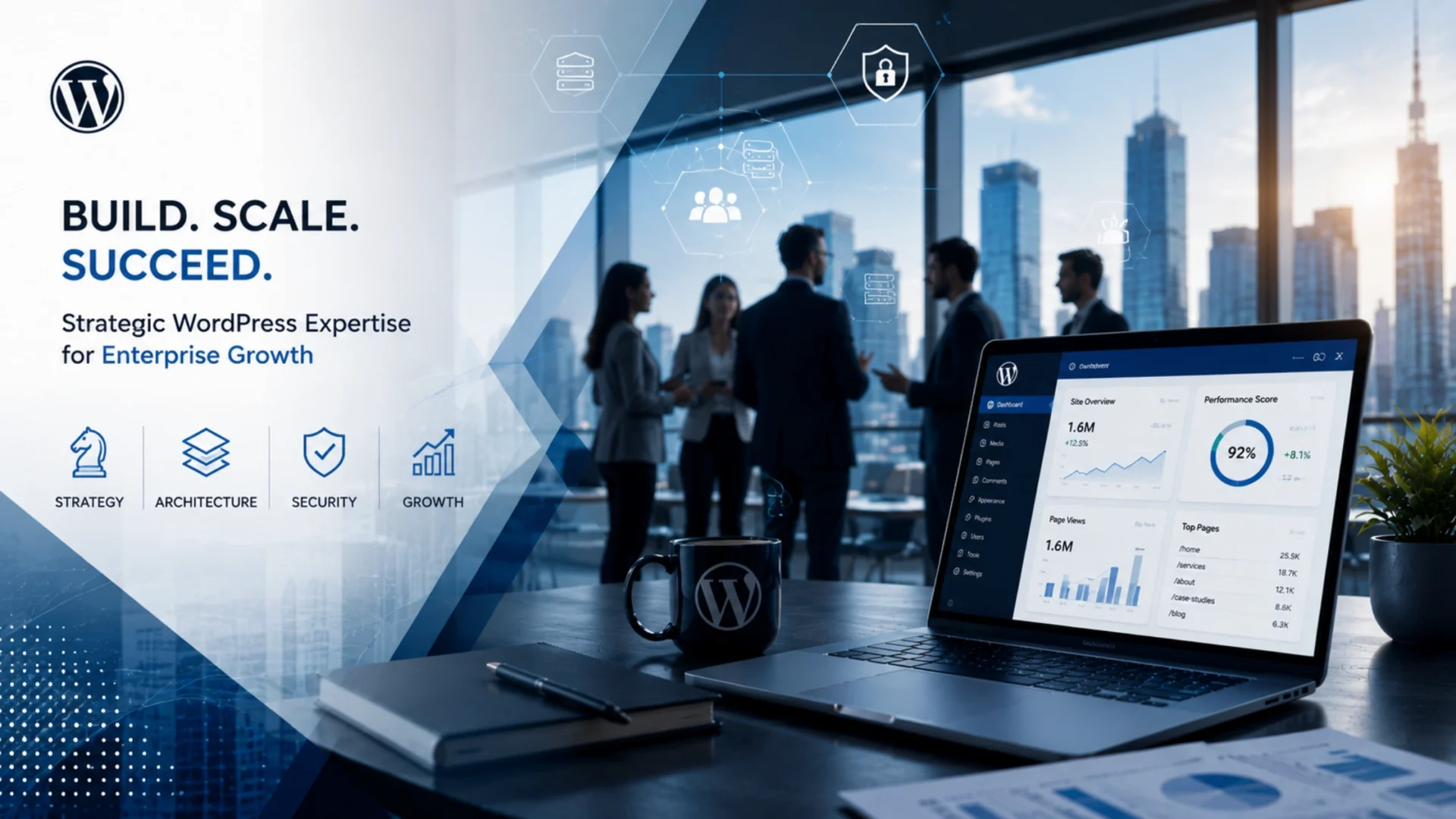
WordPress Consultant Strategies for Managing Large-Scale Enterprise Websites
For years, plenty of companies treated WordPress as something you install once and stop thinking about. At enterprise scale, that habit quietly becomes one of the most expensive mistakes on the roadmap. The platform that ran a small blog fine does not behave the same way once it serves millions of visits, hundreds of editors,…
-
How Much Does It Cost to Hire a WordPress Developer in 2026? [USA Pricing Guide]
Hiring a WordPress developer in 2026 isn’t just about comparing hourly rates anymore. That approach… honestly, it breaks down pretty fast once real project complexity kicks in. Today, businesses need to think beyond cost per hour. You’re evaluating code quality, long-term scalability, security, communication reliability, and yes, what happens after launch. Because here’s the thing.…
-
AI-Powered WordPress Workflow Automation That Saves Hours Every Week
A mid-sized content team can lose ten to fifteen hours a week to work nobody should be doing by hand. Reformatting drafts. Chasing approvals over email. Pasting in meta descriptions one post at a time. Re-running the same SEO checks on every article. None of it shows up on a strategy deck, but it quietly…
-
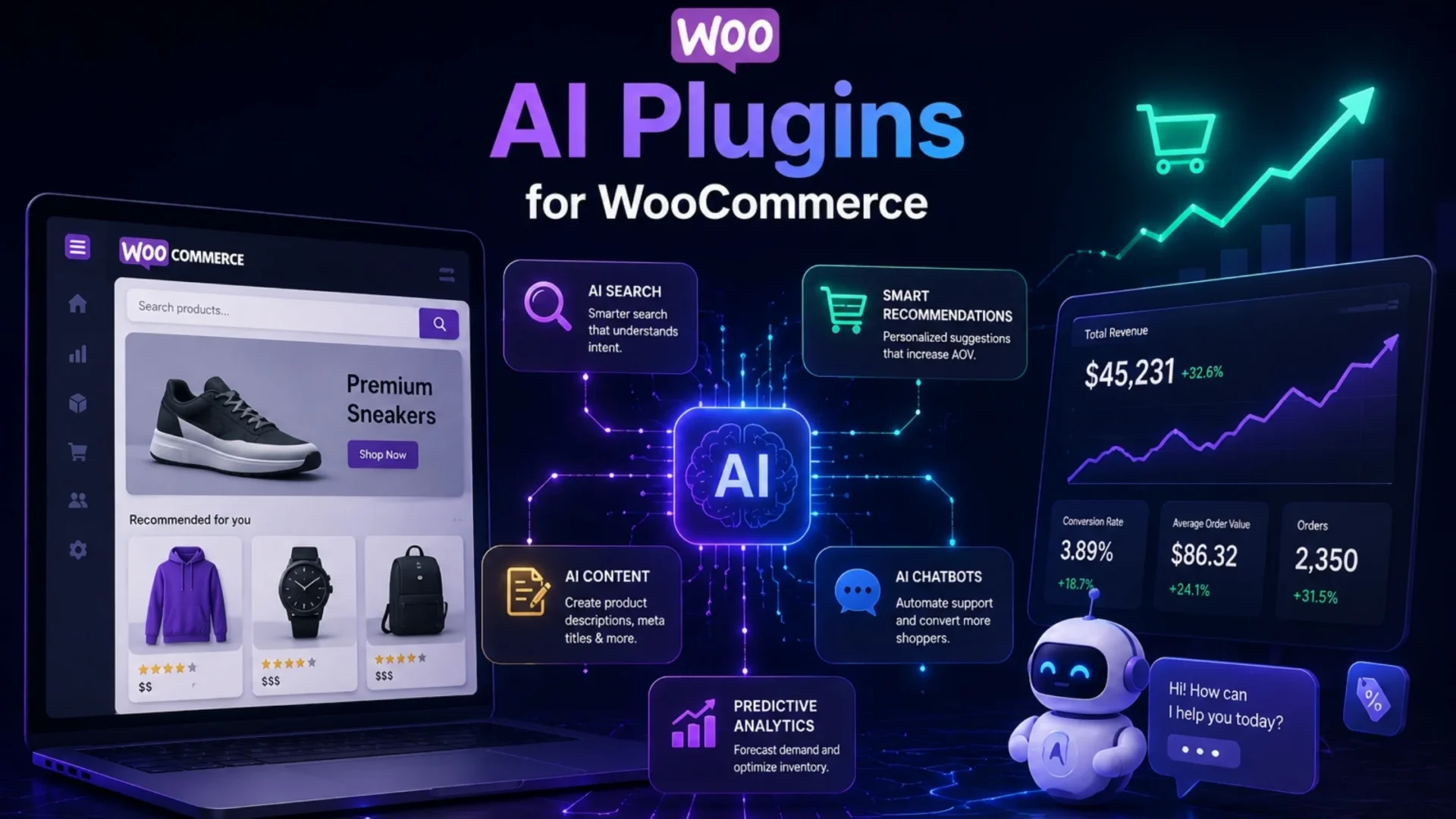
AI for WooCommerce: Practical Plugins and Workflows That Drive Conversion, Not Hype
If you run a WooCommerce store, you’ve probably heard the same pitch again and again about AI for WooCommerce. AI will boost conversions. AI will write your content. AI will handle your customers. AI will basically run your entire business with AI for WooCommerce tools. Sounds great. But when you actually try these AI for…
-
White Label WordPress Development Services: The Complete Agency Growth Guide for 2026
Most agencies don’t lose WordPress projects to a better pitch. They lose them to a quiet calculation made at 9pm before the proposal goes out: “We don’t have a developer free, hiring one takes three months, and if we say yes we’ll either miss the deadline or eat the margin.” So the agency passes. Or…
![How Much Does It Cost to Hire a WordPress Developer in 2026? [USA Pricing Guide]](https://www.elsner.com/wp-content/uploads/2026/06/How-Much-Does-It-Cost-to-Hire-WordPress-Developer-in-2026-A-Complete-Pricing-Guide-for-US-Businesses.webp)