Tag: Zoho development services
-

Connecting SAP and Zoho Flow for Smoother Business Operations
Quick Answer Zoho Flow connects SAP and SAP HANA to Zoho apps like CRM and Creator through a no code, drag and drop builder. You set a trigger in SAP (a new sales order, a supplier, or low stock), then an action in another app (create a CRM lead, send an alert, update a report).…
-

Deluge: The Power Behind Zoho’s Customization and Automation
Quick Answer Deluge (Data Enriched Language for the Universal Grid Environment) is Zoho’s low code scripting language. It lets you automate workflows, write custom functions, validate data, and connect Zoho apps to each other and to third party services through API calls. Its simple syntax means you can customise Zoho CRM, Creator, and other apps…
-
Zoho vs. Odoo: Which is Effective for Your Business?
According to a recent study by Panorama Consulting, 95% of businesses reported improvements in their processes after implementing an ERP system. So, as a business owner, it is high time when you should start thinking about ERP implementation. In this regard, the two most popular options available in the market are Odoo and Zoho. Now,…
-
Streamline Your Inventory Management: Zoho Inventory Management Made Easy
Are you a business owner who is struggling to effectively manage your inventory? If so, all that you need is the right tool in order to achieve this particular goal successfully. It is where the role of Zoho Inventory Management comes into play. Yes, you heard it right? Zoho Inventory is known for providing a…
-
Should You Ditch Hootsuite for Zoho Social? Let’s Find Out!
If you are managing Social Media, your one and only dream is to access all things social in a single place. Handling multiple clients and publishing for them is not an easy task, we need an alternative that gives almost the perfect results and allows one to discover the capabilities of Social Media. Promoting your…
-
Zoho Creator: Build Custom Business Apps with Low-Code and Deluge Scripting
Quick answer: Zoho Creator is a low-code platform for building custom business apps with minimal coding. You define your data with forms, design the interface by drag and drop, add logic and automation with Deluge scripting, integrate with other Zoho apps and third-party tools, then test and deploy. It suits apps like inventory, CRM add-ons,…
-
A Guide to Selecting the Right CRM Software for Your Retail Business
Quick Answer A retail CRM is software that stores customer data and manages relationships across every touchpoint, online and in store, so you can personalise marketing, track purchases, and build loyalty. When choosing one, prioritise ecommerce and POS integration, customer segmentation, loyalty and email tools, reporting, and a price that fits your size. The guide…
-
Zoho or Pipedrive: Which CRM Platform is the Best for Your Business?
Quick Answer Zoho CRM is a broad, feature rich suite that fits businesses wanting marketing, sales, and support in one platform with strong value and a free plan. Pipedrive is a focused, sales first CRM with a polished, easy to use pipeline, better suited to teams that just want simple, effective sales tracking. For most…
-
Zoho Creator Pages: A Complete Guide to Building Custom Dashboards
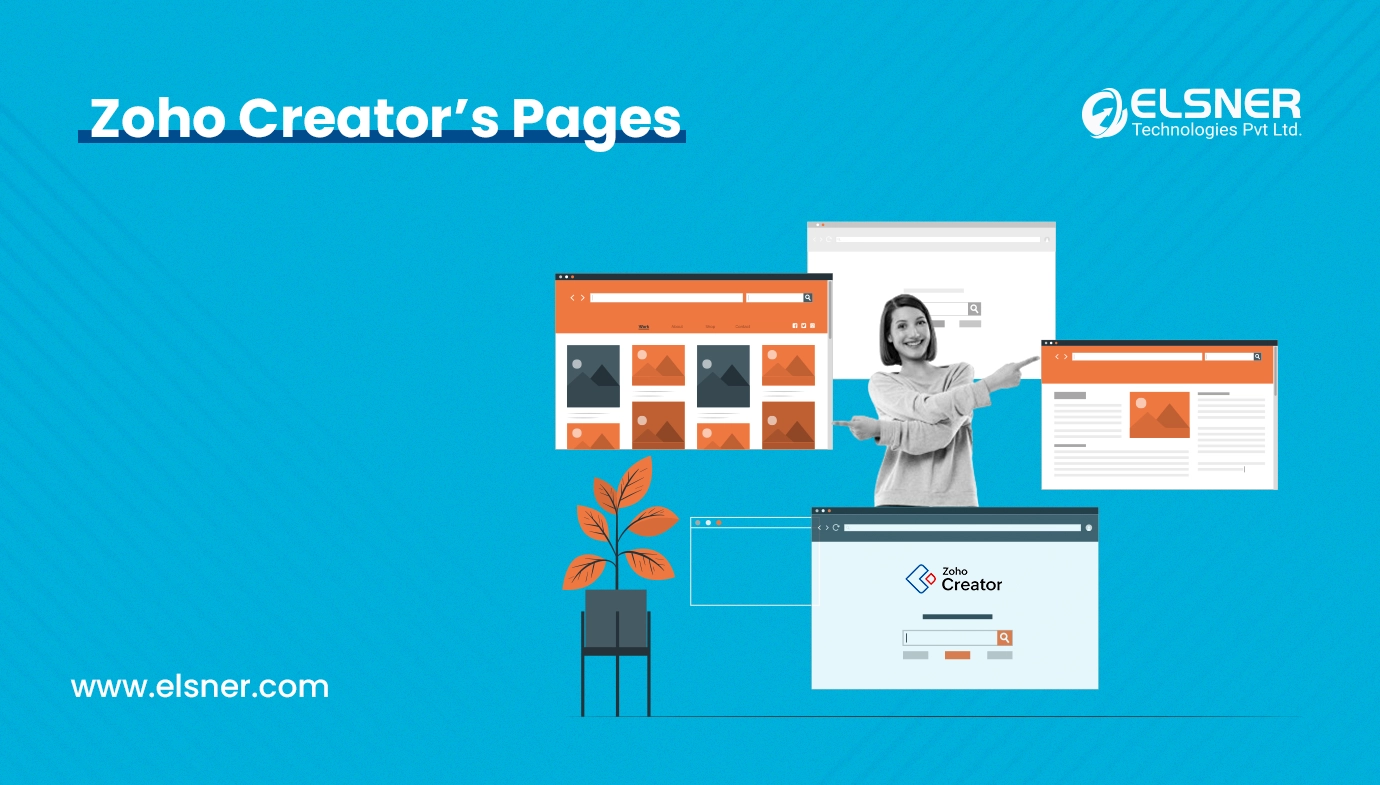
Quick Answer Zoho Creator Pages let you build custom dashboards that pull data from your app’s forms and reports into one screen, using a drag-and-drop Page Builder. You add elements like panels, charts, gauges, search, forms, reports, and snippets, then configure and style each. It turns raw collected data into a clear visual overview for…