Category: WordPress
-

Using WordPress for Blogging: Why It’s Still Fruitful in 2025
Quick Answer For a business that wants to own its content, rank in search, and turn a blog into a lead channel, WordPress is still the strongest option in 2026. It powers over 40% of all websites, gives you full control over design and data, and connects directly to SEO and marketing tools. Hosted platforms…
-
The WordPress Showdown: Mullenweg VS. WP Engine (Exposed)
The web hosting and content management sectors witnessed a tense moment recently, with a heated controversy between WordPress founder and Automattic CEO Matt Mullenweg and WP Engine, the leading WordPress hosting service for building your WordPress sites. To some extent, this conflict has focused on key issues in trademarks, data protection, and even the very…
-
Crafting Custom WP-CLI Commands: Unlocking WordPress Flexibility & Adaptability
Quick Answer WP-CLI is WordPress’s command line interface, and custom WP-CLI commands let you automate tasks specific to your site. You create (or use) a plugin, add a command class that extends WP_CLI_Command, define your logic, and register it with WP_CLI::add_command. Then you can run your own commands like wp transients clear or wp cpt…
-
Benefits of Outsourcing Your WordPress Maintenance
Quick Answer Outsourcing WordPress maintenance hands off updates, security, backups, performance, and fixes to a specialist team, so your site stays fast, secure, and online without draining your time. It solves common problems like plugin conflicts, outdated core, database bloat, and theme incompatibilities, and adds proactive monitoring you would not get from occasional DIY fixes.…
-
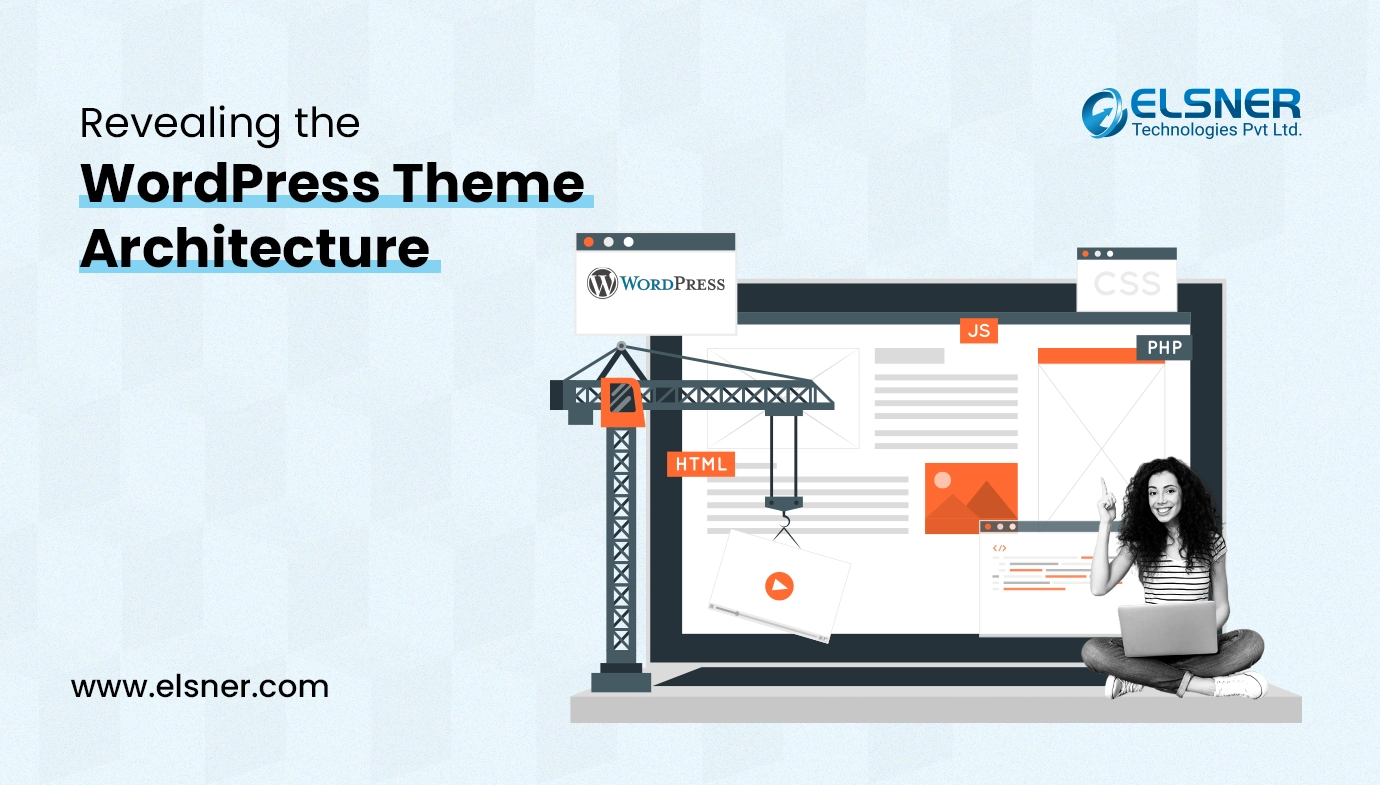
WordPress Theme File Structure Explained
Quick answer: a WordPress theme is a set of files that control how your site looks and works. The core file is style.css (styles plus theme metadata), with index.php as the main template, and header.php, footer.php, sidebar.php, and functions.php handling structure and functionality. Template files like single.php, page.php, archive.php, search.php, and 404.php control specific views.…
-
Simple & Streamlined: WordPress Studio Solves Local Development Woes
Quick Answer Studio is a free local development tool from WordPress.com that lets you build and test WordPress sites on your own computer, with no manual server setup. It is not an alternative to WordPress itself; it is a way to run WordPress locally before pushing changes live. It suits developers and site owners who…
-
Building Your Own Elementor Widget: A Simple Step-by-Step Tutorial
If you want to stand out from the competitors in today’s digital world, you must be able to customize the appearance of your website. With the help of an incredible feature, users of Elementor, one of the most well-known page builders, may construct their websites directly on the screen, realizing their visions. But the true…
-
Checklist for a Smooth WooCommerce to Magento 2 Migration
Quick Answer To migrate from WooCommerce to Magento 2, back up your WooCommerce store, set up a Magento 2 environment (hosting, install, base settings), export your WooCommerce data (products, customers, orders), import and map it into Magento 2, test everything (orders, listings, functionality), then point your DNS and launch. Because the data structures differ, a…
-
Top WooCommerce Development Companies in India
WooCommerce is an Ecommerce plugin for WordPress that empowers companies of all sizes to establish robust online stores. 4,731,381 active stores are now using the WooCommerce platform. (source: storeleads.app) Finding an experienced WooCommerce development company in India might just be what you need to take your online business to greater heights. These professionals have skills…